
Floyo
Floyo
Workflows
API
價格
Floyo
Floyo
Workflows
API
價格
角色與概念設計 主視覺圖片

角色與概念設計

將零散的想法、提示詞與草圖,打造成精緻的角色與可直接投入製作的概念設計。

1. Concepting with text (Txt→Img)

Turn written ideas into visual starting points by exploring multiple character directions, outfits, and styles from simple text prompts or briefs.

Z-Image Turbo · Text to Image

Image

Image generation

Marketing

Photography

Production

Text to image

Z-Image

Z-Image Turbo

Fast Image Generation in Seconds

Z-Image Turbo · Text to Image

Fast Image Generation in Seconds
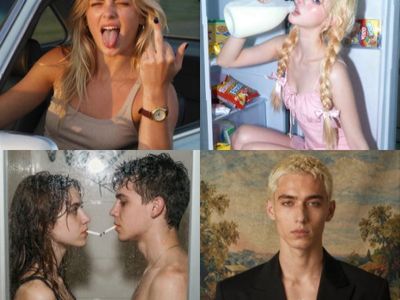
Z Image Turbo Text to Image ( Latent + Model Upscale
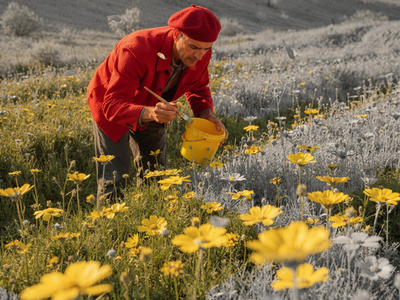
goshnii

goshnii

7.5k

#comfyui

Goshniiai

Image

Image generation

Upscaling

Z-Image

#zimageturbo

#zimageturbotutorial

Z Image Turbo Text to Image ( Latent + Model Upscale

FLUX.2 Dev · Text to Image

Flux

Flux 2

Image

Image generation

Marketing

Photography

Text to image

Generate photorealistic images with FLUX.2 Dev, the 32B open-weight model from Black Forest Labs. Write a prompt, add optional references, and hit run.

FLUX.2 Dev · Text to Image

Generate photorealistic images with FLUX.2 Dev, the 32B open-weight model from Black Forest Labs. Write a prompt, add optional references, and hit run.

GPT Image 2: Text to Image
ritik

ritik

1.7k

GPT Image

Gpt-image-2

Image

Image generation

Openai

Text to image

Generate stunning, highly detailed images from just a text prompt using GPT Image 2.

GPT Image 2: Text to Image

Generate stunning, highly detailed images from just a text prompt using GPT Image 2.
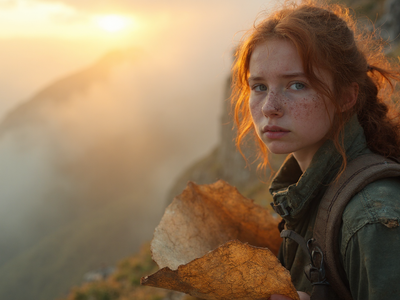
SRPO Next-Gen Text-to-Image
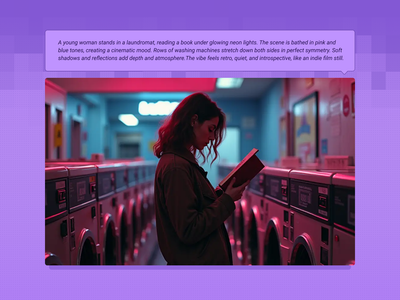
Image

Image generation

SRPO

Text to image

SRPO Next-Gen Text-to-Image

Flux Text to Image

Flux

Image

Image generation

Text to image

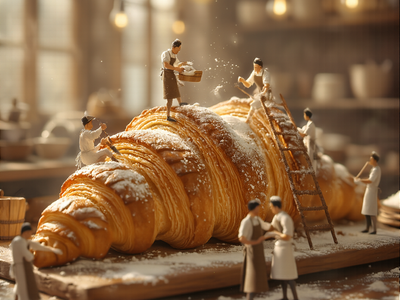
Create original images using only text prompts, which can be simple or elaborate. Key Inputs Prompt: as descriptive a prompt as possible Width & height: Optimal resolution settings are noted
Flux Text to Image

Create original images using only text prompts, which can be simple or elaborate. Key Inputs Prompt: as descriptive a prompt as possible Width & height: Optimal resolution settings are noted

Chroma 1 Radiance · Text to Image

Chroma

Chrome1 Radiance

Image

Image generation

Macro Photography

Text to image

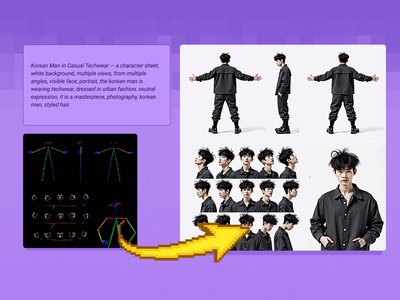
Generate artifact-free images directly in pixel space with Chroma 1 Radiance. No VAE compression, no decode step. Write a prompt and hit run. Apache 2.0.
Chroma 1 Radiance · Text to Image

Generate artifact-free images directly in pixel space with Chroma 1 Radiance. No VAE compression, no decode step. Write a prompt and hit run. Apache 2.0.

Flux Text to Character Sheet

Character consistency

Character Sheet

Controlnet

Flux

Image

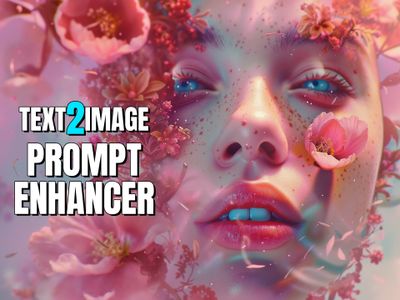
Create a character and a range of consistent outputs suitable for establishing character consistency, training a model, and ensuring consistency throughout multiple scenes. Key Inputs Image reference: Use the included pose sheet to show range of positions Prompt: as descriptive a prompt as possible
Flux Text to Character Sheet

Create a character and a range of consistent outputs suitable for establishing character consistency, training a model, and ensuring consistency throughout multiple scenes. Key Inputs Image reference: Use the included pose sheet to show range of positions Prompt: as descriptive a prompt as possible

Text2Image + Prompt Enhancer LLM for Flux

Flux

Image

Image generation

LLM

Prompt enhancer

Text to image

Classic Flux text2image with an added LLM to improve your prompts.

Text2Image + Prompt Enhancer LLM for Flux

Classic Flux text2image with an added LLM to improve your prompts.

2. Use images & sketches for development (Img→Img)

Feed in sketches, mood boards, or reference photos to iterate on silhouettes, costumes, props, and world details while preserving your core design.

FLUX.2 Klein 9B · Image to Image

Flux

Flux 2 Klein

Image

Image editing

Image to image

LoRA

Edit images with consistency of the subject or things using Flux.2 Klein 9B and a LoRA

FLUX.2 Klein 9B · Image to Image

Edit images with consistency of the subject or things using Flux.2 Klein 9B and a LoRA

Qwen Image Edit 2509 · Face Swap

Face swap

Image

Image editing

Image to image

LoRA

Portrait

Qwen

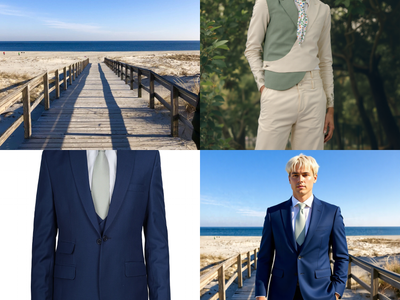
Swap a face between two photos with Qwen Image Edit 2509. Upload a main image and a reference, paint a mask on each face, hit run. Apache 2.0 open weights.
Qwen Image Edit 2509 · Face Swap

Swap a face between two photos with Qwen Image Edit 2509. Upload a main image and a reference, paint a mask on each face, hit run. Apache 2.0 open weights.

Flux Kontext Multi-Image Reference

Flux

Image

Image editing

Kontext

Combine up to 3 reference images into one with Flux Kontext Key Inputs Load Image (3x): Load 3 different reference images. Prompt: Describe how to combine these images, see default value for example.
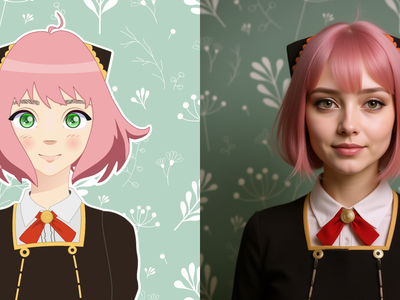
Flux Kontext Multi-Image Reference

Combine up to 3 reference images into one with Flux Kontext Key Inputs Load Image (3x): Load 3 different reference images. Prompt: Describe how to combine these images, see default value for example.

Qwen Image Edit 2509 · A2R

Image

Image editing

Image merging

Image to image

Qwen

Merge up to three images into one scene with Qwen Image Edit 2509. Upload a subject, add items to place on it, describe the layout, hit run. Apache 2.0.
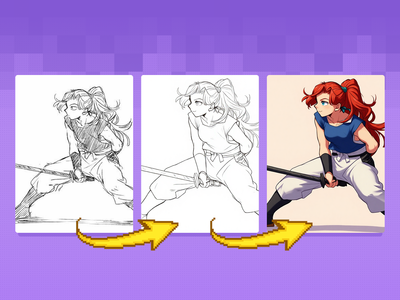
Qwen Image Edit 2509 · A2R

Merge up to three images into one scene with Qwen Image Edit 2509. Upload a subject, add items to place on it, describe the layout, hit run. Apache 2.0.

Flux Kontext Sketch to LineArt + Color Previz

Flux

Flux Kontext

Image

Image editing

Lineart

Previz

Sketch to Image

Quickly convert rough sketches into polished lineart and colorized concepts. Ideal for early storyboards, character designs, scene planning, and other visual explorations.
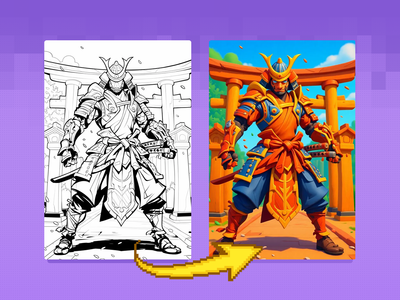
Flux Kontext Sketch to LineArt + Color Previz

Quickly convert rough sketches into polished lineart and colorized concepts. Ideal for early storyboards, character designs, scene planning, and other visual explorations.

Flux Kontext - Sketch to Image

Flux

Image

Image editing

Kontext

Sketch to Image

Bring your sketches to life in full color with Flux Kontext! Key Inputs Load Image – Upload the sketch you want to transform. Prompt – Describe the desired output style, such as: “Render this sketch as a realistic photo” or “Turn this sketch into a watercolor painting.”
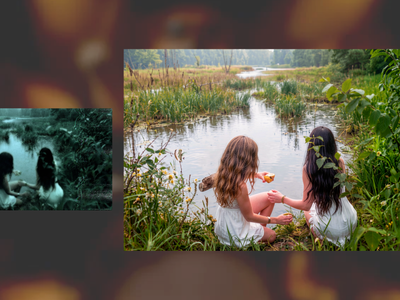
Flux Kontext - Sketch to Image

Bring your sketches to life in full color with Flux Kontext! Key Inputs Load Image – Upload the sketch you want to transform. Prompt – Describe the desired output style, such as: “Render this sketch as a realistic photo” or “Turn this sketch into a watercolor painting.”

Anything2Real 2601A
Image

Image editing

Image to image

Anything2Real 2601A

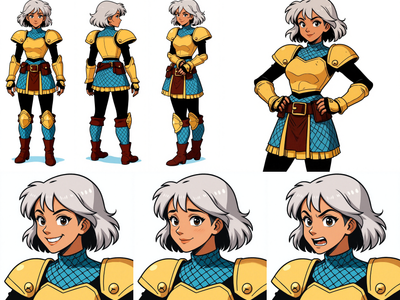
Image to Character Sheet with Kontext

Character consistency

Character Sheet

Flux

Image

Image editing

Image to image

Kontext

Create a character sheet with multiple poses and expressions from a single image!

Image to Character Sheet with Kontext

Create a character sheet with multiple poses and expressions from a single image!
Flux ControlNet 2.0 - All-in-one

Control net

Flux

Flux Control Net

Image

Image editing

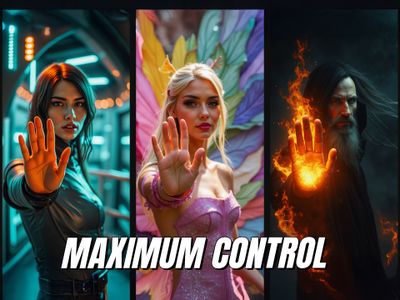
Latest and greatest Flux ControlNet workflow.

Flux ControlNet 2.0 - All-in-one

Latest and greatest Flux ControlNet workflow.

Flux Kontext and HD360 LoRA for 360 Degree View

Flux

Flux Kontext

Image

Image editing

Image to image

Kontext

LoRA

Panorama

Flux Kontext 360° Workflow - Seamless Panorama Generation Input: Simply upload an image in the "Load Image from Outputs" node Output: A 360° Panoramic image
Flux Kontext and HD360 LoRA for 360 Degree View

Flux Kontext 360° Workflow - Seamless Panorama Generation Input: Simply upload an image in the "Load Image from Outputs" node Output: A 360° Panoramic image

Inpainting with reference image
Flux

Flux Kontext

Image

Image editing

Inpainting

Kontext

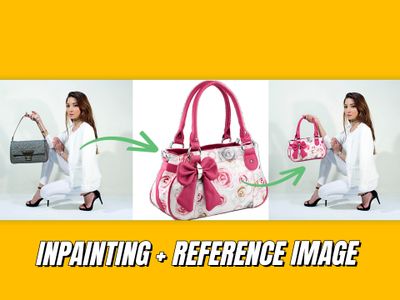
Inpainting with reference image

Flux Outfit Transfer

Ace+

Fashion

Flux

Image

Image editing

Image to image

Virtual Try-on

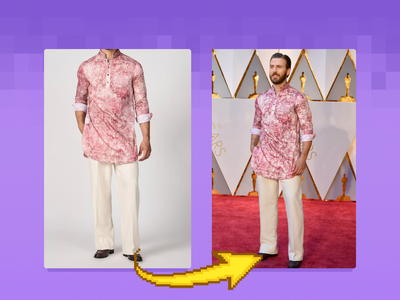
Virtual Outfit Try-On with Auto Segmentation Try virtual clothing on any subject using Flux Dev, Ace Plus, and Redux, with automatic segmentation. Great for concept previews, fashion mockups, or character styling. Key Inputs Outfit: Load the outfit image you want to apply. Make sure it's high quality — visible artifacts or distortions may carry over into the final result. Actor: Add the subject or character you want to dress. Ideally, use a clear, front-facing image. Human Parts Ultra: Choose which parts of the body the clothing should apply to. For example, for a long-sleeve shirt, select: torso, left arm, and right arm. This helps the model align the clothing properly during generation. Prompt: Default value works for most outfits, however you may try to adjust it to describe the desired outfit.
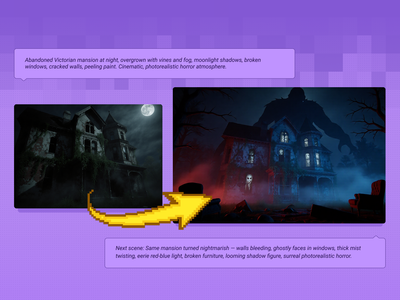
Flux Outfit Transfer

Virtual Outfit Try-On with Auto Segmentation Try virtual clothing on any subject using Flux Dev, Ace Plus, and Redux, with automatic segmentation. Great for concept previews, fashion mockups, or character styling. Key Inputs Outfit: Load the outfit image you want to apply. Make sure it's high quality — visible artifacts or distortions may carry over into the final result. Actor: Add the subject or character you want to dress. Ideally, use a clear, front-facing image. Human Parts Ultra: Choose which parts of the body the clothing should apply to. For example, for a long-sleeve shirt, select: torso, left arm, and right arm. This helps the model align the clothing properly during generation. Prompt: Default value works for most outfits, however you may try to adjust it to describe the desired outfit.

 Qwen Image Edit 2509 + Flux Krea for Creating Next Scene
Filmography

Flux

Flux Krea

Image

Image editing

LoRA

Photography

Qwen

Qwen Image Edit 2509 + Flux Krea for Creating Next Scene

Qwen Image Edit 2509 and Grayscale to Color LoRA

3D Render

E-commerce

Image

Image editing

LoRA

Marketing

Product

Qwen

Qwen Image Edit 2509 and Grayscale to Color LoRA

3. Enhance & edit existing images

Polish and refine existing concepts by adjusting faces, poses, lighting, and materials, or generating variations that stay on model for production use.
Flux Simple Inpainting
Flux

Image

Inpainting

Flux Simple Inpainting

AniSora 3.2 and Wan2.2: Best Practices for Generating Smooth Character 3D Spin
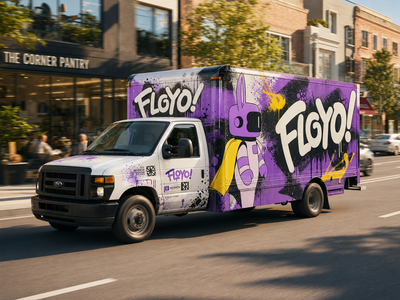
3D Spin

Anisora

Character Spin

Image to video

Video

Wan

AniSora 3.2 and Wan2.2: Best Practices for Generating Smooth Character 3D Spin

GPT Image 2: Image Editing

E-commerce

GPT Image

GPT Image 2

Image

Image editing

Image to image

Inpainting

Product photography

Edit images with OpenAI's GPT Image 2. Upload one or two images, write what you want changed, and the model rewrites the scene while keeping details intact.

GPT Image 2: Image Editing

Edit images with OpenAI's GPT Image 2. Upload one or two images, write what you want changed, and the model rewrites the scene while keeping details intact.

SeedVR2 · Image Upscaler

Image

Image editing

Image restoration

Image to image

SeedVR

SeedVR2

Super resolution

Upscaling

Upscale to Extreme Clarity

SeedVR2 · Image Upscaler

Upscale to Extreme Clarity
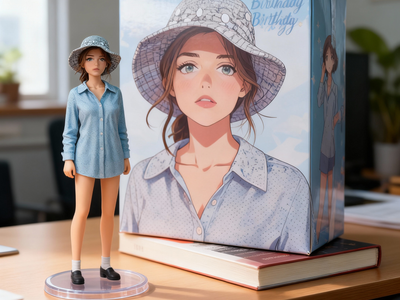
Seedream 4.0 Edit: Unleash Creativity of Editing

Image

Image editing

Image to image

Seedream

Seedream

Seedream 4.0 Edit: Unleash Creativity of Editing

Seedream
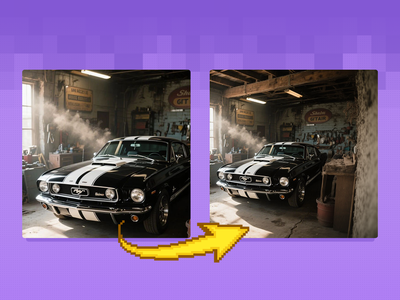
Flux Fill Dev Image Outpainting

Flux

Image

Outpainting

VFX and post

Video

Extend your images out for a wider field of view or just to see more of your subject. Expand compositions, change aspect ratios, or add creative elements while maintaining consistency in style, lighting, and detail while seamlessly blending with the existing artwork.
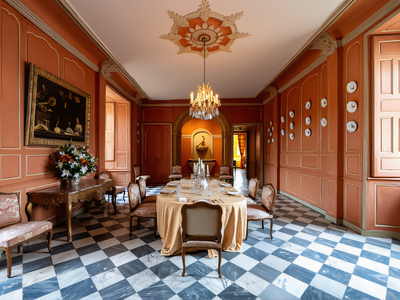
Flux Fill Dev Image Outpainting

Extend your images out for a wider field of view or just to see more of your subject. Expand compositions, change aspect ratios, or add creative elements while maintaining consistency in style, lighting, and detail while seamlessly blending with the existing artwork.

FLUX.1 Dev · Image Upscaler

Flux

Image

UltimateSD

Upscaling

Double any image's resolution with FLUX.1 Dev and 4x-UltraSharp. Upload a picture, hit run, and get a sharp 2x upscale refined tile by tile. Open weights.
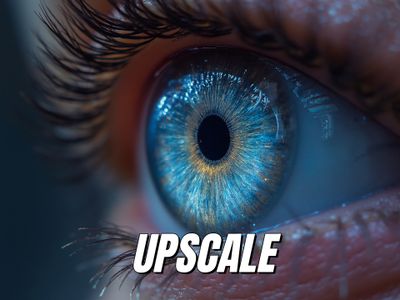
FLUX.1 Dev · Image Upscaler

Double any image's resolution with FLUX.1 Dev and 4x-UltraSharp. Upload a picture, hit run, and get a sharp 2x upscale refined tile by tile. Open weights.

Ultimate Upscaler

Flux

Image

Ultimate sd upscale

Ultimate upscale

Upscaling

Flux ultimate SD upscaler with detailer daemon and tile controlnet. Easy but extremely powerful.

Ultimate Upscaler

Flux ultimate SD upscaler with detailer daemon and tile controlnet. Easy but extremely powerful.
Flux Kontext Inpainting

Flux

Image

Image editing

Inpainting

Kontext

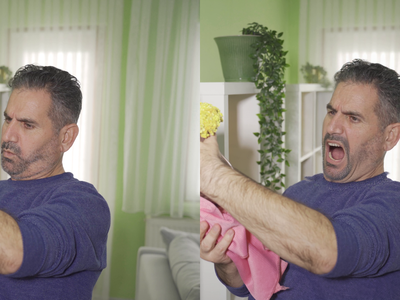
Inpaint with the power of Flux Kontext, providing additional content-awareness.

Flux Kontext Inpainting

Inpaint with the power of Flux Kontext, providing additional content-awareness.
Qwen Image Edit 2509 · Change Camera Angle

Camera control

Image

Image editing

Image to image

Multiple Angles

Novel view

Qwen

Video

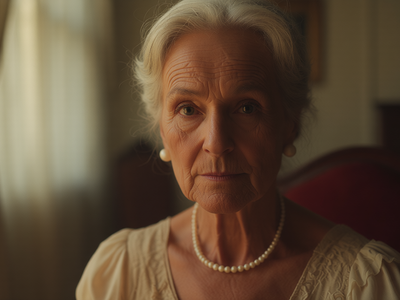
Re-render any subject from a new camera angle with Qwen Image Edit 2509 and a Multi-Angle LoRA. Upload one image, name the view, and hit run. Apache 2.0.

Qwen Image Edit 2509 · Change Camera Angle

Re-render any subject from a new camera angle with Qwen Image Edit 2509 and a Multi-Angle LoRA. Upload one image, name the view, and hit run. Apache 2.0.

 Qwen Image Edit 2509 + Flux Krea for Creating Next Scene

Filmography

Flux

Flux Krea

Image

Image editing

LoRA

Photography

Qwen

Qwen Image Edit 2509 + Flux Krea for Creating Next Scene

4. Lighting & color exploration

Workflows that focus on achieving the perfect lighting and look
Qwen Image Edit 2509 · Relight

Image

Image editing

Image to image

Light Restoration

LoRA

Qwen

Relighting

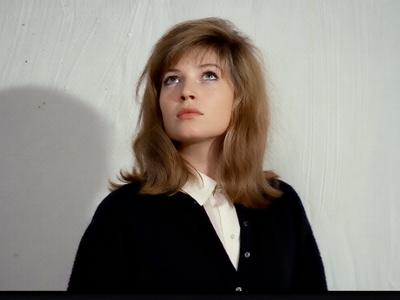
Remove harsh light and shadow from any photo and relight it with soft, even illumination using Qwen Image Edit 2509 and a Relight LoRA. Upload and run.
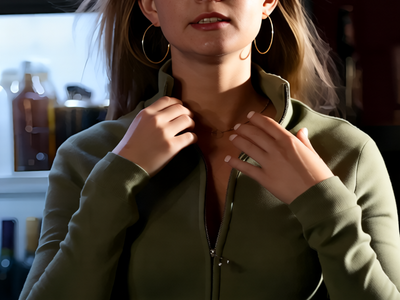
Qwen Image Edit 2509 · Relight

Remove harsh light and shadow from any photo and relight it with soft, even illumination using Qwen Image Edit 2509 and a Relight LoRA. Upload and run.

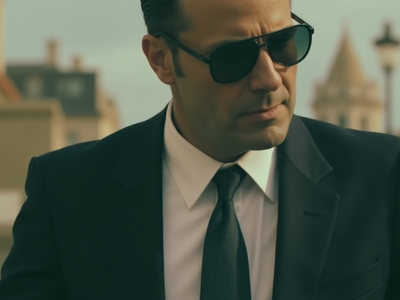
Multiple Angle Lighting LoRA + 2511
Image

Image editing

Image to image

Lighting

LoRA

Multiple Angle Lighting

Qwen

Multiple Angle Lighting LoRA + 2511

Flux Text2Image w/ 2 Tone Color Grade

Cinematic

Color Grade

Flux

Image

Image generation

Text to image

VFX and post

Video

Generate cinematic images using Flux with the simple workflow to choose color tint in highlights and shadows Key Inputs Prompt: Set text prompt SDXLResolution: Choose your aspect ratio/resolution Seed: Choose either a fixed or random seed (default value: fixed) Highlights/Shadows: Choose color grade
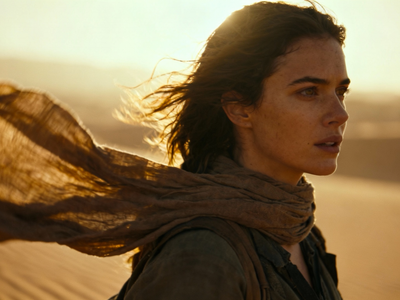
Flux Text2Image w/ 2 Tone Color Grade

Generate cinematic images using Flux with the simple workflow to choose color tint in highlights and shadows Key Inputs Prompt: Set text prompt SDXLResolution: Choose your aspect ratio/resolution Seed: Choose either a fixed or random seed (default value: fixed) Highlights/Shadows: Choose color grade

FlatLogColor LoRA and Qwen Image Edit 2509

FlatLogColor

Image

Image editing

LoRA

Photography

Qwen

FlatLogColor LoRA and Qwen Image Edit 2509

目錄