專為正式製作打造的 AI 工作流程
依模型、使用案例與輸出瀏覽 ComfyUI 工作流程。在瀏覽器中執行圖片、影片、音訊與 3D 製作流程。
精選 Workflows
所有 Workflows所有 Workflows

Z-Image Turbo · Text to Image
Fast Image Generation in Seconds
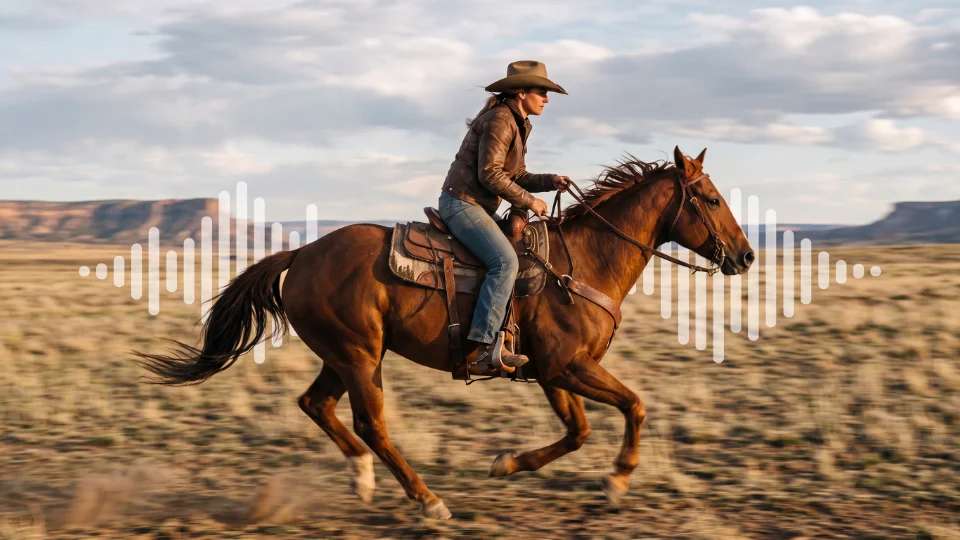
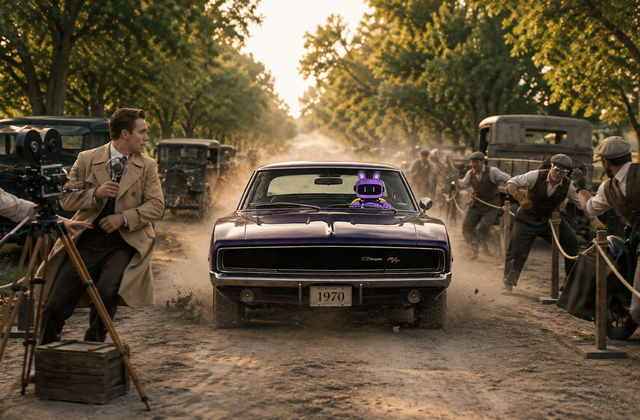
Wan 3.0 Prime · Reference to Video
Place a character into any video using Wan 3.0 Prime by Alibaba. Upload a face, a reference clip, and describe the scene. Prime fidelity, audio included.

Minimax_H3_Image_to_Video_OpenWeight
Minimax H3を使用したImage to Videoワークフローです。オープンウェイトモデルのためAPIウォレットを消費せず、Load Imageにスタートフレーム画像をアップロードし、aspect_ratio、duration、promptを設定するだけで、すぐに動画生成できます。This is an Image to Video workflow using Minimax H3. Since it uses an open-weight model, it does not consume your API wallet.
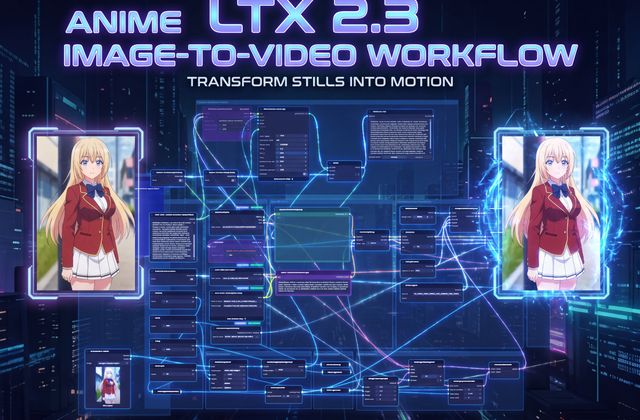
Wan 3.0 Prime · Image to Video With Audio
Animate a still into a high-fidelity clip with sound using Wan 3.0 Prime, the quality tier of Alibaba's latest video model. Upload an image, describe the shot.


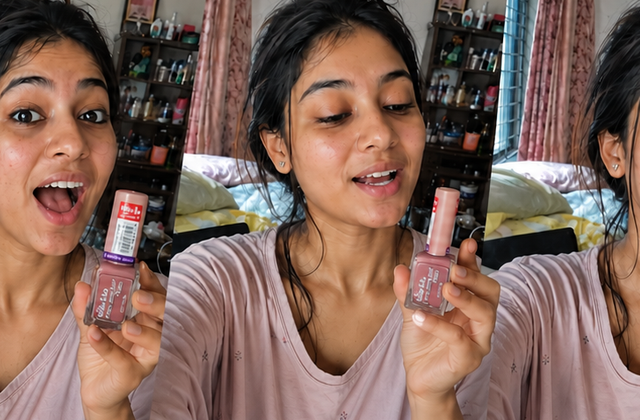
Flux 2 Klein 9b - Perfect Face swap
Instead of using outdated or unstable techniques, this workflow was designed to take full advantage of FLUX 2 KLEIN's editing capabilities—using a face image and a reference character image to produce clean, highly consistent results.
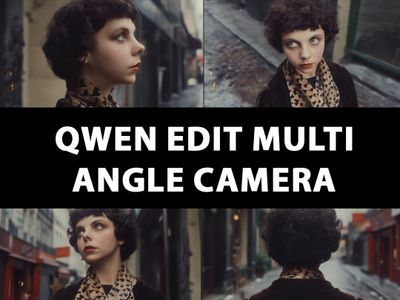

Qwen Edit 2511 Multi Angle Camera
Multi Angle Camera


Wan 2.2 Animate Preprocess by Kijai (MDMZ Edition)

FLUX.2 Klein 9B · Image to Image
Edit images with consistency of the subject or things using Flux.2 Klein 9B and a LoRA
使用案例





MCP + API
從您自己的 AI 代理與應用程式
執行任何工作流程
將 Floyo MCP 連接到 Claude、ChatGPT 或 Cursor,只要開口就能執行工作流程,團隊管控與應用程式中完全相同。Floyo 上的每個工作流程也都是 API 端點。
選擇您的 AI 代理
連接 您的 AI 代理
將它以自訂連接器或 MCP 伺服器的形式加入您的 AI 代理,然後登入 Floyo。