

GPT Image 2: Text to Image
Generate stunning, highly detailed images from just a text prompt using GPT Image 2.
gpt-image-2
Image
image-generation
openai
t2i
text-to-image
1.3k
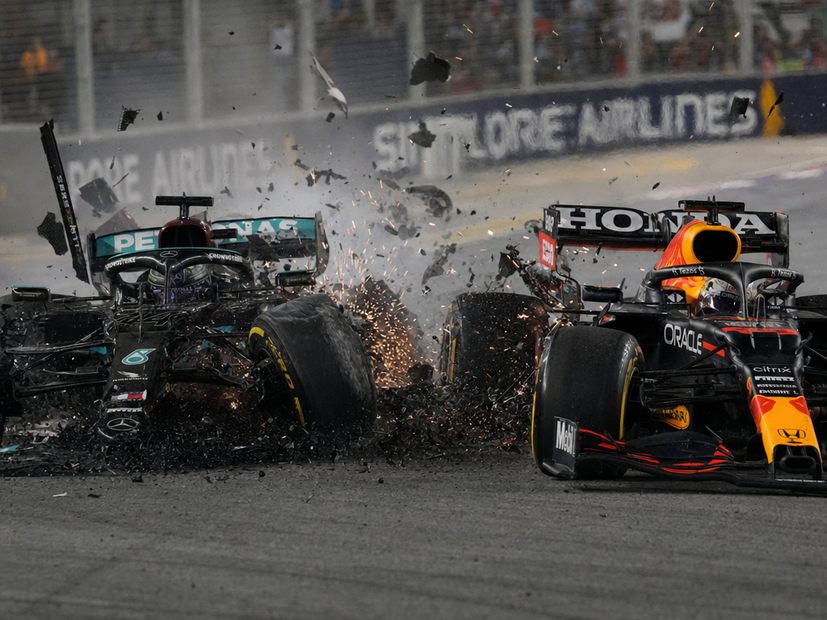
_1777409191236.png?width=1400&height=620&quality=80&resize=contain)
_1777409191236.png?width=1400&height=620&quality=80&resize=contain)
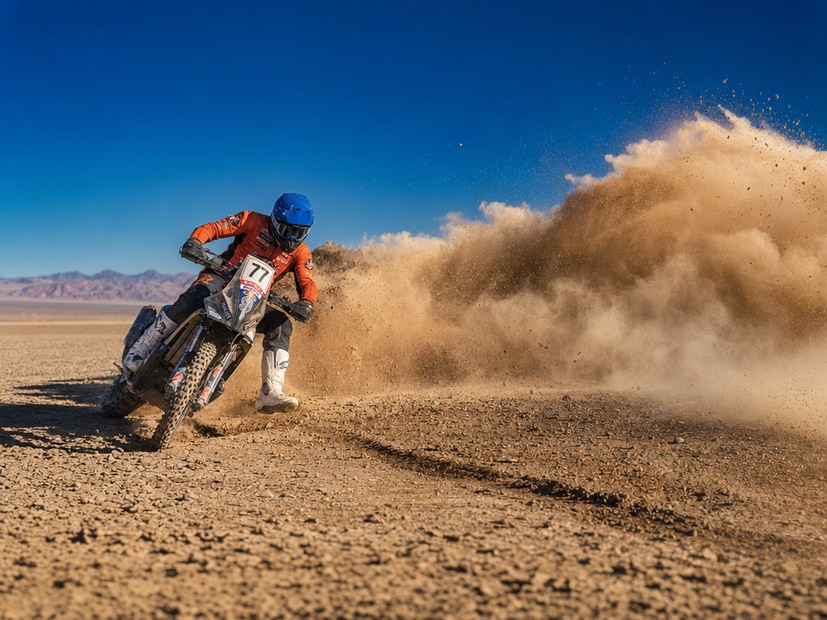
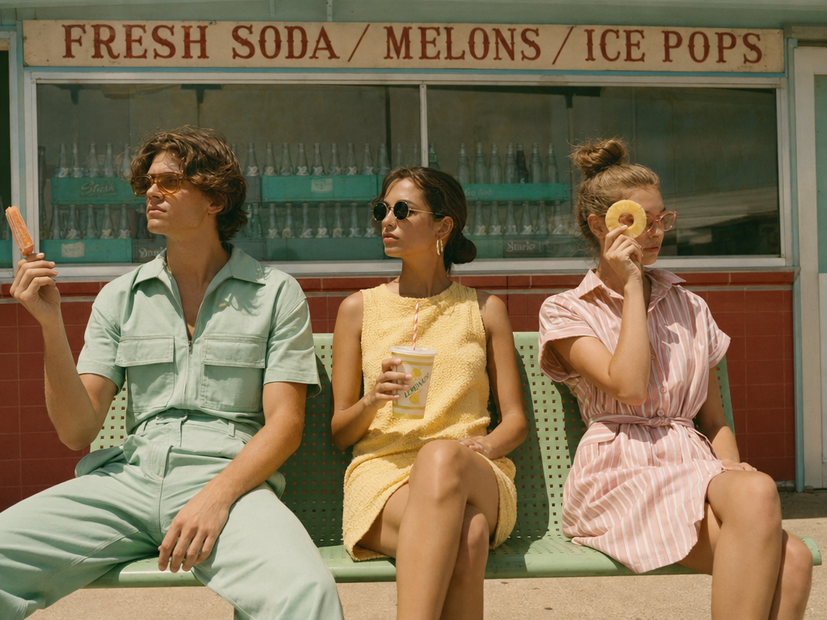
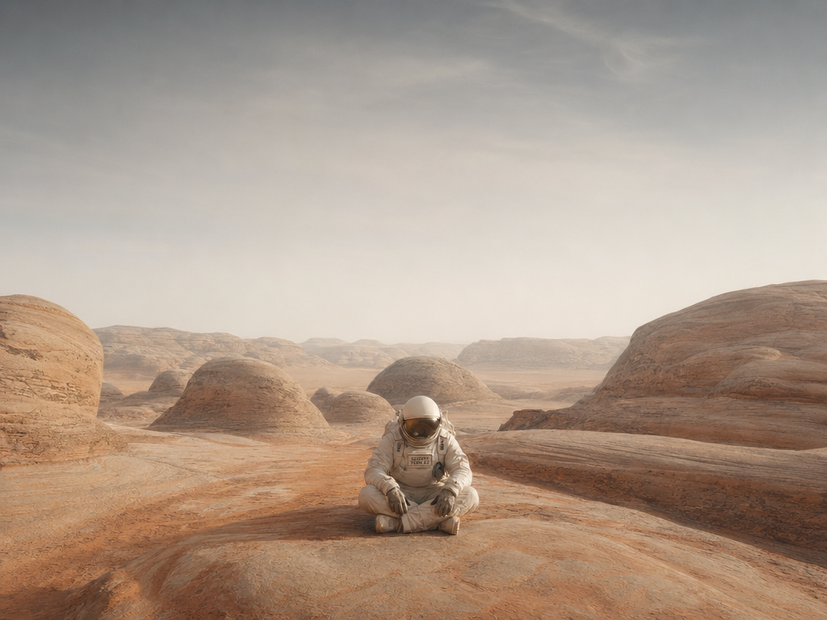
_1777409191236.png?width=104&height=104&quality=80&resize=cover)
_1777409191236.png?width=104&height=104&quality=80&resize=cover)
Description:
Text-to-image generation with GPT Image 2, OpenAI's image model released April 2026.
Write a prompt, pick a size and quality tier, and the model returns one or more images. The model is autoregressive (not diffusion) and uses a reasoning step to plan the composition before drawing. It's strong at rendering legible text, multilingual characters, dense layouts, and product details that older diffusion models tend to mangle.
How do you use GPT Image 2 for text to image?
Write a prompt describing the image you want. Pick an image size (landscape 1024x768 by default), a quality tier (high, medium, or low), and how many images to generate per run. Choose PNG or another format, set a seed, and run. GPT Image 2 plans the layout and renders the image with usable text and accurate detail.
Prompt GPT Image 2 follows long, structured prompts well. Want a photorealistic shot? Describe the subject, lighting, lens, and background separately. Want an infographic, slide, or product mockup? Spell out the layout and the exact text you want on the page. The model handles small lettering and multilingual characters that older models miss.
Image size Landscape 1024x768 is the default. The model also supports portrait, square, and higher resolutions up to 4K. Pick the format that matches your output: 1024 sizes for fast iteration, higher resolutions for final delivery or print work.
Quality High, medium, or low. Quality is the cost lever. High costs more per image but gives sharper detail and better text. Low is fine for thumbnails, drafts, and rapid iteration. Use medium when you want clean output without paying for full quality.
Number of images Generate 1 to N images per run with the same prompt. Useful when you want to compare variations side by side without re-running the workflow.
Output format PNG by default. Pick the format that matches where the image is going.
Seed Randomize for variation. Lock a seed to keep the same composition while you tweak prompt wording.
What is GPT Image 2 good for?
Production work where text, layout, and brand accuracy matter. Marketing graphics with real copy, product mockups with legible labels, infographics, slide content, multilingual ads, e-commerce shots with packaging text. The combination of accurate text rendering and photorealism makes it a strong fit for tasks where older diffusion models fail at the details.
Best for any image where the text on it has to be correct. Logos with type, signage, product packaging, social ads with real headlines, pitch slides, and infographics all play to GPT Image 2's strengths.
Also strong at multilingual content. The model handles Japanese, Korean, Chinese, Hindi, and Bengali with more accuracy than diffusion models, which makes it useful for localized campaigns.
Skip this if you want full artistic control over a stylized look, where models like Flux or Midjourney remain better fits. GPT Image 2 is positioned as a production tool, not an artistic one.
FAQ
What's the difference between GPT Image 2 and GPT Image 1.5? GPT Image 2 prioritizes quality over speed. It introduces a reasoning step before generation, supports up to 4K resolution, and handles small text, multilingual characters, and complex layouts better than 1.5. GPT Image 1.5 was the speed-balanced model. GPT Image 2 is the quality-first successor.
Is GPT Image 2 a diffusion model? No. GPT Image 2 is autoregressive. It generates images token-by-token instead of denoising from noise. That architecture is part of why it handles text and structured layouts better than diffusion models.
What resolutions does GPT Image 2 support? Common sizes include 1024x1024, 1024x768, 768x1024, and higher resolutions up to 4K. If your requested resolution exceeds the pixel budget for the quality tier, the model resizes down.
How good is GPT Image 2 at rendering text in images? It's one of the strongest models for in-image text. The model handles dense paragraphs, small lettering, multilingual scripts, and structured layouts like infographics and packaging. For workflows where accurate text matters, GPT Image 2 is the current benchmark.
Can GPT Image 2 do product photography? Yes, and it's one of the model's stronger use cases. Product shots with accurate labels, logos, and packaging come out brand-consistent and legible. Pair a clear product description with lighting and background details in the prompt for the best results.
How to run GPT Image 2 online? You can run GPT Image 2 online through Floyo. No installation, no setup. Open the workflow in your browser, write a prompt, pick a size and quality, and hit run. Free to try.
Read more








