


音訊的更多應用
探索全部

所有「音訊轉影片」工作流程「音訊轉影片」工作流程
所有 Workflows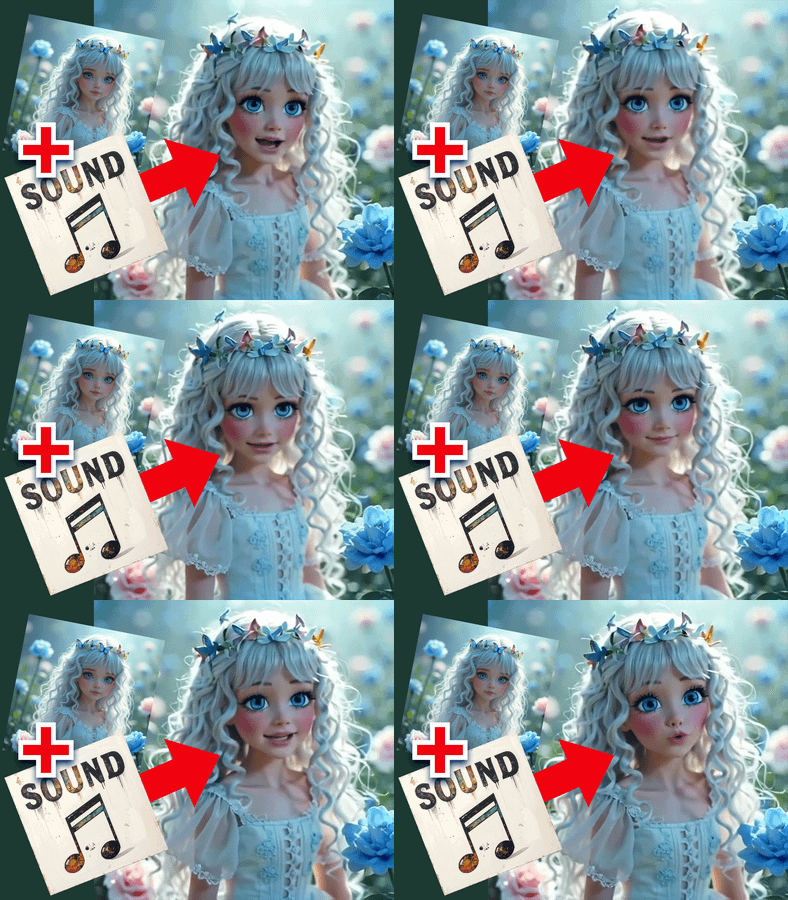

LTX2 Image + Sound to VIDEO
Image + Sound to VIDEO


LTX 2.3 Audio to Video

Image to Talking Video - LTX 2.3 + ElevenLabs UGC
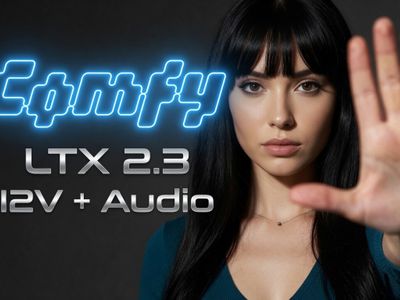

LTX 2.3 Image + Audio to Video
Generate Image to Video with Custom Audio using LTX 2.3

LTX2.3 Lip Sync · Image + Audio to Video For Anime
Upload a portrait and an audio file. LTX 2.3 generates a 10-second 1080p video where the character speaks or sings in sync with your audio, using a three-pass upscaling pipeline with vocal separation, NAG, and static camera locking.
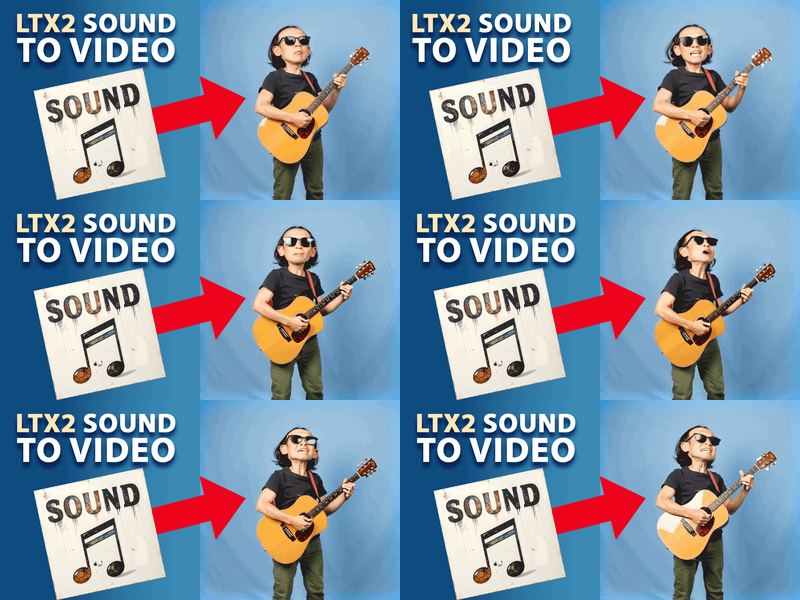
LTX2 Sound to Video
Sound to Video


LTX 2.3 Image + Audio to Video · Image to Video
Upload an image and an audio track, describe the scene, and LTX Video 2.3 22B generates a video where the motion, energy, and pacing sync to your audio.


LTX 2.3 - Audio to Video
Generate video from an audio track and a reference image with LTX 2.3
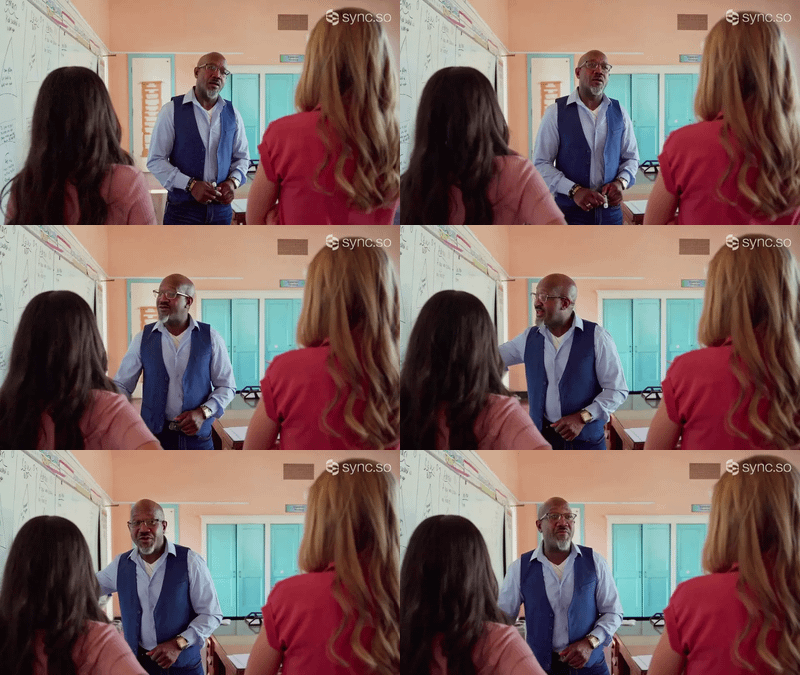
Sync Lipsync - Audio Driven Lip Sync for Video
Sync any audio track to a video face with Sync Lipsync.
PixVerse C1 - Text to Video
Generate cinematic video from text with PixVerse C1. Up to 1080p, up to 15 seconds, with optional native audio synchronized in the same generation pass.

LTX-2.3 — Turn Any Image + Audio Into a Video
Bring any still image to life using audio
Workflows = API
每個工作流程都是一個 API 端點。 無需建構後端,就能把 AI 生成整合進您的產品。 選擇工作流程、自訂設定,點擊「複製 Floyo API 程式碼片段」,就完成了。

MCP
平台上的每個工作流程,都能讓您自己的 AI 代理與內部工具存取,並受相同的管理員控制。
mcp.floyo.ai/mcp
簡易範本
開啟現成的工作流程,閱讀說明,更換輸入內容,點擊 Run。大多數人從來不需要打開任何節點。複雜的部分是選用的,都藏在幕後。

Trust Center
在任何人執行之前,就知道哪些是安全的。每個模型都標示 Verified Private 與 Commercial Use 狀態,還有團隊管控功能,可封鎖您未核准的模型。管理員可選擇團隊能使用哪些模型、供應商與節點。

簡易範本
開啟現成的工作流程,閱讀說明,更換輸入內容,點擊 Run。大多數人從來不需要打開任何節點。複雜的部分是選用的,都藏在幕後。
Trust Center
在任何人執行之前,就知道哪些是安全的。每個模型都標示 Verified Private 與 Commercial Use 狀態,還有團隊管控功能,可封鎖您未核准的模型。管理員可選擇團隊能使用哪些模型、供應商與節點。
Workflows = API
每個工作流程都是一個 API 端點。 無需建構後端,就能把 AI 生成整合進您的產品。選擇工作流程、自訂設定,點擊「複製 Floyo API 程式碼片段」,就完成了。
