


影片的更多應用
探索全部
所有「影片生成」工作流程「影片生成」工作流程
所有 Workflows
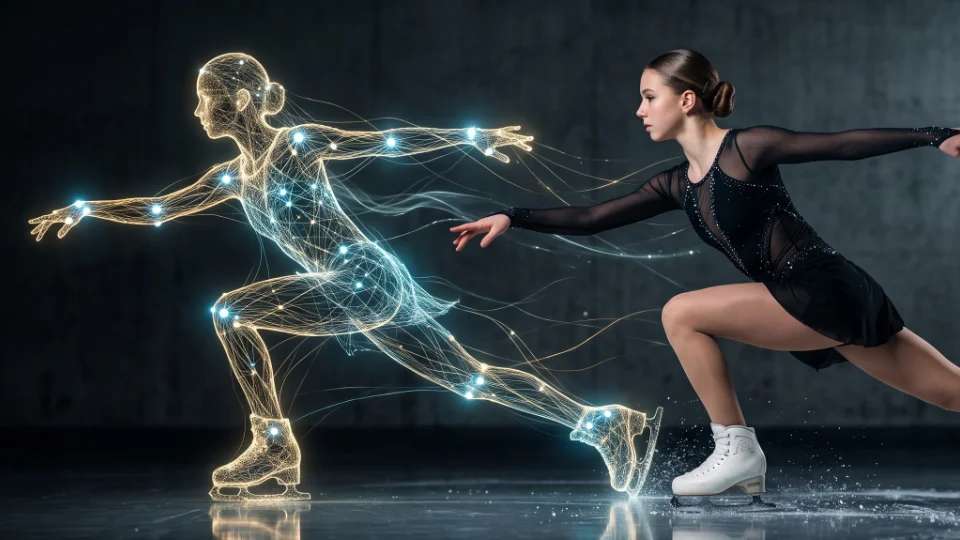
Wan 2.5: Image to Video with Audio

Minimax_H3_Image_to_Video_OpenWeight
Minimax H3を使用したImage to Videoワークフローです。オープンウェイトモデルのためAPIウォレットを消費せず、Load Imageにスタートフレーム画像をアップロードし、aspect_ratio、duration、promptを設定するだけで、すぐに動画生成できます。This is an Image to Video workflow using Minimax H3. Since it uses an open-weight model, it does not consume your API wallet.
Grok Imagine: Image to Video with Audio
Turn images into excellent video using the Grok Imagine

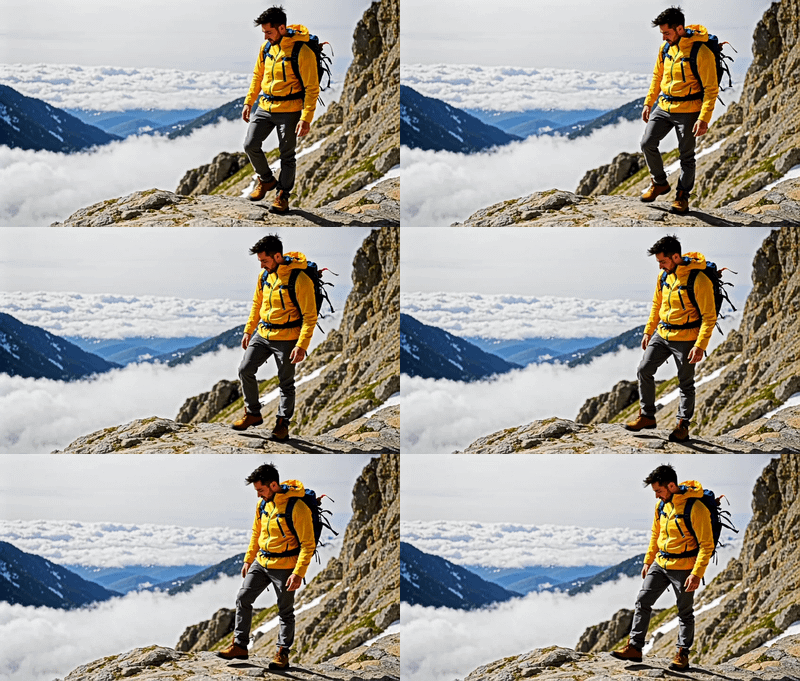
Wan 2.2 14B: Image to Video + End Frame
Generate high quality video from a start frame, as well as an optional end frame with this Wan2.2 14b Image to Video workflow!
LTX-2 19B · Text to Video With Audio
Generate 1080p video with synced sound from a text prompt using LTX-2, Lightricks' open-weight 19B model. Write the scene, hit run. Apache 2.0 open weights.

Wan 2.1 FusionX · Image to Video
Animate a still into a cinematic clip with Wan 2.1 FusionX, a community fine-tune of Alibaba's 14B video model. Upload your image, describe the shot, hit run.


LTX 2.3 Text to video - Advanced Series 01
- Generates advanced text to video with LTX 2.3 with high quality and prompt adherence. - Related to the ComfyUI Advanced Video generation series on youtube channel : https://www.youtube.com/@AITold
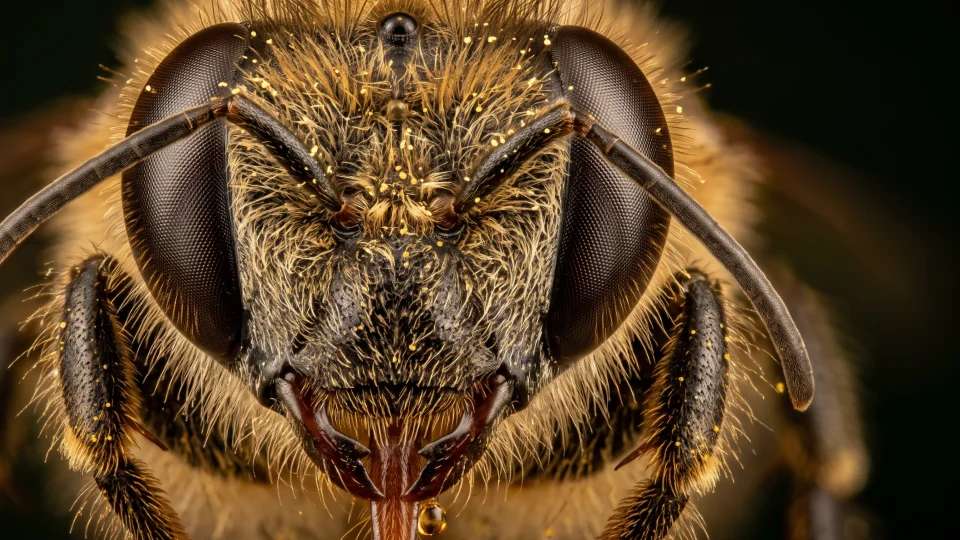
Seedance 2.0 · Text to Video
Generate a video clip from a text prompt with Seedance 2.0 by ByteDance. Describe the scene, the action, and the camera. Pick a shape and length, hit run.

LTX 2.3 Image to video - Advanced Series 02
Generates advanced image to video with LTX 2.3 with high quality and prompt adherence. - Related to the ComfyUI Advanced Video generation series on youtube channel : https://www.youtube.com/@AITold
開源
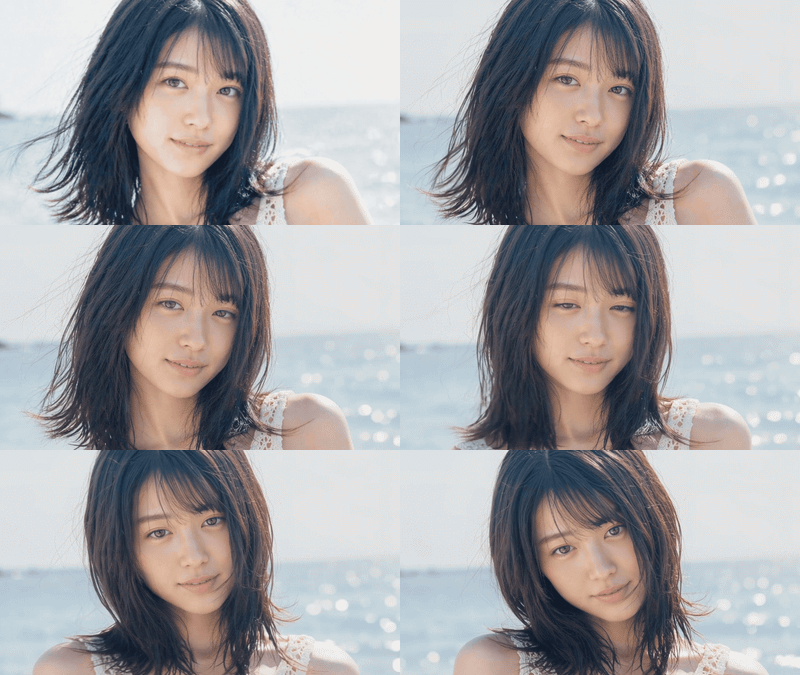
LTX2.3_Start_End_Frame_opensauce
LTX2.3のStart Frame / End Frame対応Image to Videoワークフローです。オープンソースモデルのためAPIウォレットを消費せず、画像から動画生成を試せます。 This is an Image to Video workflow for LTX2.3 with Start Frame and End Frame support. Since it uses an open-source model, you can generate videos without spend


LTX 2.3 Image-to-Video and Text-to-Video (Combo)
Create both from Image-to-Video and Text-to-Video using LTX 2.3
Wan2.1 Start & End Frame Image to Video
Used for image to video generation, defined by the first frame and end frame images.
Workflows = API
每個工作流程都是一個 API 端點。 無需建構後端,就能把 AI 生成整合進您的產品。 選擇工作流程、自訂設定,點擊「複製 Floyo API 程式碼片段」,就完成了。

MCP
平台上的每個工作流程,都能讓您自己的 AI 代理與內部工具存取,並受相同的管理員控制。
mcp.floyo.ai/mcp
簡易範本
開啟現成的工作流程,閱讀說明,更換輸入內容,點擊 Run。大多數人從來不需要打開任何節點。複雜的部分是選用的,都藏在幕後。

Trust Center
在任何人執行之前,就知道哪些是安全的。每個模型都標示 Verified Private 與 Commercial Use 狀態,還有團隊管控功能,可封鎖您未核准的模型。管理員可選擇團隊能使用哪些模型、供應商與節點。

簡易範本
開啟現成的工作流程,閱讀說明,更換輸入內容,點擊 Run。大多數人從來不需要打開任何節點。複雜的部分是選用的,都藏在幕後。
Trust Center
在任何人執行之前,就知道哪些是安全的。每個模型都標示 Verified Private 與 Commercial Use 狀態,還有團隊管控功能,可封鎖您未核准的模型。管理員可選擇團隊能使用哪些模型、供應商與節點。
Workflows = API
每個工作流程都是一個 API 端點。 無需建構後端,就能把 AI 生成整合進您的產品。選擇工作流程、自訂設定,點擊「複製 Floyo API 程式碼片段」,就完成了。
