

Floyo
Floyo
Workflows
API
價格
Floyo
Floyo
Workflows
API
價格
探索

3D 材質

3D 材質

瀏覽可在 Floyo 中執行的「3D 材質」工作流程。

開啟 Workflow

約 2 分 25 秒即可生成

探索全部

所有「3D 材質」工作流程「3D 材質」工作流程

所有 Workflows
Trellis 2 Image to 3D

3D

3d generation

3D textures

Glb export

Image to 3D

Pbr materials

Trellis

Trellis 2

Upload an image and Trellis 2 builds a textured 3D mesh with PBR materials. Outputs GLB ready for Blender, Unity, or Unreal in about a minute on an H100.
Trellis 2 Image to 3D

Upload an image and Trellis 2 builds a textured 3D mesh with PBR materials. Outputs GLB ready for Blender, Unity, or Unreal in about a minute on an H100.

Z-Image Turbo + Chord Image to  PBR Material

3D

3D textures

Image

Image generation

Text to image

Z-Image

Z-turbo

Z-Image Turbo + Chord Image to PBR Material

Texture to PBR · Image to Material

3D

3D textures

Albedo

Material

Normal map

Pbr

Texture

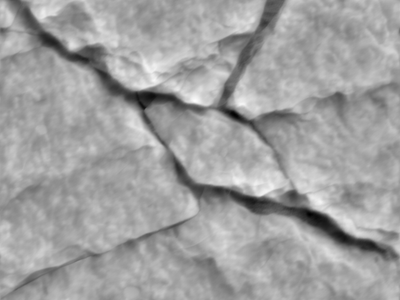
Upload a seamless texture and this workflow extracts a full PBR material set including albedo, normal, metallic, roughness, ambient occlusion, and height maps using Marigold and Lotus models.
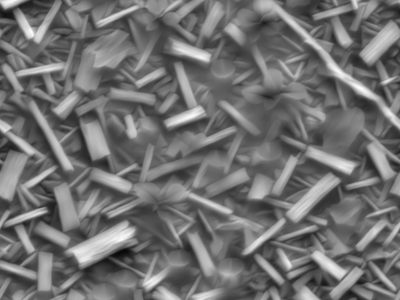
Texture to PBR · Image to Material

Upload a seamless texture and this workflow extracts a full PBR material set including albedo, normal, metallic, roughness, ambient occlusion, and height maps using Marigold and Lotus models.

Seamless PBR Texture Workflow

3D

3D textures

Image

Image editing

Image to image

PBR texture

Turn any reference image into a tileable wood texture with full PBR maps: basecolor, normal, roughness, metalness, and height. Built for Unreal and Blender.
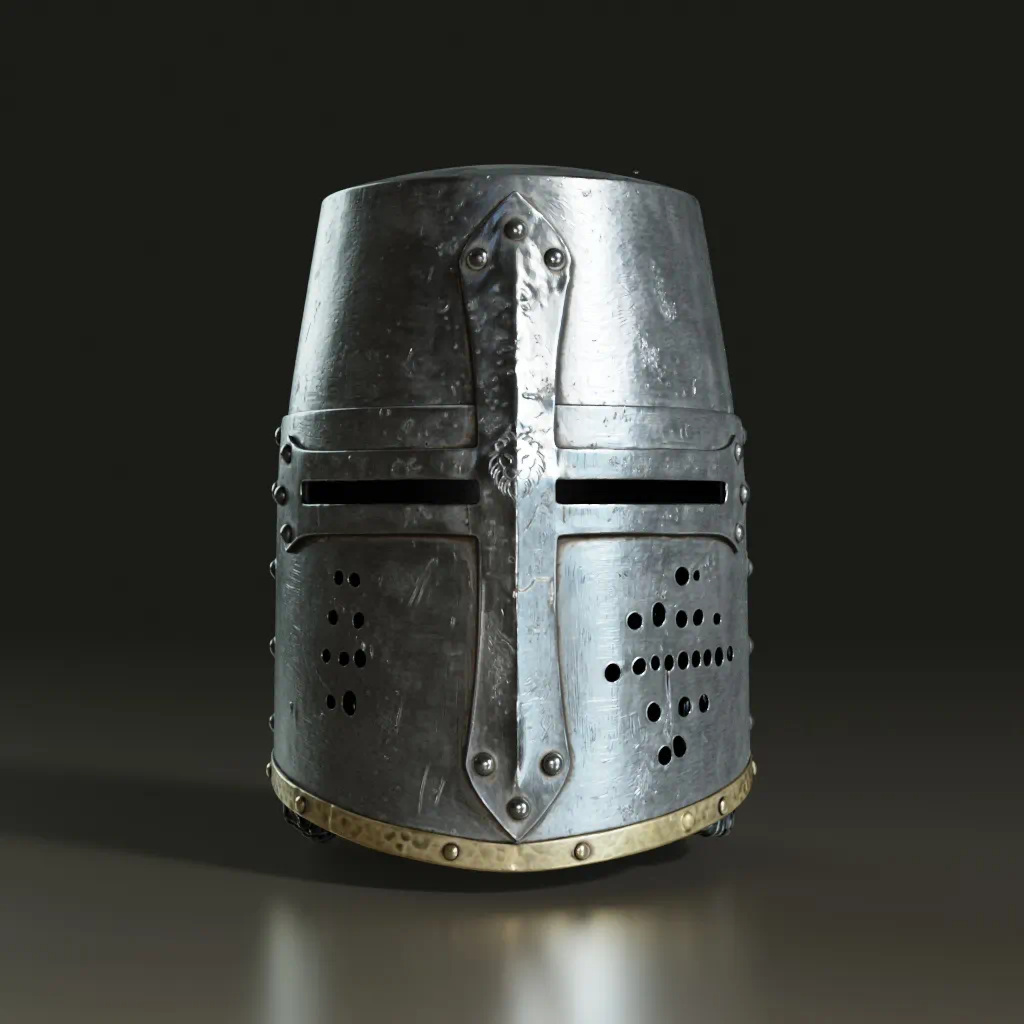
Seamless PBR Texture Workflow

Turn any reference image into a tileable wood texture with full PBR maps: basecolor, normal, roughness, metalness, and height. Built for Unreal and Blender.

Hi3D for Multiview to 3D

3D

3D textures

Camera control

Hi3D

Image to 3D

Multiview

Video

Upload one to four photos of an object from different angles. Hi3D V3 reconstructs a textured, PBR-ready 3D model you can open in Blender, Unity, or Unreal.

Hi3D for Multiview to 3D

Upload one to four photos of an object from different angles. Hi3D V3 reconstructs a textured, PBR-ready 3D model you can open in Blender, Unity, or Unreal.

3D

3D model

3d printing

3D textures

Glb

Hi3d

Image to 3D

Upload one image and Hi3D V3 by Math Magic reconstructs it into a high-detail 3D model with textures and PBR materials. Pick your format and download.

Hi3D V3 · Image to 3D

Upload one image and Hi3D V3 by Math Magic reconstructs it into a high-detail 3D model with textures and PBR materials. Pick your format and download.

Tripo P2 for Image to 3D

3D

3D textures

Image to 3D

Tripo

Tripo P2

Upload one image and Tripo P2 builds a textured, game-ready 3D model with optional PBR materials. Preview it in the 3D viewer, then download.

Tripo P2 for Image to 3D

Upload one image and Tripo P2 builds a textured, game-ready 3D model with optional PBR materials. Preview it in the 3D viewer, then download.

Meshy 7 · Text to 3D

3D

3d generation

3D textures

Game assest

Meshy

Text to 3D

Describe any object and Meshy 7 generates a fully textured 3D model with PBR materials. Export as GLB, FBX, OBJ, USDZ, or STL. Write a prompt and run.
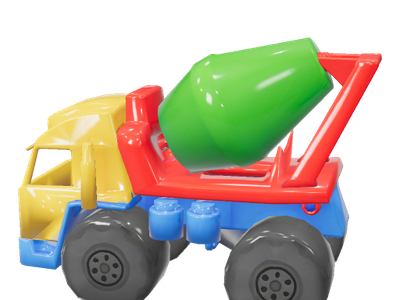
Meshy 7 · Text to 3D

Describe any object and Meshy 7 generates a fully textured 3D model with PBR materials. Export as GLB, FBX, OBJ, USDZ, or STL. Write a prompt and run.

Tripo P1 for Image to 3D

3D

3D textures

Image to 3D

Tripo

Tripo P1

Upload one image and Tripo P1 builds a textured 3D model from it, with clean topology and PBR materials, ready for game engines, VR, and 3D editors.
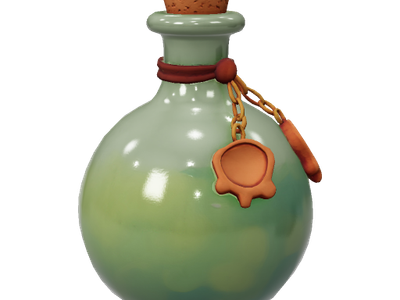
Tripo P1 for Image to 3D

Upload one image and Tripo P1 builds a textured 3D model from it, with clean topology and PBR materials, ready for game engines, VR, and 3D editors.

Tripo P2 for Text to 3D

3D

3D textures

Image to 3D

Text to 3D

Tripo

Tripo P2

Generate game-ready 3D models from text with Tripo P2 by Tripo AI. Get clean quad or triangle meshes with PBR textures. Describe an object and hit run.
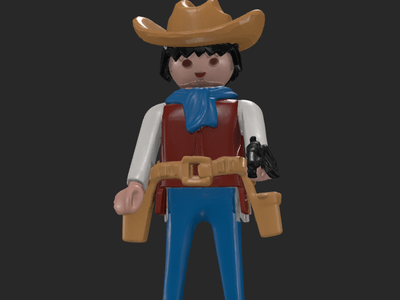
Tripo P2 for Text to 3D

Generate game-ready 3D models from text with Tripo P2 by Tripo AI. Get clean quad or triangle meshes with PBR textures. Describe an object and hit run.

Pixal3D + TRELLIS.2: Photo to PBR Texture 3D Model

3D

3D textures

Image to 3D

Pixal3D

Trellis2

Turn one image into a textured 3D GLB with PBR maps using Pixal3D or TRELLIS.2. Upload a photo of an object, pick a model, and run to download your mesh.

Pixal3D + TRELLIS.2: Photo to PBR Texture 3D Model

Turn one image into a textured 3D GLB with PBR maps using Pixal3D or TRELLIS.2. Upload a photo of an object, pick a model, and run to download your mesh.

Workflows = API

每個工作流程都是一個 API 端點。 無需建構後端,就能把 AI 生成整合進您的產品。 選擇工作流程、自訂設定,點擊「複製 Floyo API 程式碼片段」,就完成了。

進一步了解 API

MCP

平台上的每個工作流程,都能讓您自己的 AI 代理與內部工具存取,並受相同的管理員控制。

mcp.floyo.ai/mcp

閱讀 MCP 說明文件

簡易範本

開啟現成的工作流程,閱讀說明,更換輸入內容,點擊 Run。大多數人從來不需要打開任何節點。複雜的部分是選用的,都藏在幕後。

瀏覽工作流程

Trust Center

在任何人執行之前,就知道哪些是安全的。每個模型都標示 Verified Private 與 Commercial Use 狀態,還有團隊管控功能,可封鎖您未核准的模型。管理員可選擇團隊能使用哪些模型、供應商與節點。

查看 Trust Center

立即開始

免費課程

ComfyUI 101

Sebastian Kamph 的免費課程Sebastian Kamph 的免費課程

從空白畫布到 ControlNet,共十堂課。涵蓋節點、文字轉圖片、模型、LoRA、畫質放大與 KSampler 設定。無需安裝任何東西。每堂課都在這裡執行,學完後,您手上就有自己親手建立的工作流程。

開始課程

Sebastian Kamph 的 ComfyUI 101
