
Floyo
Floyo
Workflows
API
料金
Floyo
Floyo
Workflows
API
料金
探索

モーショントランスファー

モーショントランスファー

モーショントランスファーのワークフローを Floyo で実行できます。

Workflow を開く

約 2 分 25 秒で生成

すべて見る

モーショントランスファーのワークフロー一覧モーショントランスファーのワークフロー

すべての Workflows
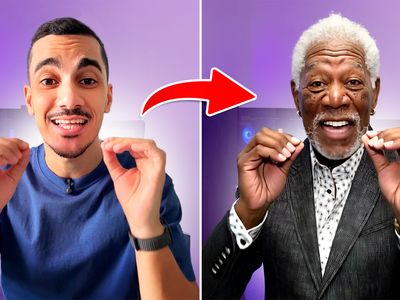
Wan 2.2 Animate Preprocess by Kijai (MDMZ Edition)
mdmz

mdmz

13.9k

LoRA

Motion transfer

Video

Wan

Wan 2.2

Wan 2.2 Animate Preprocess by Kijai (MDMZ Edition)

Kling 2.6 · Motion Control

Animation

Character animation

Image to video

Kling

Kling 2.6

Motion transfer

Video

Transfer motion from any video onto your character with Kling 2.6 by Kuaishou. Upload a character image and a reference clip, describe the scene, hit run.

Kling 2.6 · Motion Control

Transfer motion from any video onto your character with Kling 2.6 by Kuaishou. Upload a character image and a reference clip, describe the scene, hit run.

SCAIL2_Motion_Control
agi

agi

6.7k

Image to video

Motion Control

Motion transfer

SCAIL2

Video

SCAIL2を使用したモーションコントロール用のワークフローです。動画をモーション元としてアップロードし、入れ替えたい人物画像をアップロードすることで、動画内の動きをキャラクターへ転送できます。緑色のノードだけ設定すればすぐ使えます。 This is an Image-to-Video motion control workflow using SCAIL2.
SCAIL2_Motion_Control

SCAIL2を使用したモーションコントロール用のワークフローです。動画をモーション元としてアップロードし、入れ替えたい人物画像をアップロードすることで、動画内の動きをキャラクターへ転送できます。緑色のノードだけ設定すればすぐ使えます。 This is an Image-to-Video motion control workflow using SCAIL2.

Wan2.2 Animate Character

Animate

Animation

Filmmaking

Motion transfer

Video

Video to video

Wan

Wan 2.2

Wan 2.2

Wan2.2 Animate Character

Wan 2.2

Wan2.1 + SCAIL-2 for Character Motion Transfer

Character animation

Character replacement

LoRA

Motion transfer

Video

Video to video

Wan

Wan 2.1

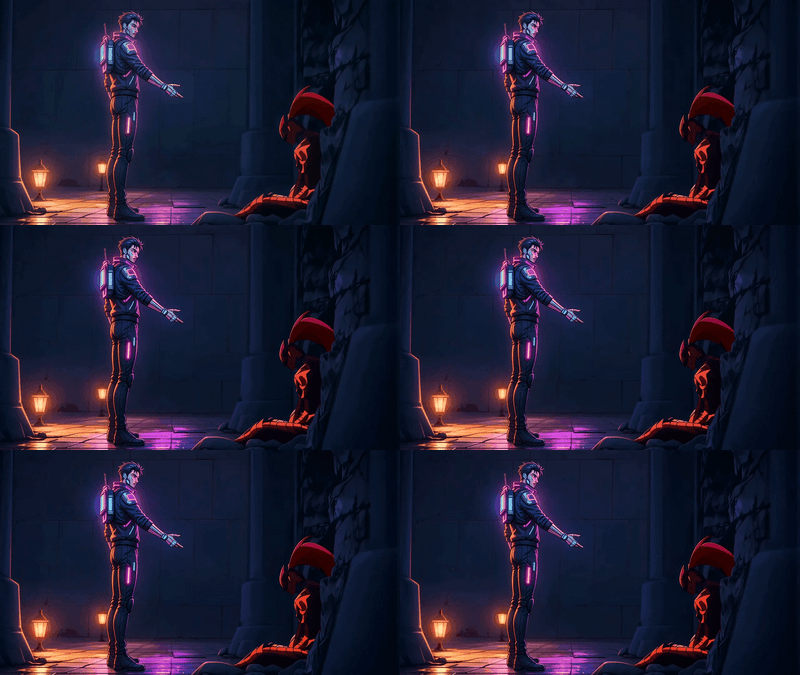
Transfer the motion from any video onto your own character with SCAIL 2, Z.ai's end-to-end character animation model built on Wan 2.1. Upload a video and a character photo, then hit run.
Wan2.1 + SCAIL-2 for Character Motion Transfer

Transfer the motion from any video onto your own character with SCAIL 2, Z.ai's end-to-end character animation model built on Wan 2.1. Upload a video and a character photo, then hit run.

Wan 2.7 Reference to Video with Motion Control
ashree

ashree

3.0k

Character design

Consistency

Film production

Image to video

Motion transfer

Reference to video

Video

Wan

Wan 2.7 Reference to Video with Motion Control

Wan 2.7 Reference to Video with Motion Control

Wan 2.7 Reference to Video with Motion Control

Seedance2.0 Full Reference-to-Video
agi

agi

2.6k

Image to video

Motion Control

Motion transfer

Reference to video

Seedance

Seedance 2.0

Video

Video to video

This is a full-reference workflow for Seedance 2.0. It supports image, video, and audio references for more flexible video generation. Seedance 2.0用のフルリファレンス対応ワークフローです。 画像、動画、音声を参照でき、柔軟な動画生成が可能です。
Seedance2.0 Full Reference-to-Video

This is a full-reference workflow for Seedance 2.0. It supports image, video, and audio references for more flexible video generation. Seedance 2.0用のフルリファレンス対応ワークフローです。 画像、動画、音声を参照でき、柔軟な動画生成が可能です。

Kling V3 Pro Motion Control
Animation

Kling

Motion transfer

Video

Kling V3 Pro Motion Control

Vertical Video Character Face & Actor Swap (Wan 2.2 Animate)

Character replacement

Character swap

Image to video

LoRA

Masking

Motion transfer

Video

Wan

Vertical Video Character Face & Actor Swap (Wan 2.2 Animate)

SCAIL-2 bf16 Loop FullLength Motion Transfer

Character-animation

Full-length

Image to video

Motion transfer

Video

Video to video

Wan

Wan 2.1

Transfers the motion of a driving video onto a reference character image

SCAIL-2 bf16 Loop FullLength Motion Transfer

Transfers the motion of a driving video onto a reference character image

LTX 2.3 -  Motion Transfer

Image to video

LoRA

LTX

LTX 2.3

Ltxv

Motion transfer

Video

Video to video

Copy any video's motion onto a still character photo using LTX 2.3

LTX 2.3 - Motion Transfer

Copy any video's motion onto a still character photo using LTX 2.3

Kling3.0_Motion Control_Character Reference
agi

agi

1.3k

Character consistency

Kling

Kling 3.0

Motion Control

Motion transfer

Video

画像、動画をアップロードすることで一貫性の高いキャラクターのモーションコントロールができます

Kling3.0_Motion Control_Character Reference

画像、動画をアップロードすることで一貫性の高いキャラクターのモーションコントロールができます

Workflows = API

すべてのワークフローが API エンドポイントです。 バックエンドを作らずに、AI 生成を自社のプロダクトに組み込めます。 ワークフローを選んでカスタマイズし、「Floyo API スニペットをコピー」をクリックすれば完了です。

API について詳しく見る

MCP

プラットフォーム上のすべてのワークフローに、自分のエージェントや社内ツールから、同じ管理設定のもとでアクセスできます。

mcp.floyo.ai/mcp

MCP のドキュメントを読む

かんたんテンプレート

既製のワークフローを開き、説明を読んで入力を変え、Run をクリックするだけ。ほとんどの人はノードを開くこともありません。複雑な部分は、必要なときのために裏側にあります。

ワークフローを見る

Trust Center

誰かが実行する前に、安全かどうかがわかります。すべてのモデルに Verified Private と Commercial Use のステータスがあり、承認していないモデルはチームの管理設定でブロックできます。管理者は、チームが使えるモデル、プロバイダー、ノードを選べます。

Trust Center を見る

はじめよう

無料コース

ComfyUI 101

Sebastian Kamph による無料コースSebastian Kamph による無料コース

白紙のキャンバスから ControlNet まで、全 10 回のレッスン。ノード、テキストから画像、モデル、LoRA、アップスケール、KSampler の設定を学べます。インストールは不要。すべてのレッスンがここで動くので、自分で作ったワークフローが手元に残ります。

コースを始める

Sebastian Kamph による ComfyUI 101