Step 1: Build Your Dataset
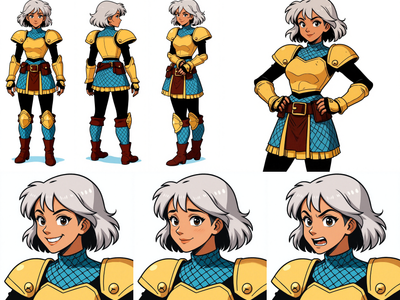

Image to Character Sheet with Kontext
Create a character sheet with multiple poses and expressions from a single image!
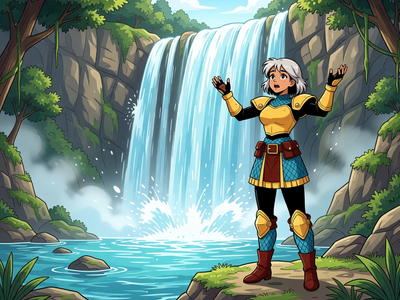
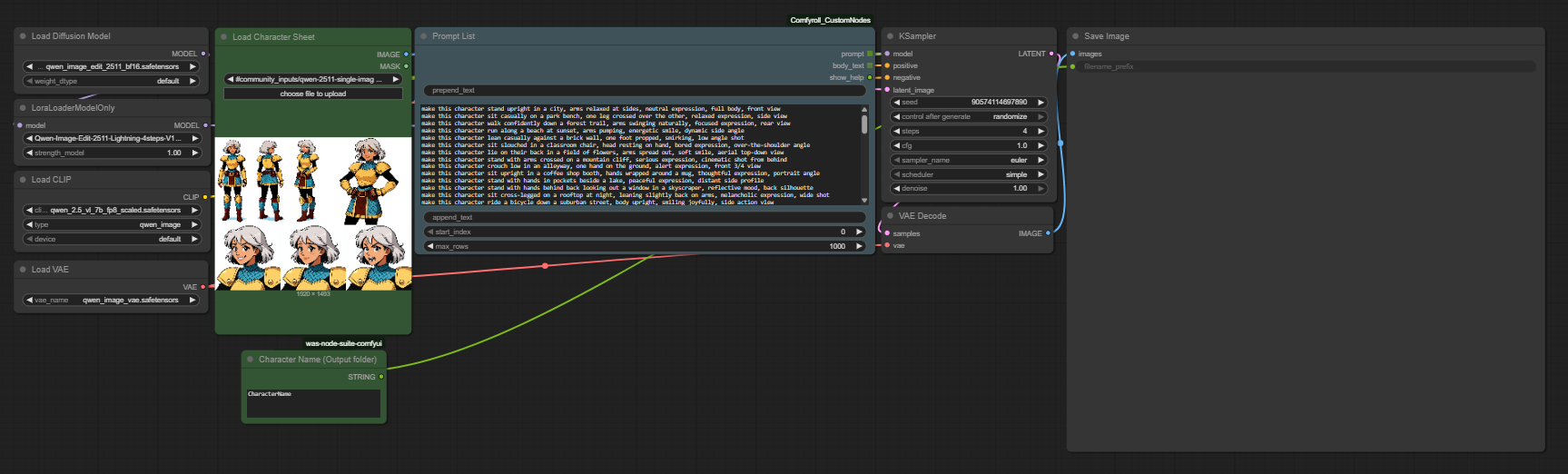
Qwen 2511 Edit - Single Image to Character Dataset
Create a 60 image character dataset from one character image or sheet.
Step 2: Caption Your Images
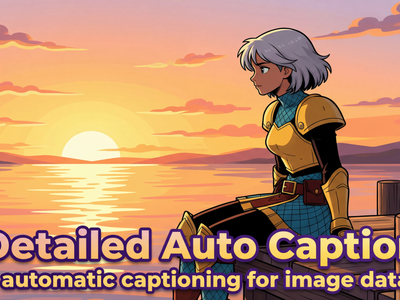

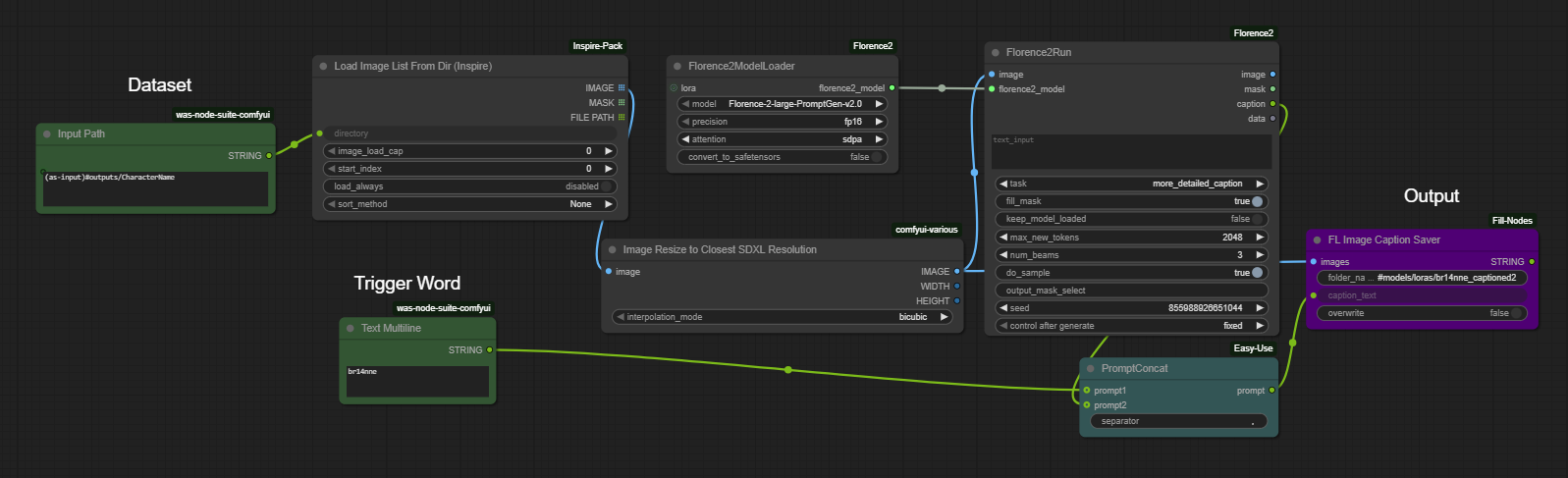
Detailed Auto Caption
Generate high-quality captions for LoRA training and automatically resize images to SDXL/Flux-compatible resolution.
Step 3: Train Your LoRA
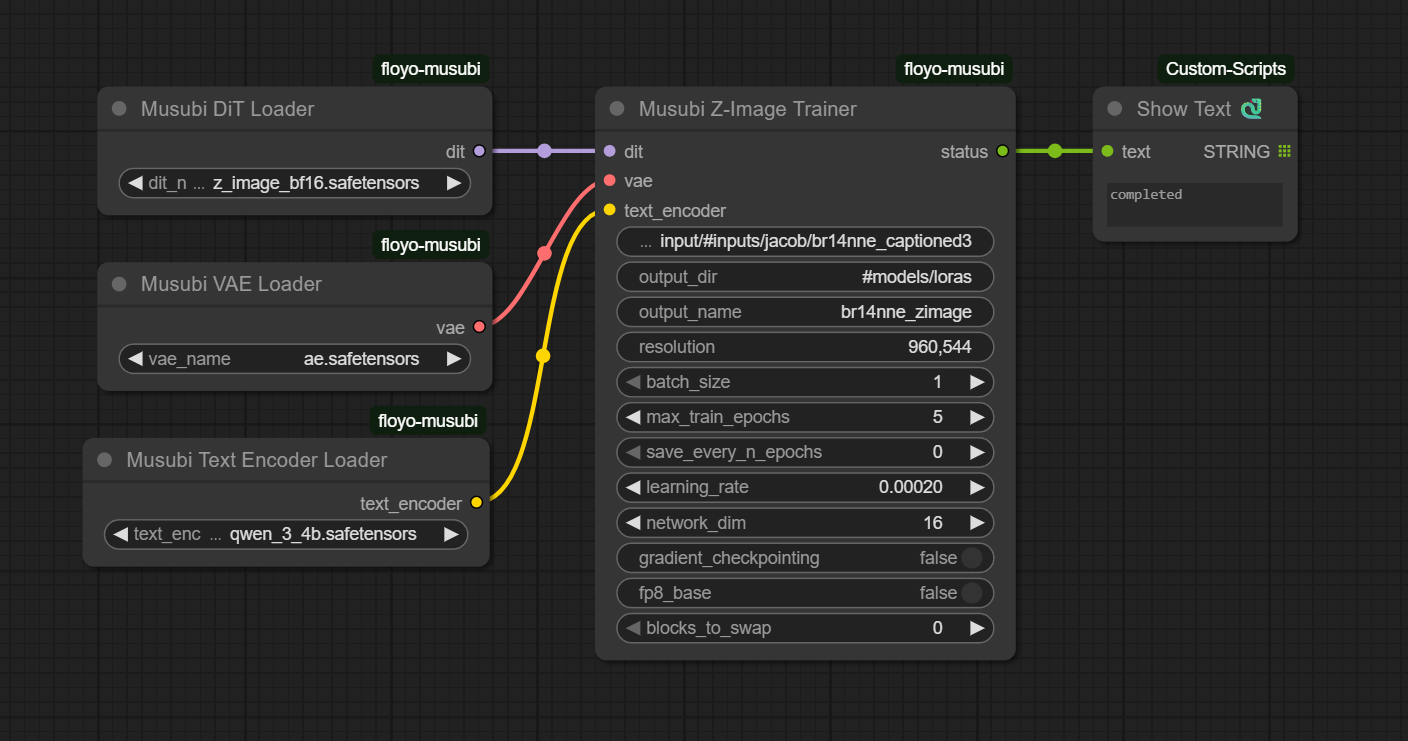
With your dataset captioned and ready, it is time to train with the Musubi Z-Image LoRA Trainer.
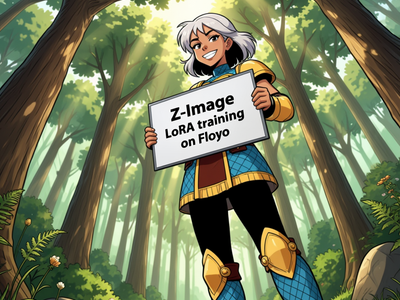
Musubi Tuner - Z-Image LoRA Trainer
Train Z-Image LoRAs directly on Floyo with this simple all-in-one custom node.
Step 4: Test Your LoRA
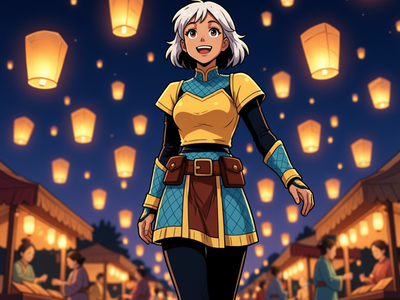

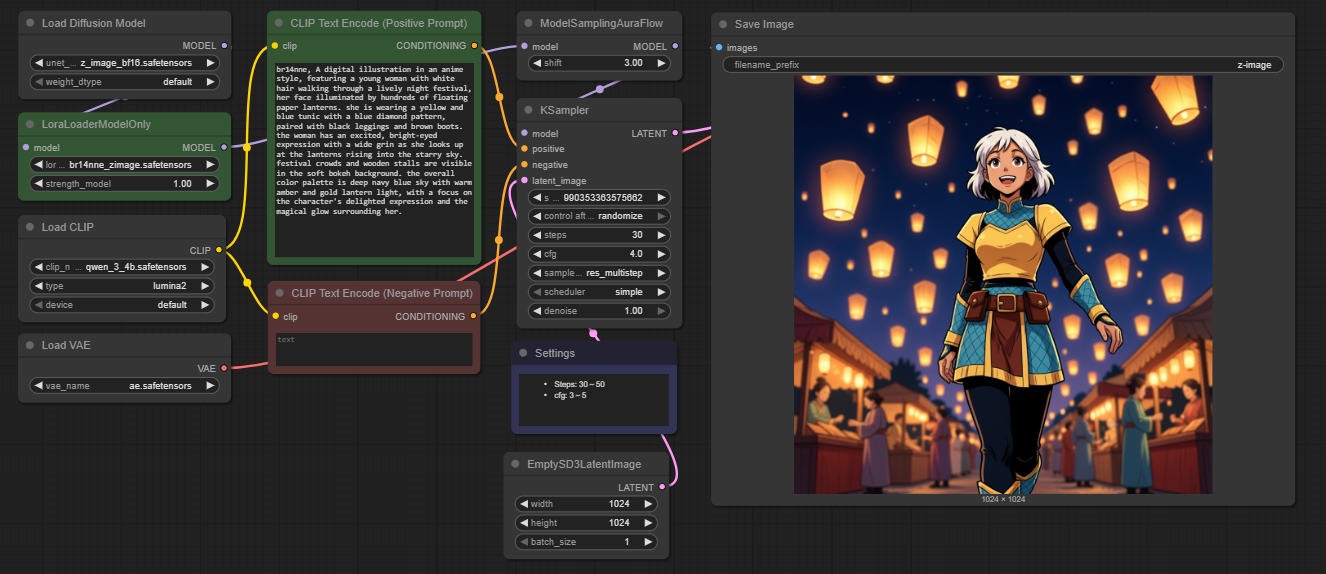
Z-Image Base · Text to Image With LoRA
Generate stylized images with Z-Image Base and a community LoRA. Write a prompt starting with the trigger word, pick a size, hit run. Apache 2.0 open weights.