

LTX 2.3 - Motion Transfer
Copy any video's motion onto a still character photo using LTX 2.3
Audio
image-to-video
LoRAs
LTX 2.3
LTXV
motion transfer
Video
video generation
video-to-video
1.5k


ABOUT THE WORKFLOW
Transfer Motion onto a Character
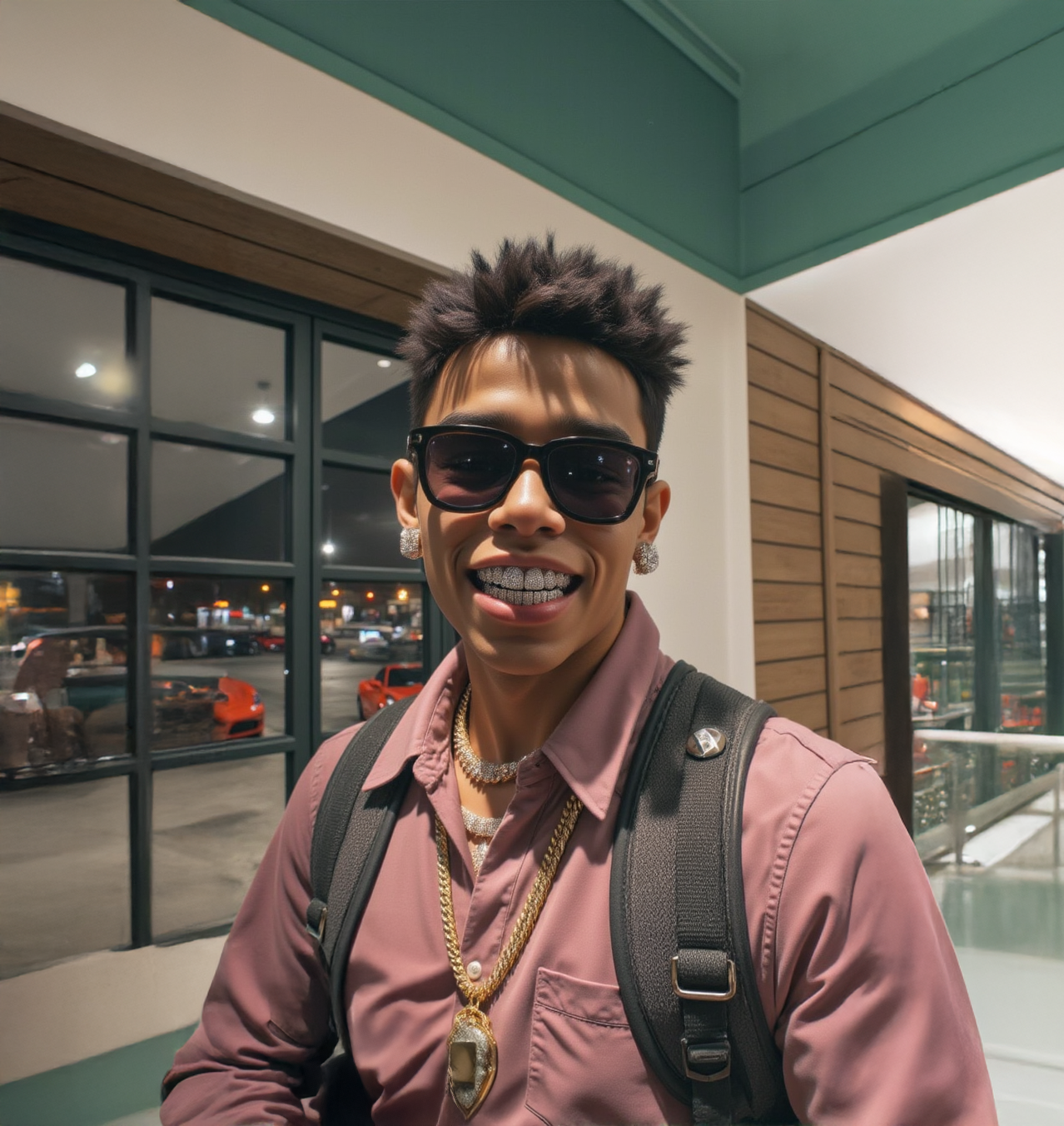
Upload an image of the character you want to animate and a video showing the motion you want them to perform. Write a short prompt describing the scene. The workflow reads the motion from your reference video and applies it to your character, with LTX 2.3 rendering the final clip and its synced audio.
HOW IT WORKS
Step 1. Upload your character image
A clear photo of the character you want animated.
Step 2. Upload your motion reference video
A clip showing the action you want copied over. The model reads body movement and timing from this video.
Step 3. Write a short prompt
Describe the scene, e.g. "a panda is dancing." Keep it simple since there's no auto-enhancer to fill in gaps.
Step 4. Hit run
The workflow generates a new video of your character performing the reference motion, with audio.
RECOMMENDED SETTINGS
Length: Follows the 8N+1 rule. 121 frames = 5 sec, 201 = 8 sec, 249 = 10 sec, 297 = 12 sec.
Width/Height: Default 1280 x 720. Keep as a multiple of 32.
WHAT WORKS BEST / WHAT TO AVOID
✅ Clear character images, smooth motion reference clips, prompts that match the action shown
⚠️ Blurry character photos, fast or chaotic motion, prompts that contradict the reference video
Read more







