


Explore more use cases
Explore All


All character consistency workflowsCharacter consistency workflows
All Workflows

Qwen Image Edit 2509: Build a LoRA Dataset
Create Character LoRA Dataset
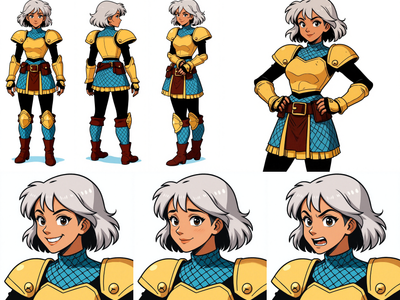

Image to Character Sheet with Kontext
Create a character sheet with multiple poses and expressions from a single image!

NanoBanana2_Character Sheet
Nanobanana2を使用したキャラクターシート生成ワークフローです。キャラクター画像をアップロードして生成ボタンを押すだけで、顔のアップ、正面図、キャラクターシートを自動生成できます。 This is a character sheet generation workflow using Nanobanana2. Simply upload a character image to the green node, Load Image1, and click Generate to create a face
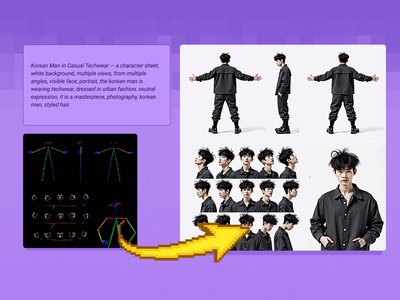
Flux Text to Character Sheet
Create a character and a range of consistent outputs suitable for establishing character consistency, training a model, and ensuring consistency throughout multiple scenes. Key Inputs Image reference: Use the included pose sheet to show range of positions Prompt: as descriptive a prompt as possible

Seedream 5.0 Pro_Character Sheet
Seedream 5.0 Proを使用したキャラクターシート生成ワークフローです。This is a character sheet generation workflow using Seedream 5.0 Pro.
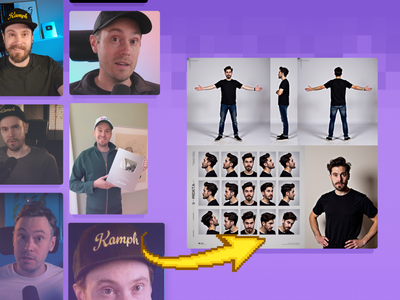
Text to Character Sheet with a reference LoRA
Generate a character sheet using a prompt and a LoRA model of a particular person for more accurate renders. Key Inputs Load Image: Use any JPG or PNG of your pose sheet Prompt: as descriptive a prompt as possible Width & height: Optimal resolution settings are noted at 1280px x 1280px Denoise: The amount of variance in the new image. Higher has more variance. ControlNet Strength: The amount of adherence to the original image. Higher has more adherence. Start Percent: The point in the generation process where the control starts exerting influence. (Have it start later, to let AI imagine first.) End Percent: The point in the generation process where the control stops exerting influence. (Have it end sooner, to let AI finish it off with some variation.) Flux Guidance: How much influence the prompt has over the image. Higher has more guidance.
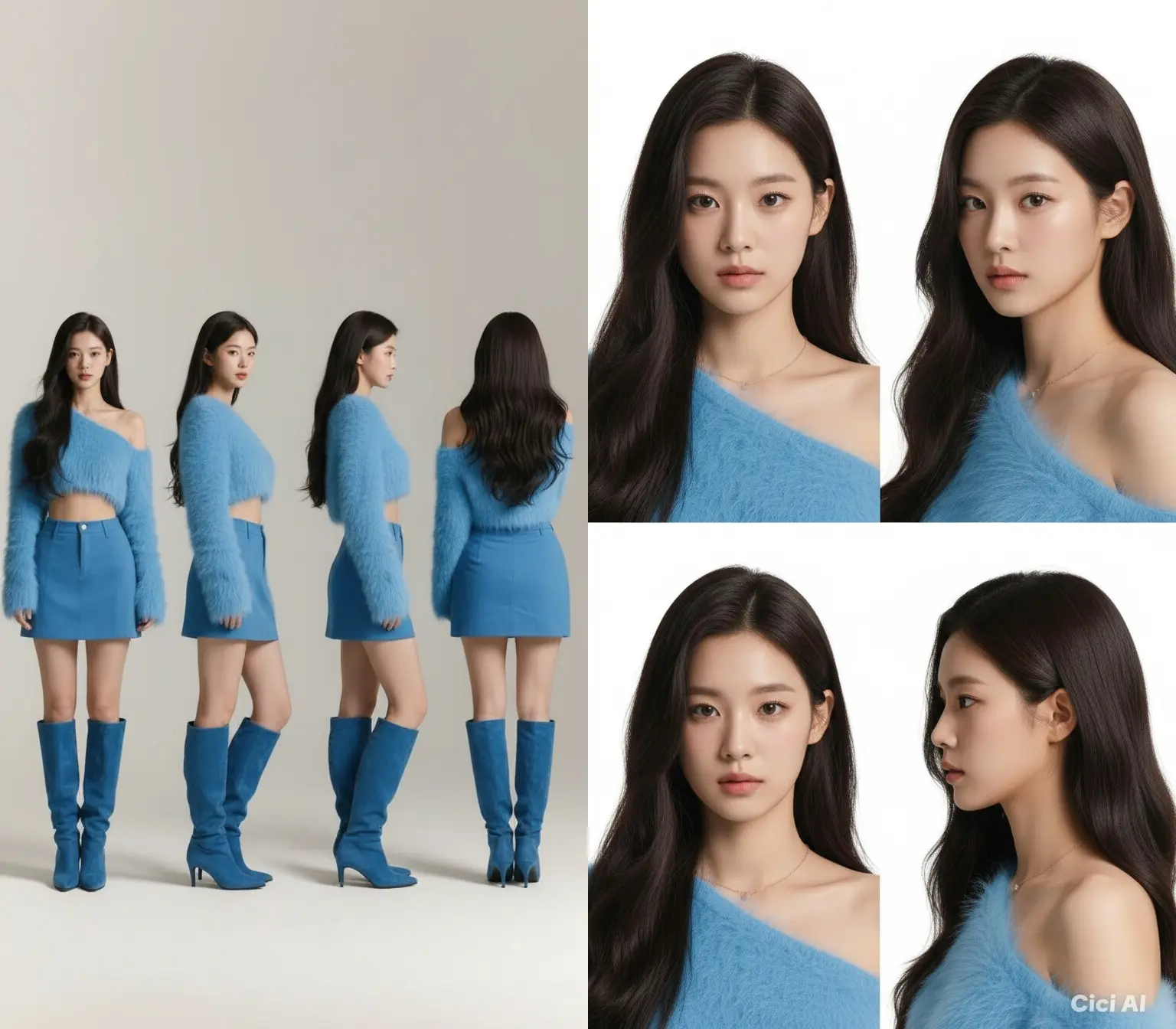
360° Character Turnaround & Sheet Workflow
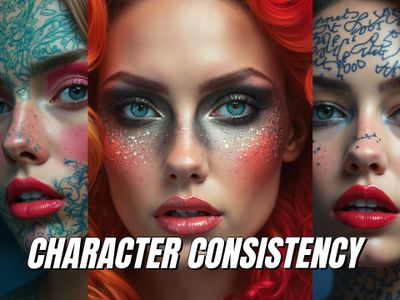
Character Consistency - 1 image only. Flux Ace++
Load 1 image and use natural language to get variations of your input image. Works great for character consistency to generate a dataset for loras.
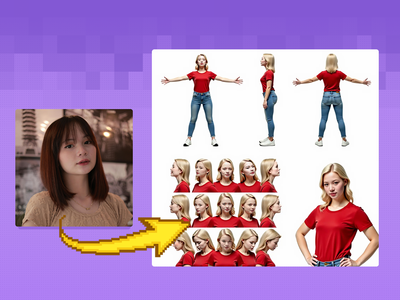
Image to Image Character Sheet Face Swap with Ace+
Take a character sheet and use a reference image to replace all the faces with that new person. Key Inputs Load Image: Use any JPG or PNG showing your pose sheet Load New Face: Use any JPG or PNG showing your subject clearly that you would like to swap into the pose sheet. Prompt: as descriptive a prompt as possible Width & height: Optimal resolution settings are noted at 1024px x 1024px Keep Proportion: Enable keep_proportion if you want to keep the same size with input and output Denoise: The amount of variance in the new image. Higher has more variance.
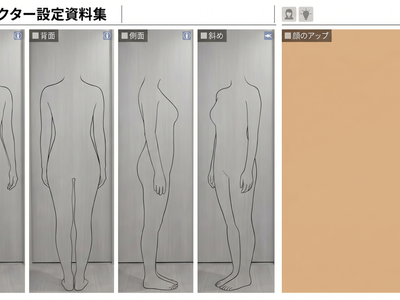
Seedream5.0Hot_Character Sheet
Seedream5.0を使用したキャラクターシート生成ワークフローです。キャラクター画像をアップロードして生成ボタンを押すだけで、顔のアップ、正面図、キャラクターシートを自動生成できます。 This is a character sheet generation workflow using Seedream5.0. Simply upload a character image to the green node, Load Image1, and click Generate to create a face
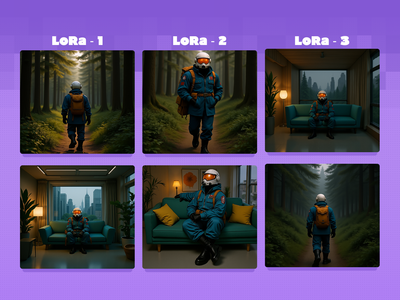
Flux Character LoRA Test and Compare
Test and compare multiple epochs of a character LoRA side by side with preset prompts When training a LoRA, you'll usually have a few checkpoints throughout the process to test. This workflow lets you load up to 4 LoRAs to test side by side, making it easier to determine which one is right for you! Key Inputs: LoRA Loaders: Load each LoRA epoch for the same character in up to 4 groups. Groups Bypasser: Enable/disable groups as needed. If you only have 2 epochs to test, disable the back 2 groups! Triggerword: Simply add the trigger word for your LoRA and it will auto-fill in the default prompts. Leave blank if you're using your own custom prompts that include the trigger word. LoRA Testing Prompts: Default prompts work well to get an idea of how your character will look in different situations, but feel free to replace them with your own prompts (max 4).
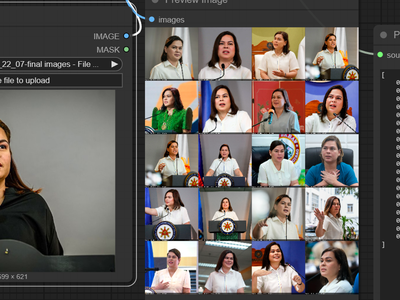
InsightFace for Filtering Character LoRA Dataset
Upload a reference face, point to your dataset, and InsightFace filters out images that don't match. Cosine, L2 Norm, and Euclidean distance all supported.
Workflows = APIs
Every workflow is an API endpoint. Ship AI generation in your product without building a backend. Pick a workflow, customize, click "Copy API Snippet," done.

MCP
Every workflow on the platform, reachable by your own agents and internal tools, under the same admin controls.
mcp.floyo.ai/mcp
Easy templates
Open a ready-made workflow, read the instructions, change your input, click Run. Most people never open a node. Complexity is optional and lives under the hood.

Trust Center
Know what's safe before anyone runs it. Verified Private and Commercial Use status for every model, plus team controls to block the ones you don't approve.Admins choose which models, providers and nodes the team can use.

Easy templates
Open a ready-made workflow, read the instructions, change your input, click Run. Most people never open a node. Complexity is optional and lives under the hood.
Trust Center
Know what's safe before anyone runs it. Verified Private and Commercial Use status for every model, plus team controls to block the ones you don't approve.Admins choose which models, providers and nodes the team can use.
Workflows = APIs
Every workflow is an API endpoint. Ship AI generation in your product without building a backend.Pick a workflow, customize, click "Copy API Snippet," done.
get Started
Free Course
ComfyUI 101
free course by Sebastian KamphFree course by Sebastian Kamph
Ten lessons from a blank canvas to ControlNet. Nodes, text to image, models, LoRA, upscaling and KSampler settings. Nothing to install. Every lesson runs here, so you finish with workflows you built yourself.
