

Z-Image Turbo · Text to Image with Wildcards
Create unique AI characters using Z-Image Turbo. Write a base prompt, add wildcard variations, and generate a different image every run.
character generation
Image
LoRAs
text to image
wildcard prompt
z-image turbo
205
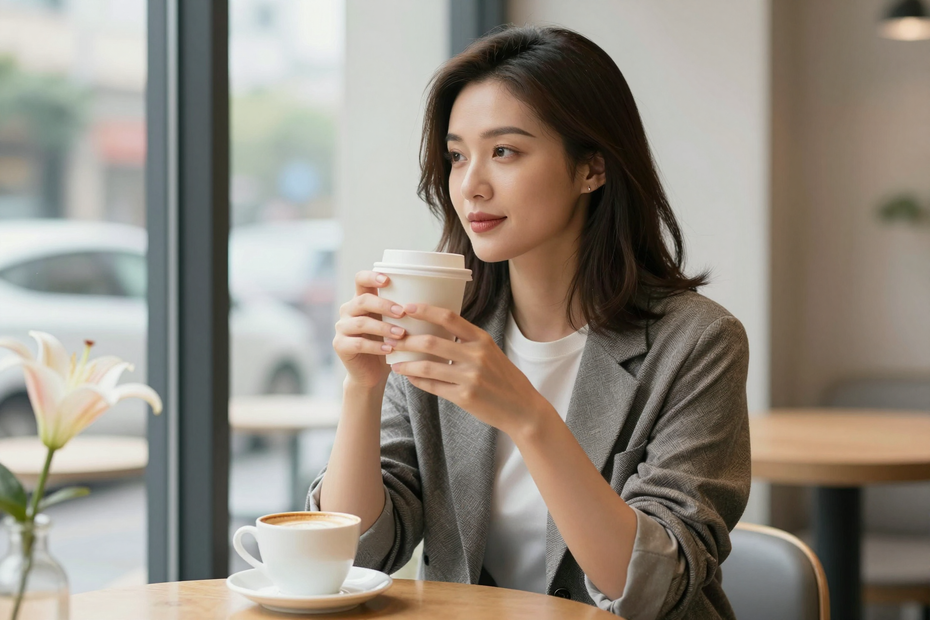
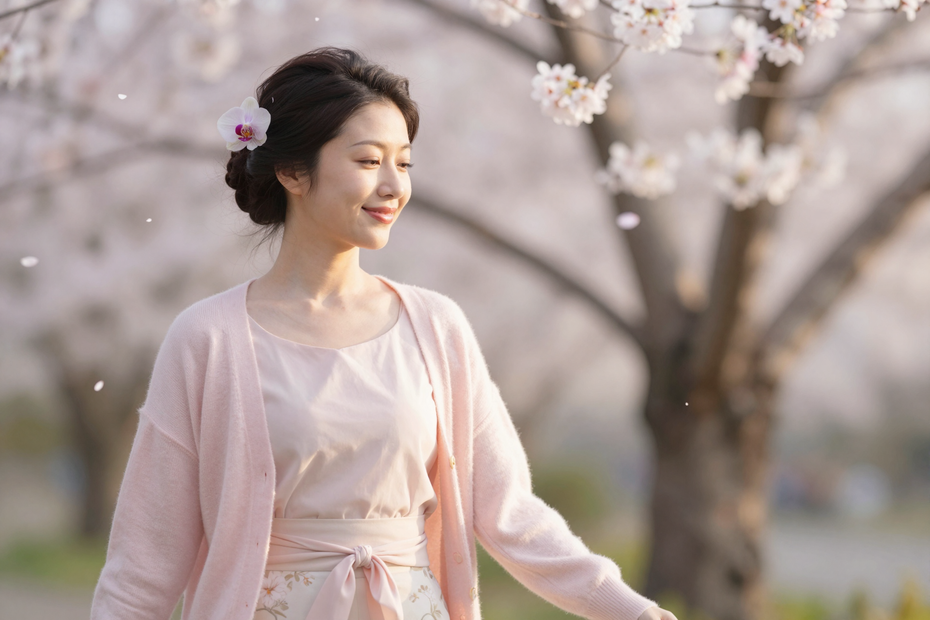
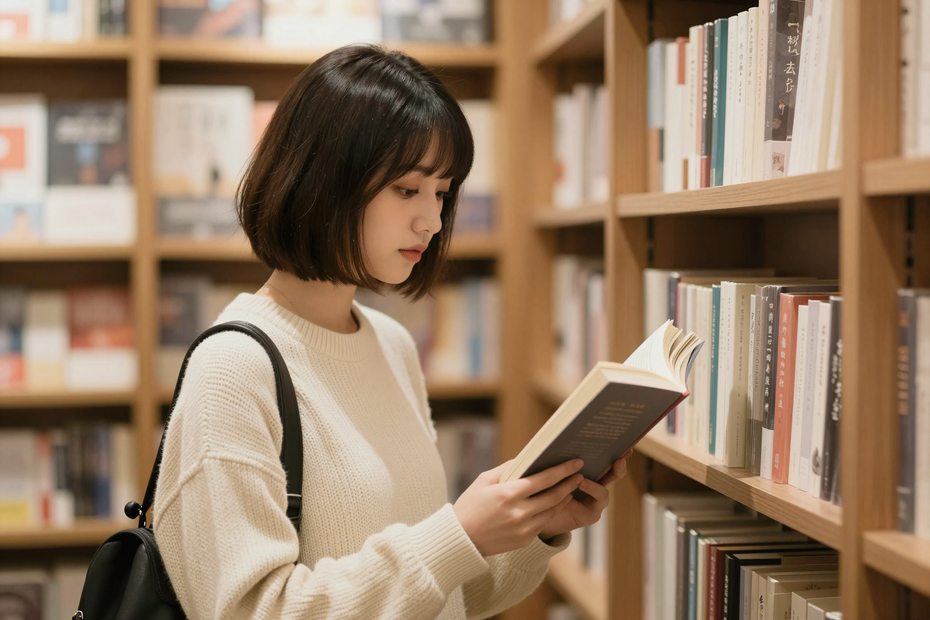
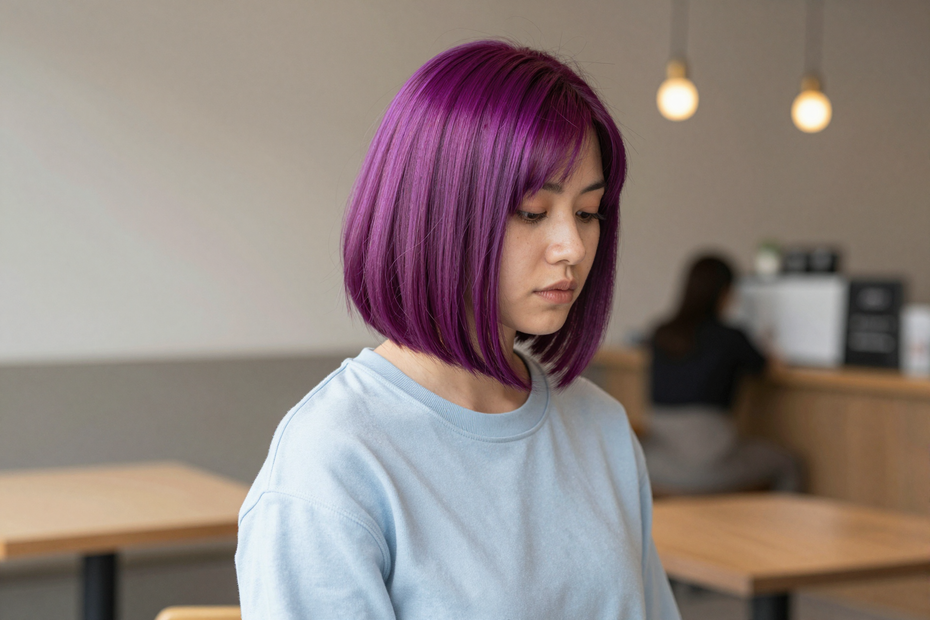

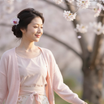



Nodes & Models
easy positive
VAELoader
ae.safetensors
ImpactWildcardProcessor
EmptySD3LatentImage
UNETLoader
z_image_turbo_bf16.safetensors
CLIPLoader
qwen_3_4b.safetensors
ModelSamplingAuraFlow
CLIPTextEncode
LoraLoaderModelOnly
nsfwLoRA-z-image-nlora-text-to-im-NEKjzhkz.safetensors
SaveImage
KSampler
VAEDecode
FloyoStickyNote
DF_String_Concatenate
ShowText|pysssss
DF_String_Concatenate
ShowText|pysssss
ShowText|pysssss
ABOUT THE WORKFLOW
Generate Random Characters
Create character artwork from a text prompt while automatically randomizing selected details with wildcard syntax. Define your base character once, then let the workflow generate new hairstyles, accessories, objects, or other prompt variations every time you run it.
Model
Z-Image Turbo by Tongyi-MAI (Alibaba). A fast open-weight text-to-image model designed for high-quality image generation.
LoRA support. Optionally applies a LoRA to influence the generated style while keeping wildcard variations.
HOW IT WORKS
Step 1. Describe your character
Write the main prompt describing your subject.
Works great with: anime characters · portraits · concept art
Step 2. Add wildcard variations
Use wildcard syntax to randomize parts of the prompt. For example:
"{long hair|bob hair|ponytail}, samples/flower"
Each run selects different combinations automatically.
Step 3. Run the workflow
The wildcard processor expands your prompt before image generation.
Step 4. Download your image
Each generation produces a unique variation while keeping your base concept consistent.
Ready for: social media · concept art · character design
First time? Leave every setting as-is. The defaults are the right starting point for almost everyone.
RECOMMENDED SETTINGS
Quick-start guide. Find the goal that matches yours and copy the settings.
General character generation – Keep the default resolution (1920×1280), 9 sampling steps, CFG 1, and random seed.
Want more variety? Leave the seed randomized and add more wildcard options to your prompt.
Need consistent results? Lock the seed while changing only specific wildcard entries.
Want larger batches? Increase the batch size to generate several variations at once.
Images look too similar? Expand your wildcard lists with more hairstyles, clothing, colors, or accessories.
Prompt feels repetitive? Move fixed details into the base prompt and randomize only the elements you want to vary.
Prompt: Keep the core description stable and randomize only selected details. "A woman sitting in a café, {long hair|bob hair|ponytail}, wearing a samples/flower" produces more useful variations than "random woman."
USE CASES
🎨 Character Design
Generate multiple character concepts while keeping the same overall idea.
📚 Dataset Creation
Produce varied images for LoRA training or dataset collection.
🖌️ Concept Art
Explore different hairstyles, accessories, outfits, and visual themes quickly.
📱 Social Media Content
Generate unique character illustrations for posts, avatars, and creative projects.
WHAT WORKS BEST / WHAT TO AVOID
✅ Works great
Clear base character descriptions
Focused wildcard categories
Portraits and character illustrations
Multiple hairstyle or accessory combinations
⚠️ May produce softer results
Extremely long prompts
Too many wildcard categories in one prompt
Contradictory prompt descriptions
Randomizing every part of the prompt simultaneously
LEARN
📹 Videos
ComfyUI 101 Free Course ft. Sebastian Kamph
Floyo 101 for Team Collaboration
✨ Quick links
FAQ
What are wildcard prompts?
Wildcard prompts automatically replace parts of your prompt with random values from a list or wildcard file. This lets you generate many variations without rewriting the prompt.
How does this workflow create different images every run?
The wildcard processor expands the prompt before image generation. Combined with a random seed, each run produces a different prompt variation.
Can I use my own wildcard files?
Yes. You can create or import your own wildcard collections for hairstyles, clothing, colors, expressions, locations, or any other reusable prompt category.
Can I generate consistent characters?
Yes. Keep the base prompt the same, use a fixed seed, and only randomize the attributes you want to change.
Is Z-Image Turbo good for character generation?
Yes. Z-Image Turbo is optimized for fast, high-quality image generation and works well for character concepts, illustrations, and creative exploration.
How to run Z-Image Turbo with wildcards online?
You can run Z-Image Turbo with wildcard prompts online through Floyo. Open the workflow, write your base prompt, add wildcard syntax, and hit Run. Free to try.
Ready to try it? Type your first prompt and run it. The settings are already set.
Questions? Watch the free course or check the FAQ above.
Read more


_1786518453053.png?width=400&height=300&quality=80&resize=cover)




