

Z-Image Turbo · Text to Image For Anime
Write a prompt and Z-Image Turbo generates a photorealistic 1024x1024 image in 9 steps, using a 6-billion-parameter model distilled for speed with bilingual prompt support.
Image
text to image
z-image turbo
270
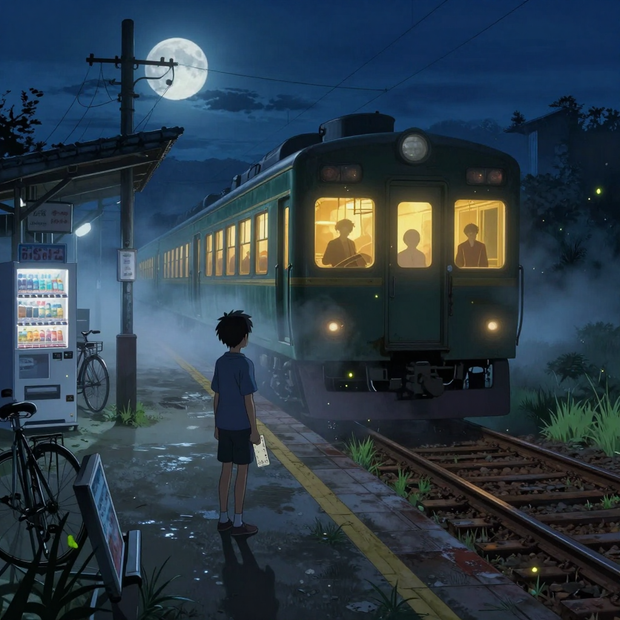
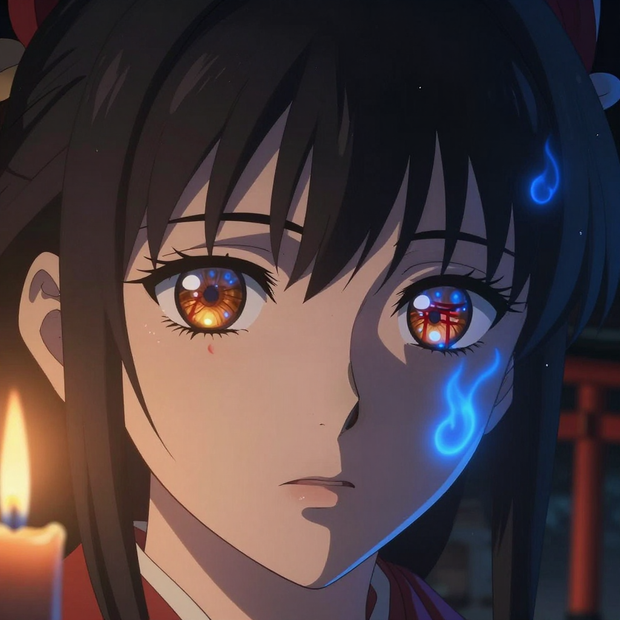

Nodes & Models
FloyoStickyNote
VAELoader
ae.safetensors
EmptySD3LatentImage
UNETLoader
z_image_turbo_bf16.safetensors
CLIPLoader
qwen_3_4b.safetensors
CLIPTextEncode
ModelSamplingAuraFlow
SaveImage
KSampler
VAEDecode
ABOUT THE WORKFLOW
Generate an Image Fast
Write a prompt describing the image you want. Z-Image Turbo generates it at 1024x1024 in 9 steps. The model is distilled for speed while maintaining photorealistic quality and strong prompt adherence. It handles both English and Chinese prompts natively and renders text in images accurately in both languages. One prompt in, one image out.
Model
Z-Image Turbo (6B, bf16) by Tongyi-MAI (Alibaba). A single-stream Diffusion Transformer distilled to 9 inference steps using the Decoupled-DMD algorithm. Paired with a Qwen 3 4B text encoder for bilingual prompt understanding.
HOW IT WORKS
Step 1. Write your prompt
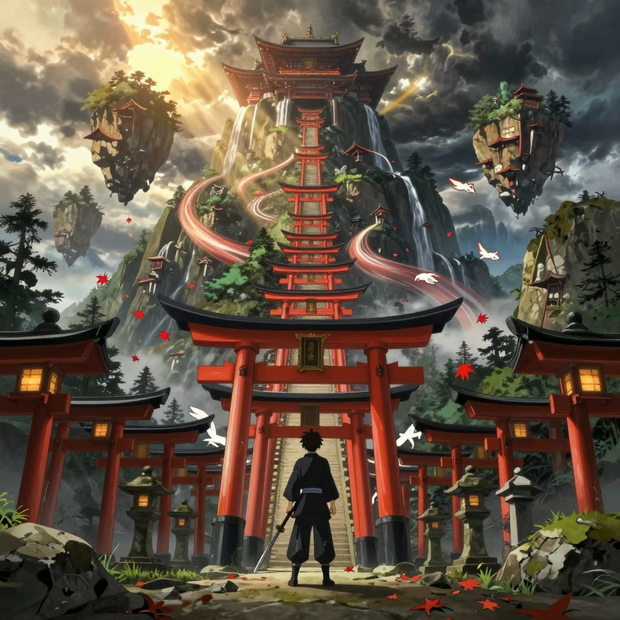
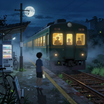
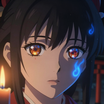
Describe the image: subject, setting, lighting, camera, composition, and style. The model responds well to both photographic language and anime/illustration descriptions. "Breathtaking Japanese supernatural anime key visual of a young swordsman at the entrance of a pathway made from thousands of red torii gates stretching into the mountains, extreme cinematic wide shot" gives the model clear direction.
Works great with: anime · fantasy · concept art · portraits · landscapes · product shots
Step 2. Hit run and download
Z-Image Turbo generates the image at 1024x1024 in 9 steps and saves it.
Ready for: Photoshop · Figma · Canva · social media · web · print
First time? Write a detailed prompt and hit run. Leave all settings as-is.
RECOMMENDED SETTINGS
Quick-start guide. Find the goal that matches yours and copy the settings.
Standard image generation — 1024x1024, 9 steps, CFG 1, euler sampler, seed randomized. Write your prompt and run.
Different aspect ratio — Change the EmptySD3LatentImage dimensions. 1280x720 for landscape. 720x1280 for portrait. 1024x1024 for square.
Explore different compositions — Keep seed on randomize. Each seed produces a different layout and interpretation. Lock the seed once you find a result you want to refine.
Bilingual prompts — Write prompts in English, Chinese, or both. The model handles both natively and renders text in images accurately in either language.
Result lacks diversity across seeds — Without a diversity LoRA, Z-Image Turbo may produce similar compositions for different seeds. If you need more variation, try the Z-Image Turbo + SDA LoRA workflow instead.
Unwanted elements appearing — Add them to the negative prompt. The default is "blurry ugly bad." Extend it with specific exclusions: "extra fingers, watermark, text, deformed."
Prompt: Write long and specific. Describe the subject, then the environment, then the camera and lighting. "Extreme cinematic wide shot emphasizing scale, the character appears small in the lower foreground, white fox spirits move between distant gates, atmospheric fog" is detailed enough for a strong result. "Cool anime picture" produces generic output.
LEARN
📹 Videos
ComfyUI 101 Free Course ft. Sebastian Kamph
Floyo 101 for Team Collaboration
✨ Quick links
USE CASES
🎨 Anime and Fantasy Illustration
Generate detailed anime key visuals, character art, and fantasy environments with complex compositions and atmospheric lighting in seconds.
📸 Concept Photography
Produce photorealistic scene concepts with specific camera, lens, and lighting descriptions for mood boards, pitch decks, and creative briefs.
🌏 Bilingual Content Creation
Write prompts in English, Chinese, or both. Generate images with accurate text rendering in either language for international teams and multilingual campaigns.
⚡ Rapid Iteration and Exploration
Test prompt ideas, compositions, and visual directions at 9-step speed. Lock a seed when you find a winner and refine from there.
WHAT WORKS BEST / WHAT TO AVOID
✅ Works great
Detailed, multi-sentence prompts with specific visual descriptions
Anime, fantasy, and artistic styles with complex compositions
Photographic language (lens, exposure, lighting, color grading)
Bilingual prompts in English and Chinese
⚠️ May produce softer results
Very short prompts with no visual detail
Expecting high diversity across seeds without SDA LoRA
Complex multi-character scenes with precise interaction requirements
Resolutions significantly above 1024x1024 without upscaling
FAQ
What is Z-Image Turbo?
Z-Image Turbo is a 6-billion-parameter text-to-image Diffusion Transformer by Tongyi-MAI (Alibaba). It is distilled to 9 inference steps using the Decoupled-DMD algorithm, making it one of the fastest production-grade image generators available. It handles prompts in both English and Chinese and can render text accurately in images in both languages.
How fast is Z-Image Turbo compared to other models?
At 9 steps, Z-Image Turbo generates a 1024x1024 image in seconds on a modern GPU. Standard FLUX or Stable Diffusion workflows typically require 20 to 50 steps. The distillation cuts generation time by more than half with minimal quality loss.
Does Z-Image Turbo support negative prompts?
Yes. The workflow includes a separate negative prompt field. The default is "blurry ugly bad." Add more terms to exclude specific artifacts, elements, or quality issues from the output.
What is the difference between this and Z-Image Turbo + SDA LoRA?
This workflow runs Z-Image Turbo without any LoRA. The SDA LoRA version adds a diversity adapter that ensures each seed produces a genuinely different composition. Without SDA, the model may produce similar layouts for different seeds of the same prompt. Use this workflow for speed and simplicity. Use the SDA version when you need diverse variations.
Can Z-Image Turbo render text inside images?
Yes, in both English and Chinese. The Qwen 3 4B text encoder gives the model bilingual understanding. Text rendering works best for single words and short phrases. Longer sentences or very small font sizes may produce less reliable results.
Is Z-Image Turbo licensed for commercial use?
Z-Image Turbo is released by Tongyi-MAI (Alibaba). Check the current license on the Hugging Face model page for your specific commercial use case.
How to run Z-Image Turbo online?
You can run Z-Image Turbo online through Floyo. No installation, no setup, no local GPU needed. Open the workflow in your browser, write your prompt, and hit run. Free to try.
WHY FLOYO?
Floyo is the only platform with team collaboration for ComfyUI in the browser. You run workflows with no install. You share run history, assets, and models across your team. You pay only when you generate. Floyo supports open-source and closed-source models.
A designer runs an edit and likes the result. A teammate opens that exact run from shared history and keeps going. No file handoffs. No version confusion.
For studios and enterprise teams, Floyo adds private workspaces, pooled resources, and a team usage dashboard. Other ComfyUI cloud tools run for one person at a time. Floyo runs for the whole team, with transparent per-generation costs.
Ready to try it?
Write a detailed prompt and hit run. The image generates in seconds.
Questions? Watch the free course or check the FAQ above.
Read more





_1783028563354.gif?width=400&height=300&quality=80&resize=contain&format=origin)

