MiniMax H3 ControlNet · Pose-Guided Generation
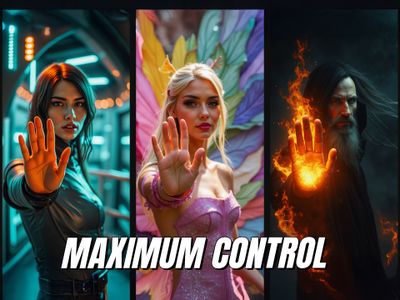
Transfer motion from a control video into an entirely new scene using MiniMax H3 Ref2VA with ControlNet pose guidance, describe the new visuals, and hit run.
controlnet
66
ABOUT THE WORKFLOW
Transfer motion from one video into a new scene
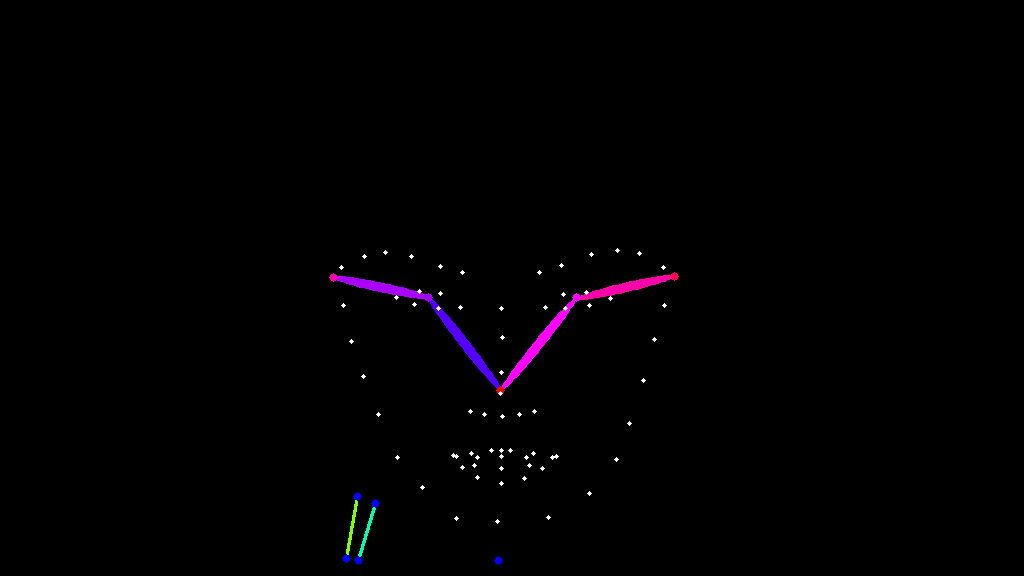
Upload a control video with the motion you want to keep (a dance, a walk, a performance). The workflow extracts the full-body pose from every frame, then generates a new video with MiniMax H3 that follows that pose while replacing the visuals, characters, and environment with whatever you describe. The original motion stays. Everything else changes. Audio generates natively in the same pass.
Model
MiniMax H3 Ref2VA by MiniMax. A 33B-parameter omni-modal generation model. Used here with the MiniMax H3 Fun ControlNet Union model for pose-guided generation with native 32 kHz stereo audio. Open-weight, released under the MiniMax H3 Community License.
HOW IT WORKS
Step 1. Upload a control video
Load the video whose motion you want to transfer. The workflow extracts the full-body pose skeleton (body, hands, face, feet) from every frame using SDPose whole-body estimation.
Works great with: dance clips · fitness routines · acting performances · sign language · martial arts
Step 2. Upload reference media (optional)
Load reference images through the Media Loader if you want identity or style references in the output. This step is optional. The workflow generates from the prompt alone if no references are connected.
Step 3. Write your prompt
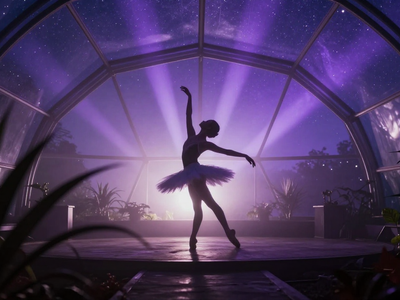
Describe the new scene, character, and environment you want. The model will follow the control video’s pose while generating the visuals you describe. Use timestamps to direct changes over the clip. Example: “[0s-2s] A stardust figure begins moving in a dark nebula. [2s-4s] Spins and arm sweeps scatter glowing particles.”
Step 4. Set resolution and duration
Choose your resolution and aspect ratio. The default is 16:9 at 0.4 MP. Set the duration with the Float node. The default is 2.5 seconds. The ControlNet guidance applies for the first 85% of sampling by default.
Step 5. Run and download
Hit run. The workflow extracts the pose, applies ControlNet guidance, and generates video with audio in 4 steps. The output is an H.264 MP4 with the control video’s motion and your prompt’s visuals.
Ready for: Premiere Pro · DaVinci Resolve · After Effects · social platforms
First time? Leave every setting as-is. The defaults are the right starting point for almost everyone.
RECOMMENDED SETTINGS
Quick-start guide. Find the goal that matches yours and copy the settings.
Standard pose-guided generation at 16:9 — 0.4 MP, 2.5-second duration, 4 steps, ControlNet strength 1.0, end_percent 0.85. The right starting point for almost everyone.
Want the output to follow the pose more loosely? — Lower the ControlNet strength from 1.0 to 0.6 or 0.7. The model will take more creative liberty with positioning while keeping the general motion direction.
Want the pose to guide the full generation, not just the first 85%? — Change end_percent from 0.85 to 1.0 in the ControlNet Apply node. The pose will influence all sampling steps. This gives tighter motion adherence but can reduce fine detail in hands and face.
Want more detail at the cost of speed? — Increase steps from 4 to 8 or 12. The 3-step LoRA is loaded, so even low step counts produce usable results, but more steps refine textures and transitions.
Pose skeleton not detecting the subject correctly? — Lower the detection threshold in the pose estimator (default 0.5). Make sure the control video has a clearly visible person with minimal occlusion. Avoid control videos where the subject leaves the frame.
Want to transfer motion from a specific body part only? — Toggle draw_body, draw_hands, draw_face, and draw_feet in the pose estimator. Turn off the parts you do not want to guide the generation.
Prompt: Describe the new character and environment. Use timestamps to direct changes over the clip. The model follows the pose but generates everything else from your words. A good prompt: “[0s-2s] A humanoid figure made of stardust begins moving in a violet nebula, grains peeling off its shoulders. [2s-4s] Spins and arm sweeps scatter glowing particles.” A vague prompt: “A person dancing.”
Read more