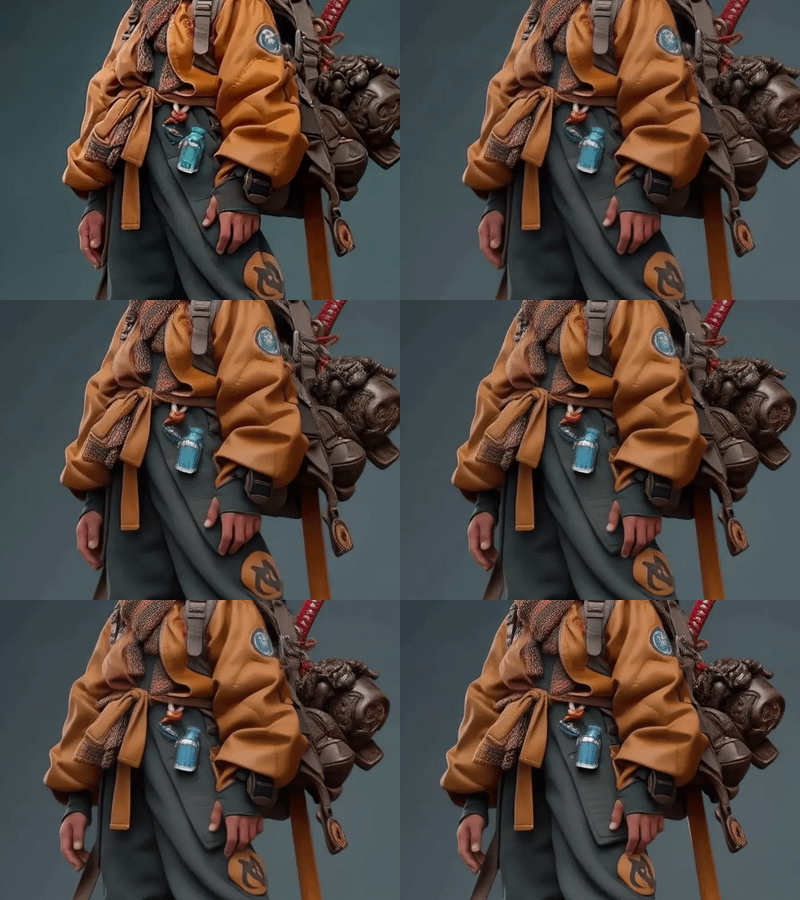
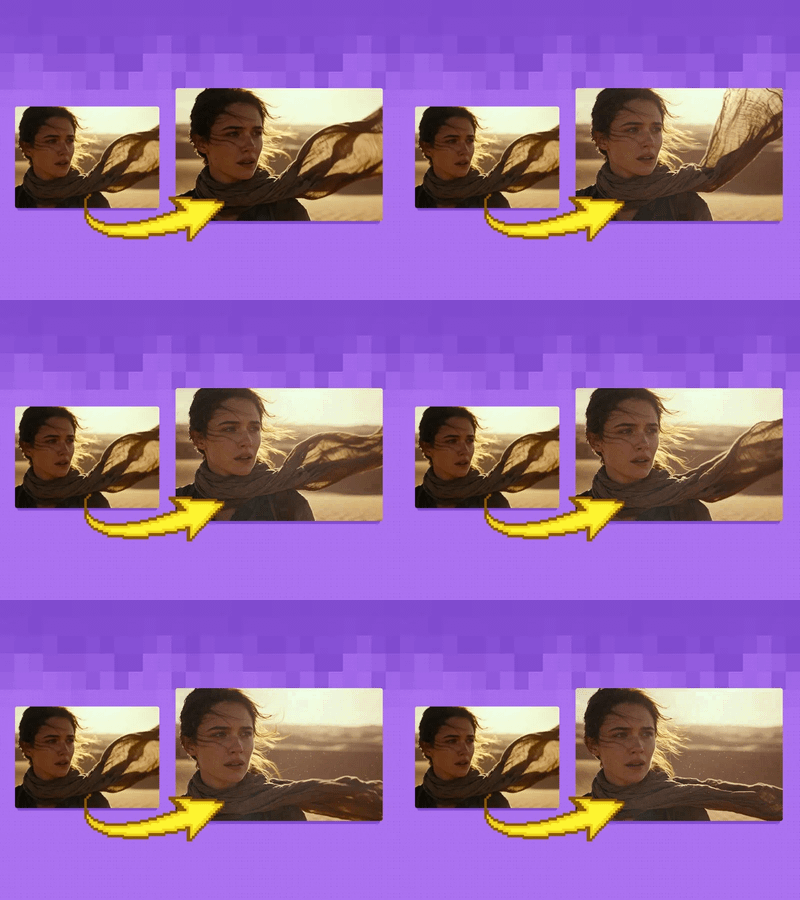
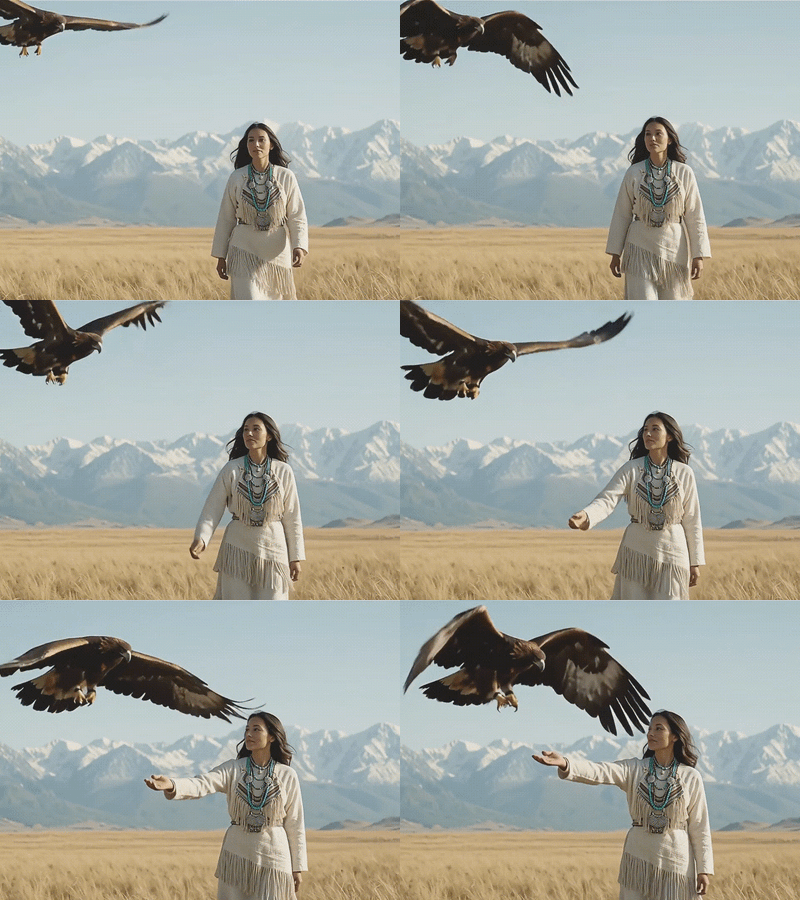
LTX2.3_YOSETA_StartEnd_v02_FLOYO
An LTX-Video 2.3 workflow for generating controlled video between a start and end frame. Designed to maintain composition and continuity while reducing unnecessary retakes in multi-shot video production.
Advertising
ComfyUI
Controlled Motion
Image to Video
LTX-Video 2.3
Shot Continuity
Start End Frame
Video Generation
0
13





Nodes & Models
Note
ClownOptions_SDE_Beta
LatentUpscaleModelLoader
ltx-2.3-spatial-upscaler-x2-1.1.safetensors
ltx-2.3-spatial-upscaler-x1.5-1.0.safetensors
PrimitiveInt
RandomNoise
KSamplerSelect
SharkOptions_Beta
ManualSigmas
LTXVAudioVAELoader
ltx-2.3/ltx-2.3-22b-dev.safetensors
LoadImage
LTXAVTextEncoderLoader
gemma_3_12B_it_fp4_mixed.safetensors
ltx-2.3/ltx-2.3-22b-dev.safetensors
CheckpointLoaderSimple
ltx-2.3/ltx-2.3-22b-dev.safetensors
ComfyMathExpression
ClownSampler_Beta
CLIPTextEncode
LoraLoaderModelOnly
ltx-2.3-22b-distilled-lora-384.safetensors
ResizeImageMaskNode
LTXVEmptyLatentAudio
ImageResizeKJv2
LTXVConditioning
LTX2_NAG
LTXVPreprocess
EmptyLTXVLatentVideo
CFGGuider
LTXVImgToVideoInplaceKJ
LTXVConcatAVLatent
SamplerCustomAdvanced
LTXVSeparateAVLatent
LTXVCropGuides
LTXVLatentUpsampler
LatentUpscaleBy
LatentInterpolate
VAEDecodeTiled
LTXVAudioVAEDecode
CreateVideo
SaveVideo
Overview
This workflow generates a short video by creating controlled motion between a user-supplied start frame and end frame using LTX-Video 2.3.
It was adapted for the YOSETA commercial project to maintain character, composition, object placement, and shot continuity across a multi-shot production. Using approved images at both ends made it easier to constrain unwanted changes and reduce unnecessary retakes.
How to use
Upload a start image and an end image with matching dimensions and aspect ratios.
Describe the intended movement, performance, and camera behavior in the prompt.
Set the desired frame count and duration.
Run the workflow and review the generated motion between the two reference frames.
For subtle facial expressions or restrained movement, the same approved image can be used as both the start and end frame.
Production notes
Matching image dimensions are important for stable execution.
Prompts should focus on motion rather than repeating every visual detail already present in the images.
Start and end frames help constrain composition, but generated intermediate frames should still be reviewed.
Text, logos, interface graphics, and subtitles are best added during post-production.
The workflow was also prepared for repeatable Floyo API operation during the YOSETA production.
Attribution
This workflow was adapted from an existing LTX-Video 2.3 Start/End Frame workflow and customized for Floyo-based production, continuity control, and API-assisted operation in the YOSETA project.
Read more