Krea2 Advanced Workflow
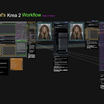
Krea2 advanced workflow with prompt assist 📝, I2I 🖼️, Upscalers, Detailers, and Post Production Correctors 🎨
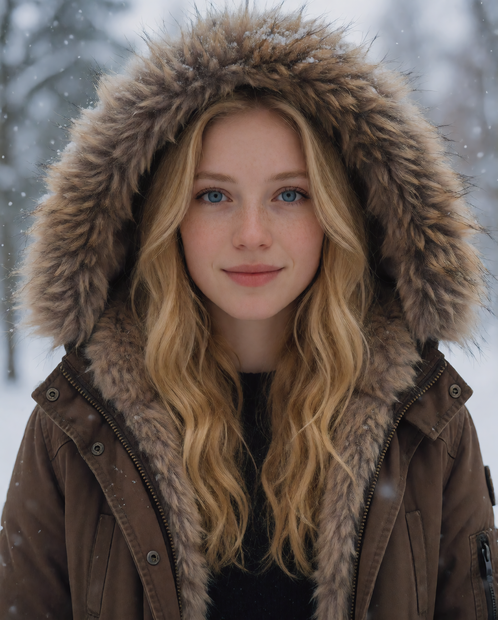
Image
Krea2
Lonecat
226

Nodes & Models
UltralyticsDetectorProvider
Mute / Bypass Repeater (rgthree)
Mute / Bypass Relay (rgthree)
KSampler Config (rgthree)
DenoiseSlider
CR Aspect Ratio Social Media
Largest Int (JPS)
Lora Loader Stack (rgthree)
JWImageResizeByLongerSide
ShowText|pysssss
Get resolution [Crystools]
Any Switch (rgthree)
Node Collector (rgthree)
Fast Bypasser (rgthree)
ProPostApplyLUT
PlaySound|pysssss
UltralyticsDetectorProvider
MarkdownNote
Label (rgthree)
UNETLoader
krea2_turbo_fp8_scaled.safetensors
Ver Private
Comm Use
CLIPLoader
qwen3vl_4b_fp8_scaled.safetensors
Ver Private
Comm Use
VAELoader
wan_2.1_vae.safetensors
Ver Private
Comm Use
LoadImage
Seed (rgthree)
easy positive
PrimitiveBoolean
SAMLoader
sam_vit_b_01ec64.pth
Ver Private
Comm Use
UpscaleModelLoader
4x-ClearRealityV1.pth
Ver Private
Comm Use
Florence2ModelLoader
WidgetToString
ModelSamplingAuraFlow
easy showAnything
Florence2Run
CLIPTextEncode
RemoveDuplicateTags|LP
BooleanSwitchNode
JoinStrings
ImageResizeKJv2
AILab_QwenVL_GGUF_PromptEnhancer
EmptyLatentImage
VAEEncode
Image Saver Metadata
ConditioningKrea2Rebalance
KSampler
VAEDecode
UltimateSDUpscale
PreviewImage
FaceDetailer
FL_ImageAdjuster
Image Saver Simple
DenoiseSlider
CR Aspect Ratio Social Media
Largest Int (JPS)
JWImageResizeByLongerSide
ShowText|pysssss
ShowText|pysssss
PlaySound|pysssss
Get resolution [Crystools]
ProPostApplyLUT
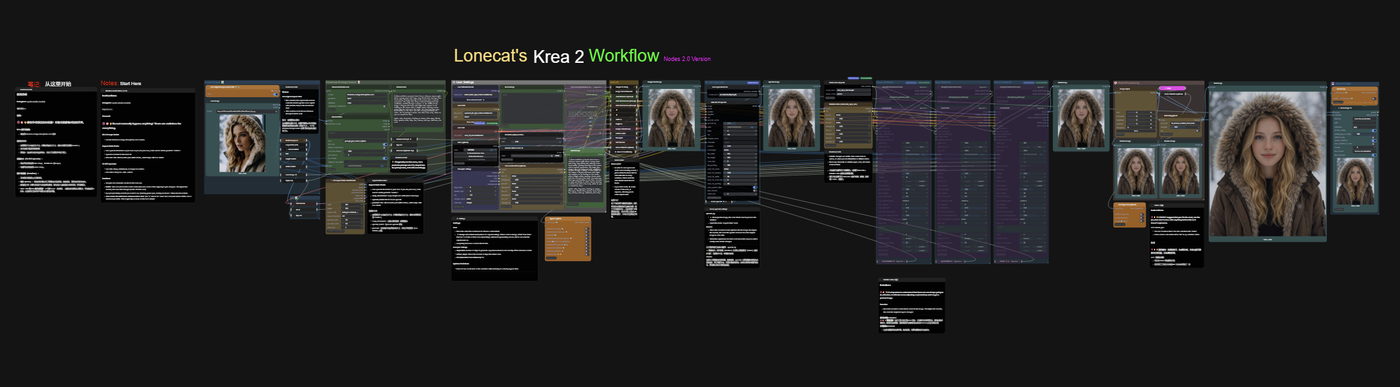
Nodes 2.0 version of my workflow for Krea2
Choose your aspect ratio or use the original Image ratio
Florence Prompt assist analyzes the image and creates a prompt, or enter your own
Qwen Prompt Enhancer maximizes the prompt output for higher quality images
Easy adjustent of all settings in a simple to use format
Ultimate Upscaler for higer quality images
Detailers for Face, Eyes, and hands
Post production Suite for final image adjustment
Read more
N