


動画でさらにできること
すべて見る



カメラ制御のワークフロー一覧カメラ制御のワークフロー
すべての Workflows

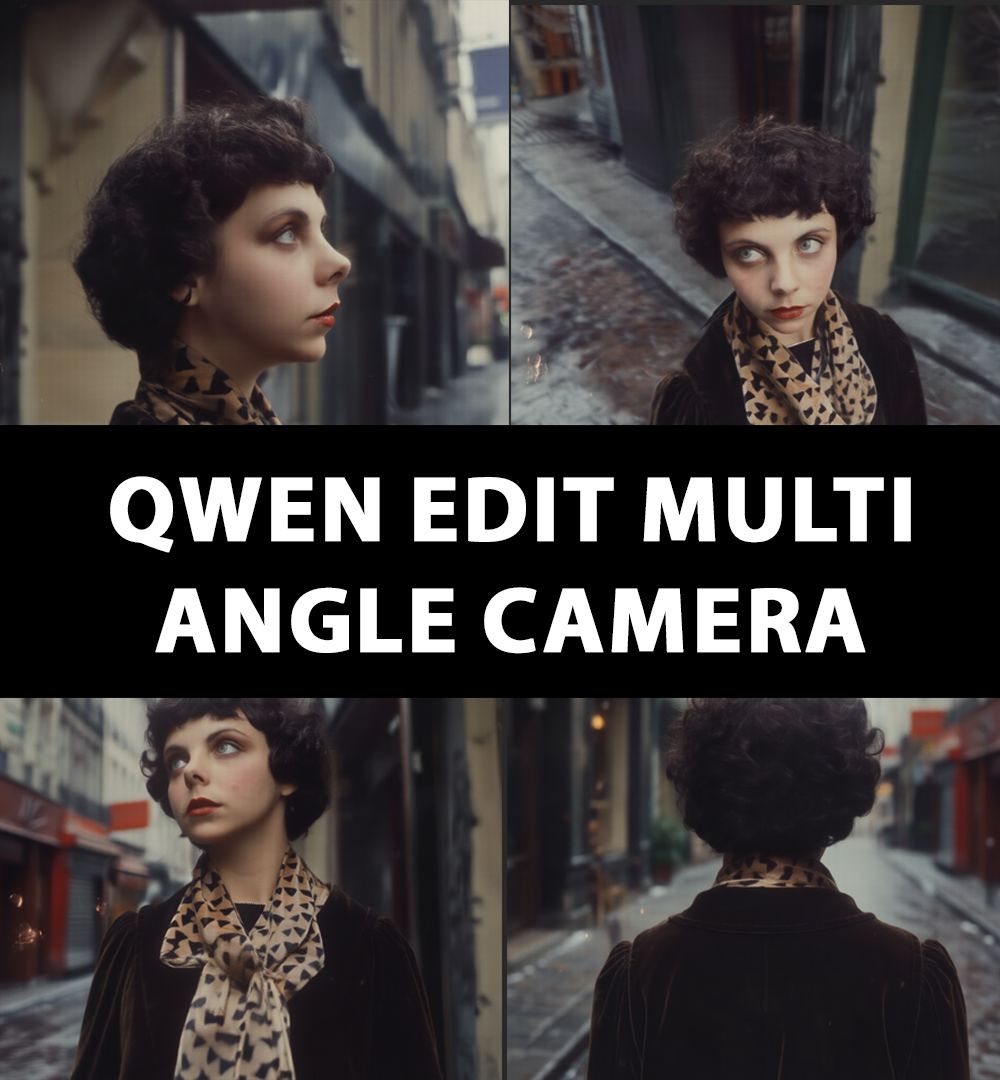
Qwen Image Edit 2509 · Change Camera Angle
Re-render any subject from a new camera angle with Qwen Image Edit 2509 and a Multi-Angle LoRA. Upload one image, name the view, and hit run. Apache 2.0.
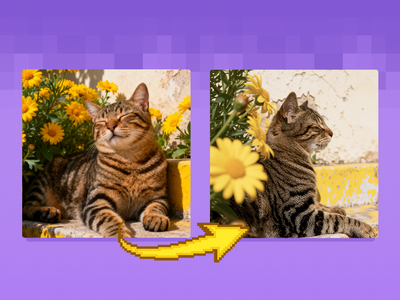
Qwen Image Edit 2509 + Multi-Angle LoRA for Camera
Re-render your subject from any camera angle with Qwen Image Edit 2509 and a Multi-Angle LoRA. Pan, tilt, rotate, wide-angle, or close-up. No trigger word.

LITTLE_ISSN
A 26-scene Seedance 2.0 workflow that reimagines the Japanese folktale Issun-boshi, blending dry-brush textures, ink bleeds, and expressive linework from traditional Japanese painting with dynamic camera moves and high-impact action animation.
Wan2.2 Fun Camera for Camera Control
Wan2.1 and RecamMaster for V2V Camera Control
Adjust the camera angle of an existing video, like magic.

Qwen Image Edit 2511 · Camera Angle Control
Set a precise camera angle with yaw, pitch, and distance using Qwen Image Edit 2511 and the Multi-Angle LoRA. Upload an image, dial in the view, hit run.

Qwen 2511 Multi-Angle Camera · I2I For Kids Edu
Re-render any photo from a new camera angle using Qwen Image Edit 2511 with the Multi-Angle LoRA. Upload a photo, set horizontal and vertical rotation, and hit run.
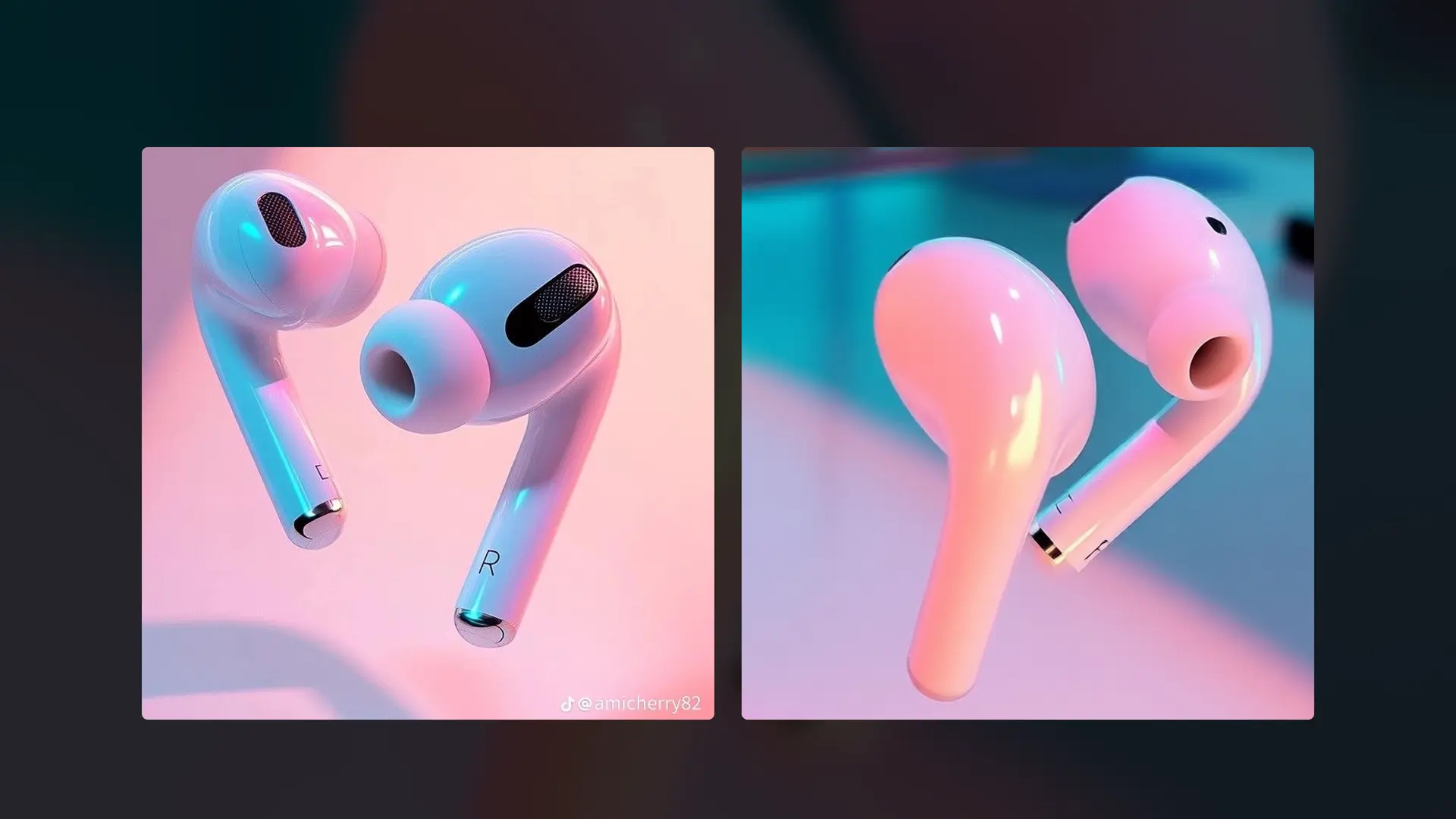
Qwen Image Edit – Multi-Angle Camera View

Video to Video with Camera Control with Wan
Adjust the camera angle of an existing video, like magic.


Camera Angle Control with Qwen
Qwen
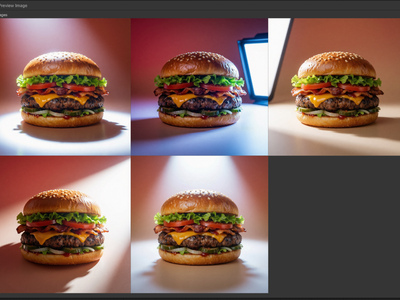
Qwen Multiangle Light with Qwen Image Edit 2511
Relighting images using Qwen multiangle light node

Camera Angle Creation using Image2Vid
Using witness cameras to recreate additional shots that were not captured by principal photography
Workflows = API
すべてのワークフローが API エンドポイントです。 バックエンドを作らずに、AI 生成を自社のプロダクトに組み込めます。 ワークフローを選んでカスタマイズし、「Floyo API スニペットをコピー」をクリックすれば完了です。

MCP
プラットフォーム上のすべてのワークフローに、自分のエージェントや社内ツールから、同じ管理設定のもとでアクセスできます。
mcp.floyo.ai/mcp
かんたんテンプレート
既製のワークフローを開き、説明を読んで入力を変え、Run をクリックするだけ。ほとんどの人はノードを開くこともありません。複雑な部分は、必要なときのために裏側にあります。

Trust Center
誰かが実行する前に、安全かどうかがわかります。すべてのモデルに Verified Private と Commercial Use のステータスがあり、承認していないモデルはチームの管理設定でブロックできます。管理者は、チームが使えるモデル、プロバイダー、ノードを選べます。

かんたんテンプレート
既製のワークフローを開き、説明を読んで入力を変え、Run をクリックするだけ。ほとんどの人はノードを開くこともありません。複雑な部分は、必要なときのために裏側にあります。
Trust Center
誰かが実行する前に、安全かどうかがわかります。すべてのモデルに Verified Private と Commercial Use のステータスがあり、承認していないモデルはチームの管理設定でブロックできます。管理者は、チームが使えるモデル、プロバイダー、ノードを選べます。
Workflows = API
すべてのワークフローが API エンドポイントです。 バックエンドを作らずに、AI 生成を自社のプロダクトに組み込めます。ワークフローを選んでカスタマイズし、「Floyo API スニペットをコピー」をクリックすれば完了です。
