


Allez plus loin avec l’image
Tout explorer


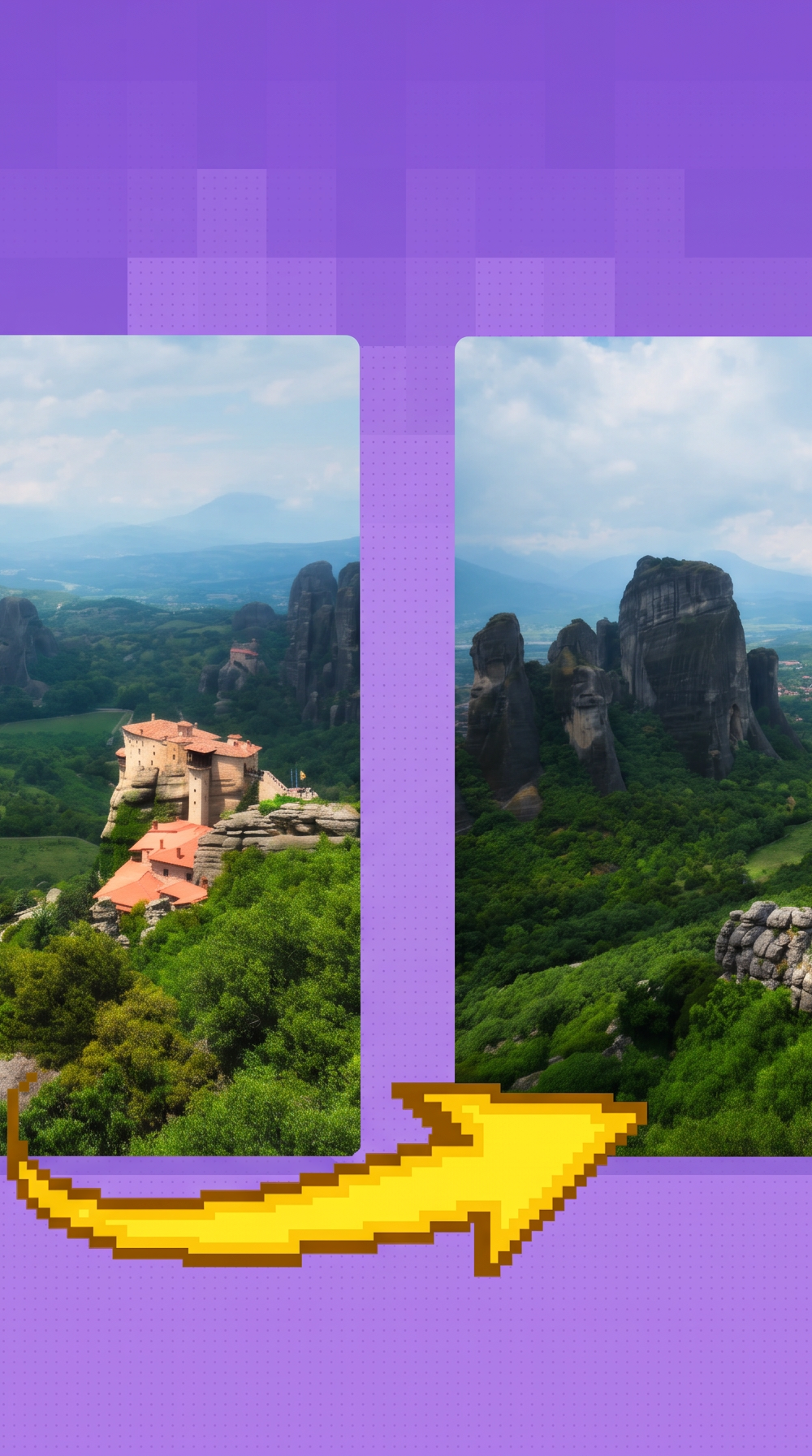
Tous les workflows de type outpaintingWorkflows : Outpainting
Tous les Workflows

Flux.2 Klein Image Expansion / Outpaint
Wan2.1 and VACE for Video to Video Outpainting
Wan VACE video outpainting invites you to break free from the limits of the frame and explore endless creative possibilities.
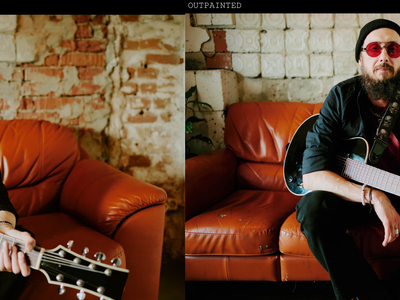
FLUX.2 Klein 4B for Image Outpainting
Outpaint image using Flux 2 Klein 4B using LanPaint and Outpaint LoRA
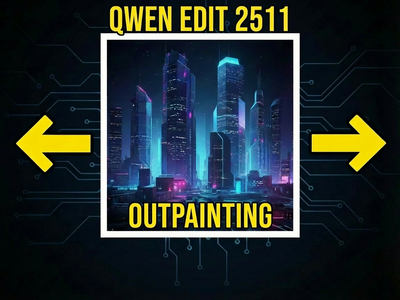

Qwen Edit 2511 OUTPAINTING
OUTPAINTING
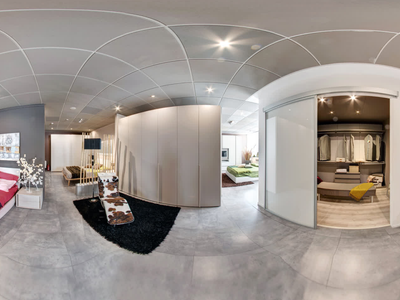
Flux 2 Klein 9B + 360 Panorama ERP LoRA
Turn any image into a full 360 equirectangular panorama with Klein 9B and a 360 ERP outpaint LoRA. Cut flat camera shots at any angle from the result.
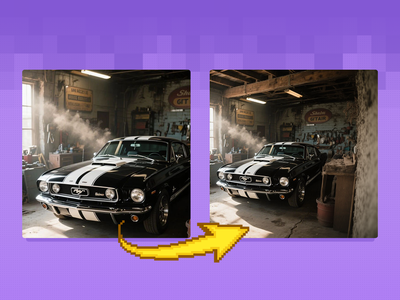
Flux Fill Dev Image Outpainting
Extend your images out for a wider field of view or just to see more of your subject. Expand compositions, change aspect ratios, or add creative elements while maintaining consistency in style, lighting, and detail while seamlessly blending with the existing artwork.

Flux 2 Klein 9B Panorama Inpainting
Edit 360 panoramas with Flux 2 Klein 9B. Select a region, describe the change, and the edit gets composited back into your full panoramic image. No warping.


Image Outpaint to Any Aspect Ratio
Reframe any image to a new aspect ratio without cropping. Nano Banana Pro extends the canvas, inventing new background pixels while keeping the original intact.

Graphic Design Recomposer - Reframe Ads

FLUX.2 Klein Outpaint · Image Expansion
Upload an image and FLUX.2 Klein extends the scene outward on both sides, filling in new content that matches the original lighting, perspective, and detail, then upscales the result with SeedVR2.

Extended

FLUX.2 Klein Image Expansion · I2I For Short Drama
Expand any photo with new content on any side using FLUX.2 Klein 9B for outpainting and SeedVR2 7B Sharp for upscaling. Upload a photo, set the expansion width, and hit run.
Workflows = API
Chaque workflow est un endpoint d’API. Intégrez la génération par IA à votre produit sans développer de backend. Choisissez un workflow, personnalisez-le, cliquez sur « Copier l’extrait de code Floyo API », et c’est fait.

MCP
Tous les workflows de la plateforme, accessibles depuis vos propres agents et outils internes, avec les mêmes contrôles d’administration.
mcp.floyo.ai/mcp
Templates simples
Ouvrez un workflow prêt à l’emploi, lisez les instructions, changez votre entrée, cliquez sur Exécuter. La plupart des gens n’ouvrent jamais un nœud. La complexité est facultative et reste sous le capot.

Trust Center
Sachez ce qui est sûr avant que quiconque ne l’exécute. Statuts Verified Private et Commercial Use pour chaque modèle, et des contrôles d’équipe pour bloquer ceux que vous n’approuvez pas.Les administrateurs choisissent les modèles, les fournisseurs et les nœuds que l’équipe peut utiliser.

Templates simples
Ouvrez un workflow prêt à l’emploi, lisez les instructions, changez votre entrée, cliquez sur Exécuter. La plupart des gens n’ouvrent jamais un nœud. La complexité est facultative et reste sous le capot.
Trust Center
Sachez ce qui est sûr avant que quiconque ne l’exécute. Statuts Verified Private et Commercial Use pour chaque modèle, et des contrôles d’équipe pour bloquer ceux que vous n’approuvez pas.Les administrateurs choisissent les modèles, les fournisseurs et les nœuds que l’équipe peut utiliser.
Workflows = API
Chaque workflow est un endpoint d’API. Intégrez la génération par IA à votre produit sans développer de backend.Choisissez un workflow, personnalisez-le, cliquez sur « Copier l’extrait de code Floyo API », et c’est fait.
Premiers pas
Cours gratuit
ComfyUI 101
cours gratuit de Sebastian KamphCours gratuit de Sebastian Kamph
Dix leçons, d’un canevas vierge jusqu’à ControlNet. Nœuds, texte vers image, modèles, LoRA, upscaling et réglages du KSampler. Rien à installer. Chaque leçon s’exécute ici : vous terminez avec des workflows que vous avez construits vous-même.
