


Do more with 3D
Explore All

All image to 3D workflowsImage to 3D workflows
All Workflows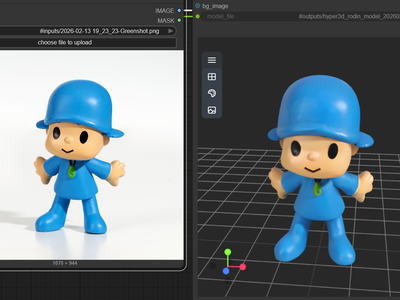

Hyper3D Rodin V2 for Image to 3D
Turn your images into 3D using Hyper3D Rodin v2
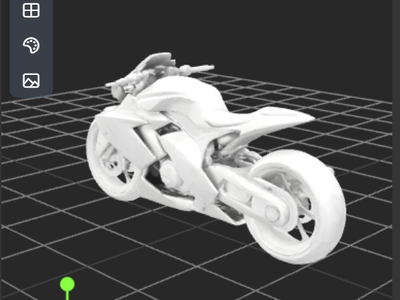
Meshy v6 Text to 3D Model
Create a 3D using Meshy v6 text to model
Image to 3D with Hunyuan3D
A simple workflow to create a detailed & textured 3D model from a reference image.
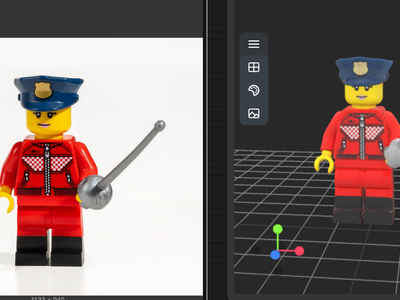
Meshy v6 for Image to 3D Model
Create a 3D model from Image using Meshy v6
Trellis 2 Image to 3D
Upload an image and Trellis 2 builds a textured 3D mesh with PBR materials. Outputs GLB ready for Blender, Unity, or Unreal in about a minute on an H100.
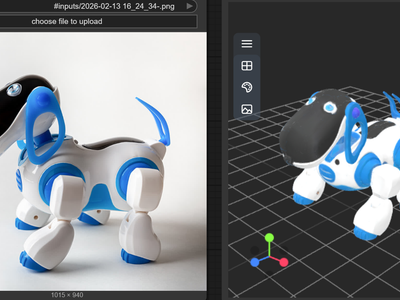
Tripo3D for Image to 3D
Create 3D model using Tripo3D with v2.5

SHARP · Image to 3D Gaussian Splat
Upload one image and Apple's SHARP model generates a 3D Gaussian Splat in under a second, with a live 3D preview and a downloadable PLY file.

TripoSplat · Image to 3D Turnaround
Turn one photo into a 3D Gaussian splat with TripoSplat by VAST-AI, plus colour, depth, normal, and clay turntable videos. Upload an image and hit run.

MoGe 2 for Perspective Image to 3D Mesh
Upload one photo and MoGe 2 by Microsoft Research converts it into a textured 3D mesh with depth maps, normal maps, and a downloadable GLB file. Hit run.

MoGe-2 · Panorama to 3D Mesh
Turn a 360 panorama into a textured 3D mesh with MoGe-2, Microsoft's geometry model. Upload a panorama, hit run, and download a GLB you can open anywhere.
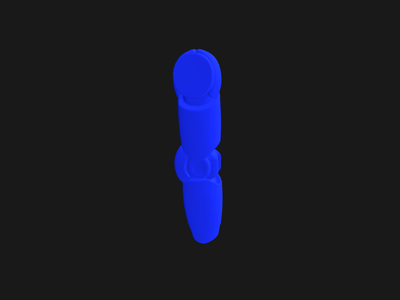
Hunyuan 3D v3.1 for Part Splitter
Break a 3D mesh into clean, separate components using Tencent's Hunyuan 3D Part Splitter. Paste a link to an FBX file, hit run, and download each part individually.
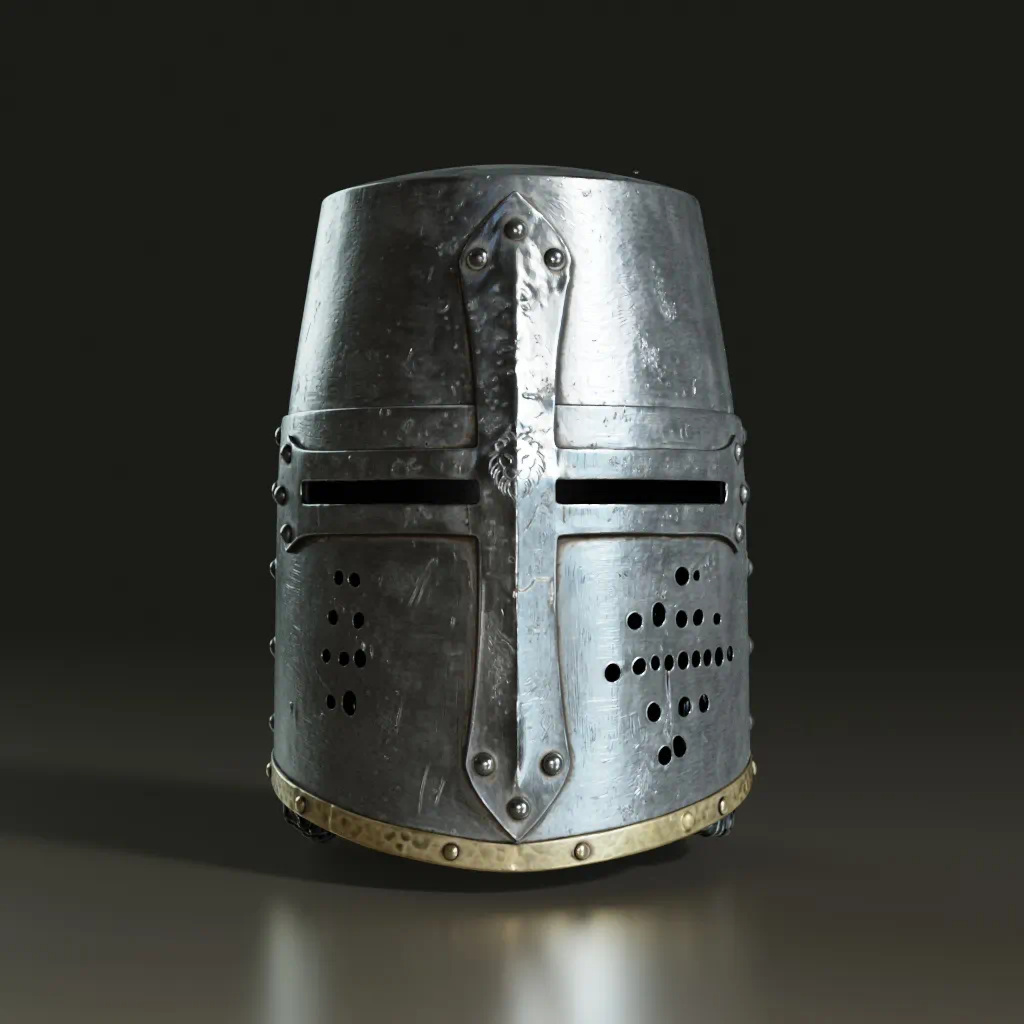
Hi3D for Multiview to 3D
Upload one to four photos of an object from different angles. Hi3D V3 reconstructs a textured, PBR-ready 3D model you can open in Blender, Unity, or Unreal.
Workflows = APIs
Every workflow is an API endpoint. Ship AI generation in your product without building a backend. Pick a workflow, customize, click "Copy API Snippet," done.

MCP
Every workflow on the platform, reachable by your own agents and internal tools, under the same admin controls.
mcp.floyo.ai/mcp
Easy templates
Open a ready-made workflow, read the instructions, change your input, click Run. Most people never open a node. Complexity is optional and lives under the hood.

Trust Center
Know what's safe before anyone runs it. Verified Private and Commercial Use status for every model, plus team controls to block the ones you don't approve.Admins choose which models, providers and nodes the team can use.

Easy templates
Open a ready-made workflow, read the instructions, change your input, click Run. Most people never open a node. Complexity is optional and lives under the hood.
Trust Center
Know what's safe before anyone runs it. Verified Private and Commercial Use status for every model, plus team controls to block the ones you don't approve.Admins choose which models, providers and nodes the team can use.
Workflows = APIs
Every workflow is an API endpoint. Ship AI generation in your product without building a backend.Pick a workflow, customize, click "Copy API Snippet," done.
get Started
Free Course
ComfyUI 101
free course by Sebastian KamphFree course by Sebastian Kamph
Ten lessons from a blank canvas to ControlNet. Nodes, text to image, models, LoRA, upscaling and KSampler settings. Nothing to install. Every lesson runs here, so you finish with workflows you built yourself.
