


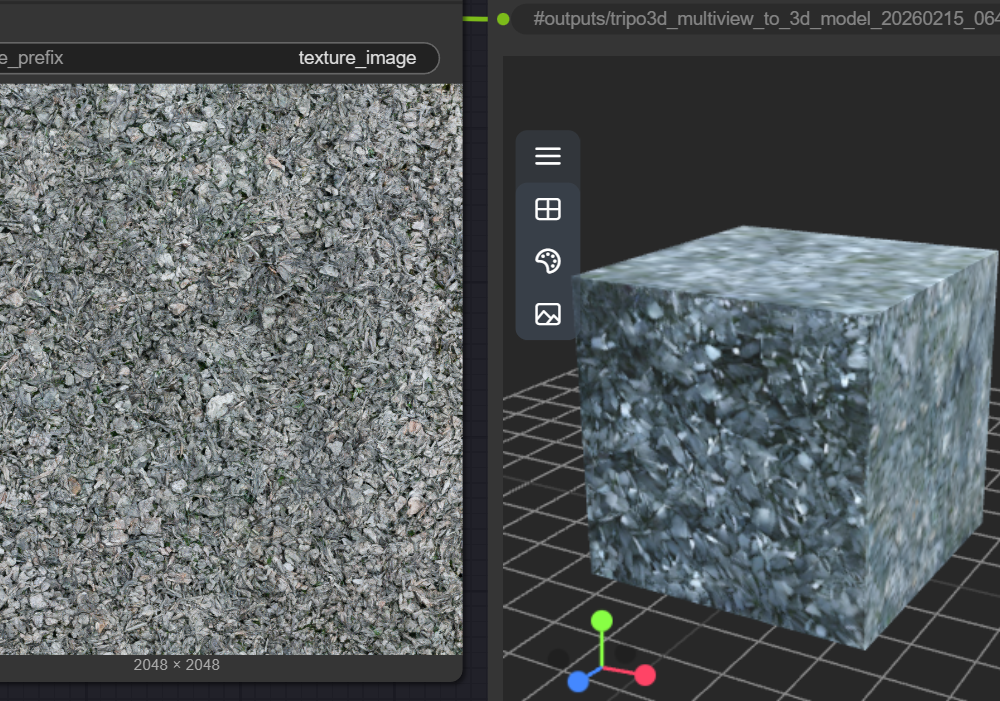
Do more with 3D
Explore All

All 3D textures workflows3D textures workflows
All Workflows

Trellis 2 Image to 3D
Upload an image and Trellis 2 builds a textured 3D mesh with PBR materials. Outputs GLB ready for Blender, Unity, or Unreal in about a minute on an H100.
Z-Image Turbo + Chord Image to PBR Material

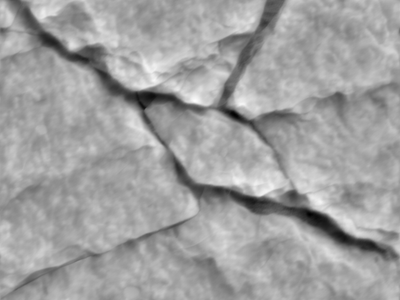
Texture to PBR · Image to Material
Upload a seamless texture and this workflow extracts a full PBR material set including albedo, normal, metallic, roughness, ambient occlusion, and height maps using Marigold and Lotus models.
Seamless PBR Texture Workflow
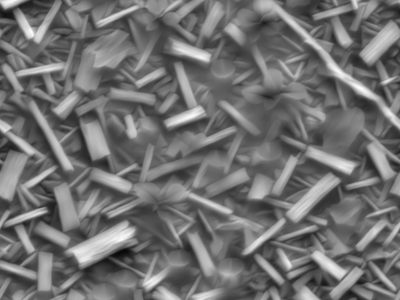
Turn any reference image into a tileable wood texture with full PBR maps: basecolor, normal, roughness, metalness, and height. Built for Unreal and Blender.
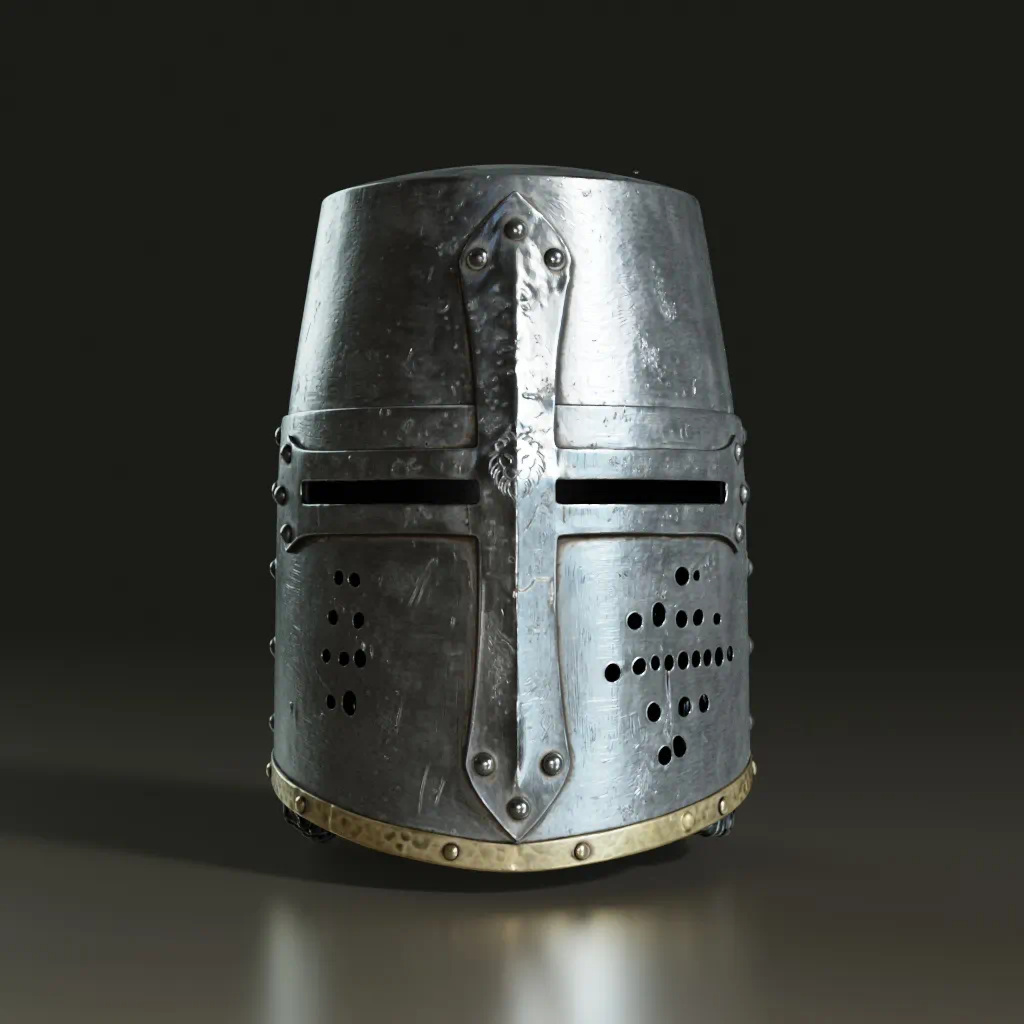
Hi3D for Multiview to 3D
Upload one to four photos of an object from different angles. Hi3D V3 reconstructs a textured, PBR-ready 3D model you can open in Blender, Unity, or Unreal.
Hi3D V3 · Image to 3D
Upload one image and Hi3D V3 by Math Magic reconstructs it into a high-detail 3D model with textures and PBR materials. Pick your format and download.

Tripo P2 for Image to 3D
Upload one image and Tripo P2 builds a textured, game-ready 3D model with optional PBR materials. Preview it in the 3D viewer, then download.

Meshy 7 · Text to 3D
Describe any object and Meshy 7 generates a fully textured 3D model with PBR materials. Export as GLB, FBX, OBJ, USDZ, or STL. Write a prompt and run.

Tripo P1 for Image to 3D
Upload one image and Tripo P1 builds a textured 3D model from it, with clean topology and PBR materials, ready for game engines, VR, and 3D editors.
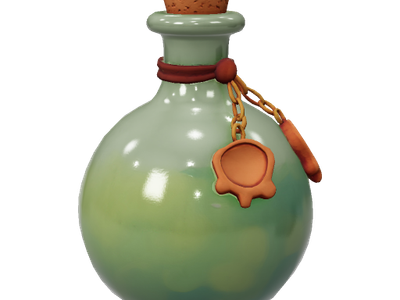
Tripo P2 for Text to 3D
Generate game-ready 3D models from text with Tripo P2 by Tripo AI. Get clean quad or triangle meshes with PBR textures. Describe an object and hit run.
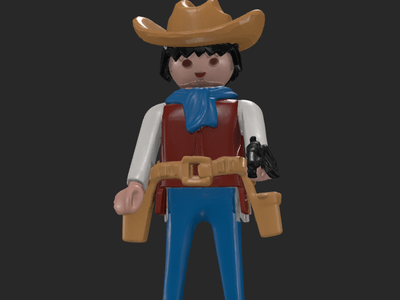
Pixal3D + TRELLIS.2: Photo to PBR Texture 3D Model
Turn one image into a textured 3D GLB with PBR maps using Pixal3D or TRELLIS.2. Upload a photo of an object, pick a model, and run to download your mesh.
Workflows = APIs
Every workflow is an API endpoint. Ship AI generation in your product without building a backend. Pick a workflow, customize, click "Copy API Snippet," done.

MCP
Every workflow on the platform, reachable by your own agents and internal tools, under the same admin controls.
mcp.floyo.ai/mcp
Easy templates
Open a ready-made workflow, read the instructions, change your input, click Run. Most people never open a node. Complexity is optional and lives under the hood.

Trust Center
Know what's safe before anyone runs it. Verified Private and Commercial Use status for every model, plus team controls to block the ones you don't approve.Admins choose which models, providers and nodes the team can use.

Easy templates
Open a ready-made workflow, read the instructions, change your input, click Run. Most people never open a node. Complexity is optional and lives under the hood.
Trust Center
Know what's safe before anyone runs it. Verified Private and Commercial Use status for every model, plus team controls to block the ones you don't approve.Admins choose which models, providers and nodes the team can use.
Workflows = APIs
Every workflow is an API endpoint. Ship AI generation in your product without building a backend.Pick a workflow, customize, click "Copy API Snippet," done.
get Started
Free Course
ComfyUI 101
free course by Sebastian KamphFree course by Sebastian Kamph
Ten lessons from a blank canvas to ControlNet. Nodes, text to image, models, LoRA, upscaling and KSampler settings. Nothing to install. Every lesson runs here, so you finish with workflows you built yourself.
