
Floyo
Floyo
Workflows
API
Pricing
Floyo
Floyo
Workflows
API
Pricing
Best Open-Source Image Generation Models in 2026 hero

COMMUNITY PAGE

Best Open-Source Image Generation Models in 2026

Overview

The open-source image generation space has changed fast in 2026. A year ago, you were waiting 30 seconds for SDXL to finish a single 1024px image. Now there are models generating in under a second, rendering readable text, and doing editing and generation inside the same architecture. These five models earned their spot because each one solves a different creative problem. The right pick depends on what you're making. All five run on Floyo in your browser. No GPU, no downloads, no setup.

Side-by-Side

Model Best For Speed Params License
Z-Image Turbo Fast photorealistic generation ~2-3s 6B Apache 2.0
Flux 2 Klein Generation + editing in one model <500ms 4B / 9B Apache 2.0 (4B)
Krea 2 Aesthetic quality + LoRA training ~2s 12.9B Community
Qwen-Image Edit Precise editing + text rewrite Slower 20B Commercial OK
Ideogram 4.0 Design output + typography ~3-5s 9.3B Non-commercial*

*Ideogram 4.0 requires a paid license for commercial use.

1. Z - Image Turbo

Open Source Apache 2.0 Tongyi-MAI (Alibaba) · 6B params · 8 steps · Up to 2048×2048

Z-Image Turbo · Text to Image

Image

Marketing

Photography

Production

Text2Image

z-image

Z-Image Turbo

Fast Image Generation in Seconds

Z-Image Turbo · Text to Image

Fast Image Generation in Seconds

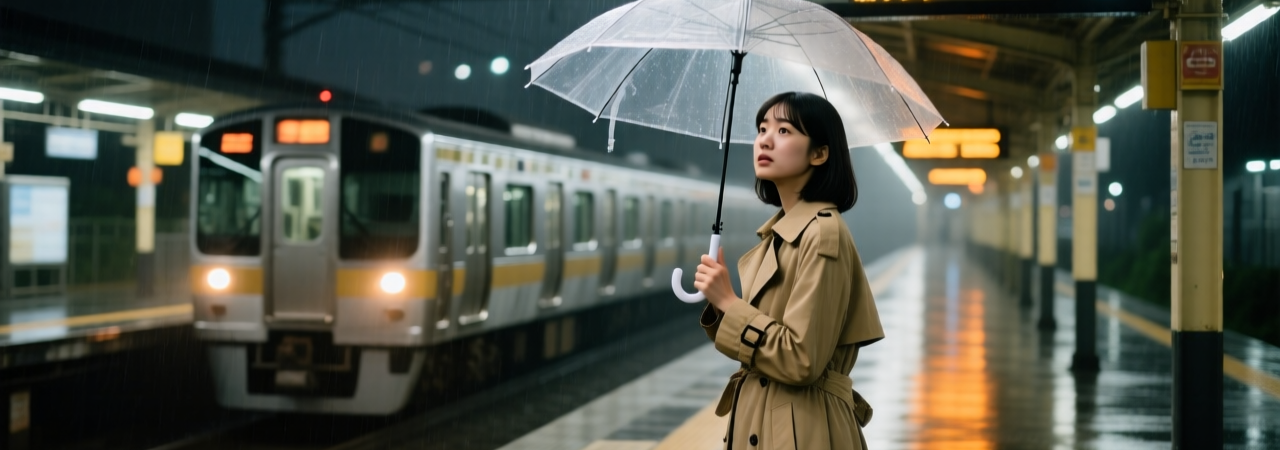
Z-Image Turbo generates 1024px images in about 2 to 3 seconds on a consumer GPU, using only 8 inference steps. For a 6B model, the photorealism is surprisingly competitive with models four times its size.

The bilingual text rendering is worth calling out. English and Chinese both render cleanly inside generated images. That matters if you're producing social posts, business cards, or marketing visuals with copy baked in. Most open-source models still garble letterforms. This one doesn't.

It runs on 16GB VRAM at full precision, or as low as 6GB with quantized checkpoints. Prompting style matters here: detailed, cinematic prompts (specify the lighting, the era, the camera) produce strong results. Vague one-liners don't.

When to Use It

Fast photorealistic generation at volume. Product mockups, social batches, concept previews where iteration speed beats maximum fidelity.

Run Z-Image Turbo on Floyo →

2. Flux 2 Klein

Open Source Apache 2.0 (4B) Black Forest Labs · 4B / 9B params · 4 steps (distilled) · Up to 2048×2048
Flux 2 Klein 9b - Text to Image

Fast

Flux 2

Flux 2 Klein

Image

Text to image

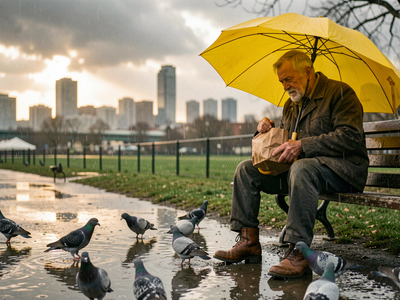
A simple text to image workflow using the Flux 2 Klein 9B model.

Flux 2 Klein 9b - Text to Image

A simple text to image workflow using the Flux 2 Klein 9B model.

Most image models only generate. Flux 2 Klein generates and edits inside the same architecture. You create an image, then modify it with a follow-up prompt. Change the background, swap an element, adjust the style, all without leaving the model.

"Klein" means "small" in German, and the name fits. The 4B distilled variant produces output in under 500 milliseconds. That's fast enough for real-time creative tools where instant visual feedback actually matters.

The multi-reference editing is what makes it stand out for production work. Feed it up to 4 reference images and it composites elements while keeping identity consistent. Product shots, character sheets, ad variants with the same visual DNA. The 4B version ships under Apache 2.0. The 9B uses a non-commercial license.

For pure text-to-image quality, Z-Image Turbo still wins. Klein's edge is the unified pipeline: generation plus editing in one place.

When to Use It

Iterative workflows where you generate, then refine. Product photography variations, design exploration, any pipeline where switching between a generation model and an editing model slows you down.

Run Flux 2 Klein workflows on Floyo →

3. Krea 2 

Open Source Community License Krea AI · 12.9B params · RAW (base) + Turbo (8-step distilled) · Native 2K
Krea 2 for Text to Image

Image

image generation

krea 2

krea 2 turbo

krea ai

LoRAs

lora styles

open source

text to image

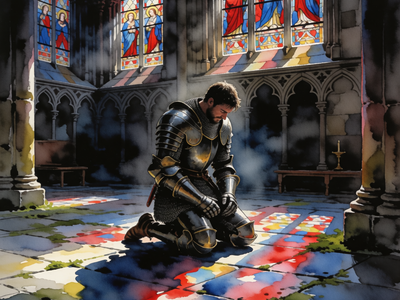
Turn a text prompt into a finished image with Krea 2 Turbo, Krea AI's fast open-source image model. Type what you want to see, hit run, and get a result in seconds.

Krea 2 for Text to Image

Turn a text prompt into a finished image with Krea 2 Turbo, Krea AI's fast open-source image model. Type what you want to see, hit run, and get a result in seconds.

Krea spent three years as a polished frontend for other people's models. Krea 2 is their own, built from scratch, and it's the most aesthetically tuned open-source image model available right now.

It ships as two checkpoints. Krea 2 RAW is a mid-training snapshot built for fine-tuning and LoRA training. Krea 2 Turbo is the production version: 8-step distilled, generating native 2K images in about 2 seconds. The key detail is that LoRAs trained on RAW transfer directly to Turbo. You customize on the base, then run at full speed on the distilled version.

Style control is where Krea 2 pulls ahead of the field. Its reference system extracts palette, texture, lighting, line work, and composition from your reference images, with separate strength sliders for each. If your studio needs a specific visual direction (not the default "AI look"), that control changes what's possible.

On the Artificial Analysis leaderboard, it ranks #1 among text-to-image models from independent labs. The Community License covers free commercial use for studios under 50 seats.

When to Use It

When aesthetics are the priority. Editorial shoots, brand campaigns, creative direction that needs to be precise and repeatable. Also the best option for teams building custom LoRAs.

Discover Krea 2 workflows on Floyo →

4. Qwen - Image Edit 

Open Source Commercial OK Qwen Team (Alibaba) · 20B params · MMDiT · Semantic editing, style transfer, text rewriting
Qwen Image 2512 · Text to Image

Image

Photography

Qwen

Qwen Image 2512

Text2Image

Text to image

Qwen Image 2512 · Text to Image

Text to image

Qwen-Image Edit takes an existing image, reads a natural language instruction, and makes the edit you described without wrecking everything else in the frame. That sounds basic, but most open-source models still can't do it reliably.

It handles two categories of edits. Semantic edits change what the image means: convert a photo to anime, transfer a character to a new scene, rotate an object. Appearance edits change how parts look: swap a background, adjust colors, remove an element. Both work from a plain text prompt.

The standout feature is text rewriting inside images. It can change the words on a sign, update copy on a poster, or replace a product label while matching the original font, size, and visual context. For ecommerce teams localizing images or marketing teams iterating on ad copy, that saves an entire round of Photoshop work.

At 20B parameters, this is the largest model here. It's built for precision, not speed. Running it on Floyo means the hardware requirements aren't your problem.

When to Use It

Post-production edits on existing images. Style transfer, background replacement, object removal, and in-image text changes that would normally need manual work.

Run Qwen-Image Edit on Floyo →

5. Ideogram 4.0

Open Source Non-Commercial* Ideogram AI · 9.3B params · Single-Stream DiT · 0.97 X-Omni EN OCR · Native 2K

Ideogram V4 · Text to Image

ideogram v4

Image

text rendering

text to image

typography

Write a prompt and Ideogram V4 generates a design-grade image with the most accurate text rendering of any open-weight model, at up to native 2K resolution.

Ideogram V4 · Text to Image

Write a prompt and Ideogram V4 generates a design-grade image with the most accurate text rendering of any open-weight model, at up to native 2K resolution.

Every model on this list generates images. Ideogram 4.0 generates designs.

It accepts structured JSON prompts that let you specify bounding boxes for text placement, hex color palettes, and layout coordinates. Six text regions can anchor titles, subtitles, dates, taglines, and CTAs exactly where you want them. That's the kind of control graphic designers need for posters, packaging, social templates, and event materials.

Text rendering is the headline number. It scores 0.97 on X-Omni English OCR, the highest of any open-weight model at any scale. At 9.3B parameters, it beats Qwen-Image (20B), FLUX.2 Dev (32B), and HunyuanImage 3.0 (80B) on typography accuracy. Better output from a smaller model.

On DesignArena, where professional graphic designers pick between outputs in blind tests, Ideogram 4.0 is #1 among open-weight models. The weights are free for non-commercial use. Revenue-generating projects need a paid license through ideogram.ai or their API.

When to Use It

When the output needs to look like a designer made it. Posters, packaging, social graphics, anything where typography and layout precision matter as much as image quality.

Try Ideogram 4.0 on Floyo →

Pick by the job, not by benchmarks

These models aren't ranked. They're specialized. Most production workflows will chain two or three of them together: generate a base with Z-Image Turbo, refine with Qwen-Image Edit, add typography with Ideogram 4.0. On Floyo, they all run as workflows you can combine.

Need speed? Z-Image Turbo. Generate then edit? Flux 2 Klein. Aesthetic control? Krea 2. Post-production fixes? Qwen-Image Edit. Design-grade layout? Ideogram 4.0.

Run All Five, NO Setup Required 

Every model here runs on Floyo in your browser. Open a workflow, write your prompt, hit run. Pay only when you generate.

FAQs

Common questions about open-source image generation models, answered.

What is the best free AI image generator in 2026?

For photorealism, Z-Image Turbo (Apache 2.0). For aesthetic quality and style control, Krea 2.

Which AI model has the best text rendering in images?

Ideogram 4.0. It scores 0.97 on X-Omni English OCR and supports structured layout prompts with bounding boxes for precise text placement.

What is the fastest open-source image generation model?

Flux 2 Klein 4B generates in under 500 milliseconds. For photorealistic quality, Z-Image Turbo produces 1024px images in 2 to 3 seconds.

Which AI model is best for editing existing images?

Qwen-Image Edit. It handles background swaps, style transfer, object removal, and in-image text rewriting from a plain text prompt.

Do I need a GPU to run these models?

No. All five run on Floyo in your browser. No local GPU, no downloads, no setup.

What is Floyo?

Floyo is the only platform with enterprise and team collaboration for ComfyUI. Access every model, every node, every API, both open-source and proprietary, in a single workspace.

How much does Floyo cost?

Floyo has a free tier with 5 minutes of generation time. Paid plans start at $12/month with H100 GPUs and no run time limits. You're only charged for active GPU time while a workflow is running. See current rates on the pricing page.

Table of Contents
OVERVIEW

Best open-source image generation models in 2026: Z-Image Turbo, Flux 2 Klein, Krea 2, Qwen-Image Edit, Ideogram 4.0. Compare and run all five on Floyo.