

Z-Image Base · Text to Image For Anime
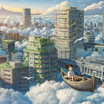
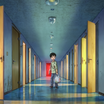
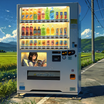
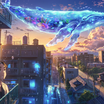
Write a prompt and Z-Image Base generates a photorealistic image at 1024x1024 with 30 steps and the res_multistep sampler, using the undistilled 6B model for maximum detail and quality.
high details
Image
text to image
z-image
258
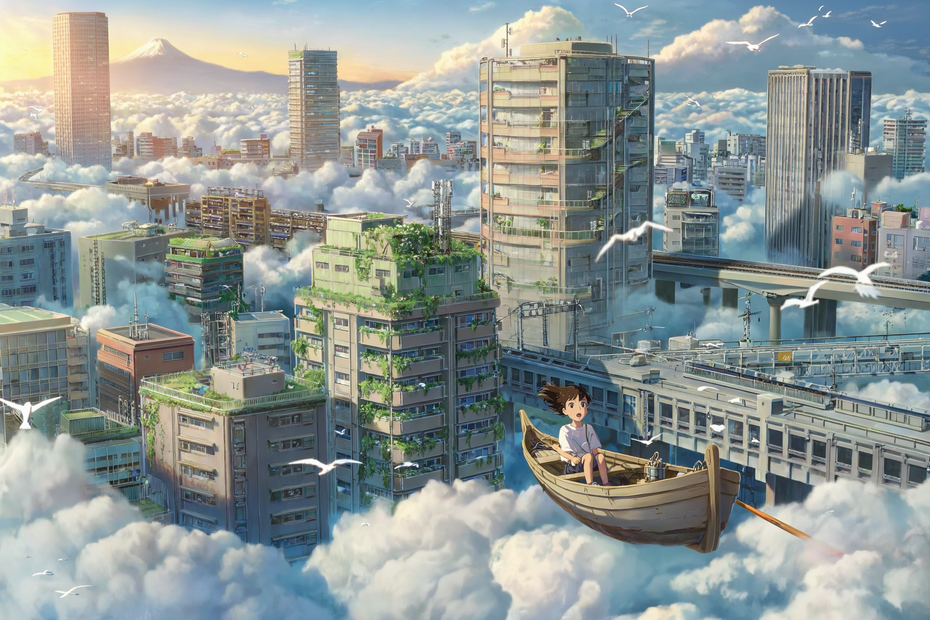
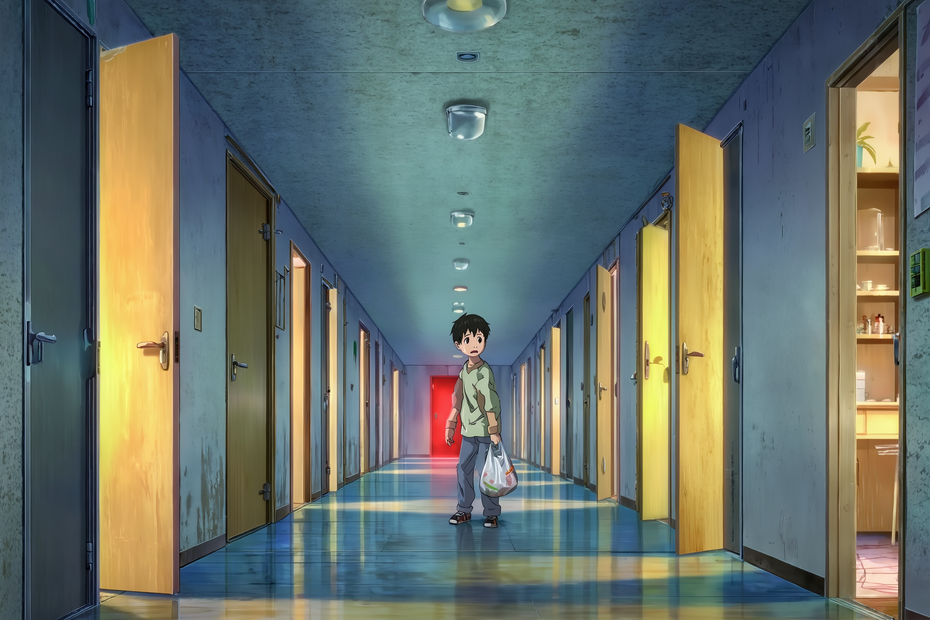
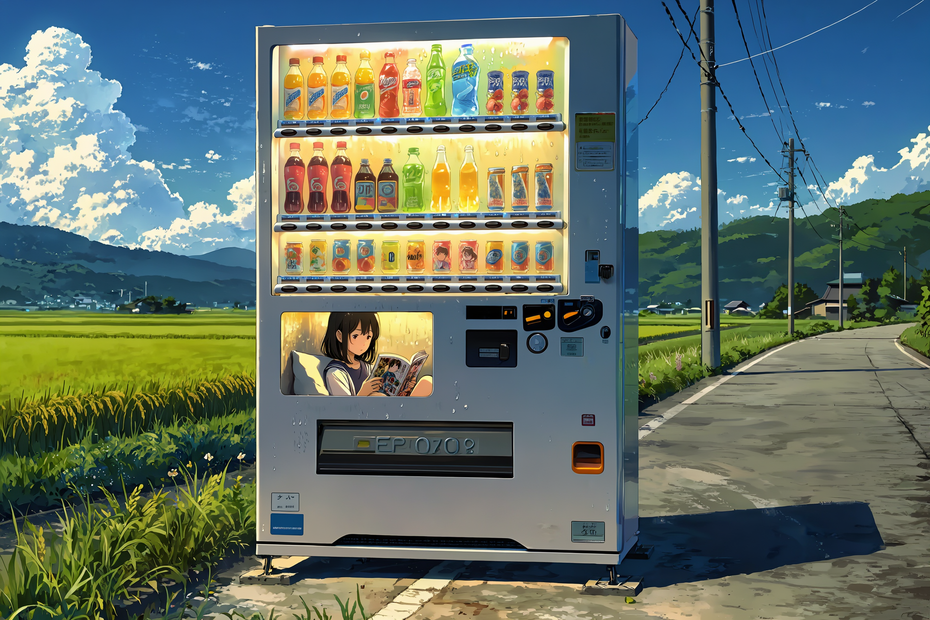
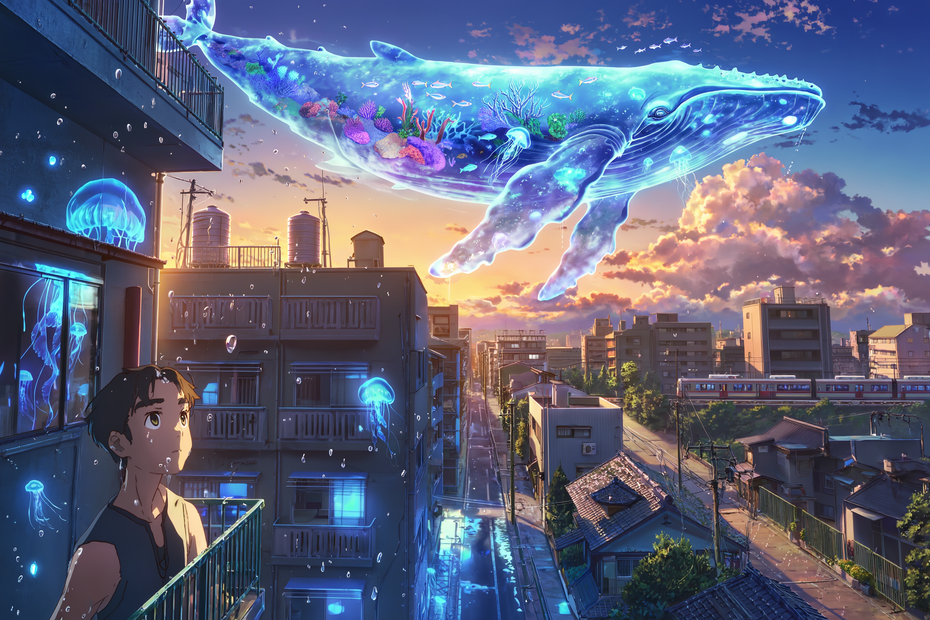

Nodes & Models
FloyoStickyNote
UNETLoader
z_image_bf16.safetensors
VAELoader
ae.safetensors
MarkdownNote
EmptySD3LatentImage
SaveImage
CLIPLoader
qwen_3_4b.safetensors
CLIPTextEncode
ModelSamplingAuraFlow
VAEDecode
KSampler
ABOUT THE WORKFLOW
Generate a High-Detail Image
Write a prompt describing the image you want. Z-Image Base generates it at 1024x1024 in 30 steps with CFG 4 and the res_multistep sampler. This is the undistilled base model, not the Turbo variant. It runs slower but produces finer detail, sharper textures, and more refined compositions. Use this when quality matters more than speed.
Model
Z-Image Base (6B, bf16) by Tongyi-MAI (Alibaba). The full undistilled 6-billion-parameter Diffusion Transformer. Runs at 30 to 50 steps with CFG 3 to 5 for maximum quality. Paired with a Qwen 3 4B text encoder for bilingual (English/Chinese) prompt understanding.
HOW IT WORKS
Step 1. Write your prompt
Describe the image in detail: subject, setting, lighting, camera, composition, and mood. "A woman in a backyard kneels in the grass planting a small flower, patting soil around it and watering it with a metal watering can, close-ups of hands in the dirt and water droplets, soft late-afternoon sunlight, shallow depth of field" gives the model clear direction.
Works great with: photorealism · portraits · nature · product shots · editorial stills · concept art
Step 2. Hit run and download
Z-Image Base generates the image at 1024x1024 in 30 steps and saves it.
Ready for: Photoshop · Figma · Canva · print · social media · web
First time? Write a detailed prompt and hit run. Leave all settings as-is.
RECOMMENDED SETTINGS
Quick-start guide. Find the goal that matches yours and copy the settings.
Standard high-detail generation — 1024x1024, 30 steps, CFG 4, res_multistep sampler, seed randomized. Write your prompt and run.
Maximum quality — Raise steps to 50. More sampling passes produce finer textures and smoother gradients. Generation takes longer.
Slightly faster with good quality — Drop steps to 20. Still sharper than Turbo at 9 steps, but noticeably faster than 30.
Different aspect ratio — Change the EmptySD3LatentImage dimensions. 1280x720 for landscape. 720x1280 for portrait. 1024x1024 for square.
Stronger prompt adherence — Raise CFG from 4 toward 5. The output follows the prompt more tightly. Stay within the 3 to 5 range.
Softer, more natural output — Lower CFG toward 3. The model takes more creative liberty, producing a more organic look.
Bilingual prompts — Write prompts in English, Chinese, or both. The model handles both natively.
Need speed over quality — Use the Z-Image Turbo workflow instead. Turbo is distilled to 9 steps with CFG 1 for near-instant generation.
Prompt: Write like you are briefing a photographer. Describe the subject, then the action, then the camera and lighting. "Soft late-afternoon sunlight, shallow depth of field on the flower, close-ups of hands in the dirt and water droplets" gives the model photographic targets that sharpen the output.
LEARN
📹 Videos
ComfyUI 101 Free Course ft. Sebastian Kamph
Floyo 101 for Team Collaboration
✨ Quick links
USE CASES
📸 Photorealistic Scene Generation
Generate images with fine skin detail, realistic fabric textures, accurate depth of field, and natural lighting that rival professional photography.
🎨 High-Detail Concept Art
Produce concept art with rich material rendering, atmospheric lighting, and intricate environmental detail for pitches, pre-production, and client-facing work.
🛍️ Product and Editorial Stills
Generate product lifestyle shots and editorial images with the level of texture and lighting control needed for marketing materials and print.
🌏 Bilingual Visual Content
Write prompts in English, Chinese, or both for international teams and multilingual campaigns with consistent output quality across languages.
WHAT WORKS BEST / WHAT TO AVOID
✅ Works great
Detailed, multi-sentence prompts with photographic language
Scenes with rich textures, materials, and natural lighting
Portraits, nature, architecture, and product photography
CFG 3 to 5 with 30 to 50 steps for maximum refinement
⚠️ May produce softer results
Very short prompts with no visual detail
CFG above 5 or below 3 (outside the recommended range)
Steps below 20 (use Turbo instead for speed)
Complex in-image text rendering at small font sizes
FAQ
What is Z-Image Base?
Z-Image Base is the undistilled 6-billion-parameter text-to-image model by Tongyi-MAI (Alibaba). Unlike the Turbo variant (distilled to 8 to 9 steps), the Base model runs at 30 to 50 steps with CFG 3 to 5. The extra sampling passes produce finer textures, sharper detail, and more refined compositions at the cost of longer generation time.
What is the difference between Z-Image Base and Z-Image Turbo?
Z-Image Turbo is distilled for speed (8 to 9 steps, CFG 1, euler sampler). Z-Image Base is the full undistilled model (30 to 50 steps, CFG 3 to 5, res_multistep sampler). Base produces higher-quality output with finer detail. Turbo produces good output faster. Use Base when the result needs to be print-ready or client-facing. Use Turbo for rapid iteration and exploration.
What is the res_multistep sampler?
res_multistep is a sampler that breaks each denoising step into multiple substeps for more precise noise removal. It produces cleaner gradients, sharper edges, and finer detail than euler at the same step count. It pairs well with the undistilled Base model at higher step counts.
What CFG and step count should I use?
Start with 30 steps and CFG 4 (the defaults). For maximum quality, raise steps to 50. For a softer, more natural look, lower CFG to 3. For tighter prompt adherence, raise CFG to 5. Stay within the 3 to 5 CFG range and the 30 to 50 step range for best results.
Does Z-Image Base support LoRAs?
Yes. Z-Image Base supports LoRA adapters. The SDA diversity LoRA and other community LoRAs trained on Z-Image work with the Base model. Load a LoRA between the UNETLoader and the sampler.
Is Z-Image Base licensed for commercial use?
Z-Image Base is released by Tongyi-MAI (Alibaba). Check the current license on the Hugging Face model page for your specific commercial use case.
How to run Z-Image Base online?
You can run Z-Image Base online through Floyo. No installation, no setup, no local GPU needed. Open the workflow in your browser, write your prompt, and hit run. Free to try.
WHY FLOYO?
Floyo is the only platform with team collaboration for ComfyUI in the browser. You run workflows with no install. You share run history, assets, and models across your team. You pay only when you generate. Floyo supports open-source and closed-source models.
A designer runs an edit and likes the result. A teammate opens that exact run from shared history and keeps going. No file handoffs. No version confusion.
For studios and enterprise teams, Floyo adds private workspaces, pooled resources, and a team usage dashboard. Other ComfyUI cloud tools run for one person at a time. Floyo runs for the whole team, with transparent per-generation costs.
Ready to try it?
Write a detailed prompt and hit run. The high-detail pipeline is already configured.
Questions? Watch the free course or check the FAQ above.
Read more





_1783028563354.gif?width=400&height=300&quality=80&resize=contain&format=origin)

