

Seedream5_Outfit_Change_r2i
Seedream 5.0を使用した衣装変更用のReference to Imageワークフローです。人物画像と衣装画像をアップロードするだけで、元の人物の顔・雰囲気・ポーズを保ちながら、衣装画像を参考に服装を変更できます。 This is an Image to Image outfit change workflow using Seedream 5.0.
Image
Image to Image
Outfit Change
Seedream 5.0
2.6k


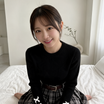
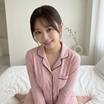
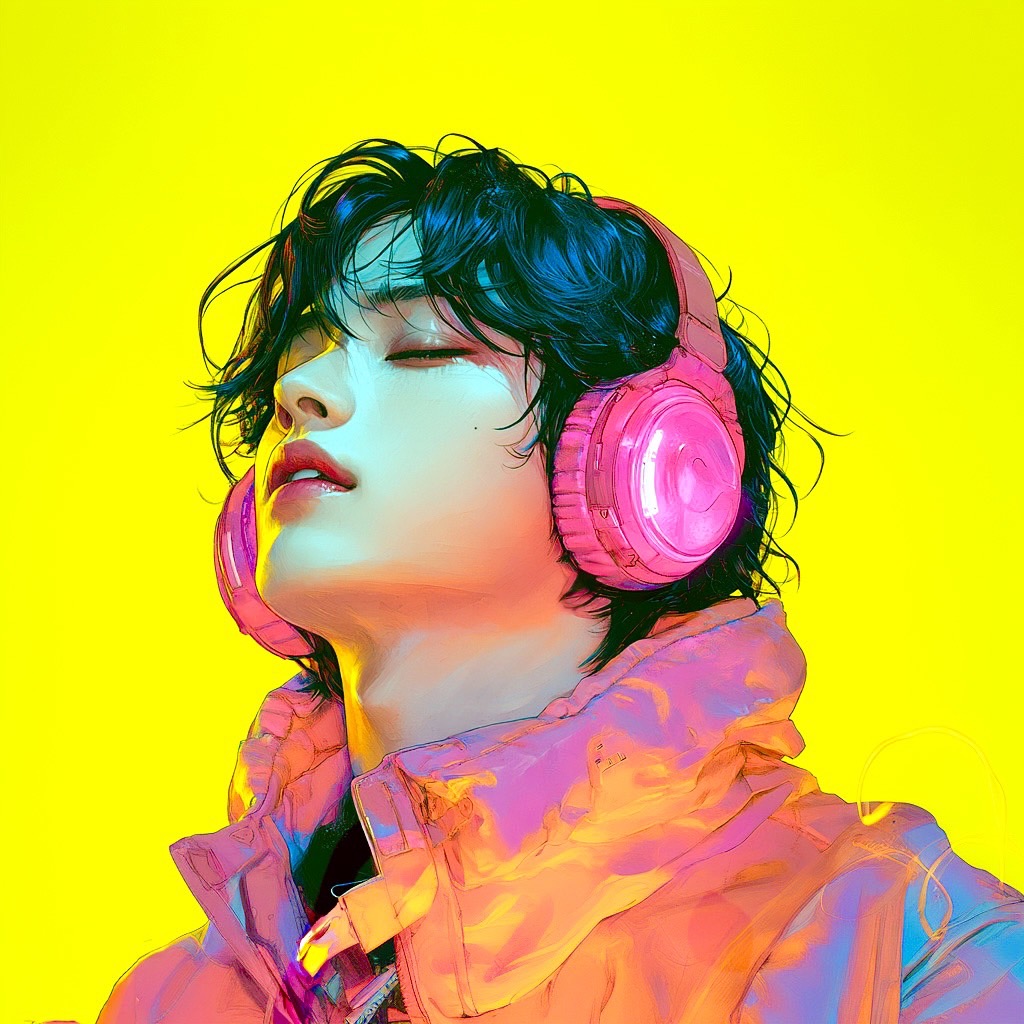
1. Overview|概要
このワークフローは、Seedream 5.0を使用した衣装変更用のReference to Imageワークフローです。
This workflow is an Reference to Image workflow for outfit changes using Seedream 5.0.
人物画像と衣装画像をアップロードするだけで、衣装変更を行えます。
You can change the outfit simply by uploading a portrait image and an outfit reference image.
元画像の人物を保ちながら、衣装画像の服装を参考にして着せ替えできます。
It changes the clothing based on the outfit reference image while preserving the original person.
顔、雰囲気、ポーズを保ったまま、衣装だけを自然に変更しやすい構成です。
This workflow is designed to naturally change only the outfit while preserving the face, mood, and pose.
Seedream 5.0は、画像入力とテキスト指示を組み合わせた編集に強い画像生成モデルです。
Seedream 5.0 is an image generation model that works well with image input and text-based editing instructions.
衣装差分、キャラクターデザイン、SNS用ビジュアル、商品衣装案の検証に活用できます。
It can be used for outfit variations, character design, social media visuals, and outfit concept testing.
プロンプトで細かく衣装を説明しなくても、衣装画像を参照して変更できる点が特徴です。
A key feature is that you can use an outfit reference image instead of describing the clothing in detail with text.
2. How It Works|使い方
人物画像を指定の画像入力ノードにアップロードしてください。
Upload the portrait image to the designated image input node.
衣装画像を指定の衣装参照ノードにアップロードしてください。
Upload the outfit image to the designated outfit reference node.
人物画像と衣装画像をアップロードしたら、生成ボタンを押すだけで使用できます。
After uploading the portrait image and outfit image, simply press the Generate button.
人物画像の顔、雰囲気、ポーズを保ちながら、衣装画像を参考に服装を変更します。
The workflow changes the clothing based on the outfit reference while preserving the face, mood, and pose of the portrait image.
基本的には、2枚の画像をアップロードするだけですぐに衣装変更できます。
Basically, you can change the outfit immediately by uploading the two images.
細かく調整したい場合のみ、必要に応じてプロンプトを変更してください。
Only change the prompt if you want to make detailed adjustments.
背景や顔をなるべく維持したい場合は、維持したい要素をプロンプトに追加してください。
If you want to preserve the background or face as much as possible, add the elements you want to keep to the prompt.
3. Prompt Control|プロンプトによる調整
基本的には、人物画像と衣装画像をアップロードするだけで衣装変更できます。
Basically, you can change the outfit just by uploading the portrait image and outfit image.
プロンプトは、結果をさらに調整したい場合に使用してください。
Use the prompt only when you want to further refine the result.
顔を維持したい場合は、keep the same face と指定してください。
If you want to preserve the face, write keep the same face.
ポーズを維持したい場合は、keep the same pose と指定してください。
If you want to preserve the pose, write keep the same pose.
髪型を維持したい場合は、keep the same hairstyle と指定してください。
If you want to preserve the hairstyle, write keep the same hairstyle.
背景を維持したい場合は、keep the same background と指定してください。
If you want to preserve the background, write keep the same background.
衣装だけを変更したい場合は、change only the outfit と指定してください。
If you want to change only the outfit, write change only the outfit.
衣装画像の雰囲気をより強く反映したい場合は、match the outfit reference と指定してください。
If you want to reflect the outfit reference more strongly, write match the outfit reference.
服の素材感を強調したい場合は、fabric texture, detailed clothing, realistic folds などを追加してください。
If you want to emphasize the clothing texture, add terms like fabric texture, detailed clothing, and realistic folds.
結果が変わりすぎる場合は、維持したい要素をプロンプトで明確に指定してください。
If the result changes too much, clearly specify the elements you want to preserve in the prompt.
4. Settings|設定
基本設定では、人物画像と衣装画像をアップロードするだけですぐに使えます。
With the basic settings, you can use it immediately by uploading a portrait image and an outfit image.
人物画像は、衣装変更したい元画像として使用します。
The portrait image is used as the original image for the outfit change.
衣装画像は、変更後の服装の参照画像として使用します。
The outfit image is used as the reference image for the new clothing.
生成ボタンを押すだけで、衣装画像を参考に服装を変更できます。
By pressing the Generate button, the workflow changes the clothing based on the outfit reference image.
通常はプロンプトを大きく変更しなくても使用できます。
Usually, you can use it without making major prompt changes.
顔、ポーズ、髪型、背景を保ちたい場合は、必要に応じてプロンプトで指定してください。
If you want to preserve the face, pose, hairstyle, or background, specify it in the prompt if needed.
Read more

_1786518453053.png?width=400&height=300&quality=80&resize=cover)




