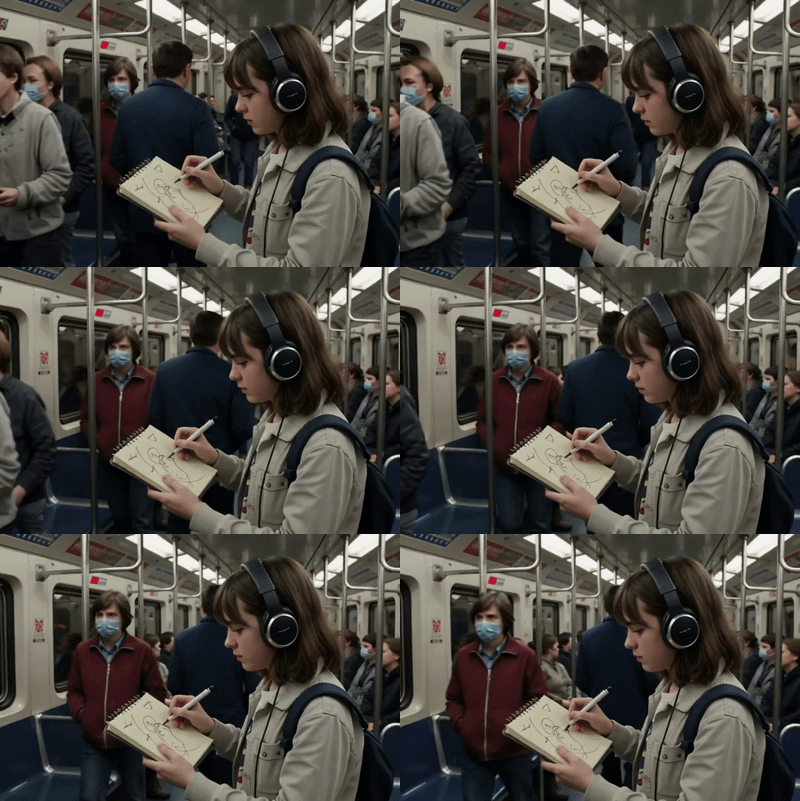
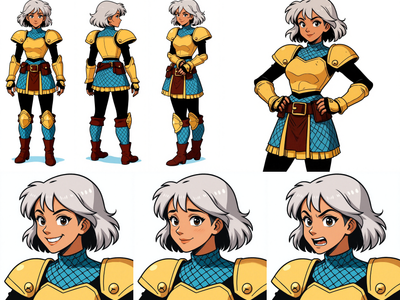
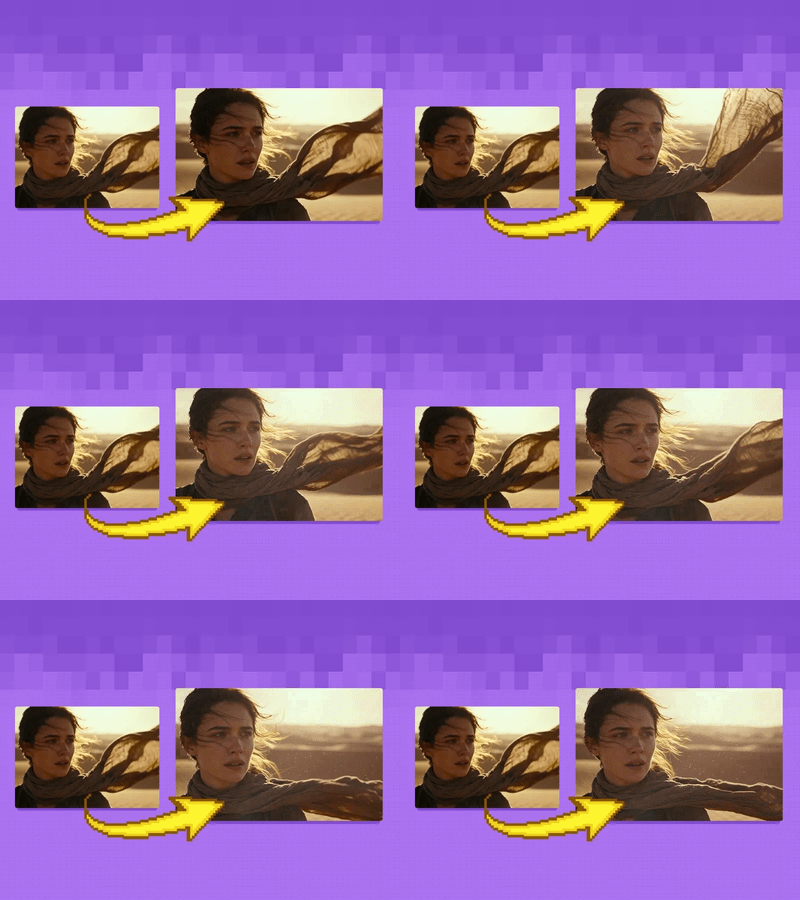
LTX-2 19B Fast: Text to Video + Audio
A text video model using LTX 2
Filmmaking
LTX 2
LTX 2 Fast
Open Source
Text2Video
Videography
12
5.4k


Nodes & Models
PrimitiveStringMultiline
CheckpointLoaderSimple
ltx-2-19b-distilled.safetensors
LatentUpscaleModelLoader
ltx-2-spatial-upscaler-x2-1.0.safetensors
LTXVGemmaCLIPModelLoader
gemma-3-12b-it-qat-q4_0-unquantized/model-00001-of-00005.safetensors
ltx-2-19b-distilled.safetensors
LTXVAudioVAELoader
ltx-2-19b-distilled.safetensors
RandomNoise
KSamplerSelect
SaveVideo
ManualSigmas
PrimitiveFloat
PrimitiveInt
EmptyImage
MarkdownNote
LoraLoaderModelOnly
your_camera_lora.safetensors
ImageScaleBy
LTXVEmptyLatentAudio
GetImageSize
EmptyLTXVLatentVideo
LTXVConcatAVLatent
CLIPTextEncode
LTXVConditioning
LTXVGemmaEnhancePrompt
CreateVideo
SamplerCustomAdvanced
LTXVSeparateAVLatent
CFGGuider
LTXVAudioVAEDecode
LTXVLatentUpsampler
CM_FloatToInt
ABOUT THE WORKFLOW
Text to Video Type a prompt and the model generates a short video with synchronized sound. That's it.
Open source, so you only pay for generation time. All models pre-loaded on Floyo.
Model
LTX-2 19B Fast. Lightricks' open-source video model, the distilled build that generates video with synchronized audio in a few fast steps.
HOW IT WORKS
Step 1. Write your prompt Describe the scene and the action as it unfolds. LTX-2 generates matching sound too, so name any audio you want, like ambient noise, footsteps, or a line of dialogue. Works great with: realistic scenes · b-roll · dialogue moments · ambient settings
Step 2. Let the enhancer expand it (optional) A built-in prompt enhancer turns a short prompt into a detailed one before generation. Leave it on for a first run.
Step 3. Hit run and download You get back a short clip with synchronized audio, upscaled to 1080p. Preview it in the workflow, then download. Ready for: Premiere · CapCut · DaVinci Resolve · any editor
First time? Leave every setting as-is. The defaults (1080p · 121 frames · 24fps · audio on) are the right starting point for almost everyone.
RECOMMENDED SETTINGS
Quick-start guide. Find the goal that matches yours and copy the settings.
Standard clip (most people) ★ Start here — 1080p · 121 frames · 24fps. The right starting point for almost everyone.
Describe the audio you want — LTX-2 generates sound along with the video. Mention ambient noise, an effect, or a line of dialogue, and it syncs them to the on-screen action.
Want a longer clip — Raise the frame count, keeping it divisible by 8 plus 1. More frames mean a longer video and a longer run.
Change the size — Width and height must be divisible by 32 plus 1. Keep a standard aspect ratio for clean results.
Add camera motion — Enable the camera LoRA with Ctrl + B at strength 1 for controlled moves like pans and pushes.
Let the enhancer write the detail — The Gemma prompt enhancer expands a short prompt. Turn it off to use your exact words.
Reproduce a clip you liked — The seed is fixed by default. Keep it fixed and the same prompt gives you the same clip.
Prompt: Describe actions as they happen over time, and name the sound. LTX-2 reads a prompt like a short scene direction, so "she opens the door and it creaks, then footsteps echo on tile" gives both the motion and the matching audio.
USE CASES
🎬 Short Clips & B-roll Generate quick scenes with sound for social posts, ads, or filler shots.
🔊 Audio-synced Moments Get footsteps, ambient noise, or a spoken line synced to the action without a separate audio pass.
🎨 Concept & Previs Block out how a shot looks and sounds before committing to a full shoot.
⚡ Fast Iteration The distilled model makes it quick to test ideas and compare takes.
WHAT WORKS BEST / WHAT TO AVOID
✅ Works great
Prompts that describe action over time
Scenes with clear, nameable sounds
Standard resolutions and frame counts
Short clips at the default length
⚠️ May produce softer results
Static prompts with no motion
Long or complex dialogue
Odd resolutions that break the divisibility rule
Overstuffed scenes with too much at once
LEARN
📹 Videos
ComfyUI 101 Free Course ft. Sebastian Kamph
Floyo 101 for Team Collaboration
✨ Quick links
FAQ
What is LTX-2 19B Fast? LTX-2 19B is an open-source video model from Lightricks, released in January 2026 under the Apache 2.0 license. It is the first production-ready open model that generates synchronized audio and video in a single pass, using a 19-billion parameter dual-stream design that splits work between video and audio. The Fast build used here is the distilled version, tuned for quicker generation.
Does LTX-2 generate audio? Yes, natively. LTX-2 produces sound together with the video in one pass, including ambient noise, sound effects, and dialogue with lip sync. Because the audio and video streams are generated together, sounds line up with the on-screen action, so a closing door or a spoken line matches the moment it happens.
What resolution and length does this workflow output? This workflow generates a clip of about 5 seconds at 121 frames and 24fps, upscaled to 1080p with a two-stage process. The full LTX-2 model supports higher settings, up to 4K resolution and 50fps for clips as long as 20 seconds, so you can step up the size and length when you need to.
How is the Fast version different from full LTX-2? The Fast build is distilled to run in fewer sampling steps, which makes generation quicker. It trades a little of the top-end quality and resolution headroom for speed, which suits drafts, iteration, and short clips. Use the full model when you need maximum quality or 4K output.
How do I get good audio out of it? Describe the sound in your prompt. Name the ambient noise, the effects, or any dialogue you want, and place them in the action, like "rain taps on the window as she types." The model reads those cues and syncs the audio to the matching frames.
Can I use the results commercially? Yes, for most users. LTX-2 is released under the Apache 2.0 license, and Lightricks allows free commercial use for companies with under 10 million dollars in annual revenue. Larger organizations need a commercial license from Lightricks. Within those terms, images and clips you generate on Floyo are yours to use commercially.
How to run LTX-2 19B Fast online? You can run LTX-2 19B Fast online through Floyo. No installation, no setup, no GPU to rent. Open the workflow in your browser, write a prompt, and hit run. Free to try.
WHY FLOYO?
Floyo is the only platform with team collaboration for ComfyUI in the browser. You run workflows with no install. You share run history, assets, and models across your team. You pay only when you generate. Floyo supports open-source and closed-source models.
A creator runs a clip and likes the result. A teammate opens that exact run from shared history and keeps going. No file handoffs. No version confusion.
For studios and enterprise teams, Floyo adds private workspaces, pooled resources, and a team usage dashboard. Other ComfyUI cloud tools run for one person at a time. Floyo runs for the whole team, with transparent per-generation costs.
Ready to try it? Type your first prompt and run it. The settings are already set.
Questions? Watch the free course or check the FAQ above.
Read more
0
Reply