Flux Inpaint - ULTIMATE workflow.
Flux inpainting with Flux fill model and regular Flux dev model. All in one Flux inpainting workflow that easily AI retouches any image.
flux
flux inpaint
flux inpainting
Image
inpaint
inpainting
retouch
sebastian kamph
3.7k

Nodes & Models
GetNode
UNETLoader
flux1-dev-fp8.safetensors
flux1-fill-dev.safetensors
PrimitiveFloat
VAELoader
ae.safetensors
Note
DualCLIPLoader
clip_l.safetensors
t5xxl_fp16.safetensors
Label (rgthree)
Fast Groups Bypasser (rgthree)
LoadImage
FluxGuidance
SetNode
CLIPTextEncode
ConditioningZeroOut
InpaintModelConditioning
KSampler
VAEDecode
SaveImage
InpaintCropImproved
InpaintStitchImproved
ImageAndMaskPreview
ImageAndMaskPreview
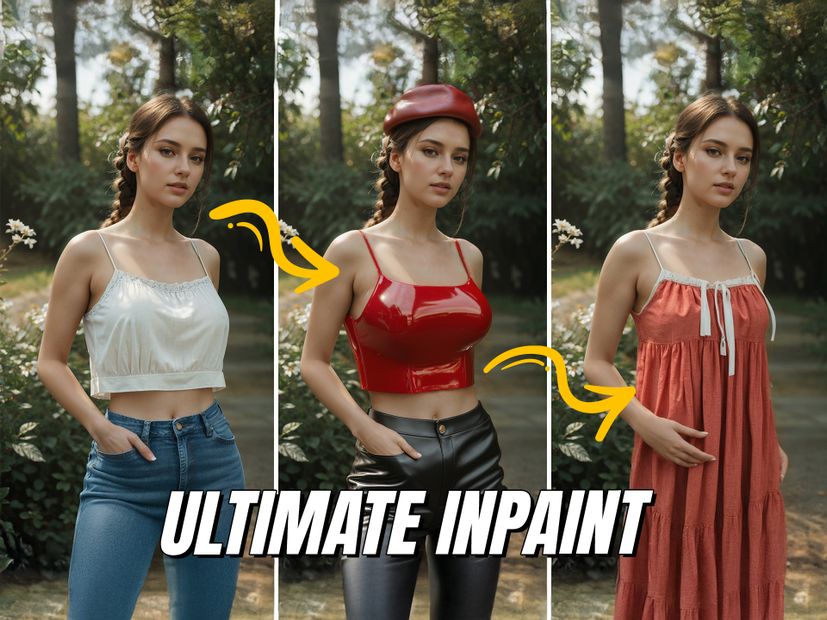
Ultimate Inpainter
Use AI to retouch your images
Flux Inpainting workflow that works without adding too many unnecessary nodes or features. Runs both Flux models as an all in one for all usecases.
Use the Flux Fill model to inpaint new details and the regular Flux Dev for added control with a denoising slider.
Use the switch to select between Flux Regular and Flux Fill.
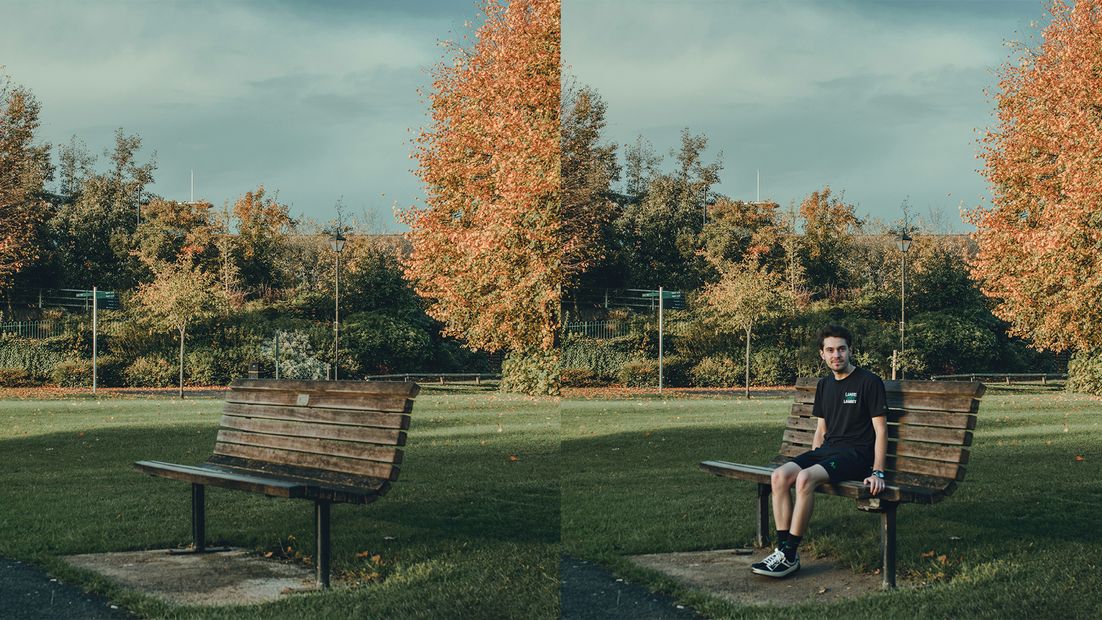
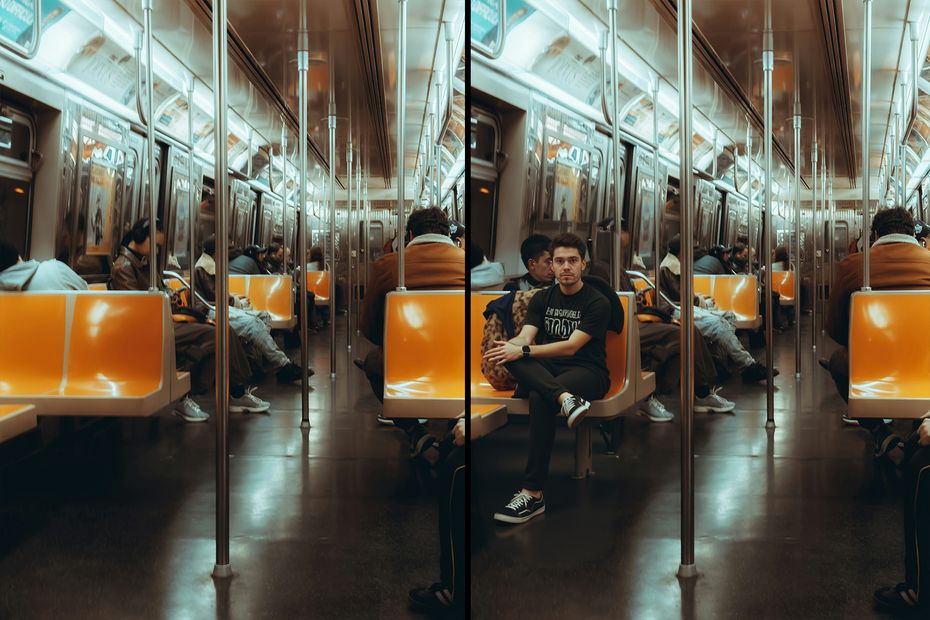
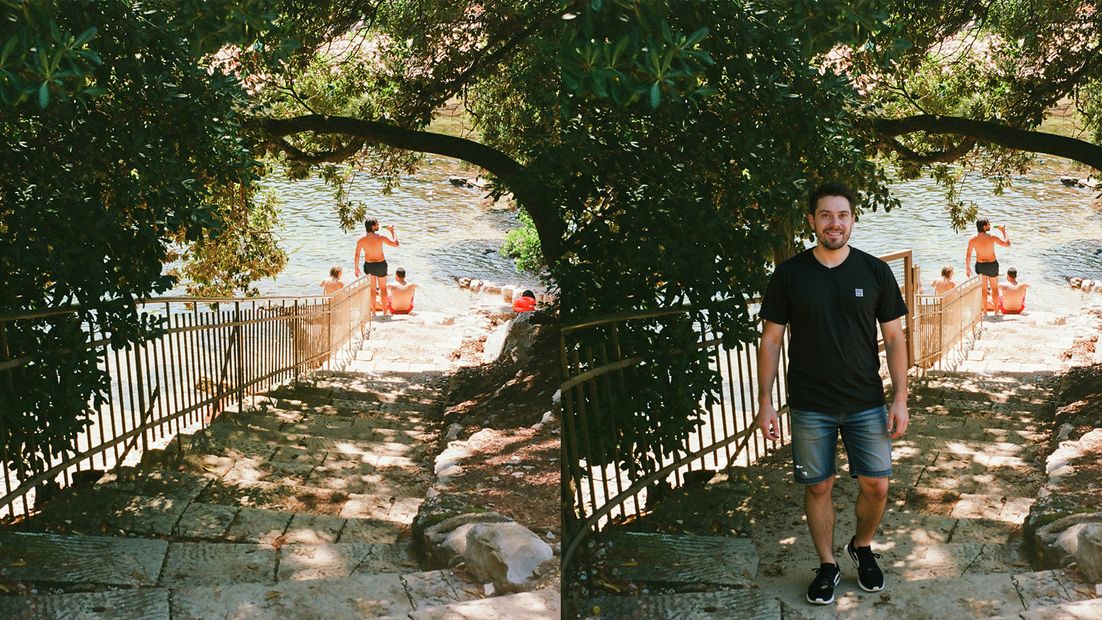
Flux fill: Excellent for adding new details. Mask an area and type what you want to see in the masked area. Can be used both for adding or removing details.
Flux dev regular: Since denoising is set lower, this model "looks" at what's under your mask and tries to change that into what you're prompting for. For example if you have a man in black t-shirt and prompt for "woman", it will most likely turn into a woman with a black t-shirt. To deviate from the underlying colours, you have to increase denoising strength, or use the Fill model.
Read more