Qwen Image - Text to 360° HDRI Panorama
Image
Qwen
Text to Image
1
553

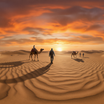
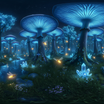


Nodes & Models
CLIPLoader
qwen_2.5_vl_7b_fp8_scaled.safetensors
UNETLoader
qwen_image_2512_bf16.safetensors
PrimitiveStringMultiline
VAELoader
qwen_image_vae.safetensors
EmptySD3LatentImage
CLIPTextEncode
LoraLoaderModelOnly
qwen-360-diffusion-2512-int8-bf16-v2-qwen-image-text-to-36-NnvODnBZ.safetensors
StringConcatenate
ModelSamplingAuraFlow
KSampler
VAEDecode
SaveImage
Generate 360° equirectangular panoramas from a text prompt with Qwen Image and a 360 LoRA.
Type a scene description, run it, get back an equirectangular image that wraps the full sphere. Drop it into Blender, Unreal, Unity, or any 3D tool that takes an equirectangular environment map.
Outputs at 2K out of the box. The built-in SeedVR2 upscaler doubles it to 4K for higher-resolution scenes.
How do you make a 360° HDRI panorama from text with Qwen Image?
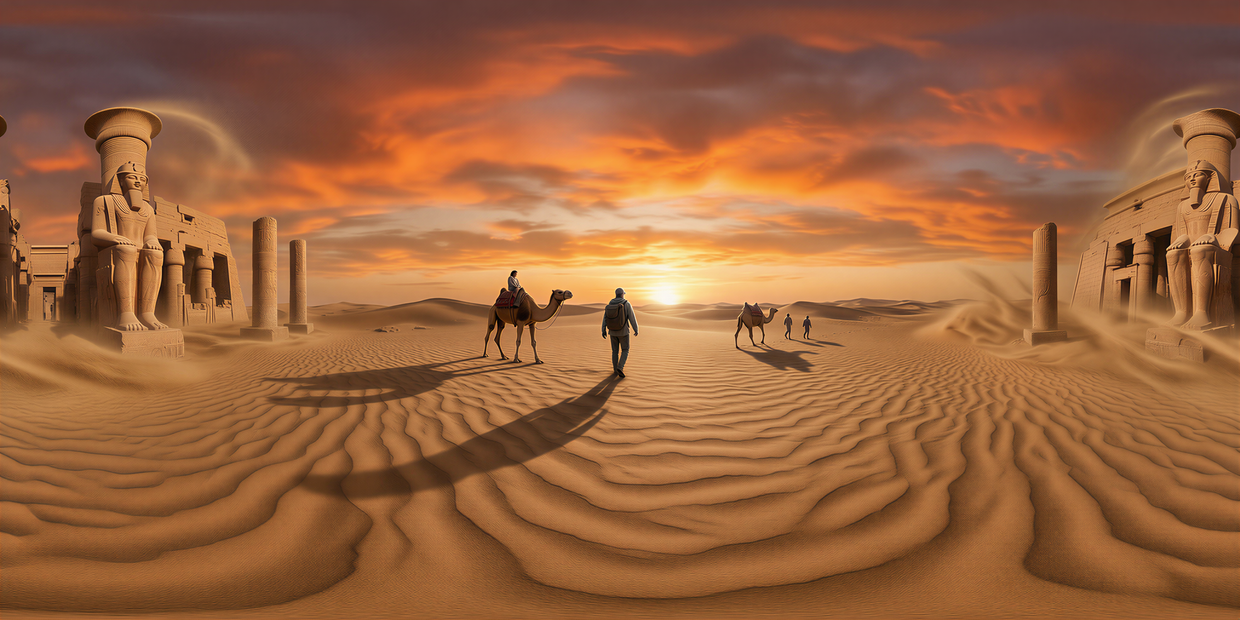
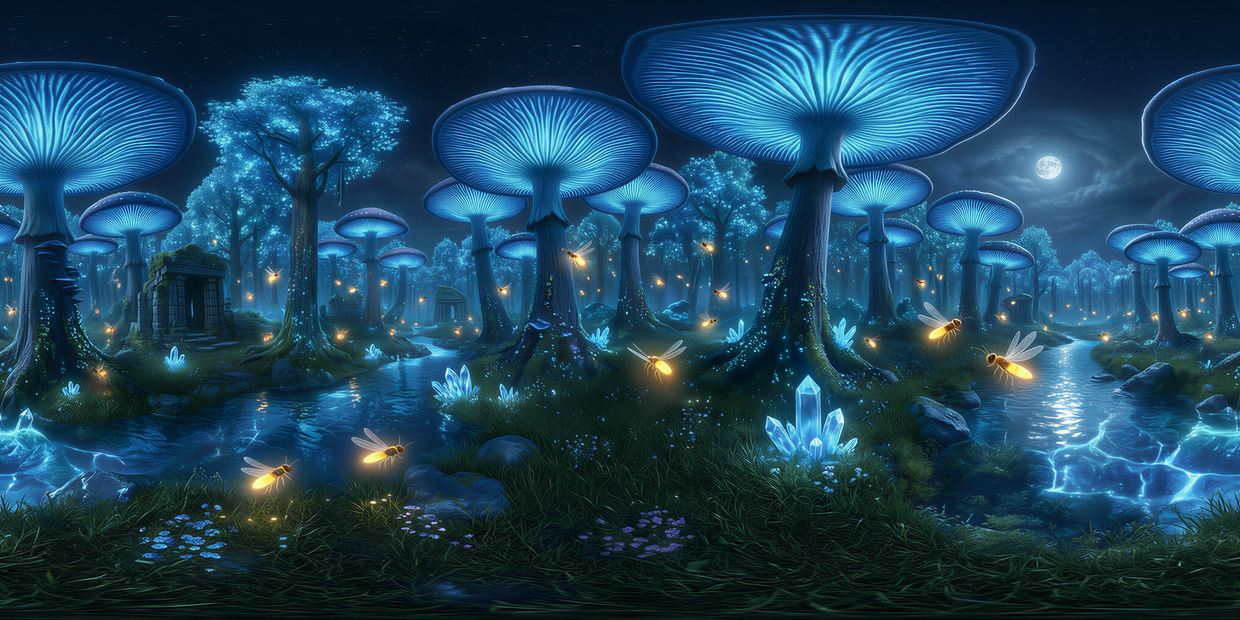
Type a scene description in the Location Prompt: something like "a quiet lakeside with pine trees at sunset, sun in frame." The workflow prepends "equirectangular 360 image" automatically and runs it through Qwen Image with a 360 LoRA. Run it and you get a 2K panorama plus a 4K upscaled version.
Location Prompt The one input you need to edit. Describe the scene at eye level, what's overhead, and what's underfoot. Concrete works better than mood: "sunset desert with red sandstone canyons" beats "epic landscape." The "equirectangular 360 image" prefix is added for you, so don't repeat it.
steps 50 is the default and produces clean seams at the pole regions. Iterating on prompts? Drop to 30 for faster previews, then bump back to 50 for the keeper.
cfg 4 is the default and works for most scenes. Want the model to take more liberties with stylization? Try 3. Need it to stick close to your description for architectural scenes or specific lighting? Try 5 to 6.
seed Set to "fixed" if you want to test prompt changes on the same composition. Set to "randomize" once you've locked in the prompt and want variations.
Upscale Factor (inside the SeedVR2 subgraph) 2x is the default and gives you 4K from a 2K base. Bump it higher if you need 8K, but the 4K output already covers most VR and IBL use cases.
What is a 360° HDRI panorama good for?
Using as a lighting environment in 3D scenes. Drop the equirectangular image into Blender, Unreal, or Unity as the world background and it lights every object in the scene from the image's own pixels. Faster than building a sky setup by hand, especially for concept work and previz.
Concept artists and VFX previz teams use these as quick environment plates: prototype a scene's lighting in 3D before committing to a final HDR capture or full CG sky. Game devs use them as skyboxes and world reflections. Architects load them into Twinmotion or Lumion as scene backdrops without scouting a real location.
The 2K output works for previz and most skybox use. The 4K version is sharper for hero shots, IBL lighting on metallic materials, or VR scenes where users pan around and need detail to hold up.
Need a true high-dynamic-range file with stops above white? This workflow outputs SDR equirectangular. Convert with an HDR exposure tool if your render path requires linear .exr or .hdr.
FAQ
What's the difference between an HDRI and a regular 360 image with Qwen Image? An HDRI normally captures real-world light intensities above pure white, stored in .exr or .hdr files for accurate 3D lighting. This workflow outputs SDR equirectangular PNGs that work as environment maps for most use cases, but won't produce accurate bright highlights on reflective surfaces without an SDR-to-HDR conversion step.
How long does Qwen Image take to generate a 360 panorama? Around 60 to 90 seconds for the 2K output on an H100, plus another 20 to 30 seconds for the SeedVR2 upscale to 4K. Steps default to 50, which is the sweet spot for clean seams at the pole regions. Drop to 30 if you're iterating prompts and want faster previews.
Does the seam in the 360 panorama wrap correctly with Qwen Image? Most of the time, yes. The 360 LoRA is trained on equirectangular pairs so left and right edges connect cleanly. Pole distortion at top and bottom is the harder problem: zenith and nadir can warp on busy scenes. Generic skies, water, and ground planes handle the poles best.
What prompts work best for 360° panoramas with Qwen Image? Wide environmental descriptions work best: "sunset desert with red sandstone canyons," "foggy pine forest at dawn," "futuristic city plaza at night." Mention what's at eye level, what's overhead, and what's underfoot. Avoid close-up portraits or single-object scenes since the equirectangular format will stretch them strangely.
Read more