



Floyo
Floyo
Workflows
API
料金
Floyo
Floyo
Workflows
API
料金
探索

動画編集

動画編集

動画編集のワークフローを Floyo で実行できます。

Workflow を開く

約 2 分 25 秒で生成

すべて見る

動画編集のワークフロー一覧動画編集のワークフロー

すべての Workflows
Wan2.1 and VACE for Video to Video Outpainting

Outpainting

Video

Video editing

Video to video

Wan

Wan VACE video outpainting invites you to break free from the limits of the frame and explore endless creative possibilities.

Wan2.1 and VACE for Video to Video Outpainting

Wan VACE video outpainting invites you to break free from the limits of the frame and explore endless creative possibilities.

VOID · Video Object Removal

Image

Image editing

Inpainting

Video

Video editing

Video to video

Erase any object from a video and fill the gap with coherent motion using VOID by Netflix and SAM3 by Meta. Type the object name, hit run. Apache 2.0.

VOID · Video Object Removal

Erase any object from a video and fill the gap with coherent motion using VOID by Netflix and SAM3 by Meta. Type the object name, hit run. Apache 2.0.

 LTX 2.3 - Extend Video

Image to video

LTX

LTX 2

Text to video

Video

Video editing

Video generation

Add seconds to an existing video with LTX 2.3. Upload a clip, set the duration and mode

LTX 2.3 - Extend Video

Add seconds to an existing video with LTX 2.3. Upload a clip, set the duration and mode

LTX 2.3 Edit Videos

Edit video

LTX

LTX 2.3

Video

Video editing

With this workflow you can add, remove, replace, convert style of the video

LTX 2.3 Edit Videos

With this workflow you can add, remove, replace, convert style of the video

Wan Alpha Create Transparent Videos
Alpha

Text to video

Transparent

VFX and post

Video

Video editing

Video generation

Wan

Wan Alpha Create Transparent Videos

Video Detailer using LTX 2 Vid2Vid

LoRA

LTX

LTX 2

Video

Video Detailer

Video editing

Video to video

It can enhance the detail of the video
Video Detailer using LTX 2 Vid2Vid

It can enhance the detail of the video

Bernini-R · Image to Video

Bernini-R

Image editing

Image Generation

Image to video

Multi-Model

Reference to video

Video

Video editing

Generate or edit video with Bernini-R, ByteDance's unified 14B renderer built on Wan 2.2. Upload an image, pick a task mode, describe the motion, hit run.

Bernini-R · Image to Video

Generate or edit video with Bernini-R, ByteDance's unified 14B renderer built on Wan 2.2. Upload an image, pick a task mode, describe the motion, hit run.

Vertical Video Background & Scene Rebuild
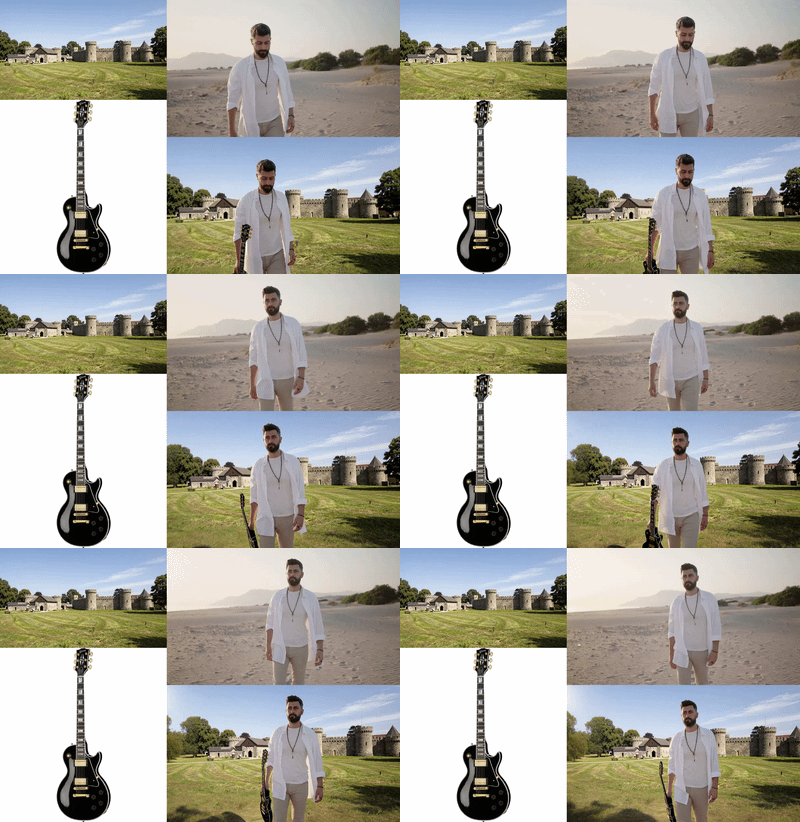
Face swap

Image to image

Qwen

Video

Video editing

Video upscaling

Wan

Wan 2.1 Funcontrol

Vertical Video Background & Scene Rebuild

Kling Omni One Video to Video Edit
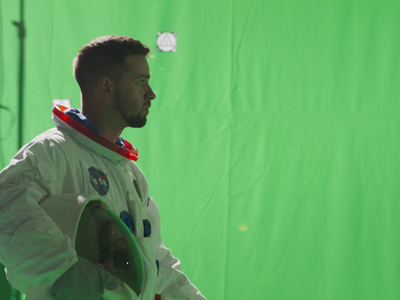
Film and animation

Kling

Kling 2.5

Omni One

Video

Video editing

Video to video

Kling Omni One Video to Video Edit

AI Video Background Replacement

AI background replacement

Background replacement

Compositing

Film

VFX and post

Video

Video editing

Step 1: Upload you footage. Step 2: Upload alpha of what you need to replace, be it full BG or selected area. Step 3: Add prompt Step 4: Upload a reference image Step 5: Hit Que
AI Video Background Replacement

Step 1: Upload you footage. Step 2: Upload alpha of what you need to replace, be it full BG or selected area. Step 3: Add prompt Step 4: Upload a reference image Step 5: Hit Que

Change in the Character using Image2Vid

Image

Image editing

Image to image

Image to video

Kling

Qwen

Video

Video editing

Editing the character in the video without losing quality using video to video workflow

Change in the Character using Image2Vid

Editing the character in the video without losing quality using video to video workflow

LTX-2.3 · Clean Plate (Video Object Removal)

Clean plate

Image

Image editing

LTX

LTX-2

VFX and post

Video

Video editing

Erase people and moving objects from a video and rebuild the scene behind them with LTX-2.3 by Lightricks. Upload a clip, describe the empty shot, hit run.

LTX-2.3 · Clean Plate (Video Object Removal)

Erase people and moving objects from a video and rebuild the scene behind them with LTX-2.3 by Lightricks. Upload a clip, describe the empty shot, hit run.

Workflows = API

すべてのワークフローが API エンドポイントです。 バックエンドを作らずに、AI 生成を自社のプロダクトに組み込めます。 ワークフローを選んでカスタマイズし、「Floyo API スニペットをコピー」をクリックすれば完了です。

API について詳しく見る

MCP

プラットフォーム上のすべてのワークフローに、自分のエージェントや社内ツールから、同じ管理設定のもとでアクセスできます。

mcp.floyo.ai/mcp

MCP のドキュメントを読む

かんたんテンプレート

既製のワークフローを開き、説明を読んで入力を変え、Run をクリックするだけ。ほとんどの人はノードを開くこともありません。複雑な部分は、必要なときのために裏側にあります。

ワークフローを見る

Trust Center

誰かが実行する前に、安全かどうかがわかります。すべてのモデルに Verified Private と Commercial Use のステータスがあり、承認していないモデルはチームの管理設定でブロックできます。管理者は、チームが使えるモデル、プロバイダー、ノードを選べます。

Trust Center を見る

はじめよう

無料コース

ComfyUI 101

Sebastian Kamph による無料コースSebastian Kamph による無料コース

白紙のキャンバスから ControlNet まで、全 10 回のレッスン。ノード、テキストから画像、モデル、LoRA、アップスケール、KSampler の設定を学べます。インストールは不要。すべてのレッスンがここで動くので、自分で作ったワークフローが手元に残ります。

コースを始める

Sebastian Kamph による ComfyUI 101
Floyo | 動画編集
