


Lakukan lebih banyak dengan gambar
Lihat semua

Semua alur kerja inpaintingAlur kerja Inpainting
Semua Workflows

FLUX.2 Klein 9B: Image Inpainting
Inpainting image using Flux.2 Klein and LanPaint

Qwen Edit 2511 - inpainting
inpainting
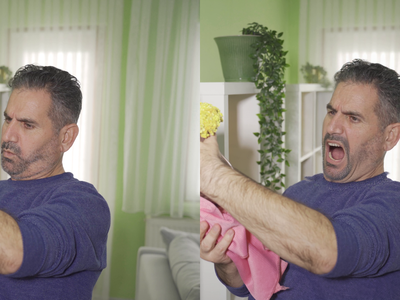

Flux Kontext Inpainting
Inpaint with the power of Flux Kontext, providing additional content-awareness.
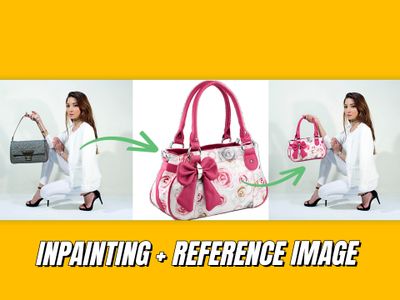
Inpainting with reference image
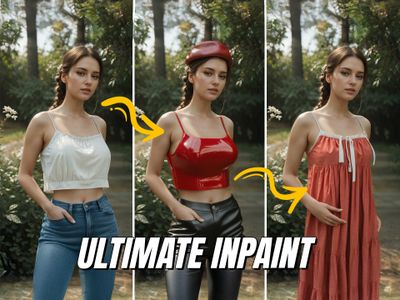
Flux Inpaint - ULTIMATE workflow.
Flux inpainting with Flux fill model and regular Flux dev model. All in one Flux inpainting workflow that easily AI retouches any image.

Flux. 2 Klein INPAINT Segment Edit Accurate Image

VOID · Video Object Removal
Erase any object from a video and fill the gap with coherent motion using VOID by Netflix and SAM3 by Meta. Type the object name, hit run. Apache 2.0.
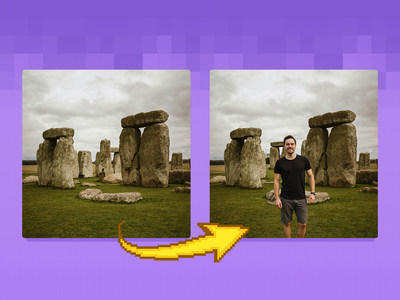
Image Inpainting with LoRA
Change specific details on just a portion of the image for inpainting or Erase & Replace, adding a LoRA for extra control.

Z-Image Turbo · Inpainting
Repaint any masked area with a text instruction using Z-Image Turbo and depth-guided ControlNet. Upload an image, paint the mask, describe the edit, run.
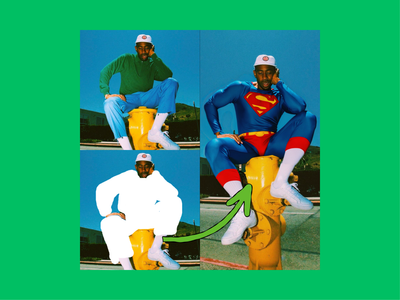

Z Image Turbo Ipainting + Upscale
A workflow process of recreating, filling in, or fixing missing, damaged, or undesirable portions of any image to generate a smooth, complete vision
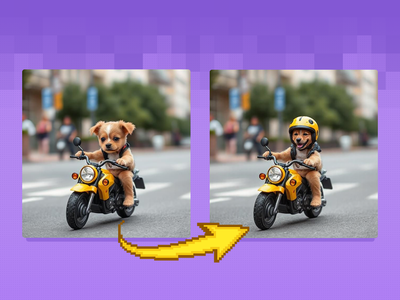
Image Inpainting
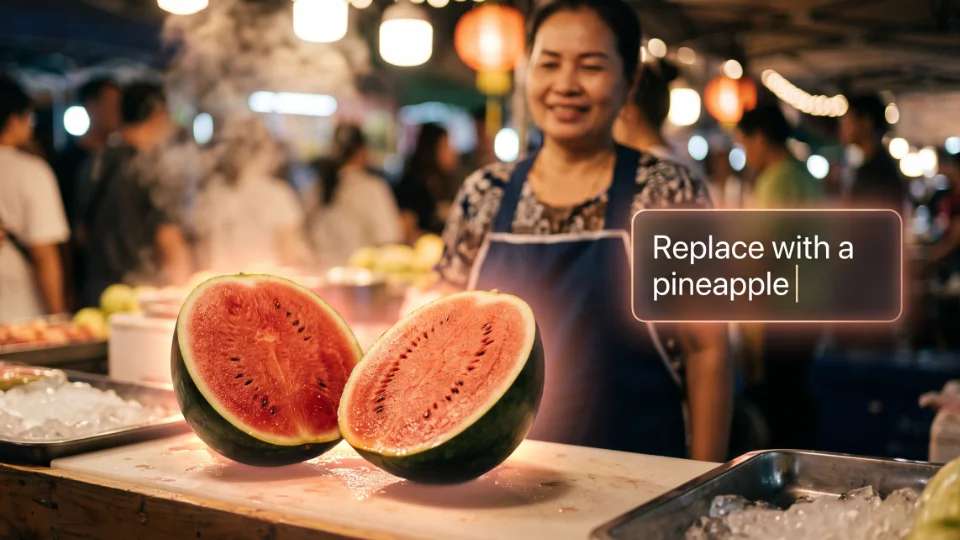
Change specific details on just a portion of the image, sometimes known as inpainting or Erase & Replace. Key Inputs Image reference: Use any JPG or PNG showing your subject clearly Masking tools: Right-click to reveal the masking tool option, and create a mask of the desired area to inpaint Prompt: as descriptive a prompt as possible to help guide what you would like replaced in the masked area

Flux 2 Klein 9B Panorama Inpainting
Edit 360 panoramas with Flux 2 Klein 9B. Select a region, describe the change, and the edit gets composited back into your full panoramic image. No warping.
Workflows = API
Setiap alur kerja adalah endpoint API. Hadirkan pembuatan konten AI di produk Anda tanpa membangun backend. Pilih alur kerja, sesuaikan, klik "Salin snippet Floyo API", selesai.

MCP
Setiap alur kerja di platform bisa diakses oleh agen dan tool internal Anda sendiri, dengan kendali admin yang sama.
mcp.floyo.ai/mcp
Template mudah
Buka alur kerja siap pakai, baca petunjuknya, ganti input Anda, klik Run. Kebanyakan orang tak pernah membuka satu node pun. Kerumitan itu opsional dan tersimpan di balik layar.

Trust Center
Ketahui apa yang aman sebelum ada yang menjalankannya. Status Verified Private dan Commercial Use untuk setiap model, plus kendali tim untuk memblokir model yang tidak Anda setujui.Admin memilih model, penyedia, dan node mana yang boleh dipakai tim.

Template mudah
Buka alur kerja siap pakai, baca petunjuknya, ganti input Anda, klik Run. Kebanyakan orang tak pernah membuka satu node pun. Kerumitan itu opsional dan tersimpan di balik layar.
Trust Center
Ketahui apa yang aman sebelum ada yang menjalankannya. Status Verified Private dan Commercial Use untuk setiap model, plus kendali tim untuk memblokir model yang tidak Anda setujui.Admin memilih model, penyedia, dan node mana yang boleh dipakai tim.
Workflows = API
Setiap alur kerja adalah endpoint API. Hadirkan pembuatan konten AI di produk Anda tanpa membangun backend.Pilih alur kerja, sesuaikan, klik "Salin snippet Floyo API", selesai.
Mulai sekarang
Kursus gratis
ComfyUI 101
kursus gratis dari Sebastian KamphKursus gratis dari Sebastian Kamph
Sepuluh pelajaran, dari kanvas kosong hingga ControlNet. Node, teks ke gambar, model, LoRA, upscaling, dan pengaturan KSampler. Tidak ada yang perlu diinstal. Setiap pelajaran berjalan di sini, jadi Anda selesai dengan alur kerja yang Anda bangun sendiri.
