

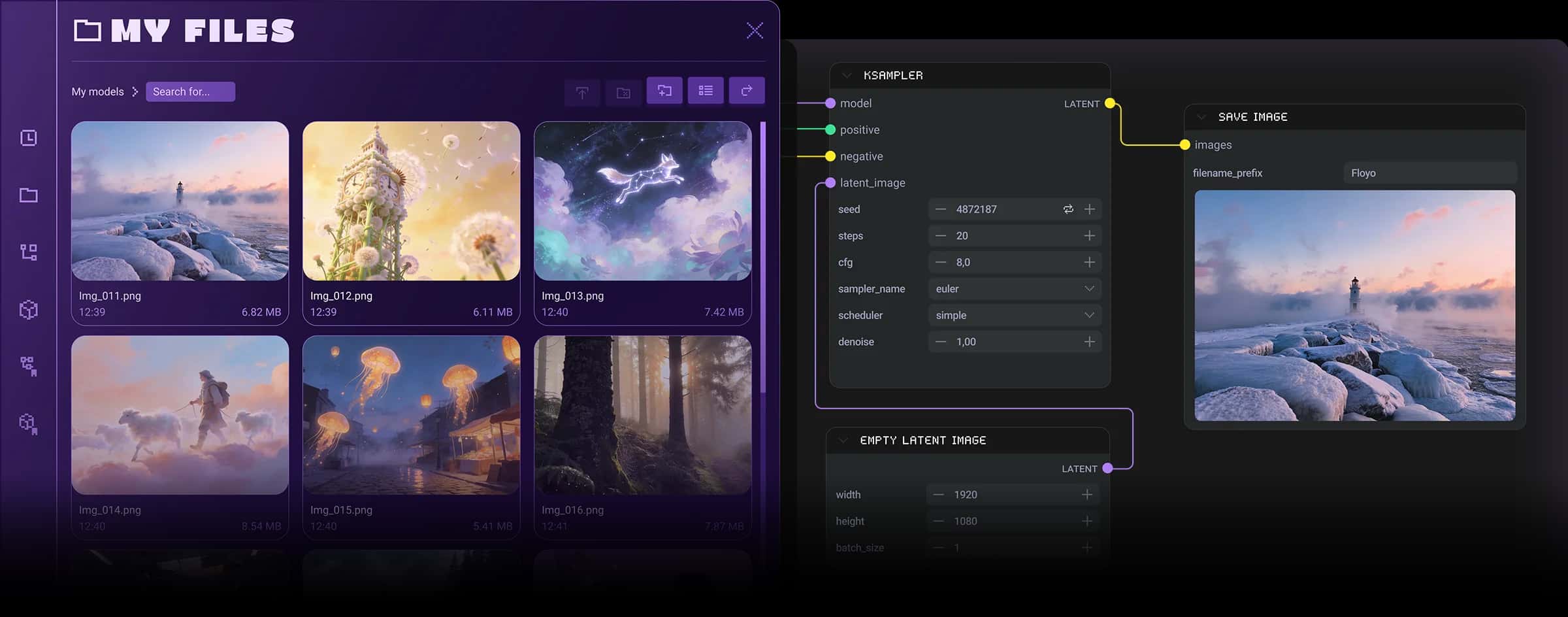
This repository offers a collection of custom nodes specifically designed for ComfyUI, enhancing the functionality and versatility of the interface for generating AI art. Users can utilize these nodes to streamline their workflows and introduce various styles and techniques into their image generation processes.
- Custom nodes enable advanced prompting techniques, allowing users to specify styles and weights for more creative outputs.
- The repository includes specialized samplers and image processors that enhance image detail and control over the output resolution.
- Users can easily create and manage their own styles and ratios, providing flexibility in customizing the image generation process.
Context
This repository, known as Mikey Nodes, is a tailored extension for ComfyUI that introduces several custom nodes to enhance the capabilities of AI image generation workflows. Its primary purpose is to allow users to incorporate specific styles, manage image ratios, and implement advanced sampling techniques, all of which contribute to a more refined and controlled image creation process.
Key Features & Benefits
The Mikey Nodes come equipped with various practical features, such as the ability to prompt with specific styles and LoRA (Low-Rank Adaptation) models using simple syntax. Users can also define their own styles and image ratios, which can be saved in JSON files, thus allowing for greater customization of the image generation process. Additionally, the inclusion of nodes for batch processing and advanced sampling techniques helps users achieve higher quality images with more detail.
Advanced Functionalities
Among the advanced capabilities are the Mikey Samplers, which utilize a refined approach to image generation by implementing base and upscale models, along with complexity detection to maintain image integrity. The repository also supports wildcards for dynamic text input and allows for the creation of custom metadata for images, enhancing the organization and usability of generated content. Furthermore, nodes like the Style Conditioner and various ratio selectors provide nuanced control over the artistic output, enabling users to tailor their results according to specific requirements.
Practical Benefits
The integration of Mikey Nodes significantly improves workflow efficiency by providing users with tools that simplify complex tasks, such as image resizing and batch processing. The ability to save images with prompt data and metadata directly embedded in filenames enhances organization and retrieval of generated images. Overall, this toolset allows for greater creative freedom and precision in producing high-quality AI art, making it invaluable for users of ComfyUI.
Credits/Acknowledgments
The Mikey Nodes repository is maintained by contributors including the original author, acknowledged for their work in enhancing the ComfyUI experience. The project is licensed under the MIT License, ensuring it remains accessible for further development and use within the community.





