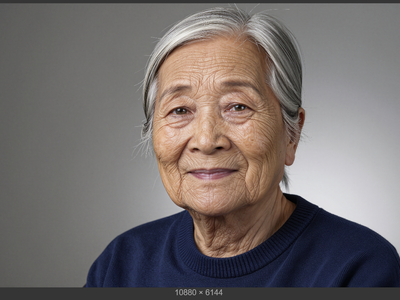
ComfyUI TTP Toolset is a specialized collection of nodes designed for advanced image processing workflows within the ComfyUI framework. Its standout feature, Smart Tile 2.0, enables an object-aware approach to image tiling, allowing for detailed enhancements in specific areas of an image.
- Provides a variable-size tiling system that focuses detail where it's needed most, avoiding standard grid limitations.
- Includes utilities for coordinate handling and condition management, enhancing the flexibility of image processing tasks.
- Supports video sampling and conditioning, streamlining workflows for both still images and video content.
Context
The ComfyUI TTP Toolset serves as an extension to the ComfyUI framework, focusing on enhancing image manipulation through advanced tiling techniques and utilities. Its primary aim is to offer users more control over image details and processing, particularly in scenarios where traditional tiling methods fall short.
Key Features & Benefits
The toolset features Smart Tile 2.0, which allows users to create tiles based on the content of the image rather than fixed grids. This flexibility enables the processing of specific image areas with greater detail, such as facial features or text, while maintaining a cohesive overall composition. Additional utilities for coordinate and condition management further enhance the user's ability to manipulate images effectively.
Advanced Functionalities
Smart Tile 2.0 introduces several advanced capabilities, including automatic detection of objects within images, per-tile prompting for tailored processing, and semantic ranking to prioritize important tiles during assembly. Users can also utilize mask-aware processing to ensure that details are preserved and blended seamlessly during the final assembly of images.
Practical Benefits
By leveraging the ComfyUI TTP Toolset, users can significantly improve their workflow efficiency and control over image quality. The ability to focus on specific details without compromising the overall image integrity allows for higher-quality outputs in both still images and video processing. The integration of advanced features reduces the time spent on manual adjustments and enhances the precision of image manipulation tasks.
Credits/Acknowledgments
The ComfyUI TTP Toolset is developed by contributors to the ComfyUI project, with ongoing support and updates from the community. It is open-source and available under the relevant licenses, encouraging further development and customization by users.