

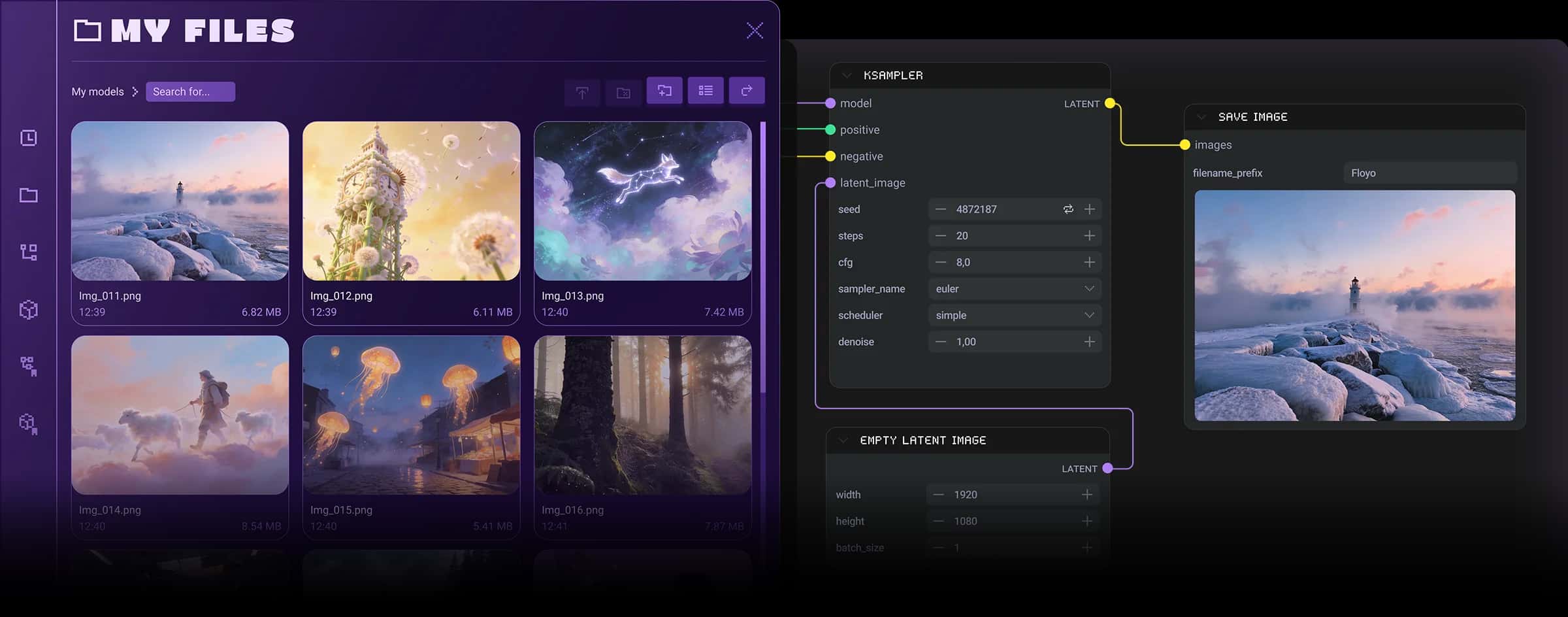
ComfyUI_Swwan is a custom collection of nodes designed for ComfyUI, focusing on frequently used functionalities for image processing, mask operations, mathematical calculations, and batch handling. This tool enhances the capabilities of ComfyUI by providing specialized nodes that streamline various image manipulation tasks.
- Offers a comprehensive set of nodes for image processing, cropping, batch operations, and mathematical functions.
- Includes unique features like RGBA safe processing to handle transparency in images without losing quality.
- Facilitates efficient workflows by enabling batch processing and advanced image manipulation techniques.
Context
ComfyUI_Swwan serves as an extension for ComfyUI, incorporating a curated selection of nodes that users often require for diverse image processing tasks. Its primary goal is to enhance user productivity by simplifying complex operations and providing tools tailored for specific needs within the ComfyUI environment.
Key Features & Benefits
The tool includes various nodes that cater to specific functionalities, such as:
- Image Processing: Nodes for resizing, concatenating, and compositing images, allowing users to manipulate images easily and efficiently.
- Mask Operations: Advanced cropping nodes that utilize masks for precise image adjustments, ensuring that users can maintain control over their edits.
- Batch Processing: Features that enable users to handle multiple images simultaneously, significantly speeding up workflows and reducing repetitive tasks.
Advanced Functionalities
ComfyUI_Swwan introduces several advanced capabilities, particularly in the handling of RGBA images. The RGBA safe nodes ensure that images with transparency can be processed without losing their alpha channels. This includes nodes for pre-processing, post-processing, and saving images in various formats while preserving transparency or flattening as needed.
Practical Benefits
By integrating these nodes into ComfyUI, users can expect improved workflow efficiency, enhanced control over image quality, and streamlined processes for handling batches of images. The ability to manage transparency effectively and perform complex operations with ease allows artists and developers to focus more on creativity rather than technical limitations.
Credits/Acknowledgments
This repository includes contributions from various open-source projects, notably:
- ComfyUI_LayerStyle
- rgthree-comfy
- ComfyUI-KJNodes
The nodes are licensed under appropriate open-source licenses, promoting community collaboration and innovation.





