floyo logo
Workflows
Pricing
floyo logo
Workflows
Pricing

Run hundreds of ComfyUI nodes and workflows in your browser.

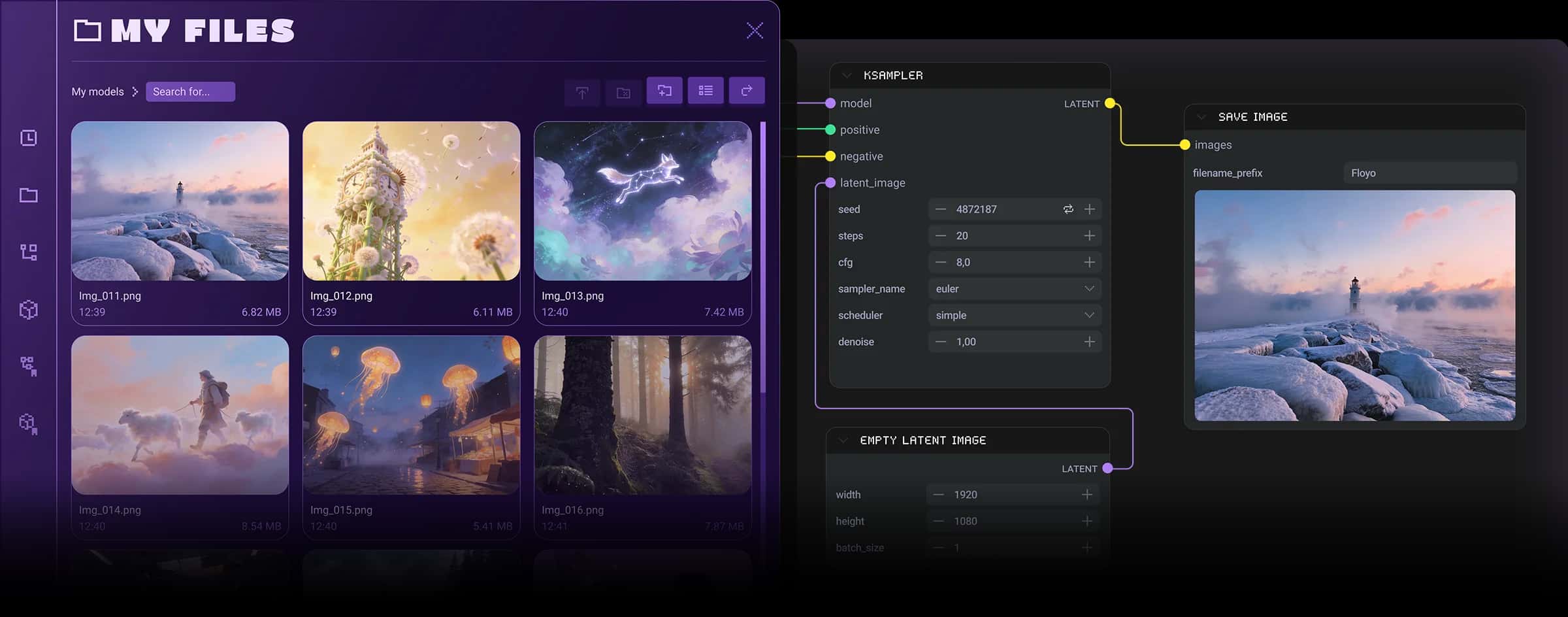
ComfyUI and My Files on Floyo

All-in-one Flux2 node for text-to-image generation and image editing, designed to streamline workflows involving CLIP encoding, VAE encoding, and reference latent injection. This tool enhances the capabilities of ComfyUI by providing seamless transitions between text-based and image-based editing.

  • Supports dual modes for text generation and image editing, facilitating versatile use cases.
  • Allows editing of up to three reference images simultaneously, enhancing the creative process.
  • Features intelligent masking for precise area reworking and direct output size specification within the node.

Context

This tool is a specialized node within ComfyUI that integrates multiple functionalities for text-to-image generation and image editing, specifically tailored for the Flux2 framework. Its primary aim is to provide users with a comprehensive solution that combines various encoding methods and reference image handling into a single, efficient node.

Key Features & Benefits

The dual-mode functionality allows users to switch effortlessly between generating images from text prompts and editing existing images. The capability to edit multiple reference images at once not only saves time but also enriches the creative options available, while the intelligent masking feature offers precision in image manipulation, essential for achieving desired visual outcomes.

Advanced Functionalities

This node supports advanced features like automatic encoding of reference images into latent space, which simplifies the process of incorporating multiple images into the workflow. It also allows for direct resolution settings, enabling users to specify the desired output dimensions without needing to adjust settings elsewhere.

Practical Benefits

By integrating this tool into their workflow, users can significantly enhance their control over the image creation and editing process, leading to improved quality and efficiency. The streamlined functionality reduces the complexity of managing multiple nodes, allowing for a more coherent and productive creative experience.

Credits/Acknowledgments

This tool is developed by contributors to the ComfyUI community, with specific acknowledgment to the original authors for their innovative work on the Flux2 framework. The repository is available under an open-source license, promoting collaborative development and usage.

Inner Nodes

PainterFluxImageEdit

Discover most popular workflows

Hand-picked based on what hundreds of other artists looked at.