

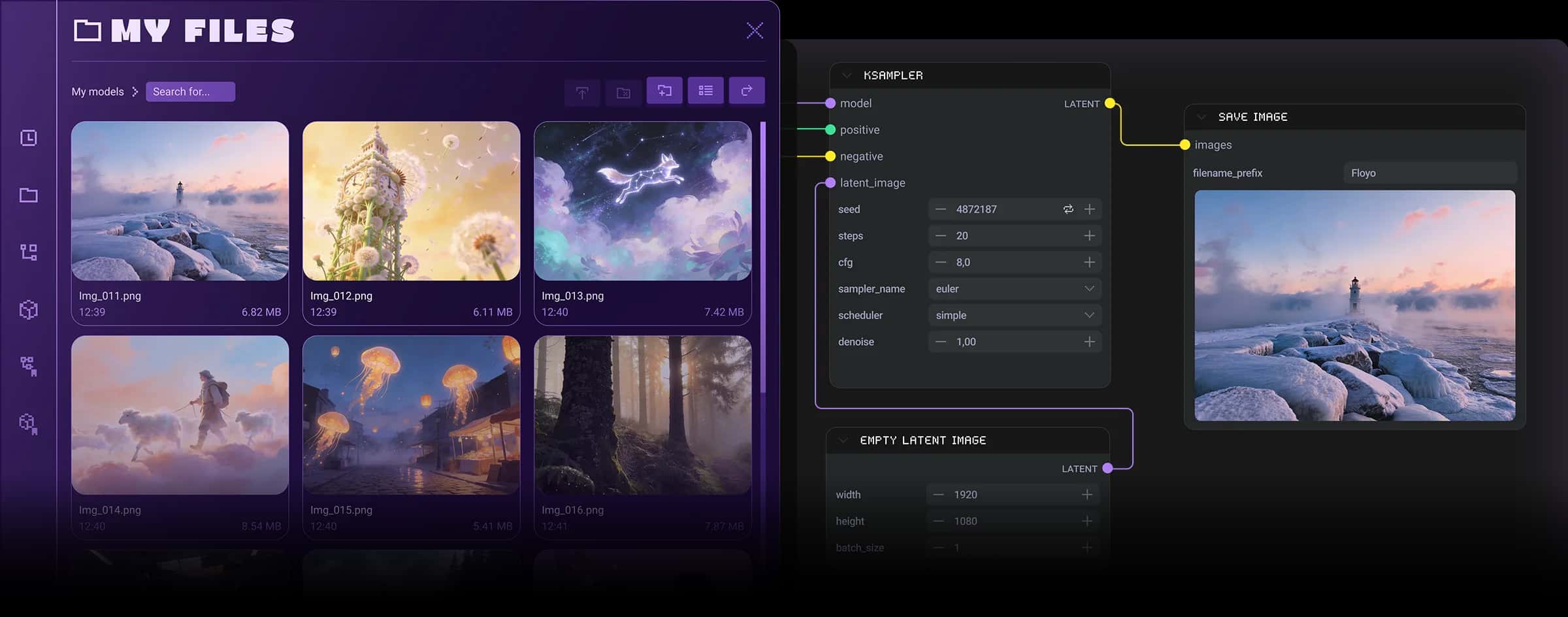
Custom nodes created by Omario92 enhance the capabilities of ComfyUI, providing users with specialized tools for image processing, video handling, and data management. These nodes facilitate advanced features that streamline workflows and improve the overall functionality of the ComfyUI environment.
- Offers unique image transition effects, such as light leaks, to enhance visual storytelling.
- Includes smart cropping options that utilize motion tracking for more precise image adjustments.
- Provides tools for efficient batch processing and conditioning management, crucial for maintaining organized workflows.
Context
This repository contains a collection of custom nodes designed specifically for ComfyUI, a user-friendly interface for Stable Diffusion. The purpose of these nodes is to extend the native functionality of ComfyUI by introducing specialized tools that cater to various image and video processing needs.
Key Features & Benefits
The custom nodes include features such as the Light Leaks Transition for creating dynamic visual effects, and the Save Image Plus node, which allows users to save images with detailed metadata and organized folder structures. Additionally, the Mask Clamped Crop nodes provide advanced cropping techniques that adapt to motion, ensuring that the essential parts of an image are preserved during edits.
Advanced Functionalities
The repository introduces advanced functionalities like the Dual Endpoint Color Blend Scheduler, which allows for intricate color blending across a timeline, and the Video Resolution Selector that automatically adjusts video dimensions based on user-defined parameters. These tools empower users to create more complex visuals with ease.
Practical Benefits
By integrating these custom nodes into their workflows, users can achieve greater control over image and video outputs, streamline their processes, and enhance the quality of their projects. The ability to save and load conditioning data also ensures that users can manage their settings efficiently, reducing redundancy and improving productivity.
Credits/Acknowledgments
This collection of custom nodes is authored by Omario92, who has made these tools available under an open-source license, encouraging collaboration and further development within the ComfyUI community.





