Sprite Machine for Silly Tavern
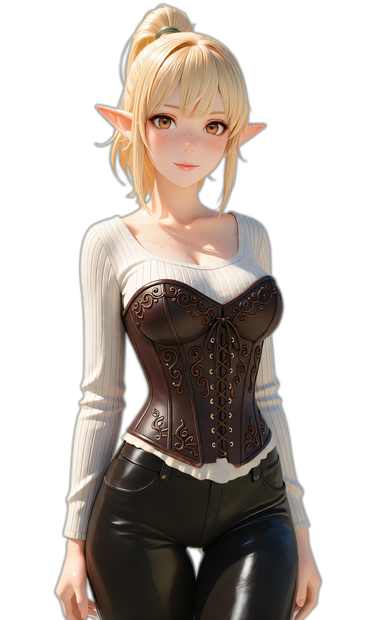
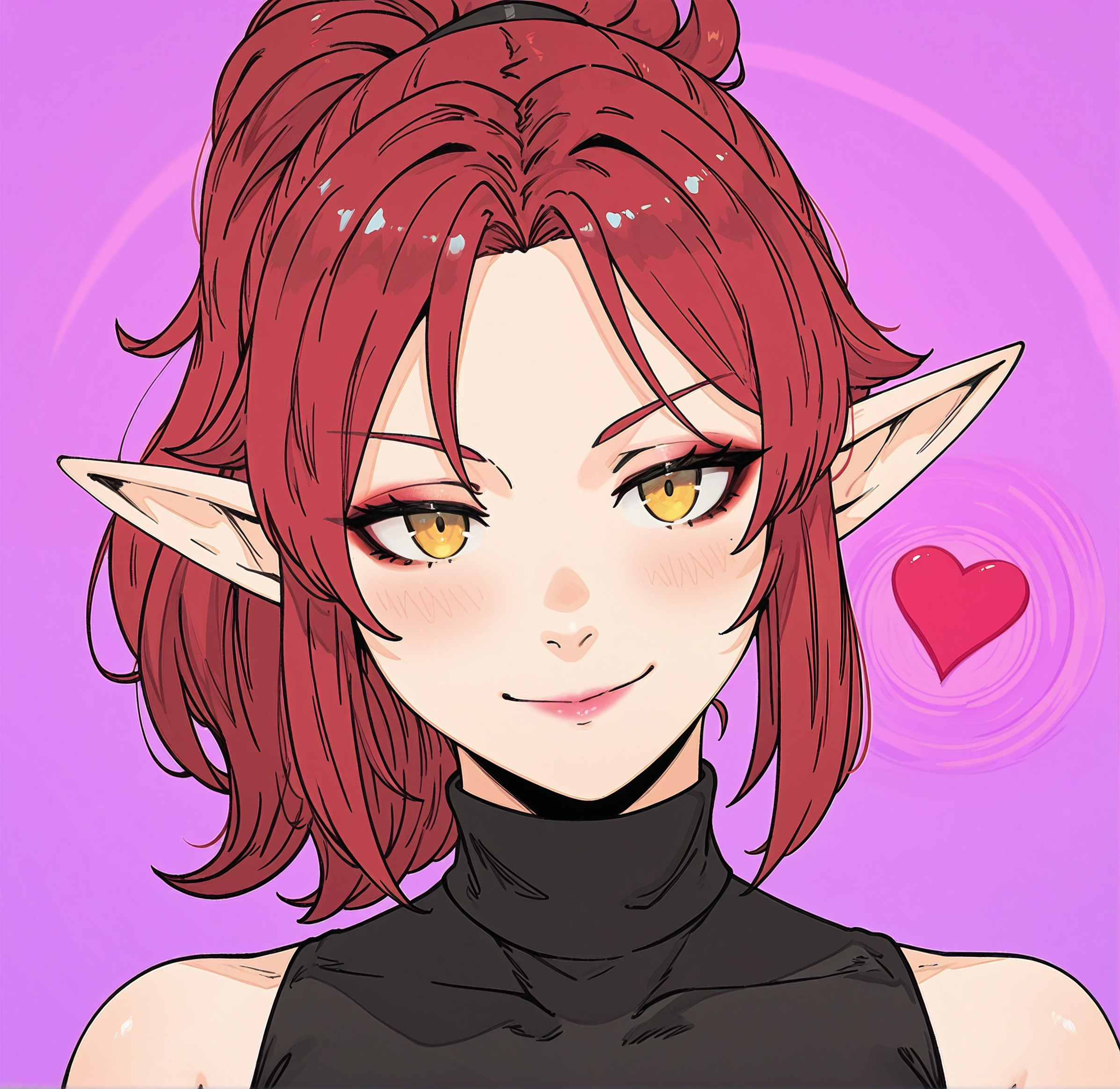
This workflow will create expression sprites for Silly Tavern from a single input image.
Image
qwen image edit
silly tavern
353
Nodes & Models
VAELoader
qwen_image_vae.safetensors
CLIPLoader
qwen_2.5_vl_7b_fp8_scaled.safetensors
UNETLoader
qwen_image_edit_2511_bf16.safetensors
MarkdownNote
PrimitiveString
LoadImage
PrimitiveInt
LoraLoader
Qwen-Image-Edit-2511-Lightning-4steps-V1.0-bf16.safetensors
ImageScaleToTotalPixels
ModelSamplingAuraFlow
VAEEncode
StringConcatenate
CFGNorm
FL_QwenImageEditStrength
KSampler
VAEDecode
SaveImage
ImpactStringSelector
ShowText|pysssss
ShowText|pysssss
PlaySound|pysssss
easy ifElse
CR Upscale Image
4x-UltraSharp.pth
BiRefNetRMBG
Hi! My name is Bipolaris and I love cats 😸
I also love feedback and I am always happy to help out or maybe even add features, even though I try to keep workflows as simple as possible.
This workflow has a ComfyUI version here.
# Sprite Machine
This workflow creates a set of 28 sprites of a character for Silly Tavern. Upload an Image, then it uses Qwen Image Edit and the Lightning lora to change the expression and body language in just 4 steps.
# How to use
The Input group is where you make your changes. You can also enable or disable features in the graph via boolean switches.
You are only supposed to interact with nodes that are expanded. Collapsed nodes do not require any changes (at least that is the idea).
## Index
Pick an expression from 0 to 27. You can look them up in the table bellow. The corresponding prompt line will be used and then get combined with a and look into the camera. prompt. The Sprite will get the correct name in the end.
## Prompt List
Every line contains one prompt corresponding to the expression. You can modify them, just make sure to keep them in one line.
## Upscaling
The image will then be upscaled to 1.35 (this value works great for me).
## Big changes
This will add Make changes to her stance, body language and pose, but keep the framing, camera angle and camera distance the exact same. to the prompt.
## Suffix
This is optional can be used to add something to the prompt at the end. For example she remains restrained, she has a few freckles on her face or something like that.
## Remove Background
RMBG will remove the background, if you want. I recommend a mask blur of 3.
### Tipp:
RMBG works best if the background has a strong and uniform color, such as pure white or a bright pink. I like a white background, because other colors may change the lighting of the generation. That is not really an issue with Qwen anymore, but I got used to it. Also, it can give your sprite a blurry white glow at the edges, wich I really like.
Qwen Image Edit can do this quite easily for you. Here is a simple workflow that will do the job: Simple Qwen Image Edit Workflow.
# Expression Index
| Index | Expression |
|-------|----------------|
| 0 | admiration |
| 1 | amusement |
| 2 | anger |
| 3 | annoyance |
| 4 | approval |
| 5 | caring |
| 6 | confusion |
| 7 | curiosity |
| 8 | desire |
| 9 | disappointment |
| 10 | disapproval |
| 11 | disgust |
| 12 | embarrassment |
| 13 | excitement |
| 14 | fear |
| 15 | gratitude |
| 16 | grief |
| 17 | joy |
| 18 | love |
| 19 | nervousness |
| 20 | neutral |
| 21 | optimism |
| 22 | pride |
| 23 | realization |
| 24 | relief |
| 25 | remorse |
| 26 | sadness |
| 27 | surprise |
Read more