

Seedance 2.0 — AI UGC Fashion & Accessory Videos
Create viral UGC-style fashion and accessory videos from just two photos
accessory-showcase
ecommerce
fashion-video
reels
seedance-2
street-style
tiktok
ugc
Video
766
_1777214163837.webp)
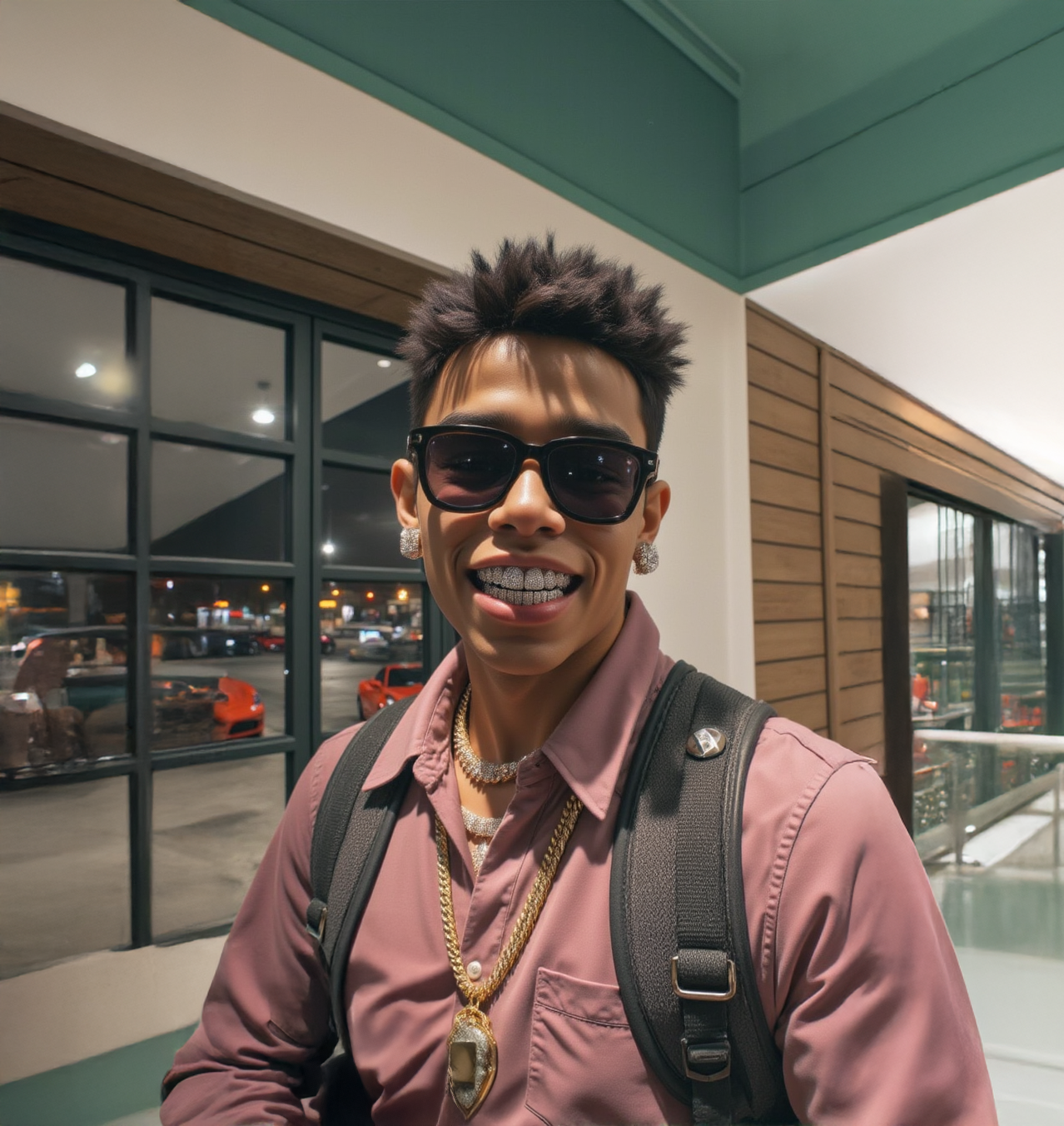
How to use it — 3 steps
Step 1 — Upload your Product image Upload a clean photo of your fashion item or accessory in the Product node. Works great with bags, jewelry, shoes, clothing and more.
Step 2 — Upload your Model image Upload a photo of the model or person you want to feature in the Model node.
Step 3 — Write your scene prompt & hit Queue In the Settings node, describe the outfit, location, camera angles and shot sequence. Then hit Queue!
✍️ How to Write Your Prompt
A good UGC fashion prompt has 5 parts:
1. Video format & style
13-second vertical 9:16 street style fashion video,
raw TikTok/influencer style, fast dynamic cuts,
natural daylight, smartphone handheld feel
2. Describe the model
Stylish young woman, soft brown hair, natural makeup,
relaxed confident expression, playful editorial energy
3. Describe the outfit & product
Yellow football jersey tucked into vintage-wash jeans.
Black leather handbag with bold flame embroidery,
gold clasp, structured handle.
4. Set the location
Urban street corner, stacked beverage crates,
casual city textures, colorful background
5. Write it scene by scene with camera angles
Scene 1 (0–1.5s): POV hand extends bag toward model — she reacts
Scene 2 (1.5–3.5s): Top-down flatlay, bag near knee, rings catch light
Scene 3 (3.5–5s): Close-up, she lifts bag, embroidery fills the frame
Scene 4 (5–6.5s): Ultra-low angle looking up, confident full body
Scene 5 (6.5–7.5s): Hip-level side shot, bag swings naturally
Scene 6 (7.5–9s): Selfie-style portrait, bag on shoulder
Scene 7 (9–10.5s): Side profile tracking shot, walking
Scene 8 (10.5–12s): Full body frontal, complete outfit visible
Scene 9 (12–13s): Walk away, glances back at camera
💡 Need Help Writing the Prompt?
A prompt reference is included inside the workflow — open the note on the canvas and use it as your starting template.
You can also use ChatGPT or Claude to write it for you:
4. Set the location
1. Upload your product/fashion item image
2. Copy the prompt template from the workflow note
3. Ask: "Rewrite this prompt for my product"
4. Paste the result back into the Settings node
5. Hit Queue! 🎯
Read more








