

Qwen Image 2512 · Text to Image For Anime
Write a prompt and Qwen Image 2512 generates a high-resolution image at up to 1920x1280 in 50 steps, using Alibaba's latest dedicated image generation model with strong photorealism and bilingual prompt support.
high detail
Image
qwen image 2512
text to image
183
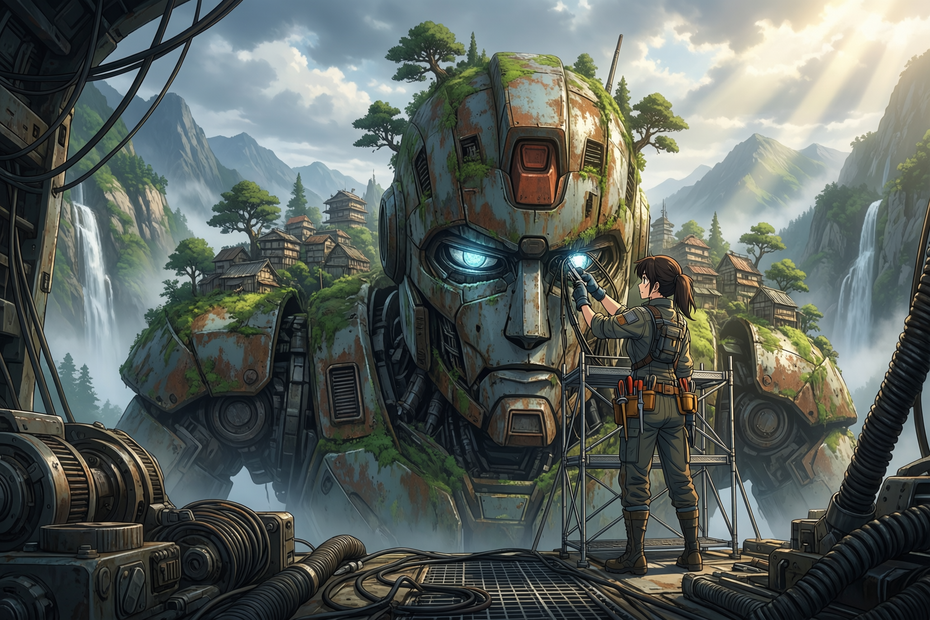
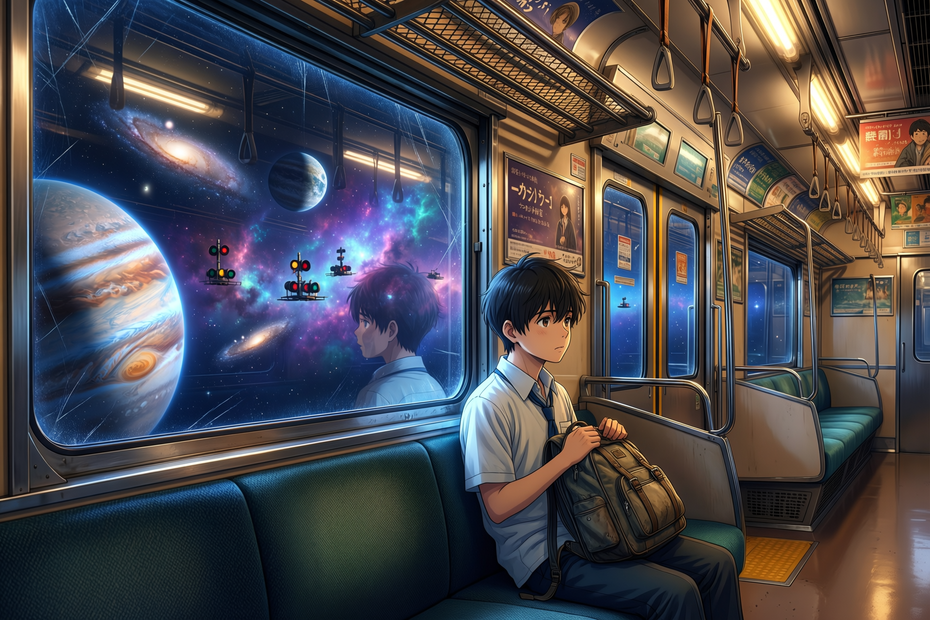
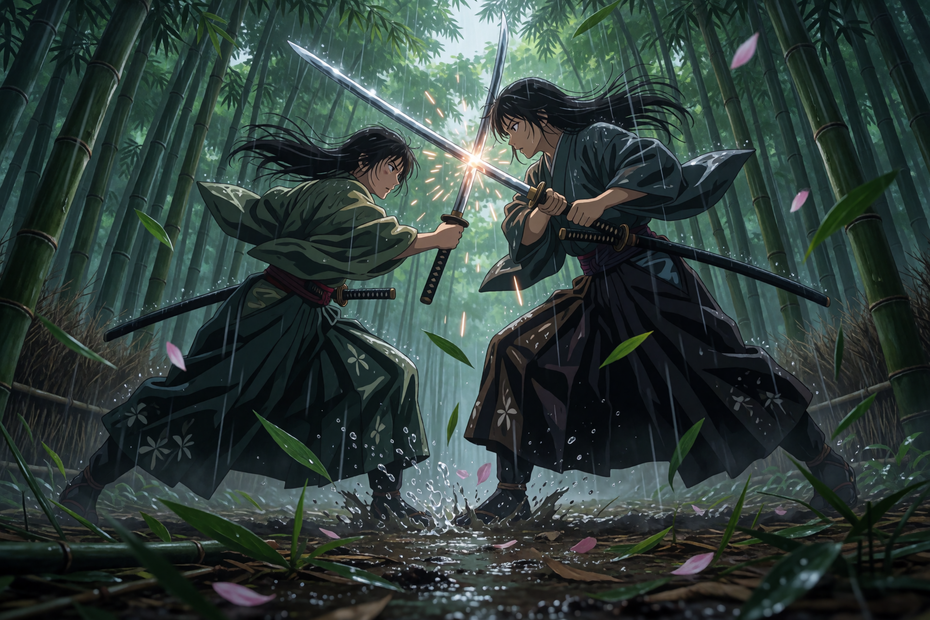
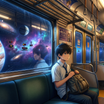
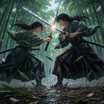
Nodes & Models
PrimitiveStringMultiline
EmptySD3LatentImage
CLIPLoader
qwen_2.5_vl_7b_fp8_scaled.safetensors
UNETLoader
qwen_image_2512_bf16.safetensors
VAELoader
qwen_image_vae.safetensors
CLIPTextEncode
ModelSamplingAuraFlow
PreviewImage
SaveImage
KSampler
VAEDecode
FloyoStickyNote
ABOUT THE WORKFLOW
Generate a High-Quality Image
Write a prompt describing the image you want. Qwen Image 2512 generates it at 1920x1280 in 50 steps with CFG 4 and a Chinese-language negative prompt tuned for quality control. The model handles detailed scene descriptions, atmospheric compositions, and photographic language with strong prompt adherence. It understands both English and Chinese prompts natively.
Model
Qwen Image 2512 (bf16) by Alibaba. The July 2025 release of Alibaba's dedicated image generation model, separate from the Qwen Image Edit line. Paired with a Qwen 2.5 VL 7B text encoder for bilingual (English/Chinese) prompt understanding and the Qwen Image VAE.
HOW IT WORKS
Step 1. Write your prompt
Describe the image: subject, setting, lighting, camera, composition, and mood. The model responds well to atmospheric, descriptive language in both English and Chinese. "At dawn, a thin mist veils the sea. An ancient stone lighthouse stands at the cliff's edge, its beacon faintly visible through the fog. Black rocks are pounded by waves, the sky glows in soft blue-purple hues" gives the model clear direction.
Works great with: landscapes · architecture · portraits · editorial stills · concept art · atmospheric scenes
Step 2. Choose your aspect ratio
Pick the dimensions that match your output. The workflow includes a reference card with tested resolutions: 1:1 (1328x1328), 16:9 (1664x928), 9:16 (928x1664), 4:3 (1472x1104), 3:4 (1104x1472), 3:2 (1584x1056), 2:3 (1056x1584). The default is 1920x1280.
Step 3. Hit run and download
Qwen Image 2512 generates the image in 50 steps and saves it.
Ready for: Photoshop · Figma · Canva · print · social media · web
First time? Write a detailed prompt and hit run. Leave all settings as-is.
RECOMMENDED SETTINGS
Quick-start guide. Find the goal that matches yours and copy the settings.
Standard high-quality generation — 1920x1280, 50 steps, CFG 4, euler sampler, AuraFlow shift 3.1, seed randomized. Write your prompt and run.
Different aspect ratio — Change the EmptySD3LatentImage dimensions to one of the tested ratios from the reference card. Tested sizes produce the most stable results.
Faster generation — Drop steps from 50 to 30. Quality softens slightly but generation time drops significantly. Stay above 20 for clean results.
Stronger prompt adherence — Raise CFG from 4 toward 5. The output follows the prompt more tightly.
Softer, more atmospheric output — Lower CFG toward 3. The model takes more creative liberty with composition and mood.
Bilingual prompts — Write in English, Chinese, or both. The Qwen 2.5 VL encoder handles both natively. The negative prompt is already in Chinese for optimal quality filtering.
Explore compositions — Keep seed on randomize. Each seed produces a different interpretation. Lock the seed once you find a result to refine.
Prompt: Write with atmosphere and specificity. "A thin mist veils the sea, an ancient stone lighthouse at the cliff's edge, black rocks pounded by waves, soft blue-purple sky under hazy light" paints a scene the model can render with depth. "Lighthouse at sea" produces a generic result.
LEARN
📹 Videos
ComfyUI 101 Free Course ft. Sebastian Kamph
Floyo 101 for Team Collaboration
✨ Quick links
USE CASES
🌊 Atmospheric Landscapes and Environments
Generate detailed environments with natural lighting, weather effects, mist, and atmospheric depth that rival matte painting quality.
📸 Editorial and Concept Photography
Produce photorealistic scene concepts with specific camera, lens, and lighting descriptions for mood boards, pitch decks, and marketing assets.
🏛️ Architectural Visualization
Generate building exteriors, interior concepts, and urban scenes with accurate perspective, material rendering, and natural lighting.
🌏 Bilingual Visual Content
Write prompts in English, Chinese, or both for international teams and multilingual campaigns with consistent output quality across languages.
WHAT WORKS BEST / WHAT TO AVOID
✅ Works great
Atmospheric, descriptive prompts with specific lighting and mood
Landscapes, architecture, and environment scenes with depth
Photographic language (lens, exposure, color temperature, depth of field)
Tested aspect ratios from the reference card
⚠️ May produce softer results
Very short prompts with no atmospheric or visual detail
Aspect ratios not listed in the reference card (may produce artifacts)
CFG above 5 or below 3
Complex in-image text rendering at small sizes
FAQ
What is Qwen Image 2512?
Qwen Image 2512 is Alibaba's dedicated image generation model released in July 2025. It is a separate model from Qwen Image Edit (which handles image editing). Qwen Image 2512 focuses on text-to-image generation with strong photorealism, atmospheric rendering, and bilingual (English/Chinese) prompt understanding via the Qwen 2.5 VL 7B text encoder.
How is Qwen Image 2512 different from Qwen Image Edit 2511?
Qwen Image 2512 is a text-to-image generation model. Qwen Image Edit 2511 is an image editing model that takes existing images and modifies them based on a prompt. Use 2512 when you want to generate from scratch. Use Edit 2511 when you want to modify an existing image.
What aspect ratios are tested and recommended?
The workflow includes a reference card: 1:1 (1328x1328), 16:9 (1664x928), 9:16 (928x1664), 4:3 (1472x1104), 3:4 (1104x1472), 3:2 (1584x1056), 2:3 (1056x1584). The default is 1920x1280. These tested sizes produce the most stable output.
Why is the negative prompt in Chinese?
The negative prompt is written in Chinese because Qwen Image 2512 was primarily trained with Chinese-language quality filtering. The Chinese negative prompt translates to: "Low resolution, low quality, deformed limbs, deformed fingers, oversaturated, wax-like, faceless, overly smooth, AI-looking, chaotic composition, blurry text, distorted." This produces stronger quality control than an English equivalent.
Does Qwen Image 2512 support English prompts?
Yes. The Qwen 2.5 VL 7B text encoder handles both English and Chinese prompts natively. Write in whichever language you prefer or mix both in the same prompt.
Is Qwen Image 2512 licensed for commercial use?
Qwen Image 2512 is an open-source model by Alibaba. Check the current license terms on the Hugging Face model page for commercial use in your specific project.
How to run Qwen Image 2512 online?
You can run Qwen Image 2512 online through Floyo. No installation, no setup, no local GPU needed. Open the workflow in your browser, write your prompt, and hit run. Free to try.
WHY FLOYO?
Floyo is the only platform with team collaboration for ComfyUI in the browser. You run workflows with no install. You share run history, assets, and models across your team. You pay only when you generate. Floyo supports open-source and closed-source models.
A designer runs an edit and likes the result. A teammate opens that exact run from shared history and keeps going. No file handoffs. No version confusion.
For studios and enterprise teams, Floyo adds private workspaces, pooled resources, and a team usage dashboard. Other ComfyUI cloud tools run for one person at a time. Floyo runs for the whole team, with transparent per-generation costs.
Ready to try it?
Write an atmospheric prompt and hit run.
Questions? Watch the free course or check the FAQ above.
Read more








