Qwen Image 2.1 Logo to Campaign Mockups
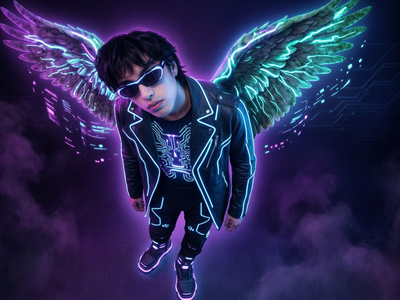
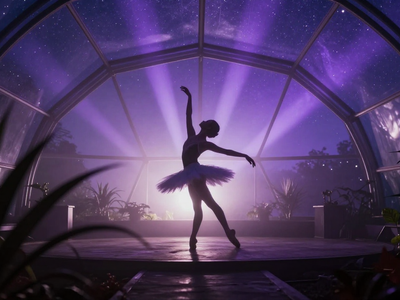
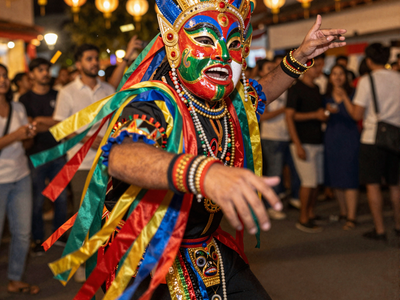
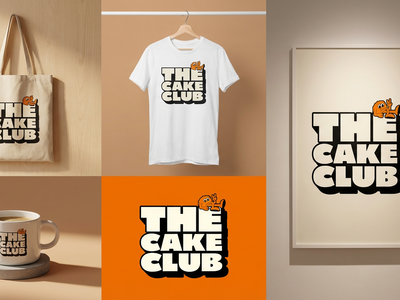
Upload one logo and a short brand brief. Qwen 3.5 writes eight campaign prompts. Qwen Image 2.1 generates a full advertising scene for each, with your logo on realistic packaging.
character design
concept art
e-commerce
image to image
product photography
qwen
text to image
70
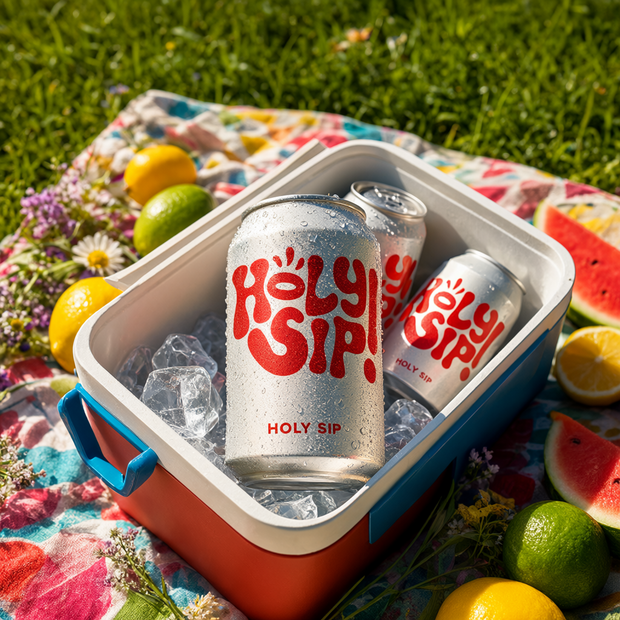
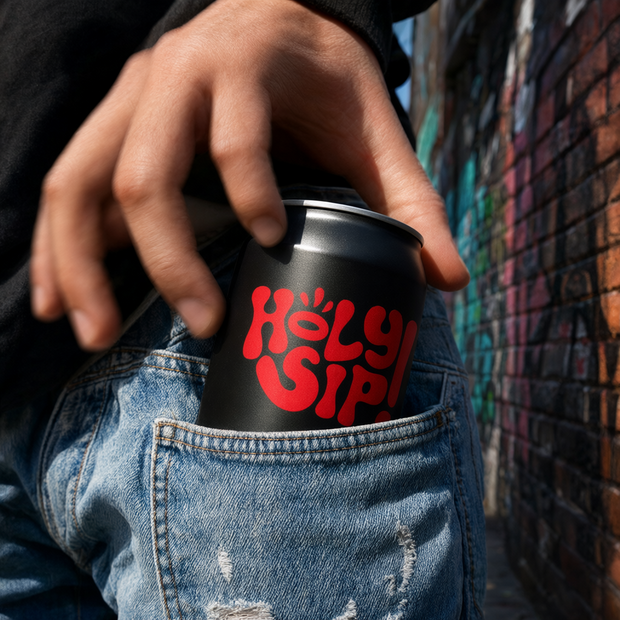
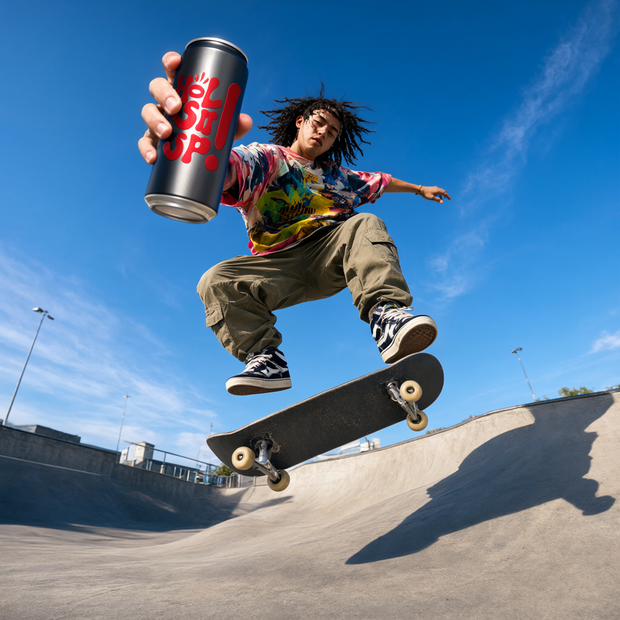
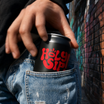
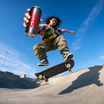
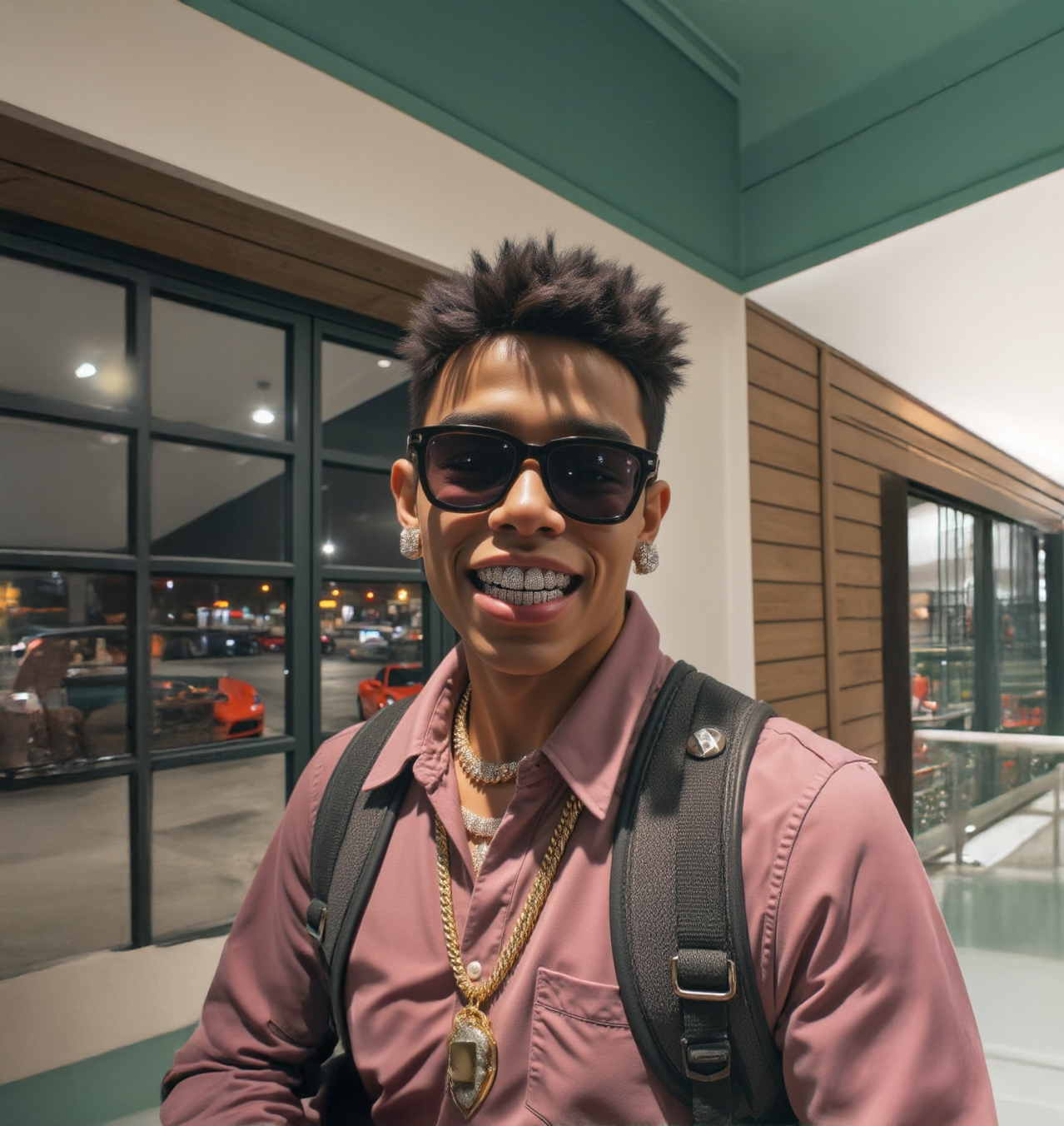
Logo-to-campaign-image pipeline powered by Qwen Image 2.1 and Qwen 3.5 9B.
Upload your logo and write a short brand brief describing the product category, target audience, and vibe. The text model reads both and writes eight different campaign prompts. The image model generates one full advertising scene per concept, with your logo applied to realistic product packaging in each. You get eight PNGs back.
The eight concepts: studio hero shot, branded truck wrap, outdoor lifestyle, hands-in-frame interaction, ingredient world, packaging family lineup, illustrated brand poster, and flash-photography friend group.
How do you generate logo mockup campaigns with Qwen Image 2.1?
Upload a logo image and write a brand brief. Qwen 3.5 9B turns them into eight distinct campaign prompts. Qwen Image 2.1 reads each prompt plus your logo and generates a full advertising scene with the logo applied to a product package. All eight images render at the resolution you set.
Logo image
Required. Upload the logo you want on the product packaging. The model treats it as artwork reference, not a scene to reproduce. PNG with transparency works well. If the logo is visually ambiguous, the brand brief matters more.
Brand brief (prompt field)
Required. Describe the product category, target audience, brand personality, preferred colors, and desired vibe. Example: “This logo is for an energy drink. Young adults, neon green and black, bold and urban.” The more specific you are about the category and audience, the better the packaging and scene choices.
Want to nudge the results? Rewrite the brand brief before touching any other setting. The brief shapes all eight outputs.
Aspect ratio
Default: 1:1 Square. Controls the shape of each output image. Options include 4:3, 3:2, 16:9, and portrait versions. Square works for most social and campaign use.
Megapixels
Default: 1 (about 1024x1024 at 1:1). Higher means larger images and longer runs. Best results at 1 MP. Past 1.6 MP, quality drops and runs get much slower. This is a heavy workflow: raising megapixels multiplies total time by eight.
Seed
Default: random. Set a specific number to reproduce a result. Leave on random for variety across runs.
What are Qwen Image 2.1 logo campaigns good for?
This workflow is built for rapid campaign concepting. Upload a logo, describe the brand, and get eight different advertising directions in one run. It works best when you need variety fast and want to see how a logo reads across packaging types, environments, and campaign styles.
Brand designers exploring how a new logo holds up across real-world applications: truck wraps, retail coolers, lifestyle photography, editorial posters. You get a visual answer in minutes instead of mocking each scenario by hand.
Marketing teams pitching campaign directions to a client. Run it once, pick three or four favorites, refine the brief, run again. Faster than briefing a photographer for each concept.
E-commerce sellers who need product packaging mockups for social ads. Upload your logo, describe your category, and pick the outputs that work.
The tradeoff: Qwen Image 2.1 is weaker at photorealistic human faces and exact text rendering. Campaign scenes with people may have minor anatomy issues. If you need a single polished hero shot with pixel-perfect faces, a dedicated portrait workflow will do better.
FAQ
How long does the Qwen Image 2.1 logo campaign workflow take to run?
Eight images run in parallel, so expect longer generation times than a single-image workflow. At 1 MP and 30 steps, plan for a few minutes total. Raising megapixels or steps multiplies the time across all eight outputs.
Can I control which campaign concepts get generated?
Not in this version. The eight concepts are fixed: studio hero, truck wrap, lifestyle, hands-in-frame, ingredient world, packaging family, illustrated poster, and flash group. You control the look through your brand brief.
What if the logo looks wrong on the packaging?
Rewrite the brand brief before changing any other setting. Be specific about the product category, package type, and colors. If the logo is transparent or abstract, add a line explaining what it represents.
Does Qwen Image 2.1 have a commercial license?
Qwen Image 2.1 is released under the Qwen Research License (non-commercial). Commercial use requires a separate agreement with Alibaba Cloud. Check the model’s license page before using outputs in paid campaigns.
How do I run Qwen Image 2.1 logo campaigns online?
You can run Qwen Image 2.1 logo campaigns online through Floyo. No installation, no setup. Open the workflow in your browser, upload your logo, write your brand brief, and hit run. Free to try.
Read more