Nano Banana — Turn Sketches Into Game Art Style
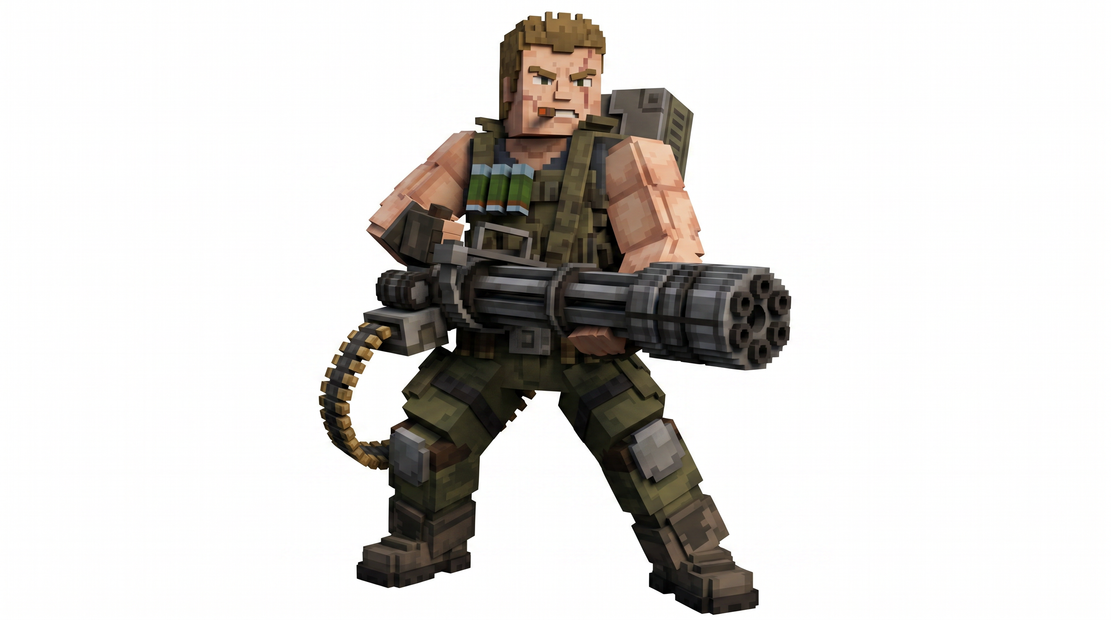
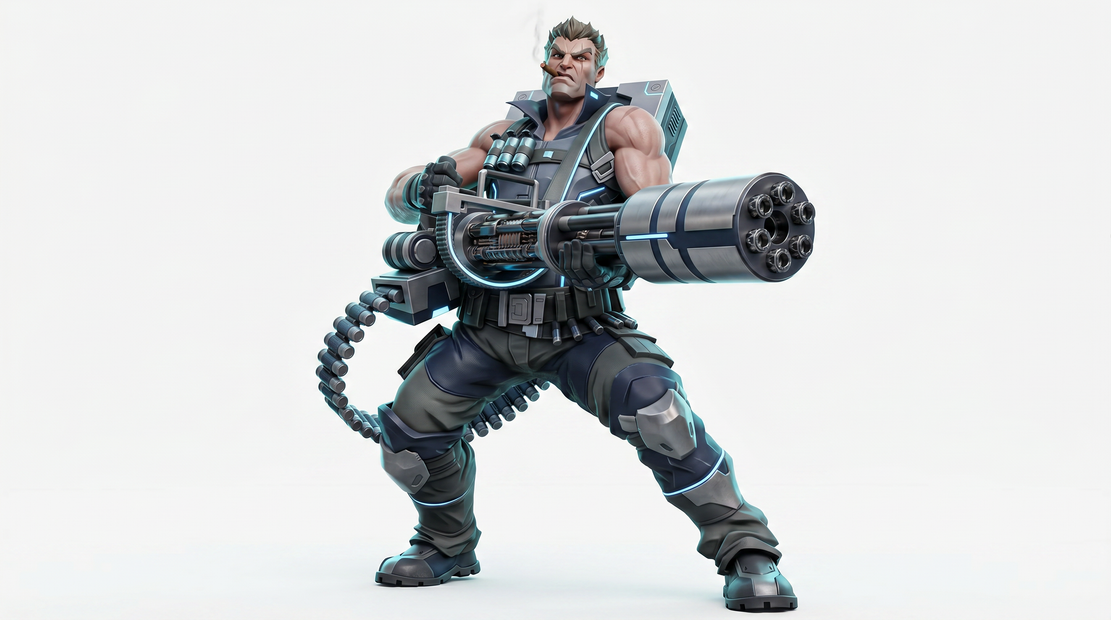
Transform your rough character sketches into stunning game-ready art.
anime
character-design
game-asset
Image
pixel-art
sketch-to-art
style-transfer
186
_1778134643259.png?width=1400&height=620&quality=80&resize=contain)
_1778134643259.png?width=1400&height=620&quality=80&resize=contain)
_1778134643259.png?width=1400&height=620&quality=80&resize=contain)
_1778134643259.png?width=1400&height=620&quality=80&resize=contain)
_1778134643259.png?width=104&height=104&quality=80&resize=cover)
_1778134643259.png?width=104&height=104&quality=80&resize=cover)
_1778134643259.png?width=104&height=104&quality=80&resize=cover)
_1778134643259.png?width=104&height=104&quality=80&resize=cover)
How to use it — 2 steps only
Step 1 — Upload your character sketch Click "choose file to upload" in the LoadImage node and pick your sketch. Works with rough pencil sketches, line art, digital drawings — anything goes.
Step 2 — Pick your style & hit Queue Select your desired art style and resolution in the subgraph settings. Hit Run and your styled character is ready!
Good to know
✅ Works with any sketch — pencil, digital, rough or clean line art
✅ Multiple art styles — pixel art, anime, painterly, sci-fi, cartoon and more
✅ Game ready output — use directly in Unity, Godot, or GameMaker
✅ Fast results — no manual redrawing, no Photoshop needed
🎨 Great for — character concepts, NPC designs, hero sprites, enemy art
🖼️ Multiple resolutions — choose output size to match your game engine needs
💾 Preview shows instantly in the canvas
Read more