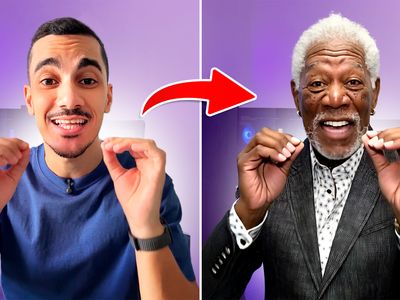
Nano Banana Pro - Game Art Restyling
api
Image
image to image
nano banana
style transfer
1
256
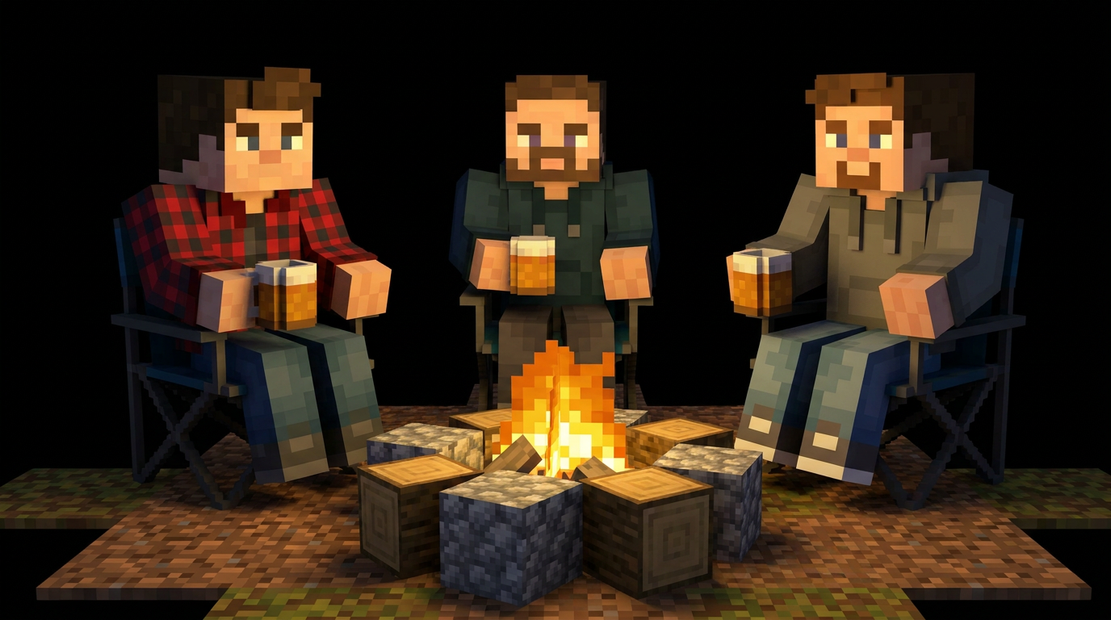
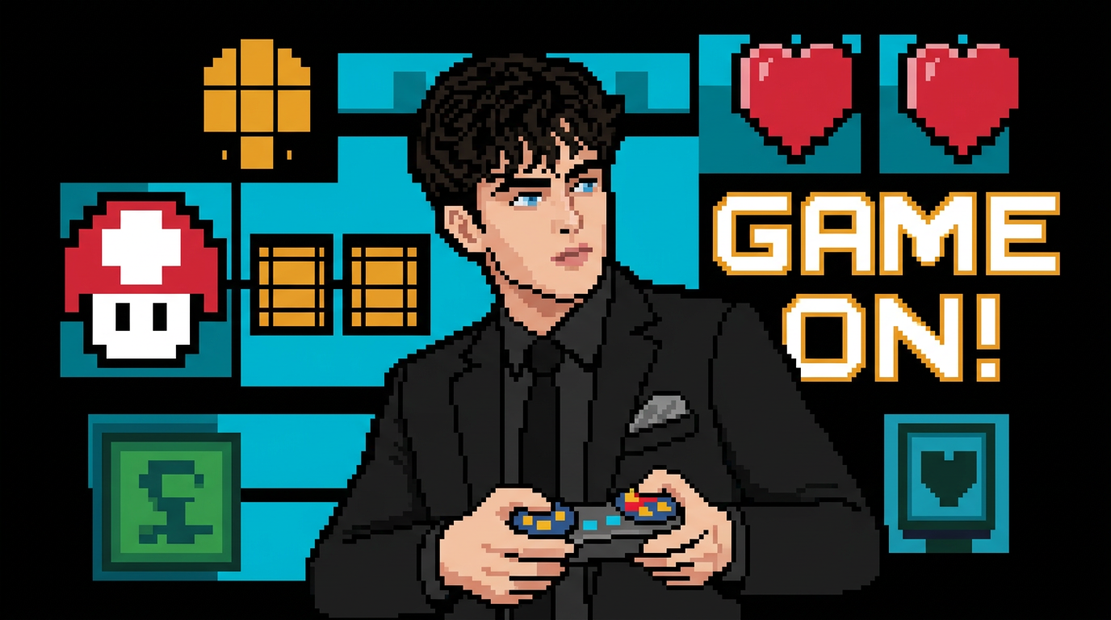
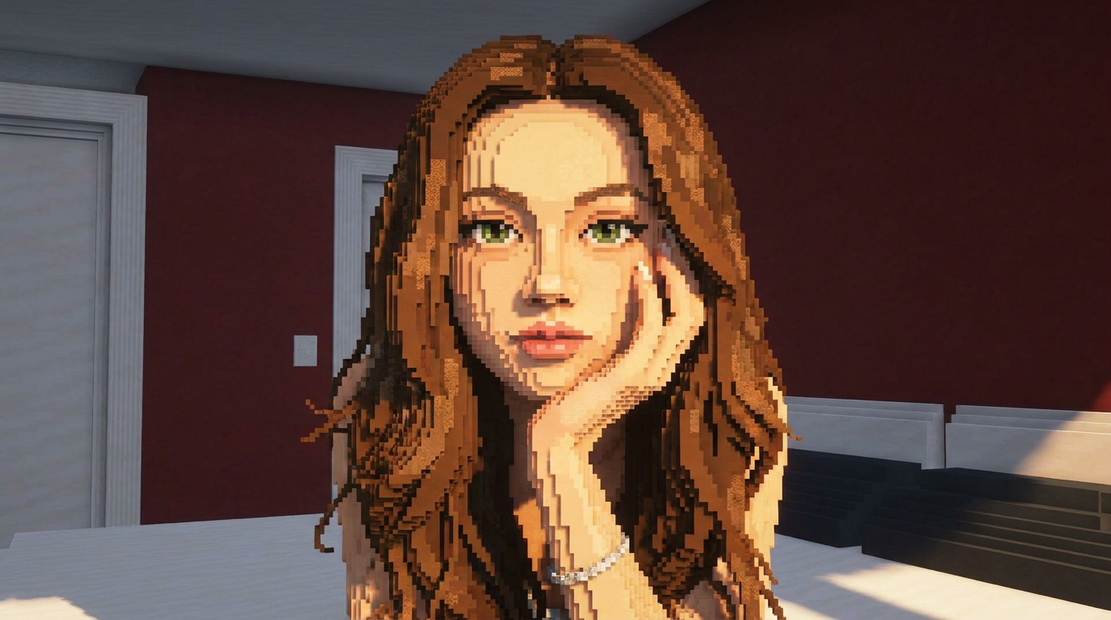
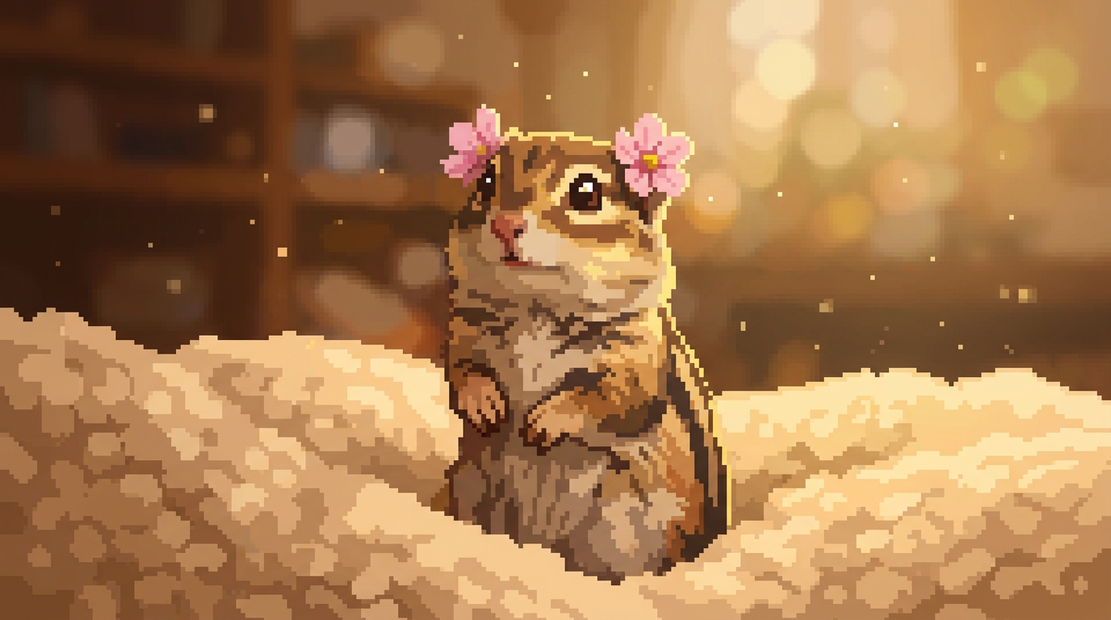



Nodes & Models
NanoBananaProUnified_floyo
LoadImage
PrimitiveStringMultiline
BatchImagesNode
StringConcatenate
ImageCompare
SaveImage
Image Rembg (Remove Background)
Restyle any object sprite into game art with Nano Banana Pro.
Upload a screenshot from the game whose art style you want to copy. Upload your sprite. Type what the sprite is in plain words. The model rebuilds your sprite in that style while keeping the original outline and composition intact.
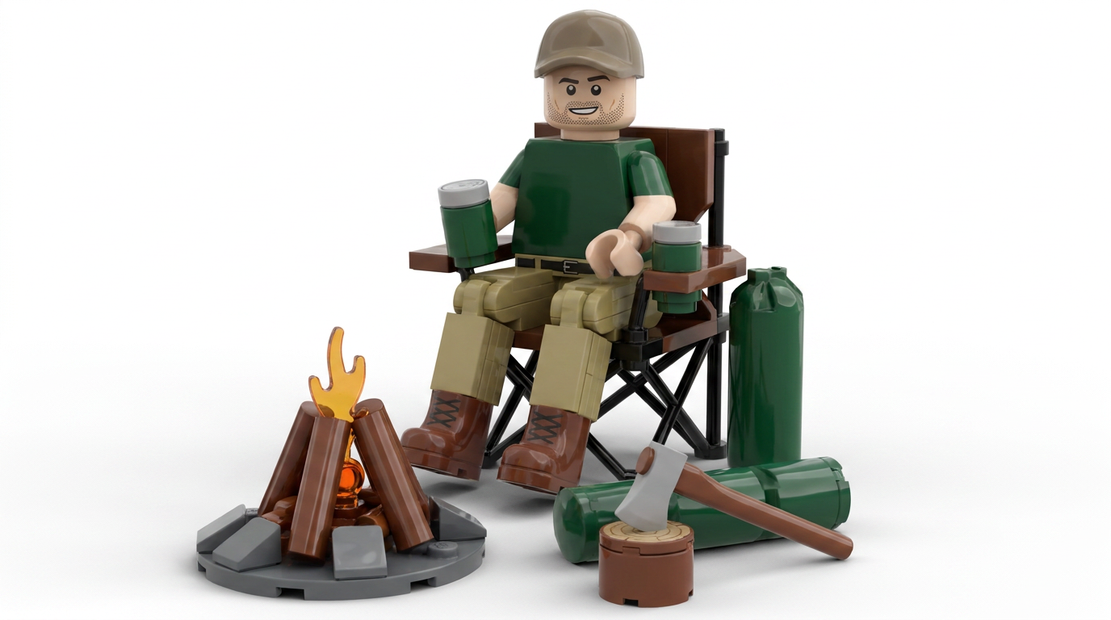
You get two outputs back: the full texture render, and a transparent cutout with the background already removed.
How do you match a game art style with Nano Banana Pro?
Upload a screenshot of the game art you want to copy as Style Reference. Upload your sprite as Sprite Reference. In Object Prompt, write what the sprite is, like "copper gas lamp" or "wooden treasure chest." Run it. The output preserves your sprite's outline and repaints it in the reference style.
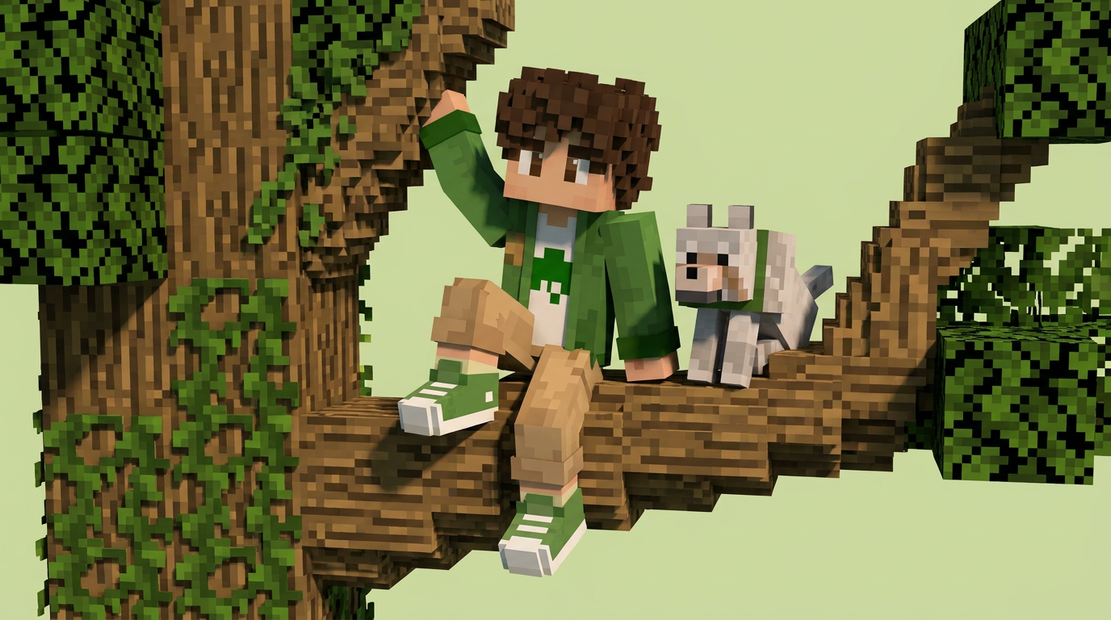
Style Reference This is the game whose art style you're copying. A clean screenshot works better than a busy collage. Match-3 inventory tiles, item icons, and cover art are the strongest references. Anything cluttered with multiple objects in frame gives the model competing signals.
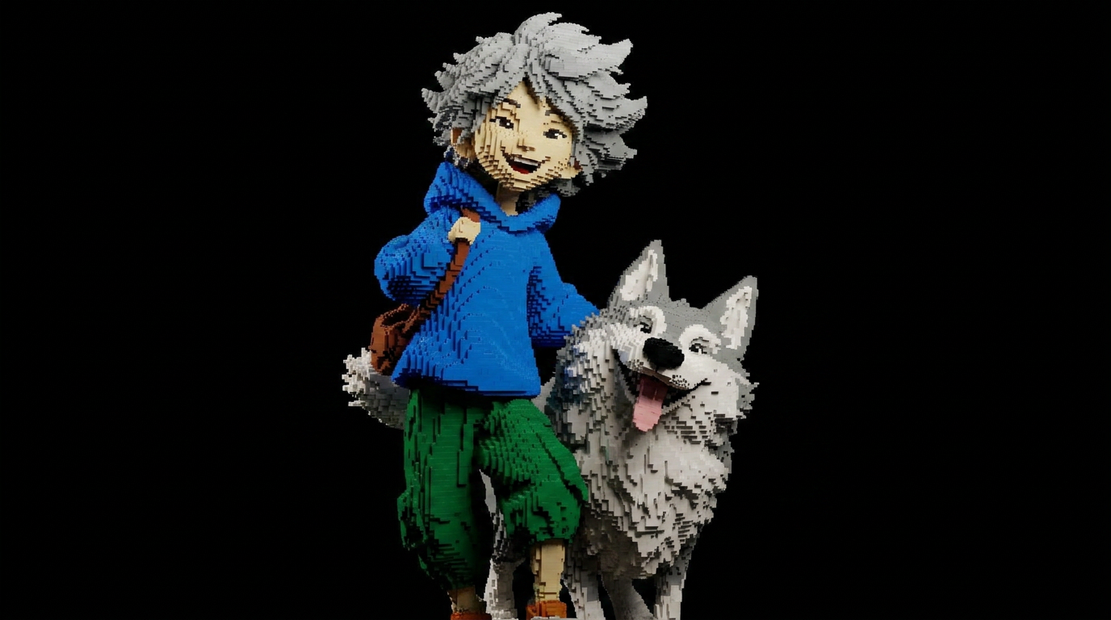
Sprite Reference The object you want restyled. The model preserves the silhouette and pose of whatever you upload here, so flat-lit reference shots work best. Concept sketches, photos, and placeholder art all work as input.
Object Prompt Tell the model what the sprite is. Keep it short and literal: "copper gas lamp," "antique pocket watch," "wooden barrel." Avoid mood words like "magical" or "stylized." The reference image already carries the style. The Object Prompt names the thing.
resolution 1K is the default and works for most inventory tiles. Need higher detail for hero items or zoom shots? Bump it.
output_format PNG keeps the alpha channel clean on the cutout output. Stick with it unless you have a reason not to.
What is this workflow good for?
Building consistent inventory art, idle, or casual games. Take any object reference, drop in a screenshot of the art style you want to match, and get a game-ready texture with a transparent cutout in one run. Strong when you need 50+ items in a unified style without commissioning every one.
This is the workflow you reach for when you have a folder of object references (sketches, photos, placeholder art) and need them all to look like they belong to the same game. Drop in a screenshot from Royal Match, Gardenscapes, or whatever style you're targeting, then run each object through with a one-line description.
The transparent cutout output goes straight into Unity, Unreal, or any 2D engine without further cleanup. The full texture stays around for marketing renders or hero art.
Doing one-off restyles where consistency across many items doesn't matter? A regular text-to-image workflow gives you more creative range. This one is built for batches that need to match.
FAQ
What art styles work as references for Nano Banana Pro? Inventory art works best: clean lighting, neutral backgrounds, recognizable rendering style. Royal Match, Gardenscapes, Lily's Garden, and Toon Blast all give clean references. Anything cluttered or with multiple objects in frame gives the model competing signals and the output gets noisy.
Why does the output keep the same shape as my sprite? The Object Prompt explicitly tells the model to preserve composition and outline. If you want bigger silhouette changes, edit the wording in the Object Prompt or the prompt builder nodes. By default, this workflow is tuned for restyling without redrawing.
Can I use Nano Banana Pro for non-game art styles? Yes. The workflow does not care that it's match-3 specifically. Drop in any reference style: Pixar 3D, claymation, low-poly, hand-painted, anime cels. It will try to match. Match-3 references happen to be the cleanest training fodder for this kind of restyle.
What's the difference between the texture and texture_alpha outputs? Texture is the raw render with whatever background the model produced. Texture_alpha is that same render with the background removed and saved as PNG with transparency. Use texture_alpha for game engines or sprite sheets, texture for marketing renders or thumbnails.
Read more