Nano Banana 2 for Jewelry Scene Compositor
Drop a ring photo and a background into the same workflow. Nano Banana 2 composites the jewelry into the scene seven ways so you can cherry-pick the best take.
e-commerce
image to image
nano banana 2
product photography
1
60
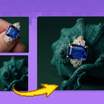

Nodes & Models
NanoBanana2Unified_floyo
LoadImage
Note
PreviewImage
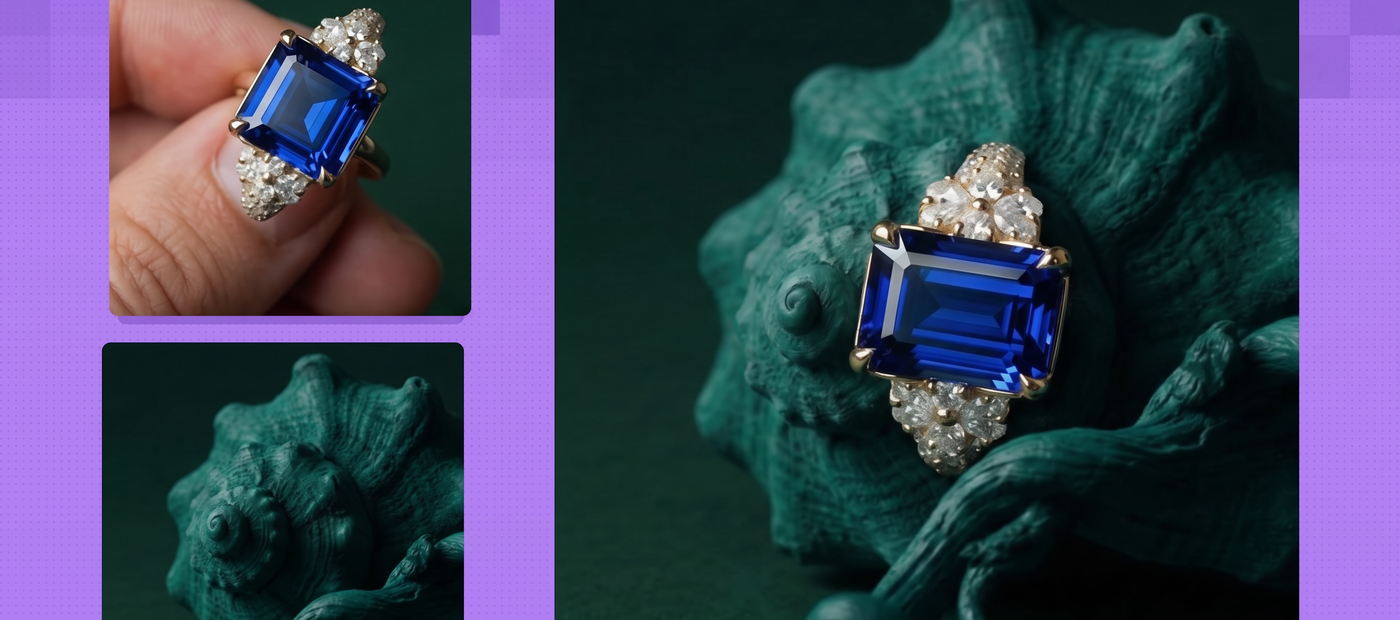
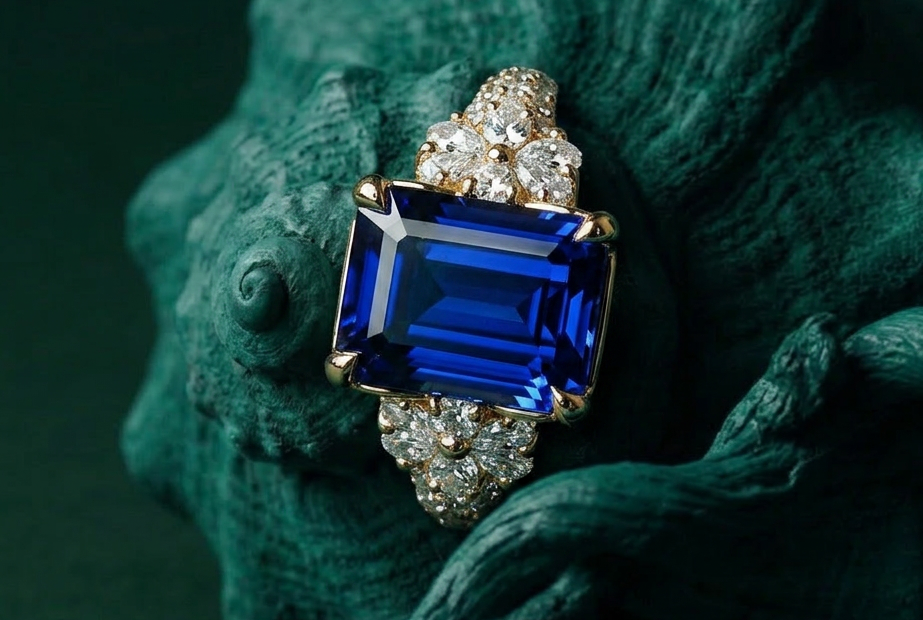
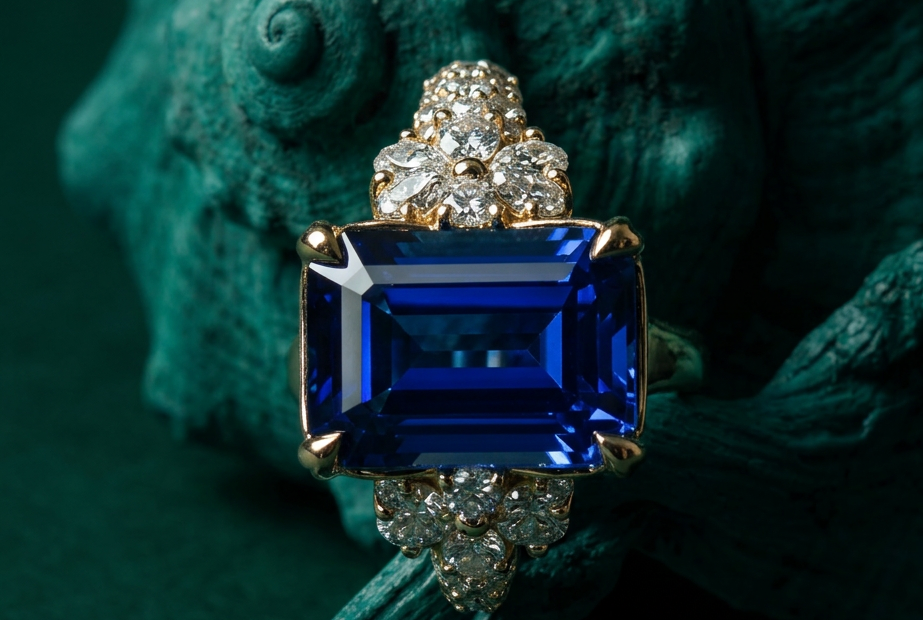
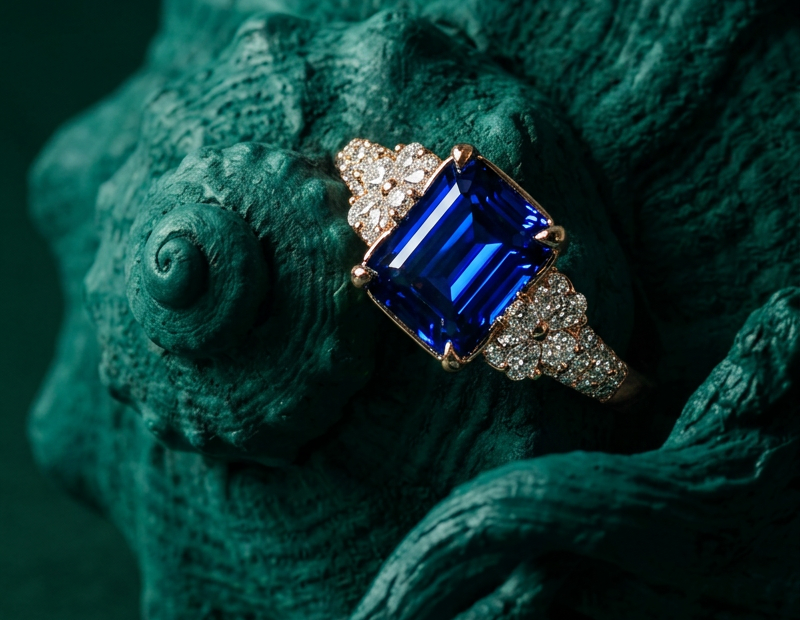
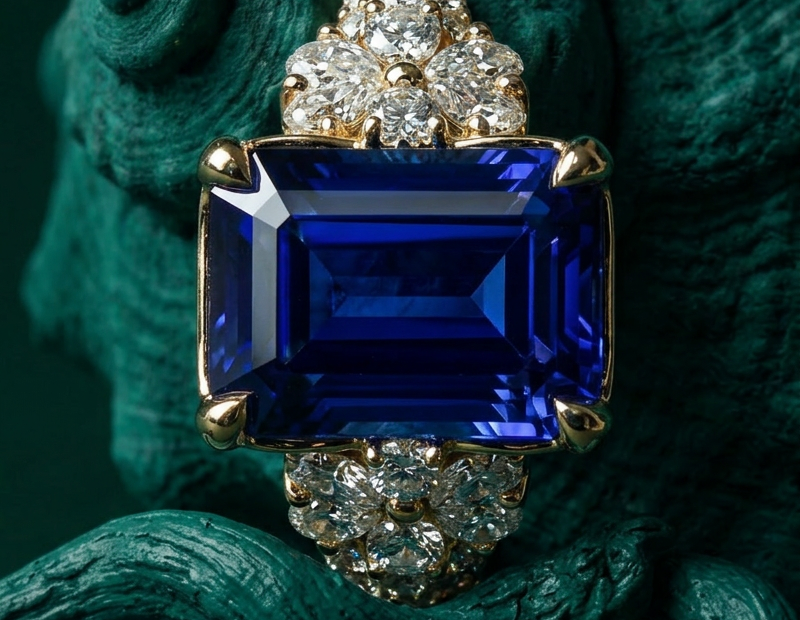
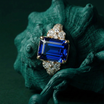
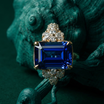
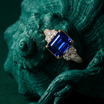
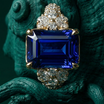
Drop a ring (or any piece of jewelry) and a background photo into the workflow. Nano Banana 2 composites the jewelry into the scene as a finished, photoreal frame.
Two uploads, one prompt, seven variations per click. The model handles light, perspective, and reflections so the jewelry sits in the scene instead of looking pasted on top.
Built for cherry-picking. Run it, scan the seven outputs, keep the one that landed.
How do you composite jewelry into a background with Nano Banana 2?
Upload your jewelry photo as image 1 and your background as image 2, then describe what you want in the prompt. Nano Banana 2 places the jewelry into the scene with matching light and perspective. The workflow runs seven variations side by side from different seeds so you can pick the take that holds up.
Image 1 (the jewelry) The piece you want in the final frame. A ring, necklace, earring, watch. Clean product shots win here. Hard background, soft shadows, the piece in focus. The model preserves the metal, the stones, and the proportions from this image.
Image 2 (the background) Where the jewelry is going. A hand, a velvet display, a marble surface, an editorial scene. The model figures out where the piece belongs and how it should catch the light. Backgrounds that already imply a placement (a finger angled for a ring, a neckline for a necklace) tend to land cleaner than abstract scenes.
Prompt Tell the model what to do in plain language. The default is "Place the ring as image1 at the background as image2." Swap "ring" for whatever piece you uploaded. Want it on a specific finger? Say so. Want it photographed from above on a marble pedestal? Add it. Short and direct beats long and flowery.
Resolution 1K is the default. Plenty for thumbnails, e-commerce grids, and most social. Bump it later if you need print-size output.
Seed Each of the seven parallel generators uses a different randomized seed. That's the whole point of the workflow. You get seven takes per click instead of one. If a seed lands close but not perfect, lock that number and tweak the prompt to push it the rest of the way.
What is the Jewelry Scene Compositor good for?
Product and lifestyle photography for jewelry brands that need the same piece across different backgrounds. Engagement rings on hands, necklaces on velvet, earrings on a model. Anywhere you'd normally shoot a piece against five backdrops, this workflow gives you the result without setting up a single light or hiring a hand model.
E-commerce listings where one ring needs to sit on a white backdrop, on a hand, on a marble pedestal, and in a lifestyle frame for a campaign. Shoot the jewelry once. Generate the rest.
Catalog work for small jewelry brands without a studio budget. Concept frames for art direction before a real shoot. Mockups for clients who want to see a piece in context before approving the design.
The catch: the model can drift on the smallest details (engraving, set stones, brand marks) across variations. That's why the workflow runs seven at once. Keep the take that holds the details. The note from the builder says it plain: the output needs to be cherry-picked.
FAQ
What kind of jewelry photos work best with Nano Banana 2? Clean product shots on a plain background. Front-on or three-quarter angles. The model needs to see the piece clearly to preserve shape, metal, and stones. Editorial shots with heavy shadows or props can confuse the placement. Shoot it like a stock product photo and let the workflow handle the scene.
Why does the workflow generate seven images at once? Nano Banana 2 produces variations across seeds, and not every variation lands. Running seven in parallel gives you a spread to choose from. Cherry-pick the one with the cleanest placement, accurate light, and details intact. It's faster than running the same workflow seven times in a row.
Can I composite necklaces and earrings, not only rings? Yes. The default prompt says "ring" because that's the most common case, but swap in whatever piece you uploaded: necklace, earring, watch, bracelet. The workflow doesn't care. Match the prompt to your image and pick a background that fits the piece you're placing.
Will the jewelry look identical across the seven variations? Close, not pixel-perfect. Nano Banana 2 holds the overall shape, metal color, and stone setting well. Fine details like engraving, micro-pavé stones, or specific brand marks can shift between runs. For a hero shot, inspect each variation. For grid thumbnails, the differences usually don't matter.
How to run Nano Banana 2 online? You can run Nano Banana 2 online through Floyo. No installation, no setup. Open the workflow in your browser, upload your jewelry photo and background, and hit run. Free to try.
Read more
_1778243880760.png?width=400&height=300&quality=80&resize=cover)