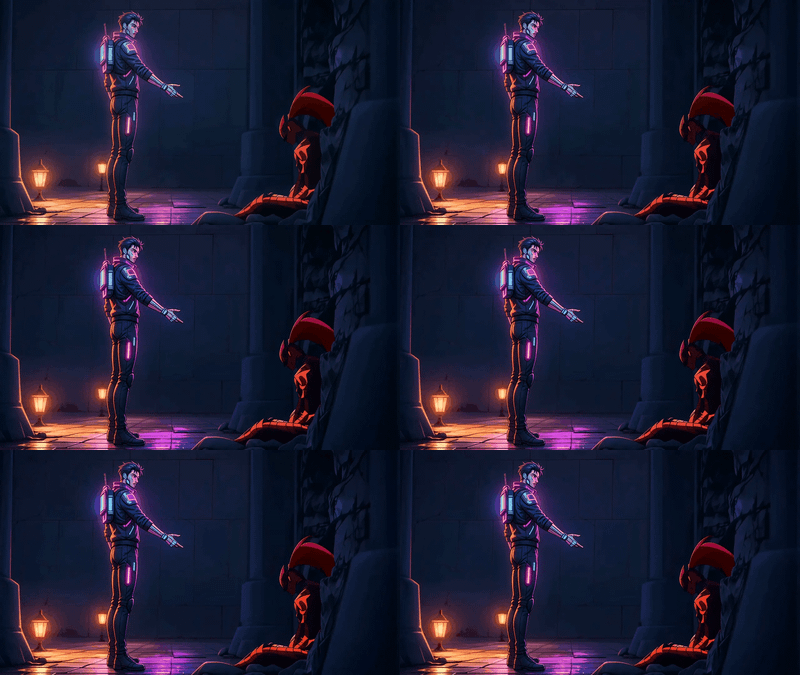
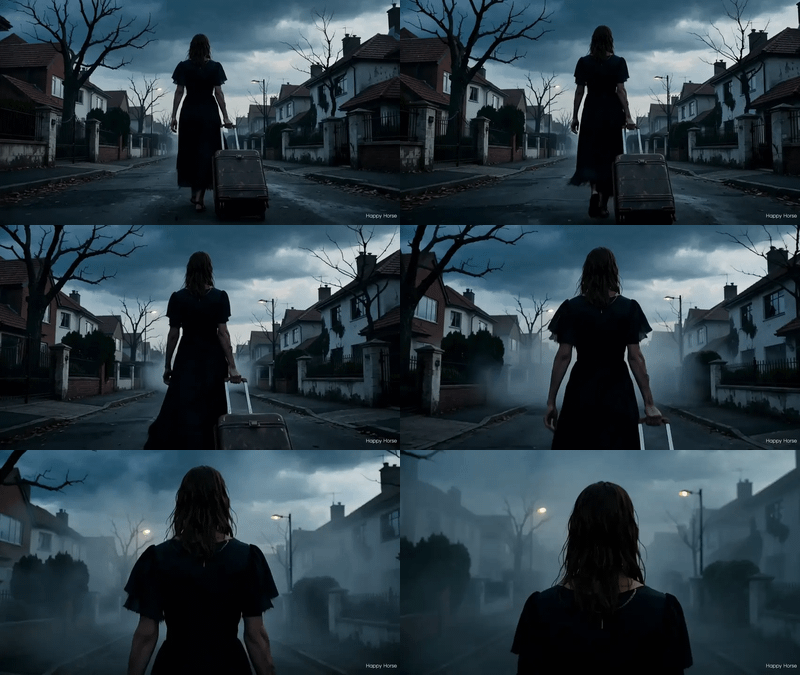
Happy Horse 1.0 - Image to Video
Animate a still image with Happy Horse 1.0. Upload a frame, describe the motion you want, get a 5-second clip with stable physics and consistent details.
consistency
film production
happy horse
image to video
product photography
Video
video generation
451



Nodes & Models
HappyHorse10ImageToVideo_floyo
VideoToFrames
WorkflowGraphics
LoadImage
CreateVideo
SaveVideo
Animate a still image with Happy Horse 1.0, an image-to-video model from Alibaba's Taotian Group.
Upload a starting frame, describe how the scene should move, and Happy Horse turns it into a 5-second clip. Backgrounds hold their structure. Faces stay recognizable. Motion looks directed instead of floaty.
Pick your resolution, write your prompt, hit run.
How do you use Happy Horse 1.0 for image to video?
Upload a starting image, write a prompt describing how the scene should move, pick resolution and duration, and hit run. Happy Horse uses your image as the first frame and animates from there. The motion follows your prompt while backgrounds, faces, and details stay steady across the full clip.
Image The first frame of your video. Photos, illustrations, AI-generated images, product shots all work. Stronger compositions get stronger motion. Clean inputs hold up better across the full clip than busy ones.
Prompt Describe what should move and how. Want subtle motion? Try "leaves rustling in a soft breeze" or "steam rising slowly from a coffee cup." Need bigger action? Go specific: "the woman turns her head and smiles, then walks toward the camera." Camera language helps too: "slow dolly in," "static handheld," "pull focus to the background."
Resolution 720P is the default and runs faster. Pick 1080P when the output is going somewhere it'll be seen full-size: a client review, a hero shot on a landing page, anything where pixels matter.
Duration 5 or 8 seconds. Five is enough for a single beat of motion. Pick eight when the action needs more space: a full reveal, a longer camera move, two beats instead of one.
Watermark Off by default. Leave it that way unless you have a reason to mark the file.
Seed Set to randomize for fresh variations on every run. Lock a specific seed when you find a take you like and want to test prompt tweaks against it without losing the version you have.
What is Happy Horse 1.0 good for?
Animating still images into short clips where motion needs to stay grounded. Product reveals from packshots, character animation from concept art, b-roll from location stills, scroll-stoppers from a single hero image. Happy Horse handles physics and continuity better than most alternatives, which makes the first take usable more often.
The strength here is image fidelity. The first frame stays close to your input. Backgrounds don't morph between frames. Characters keep their faces. That's what makes it useful for client work where the brief was a photo and the deliverable is a short video.
Good for: product demos from packshots, animating illustrated keyframes, vertical social clips, b-roll for video edits, animatics from concept art.
If you need long-form video, complex dialogue, or shots over 8 seconds, this isn't the workflow. Look at a longer-form video model or a multi-shot pipeline instead.
FAQ
What kind of motion does Happy Horse 1.0 handle best? Grounded motion with physical plausibility. Wind through cloth and hair, water and fluid dynamics, slow camera moves, character expressions, vehicles in motion. It leans toward physical realism by default. Stylized animation works, but exaggerated cartoon motion isn't where this model shines.
How long does Happy Horse 1.0 take to generate a clip? Around 30 to 60 seconds for a 5-second clip at 720P, depending on queue load. 1080P takes longer. Fast enough that you can iterate on prompt variations without context-switching out of the work.
Does Happy Horse 1.0 keep character consistency between frames? Yes. Faces don't warp. Backgrounds don't drift. The model topped the image-to-video benchmark on this strength specifically. As long as your starting image is clean, characters stay recognizable across the full clip.
What prompts work best for Happy Horse image to video? Describe what should move, how it moves, and the camera if relevant. "Subject + action + how + camera" is a solid structure. Skip vague mood words like "cinematic" or "epic." The model amplifies them and you'll lose control of the look.
How to run Happy Horse 1.0 image to video online? You can run Happy Horse 1.0 image to video online through Floyo. No installation, no setup. Open the workflow in your browser, upload your image, write your prompt, and hit run. Free to try.
Read more