

FLUX 2 Klein 9B — Turn Game Sketches Into Any Art
Transform your rough character sketches into stunning ]game-ready art styles.
character-design
flux-2
free
game-asset
Image
klein-9b
open-source
sketch-to-art
style-transfer
325
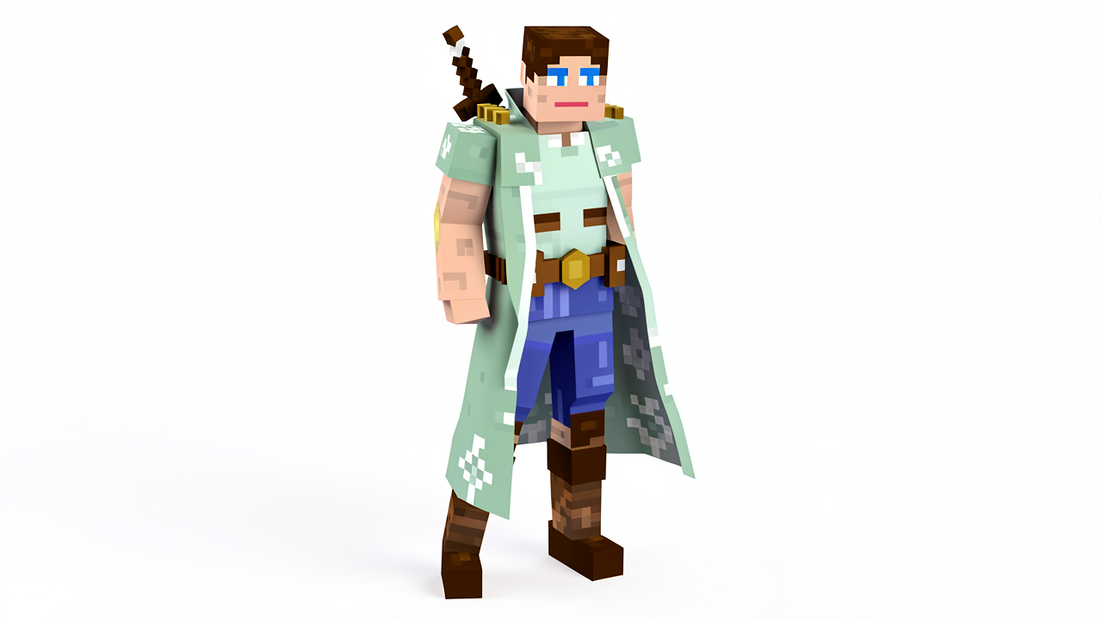
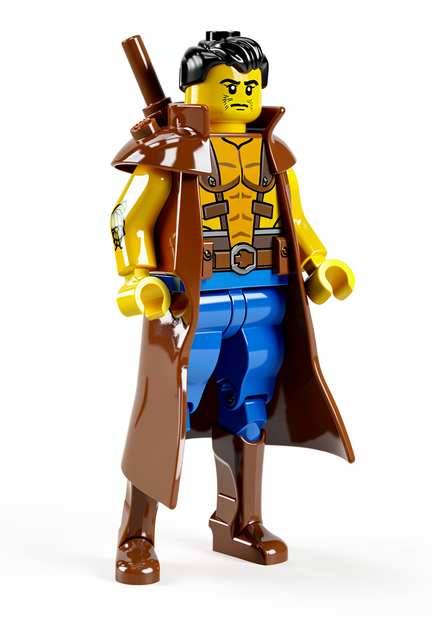
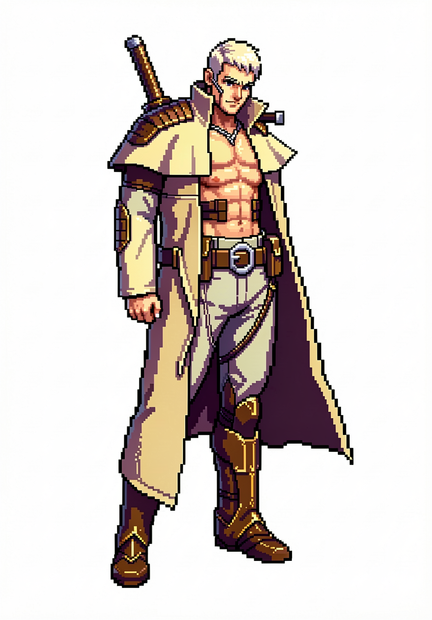
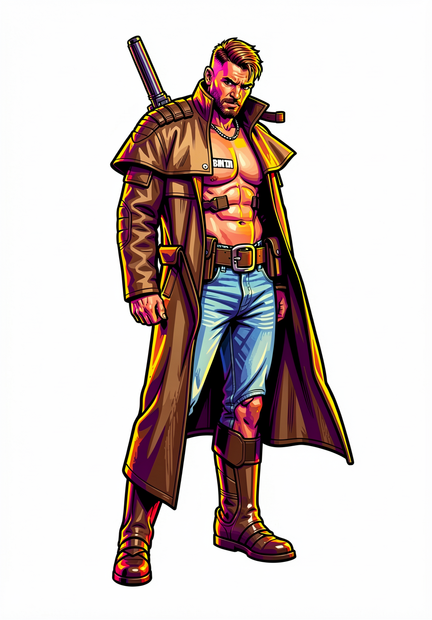
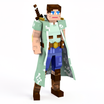
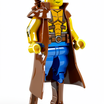
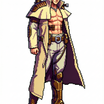
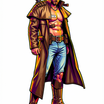
How to use it — 2 steps only
Step 1 — Upload your character sketch Click "choose file to upload" in the LoadImage node. Works with pencil sketches, rough line art, digital drawings — anything goes.
Step 2 — Pick a style number & hit Queue Just change the Index number to switch between art styles. Set your width and height for the output size. No prompt needed — hit Run and your styled character is ready!
🎨 Style Index:
0 → Minecraft Style
1 → Lego Style
2 → Fortnite Style
3 → Pixel Art Style
4 → Valorant Style
5 → Retro Style
6 → 2D Pixel Style
7 → GTA Style
Good to know
✅ 100% Free & Open Source — no API key, no subscription, no cost
✅ Powered by FLUX 2 Klein 9B — one of the most capable open source image models
✅ No prompt needed — just change the index number to switch styles
✅ 8 game art styles — Minecraft, Lego, Fortnite, Pixel Art, Valorant, Retro, 2D Pixel, GTA
✅ Full resolution control — set exact width and height for your output
✅ Instant preview — see results directly on the canvas
🎮 Game ready output — use directly in Unity, Godot or GameMaker
💾 Saves to
Flux2-Klein/CharacterStylefolder
Read more








