


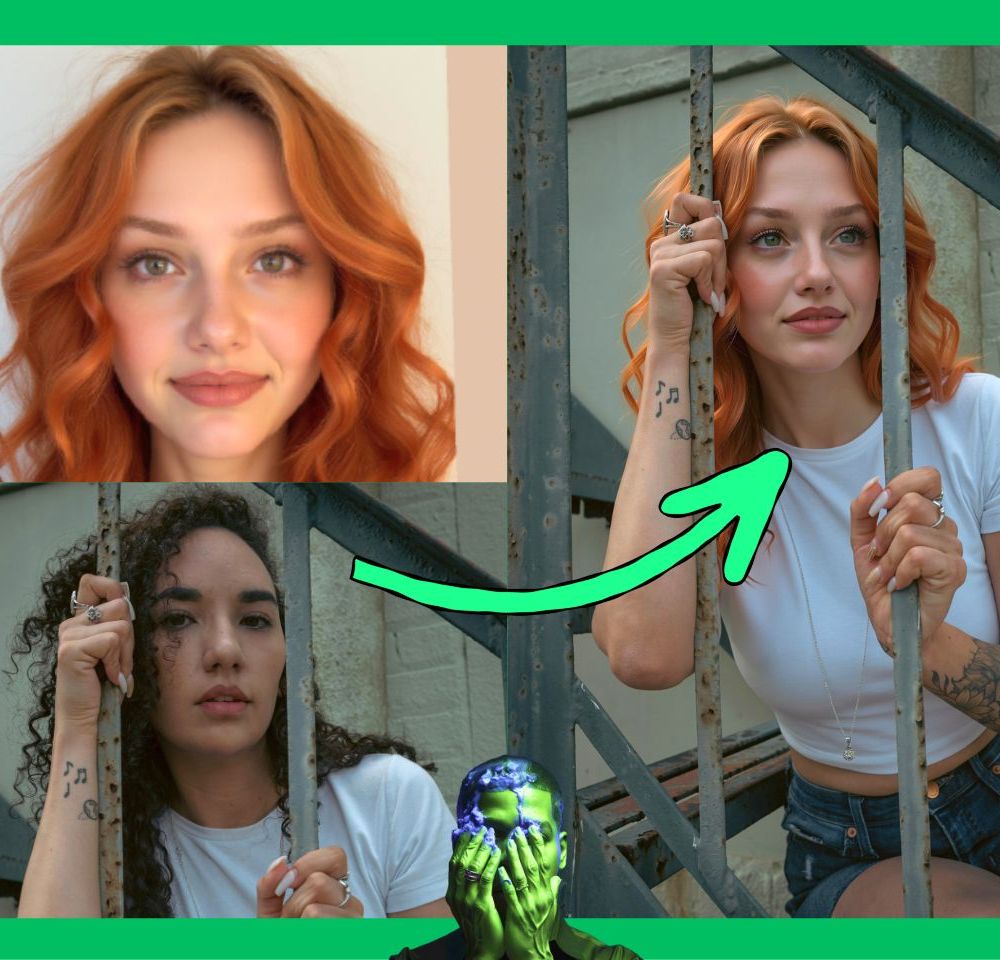
Khám phá thêm giải pháp
Xem tất cả



Tất cả quy trình hoán đổi khuôn mặtQuy trình Hoán đổi khuôn mặt
Tất cả Workflows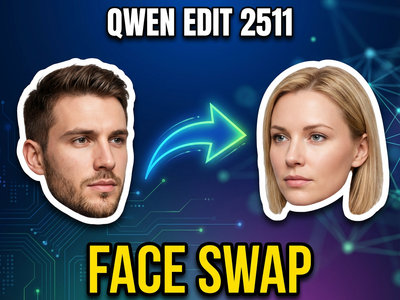

Qwen Edit 2511 Face Swap
Face Swap


Qwen Image Edit 2509 · Face Swap
Swap a face between two photos with Qwen Image Edit 2509. Upload a main image and a reference, paint a mask on each face, hit run. Apache 2.0 open weights.
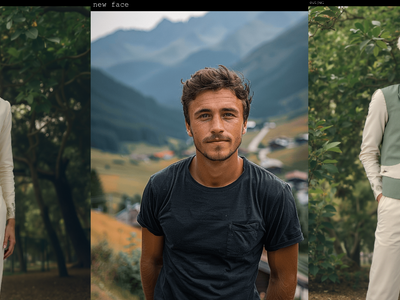

ReActor - Simple Face Swap

SMART FACE SWAPPER - Ace++ Flux Face swap
Face swapper built with Flux and ACE++. Works with added details too, like hats, jewelry. Smart features, use natural language.
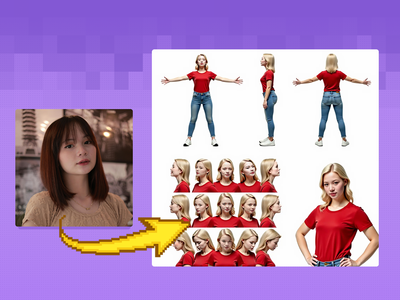
Image to Image Character Sheet Face Swap with Ace+
Take a character sheet and use a reference image to replace all the faces with that new person. Key Inputs Load Image: Use any JPG or PNG showing your pose sheet Load New Face: Use any JPG or PNG showing your subject clearly that you would like to swap into the pose sheet. Prompt: as descriptive a prompt as possible Width & height: Optimal resolution settings are noted at 1024px x 1024px Keep Proportion: Enable keep_proportion if you want to keep the same size with input and output Denoise: The amount of variance in the new image. Higher has more variance.

Vertical Video Background & Scene Rebuild


Qwen Image 2.1 Face Swap
Upload a photo and a new face. Qwen Image 2.1 swaps in the whole head and keeps the body, pose, outfit, and scene from your original. Two uploads, one prompt.
Workflows = API
Mọi quy trình đều là một endpoint API. Đưa tính năng tạo nội dung bằng AI vào sản phẩm của bạn mà không cần tự dựng backend. Chọn một quy trình, tinh chỉnh, nhấn “Sao chép đoạn mã Floyo API” - xong.

MCP
Mọi quy trình trên nền tảng, trong tầm tay agent và công cụ nội bộ của bạn, với cùng các quyền kiểm soát quản trị.
mcp.floyo.ai/mcp
Mẫu dễ dùng
Mở một quy trình có sẵn, đọc hướng dẫn, thay dữ liệu đầu vào, bấm Run. Hầu hết mọi người không bao giờ phải mở một node nào. Sự phức tạp là tùy chọn và nằm gọn bên dưới.

Trust Center
Biết điều gì an toàn trước khi bất kỳ ai chạy nó. Trạng thái Verified Private và Commercial Use cho từng mô hình, cùng các công cụ kiểm soát nhóm để chặn những mô hình bạn không phê duyệt.Quản trị viên chọn những mô hình, nhà cung cấp và node mà nhóm được dùng.

Mẫu dễ dùng
Mở một quy trình có sẵn, đọc hướng dẫn, thay dữ liệu đầu vào, bấm Run. Hầu hết mọi người không bao giờ phải mở một node nào. Sự phức tạp là tùy chọn và nằm gọn bên dưới.
Trust Center
Biết điều gì an toàn trước khi bất kỳ ai chạy nó. Trạng thái Verified Private và Commercial Use cho từng mô hình, cùng các công cụ kiểm soát nhóm để chặn những mô hình bạn không phê duyệt.Quản trị viên chọn những mô hình, nhà cung cấp và node mà nhóm được dùng.
Workflows = API
Mọi quy trình đều là một endpoint API. Đưa tính năng tạo nội dung bằng AI vào sản phẩm của bạn mà không cần tự dựng backend.Chọn một quy trình, tinh chỉnh, nhấn “Sao chép đoạn mã Floyo API” - xong.
Bắt đầu
Khóa học miễn phí
ComfyUI 101
khóa học miễn phí của Sebastian KamphKhóa học miễn phí của Sebastian Kamph
Mười bài học, từ canvas trống đến ControlNet. Node, văn bản thành ảnh, mô hình, LoRA, nâng độ phân giải và thiết lập KSampler. Không cần cài đặt gì. Mọi bài học đều chạy ngay tại đây, nên khi học xong bạn sẽ có những quy trình do chính mình xây dựng.
