


Khám phá thêm giải pháp
Xem tất cả


Tất cả quy trình VFX và hậu kỳQuy trình VFX và hậu kỳ
Tất cả Workflows

Wan 2.6 Reference to Video
Wan 2.6 · Multi-Shot Image to Video
Turn a still image into a multi-shot video with sound using Wan 2.6 by Alibaba. The model plans camera cuts and syncs audio in one pass. Upload and run.
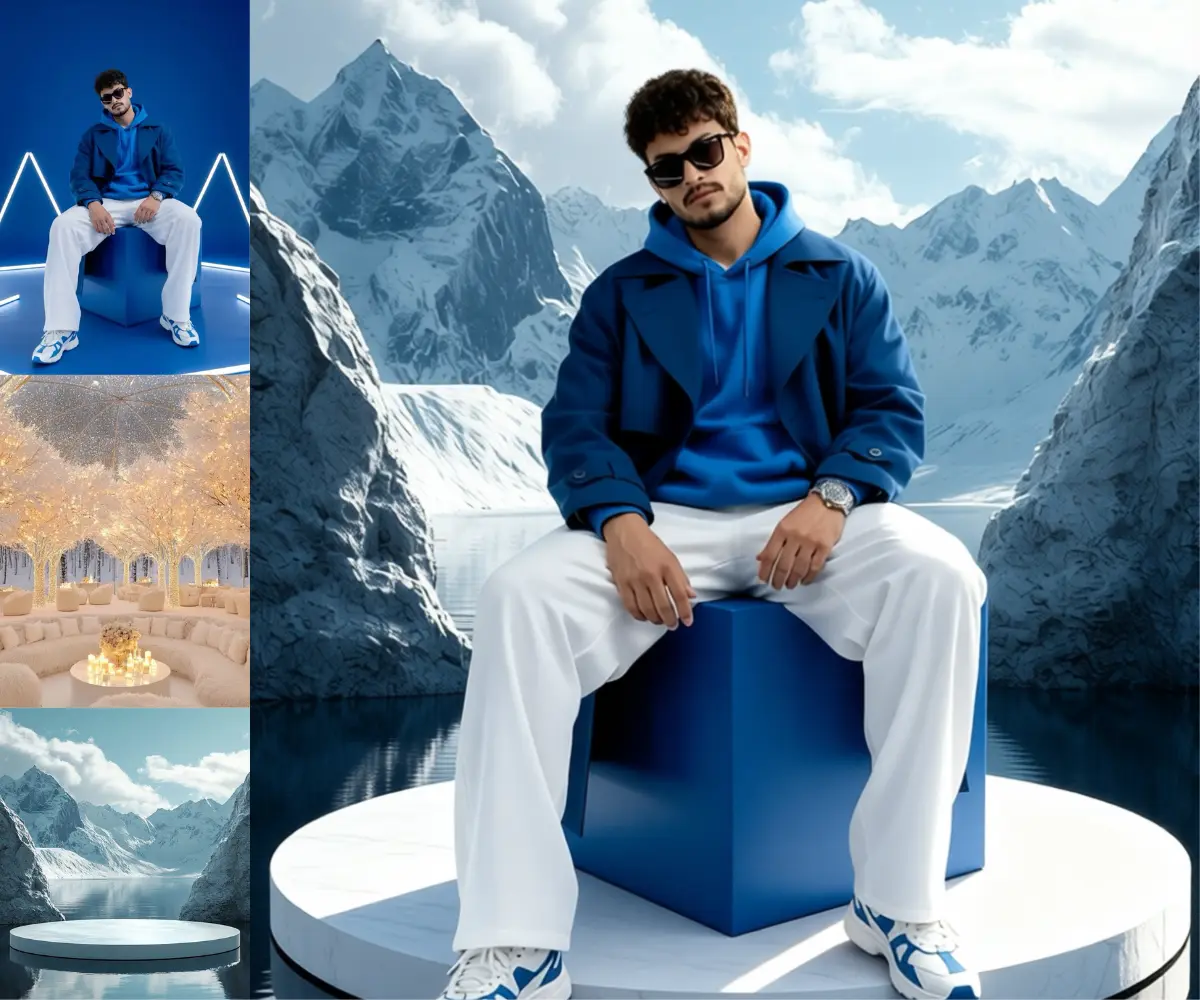
Qwen Image Edit 2511 · Composite
Place a subject into a new scene using Qwen Image Edit 2511 and the Kontext multi-reference method. Upload a subject and a background, describe the edit, run.
Seedance 2.0: Reference to Video
Composite up to nine reference images into one video clip with Seedance 2.0 by ByteDance. Tag each image in the prompt, describe the scene, and hit run.
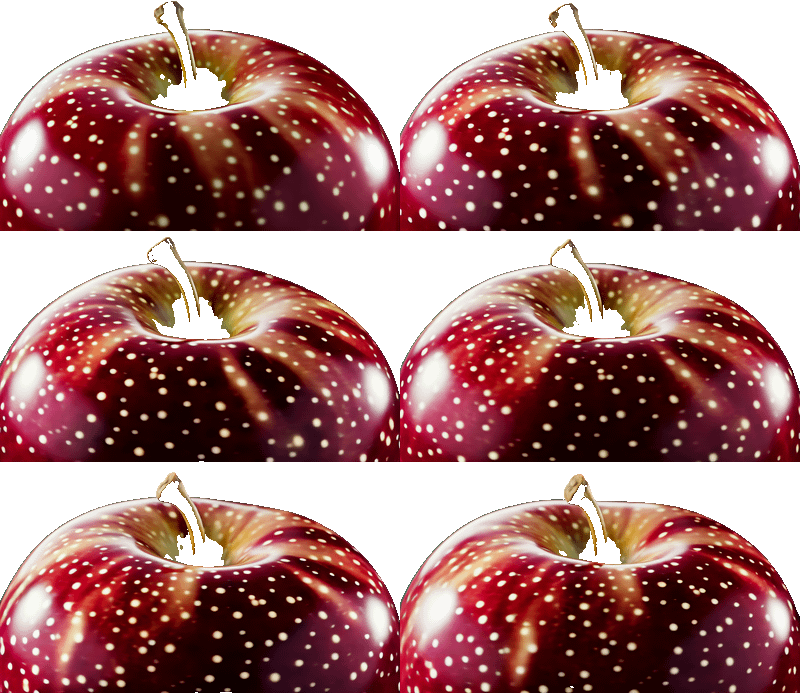
Wan Alpha Create Transparent Videos
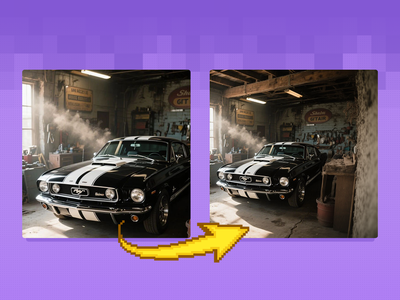
Flux Fill Dev Image Outpainting
Extend your images out for a wider field of view or just to see more of your subject. Expand compositions, change aspect ratios, or add creative elements while maintaining consistency in style, lighting, and detail while seamlessly blending with the existing artwork.
Corridor Key Green Screen Keying for Video
Upload green screen footage and get a clean alpha matte plus composite preview. Corridor Key's neural network handles hair, motion blur, and transparency.
Video Masking with Sam2 Comparison
Use a video clip and visual markers to segment/create masks of the subject or the inverse. Key Inputs Load Video: Use any Mp4 that you would like to segment or create a mask from Select subject: Use 3 green selectors to identify your subject and one red selector to identify the space outside your subject Modify markers: Shift+Click to add markers, Shift+Right Click to remove markers

Seedance 2.0 · Image to Video
Animate any still into a video clip with Seedance 2.0 by ByteDance. Upload a start image, add an optional end frame, describe the motion, and hit run.
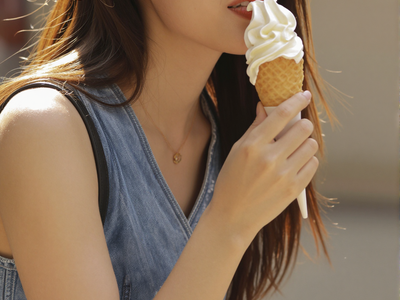
Z-Image Turbo · Text to Image With Diversity LoRA
Generate a different composition on every seed with Z-Image Turbo and the SDA diversity LoRA. Write a prompt, hit run, get layout variety. Apache 2.0.

Z-Image Turbo + SDA LoRA for Diverse Text to Image
Generate images with Z-Image Turbo while the SDA diversity LoRA stops every seed from producing the same pose and composition. 8 steps, 2x upscale to 2048.
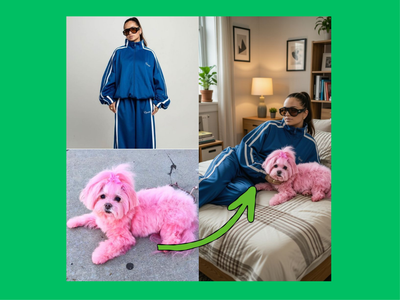

FireRed Image Edit 1.1 workflow
An open-source AI image editing model tuned for high-fidelity editing, character consistency, and multi-element composition. Excellent at changing visuals with straightforward prompts that may be used locally in ComfyUI.
Workflows = API
Mọi quy trình đều là một endpoint API. Đưa tính năng tạo nội dung bằng AI vào sản phẩm của bạn mà không cần tự dựng backend. Chọn một quy trình, tinh chỉnh, nhấn “Sao chép đoạn mã Floyo API” - xong.

MCP
Mọi quy trình trên nền tảng, trong tầm tay agent và công cụ nội bộ của bạn, với cùng các quyền kiểm soát quản trị.
mcp.floyo.ai/mcp
Mẫu dễ dùng
Mở một quy trình có sẵn, đọc hướng dẫn, thay dữ liệu đầu vào, bấm Run. Hầu hết mọi người không bao giờ phải mở một node nào. Sự phức tạp là tùy chọn và nằm gọn bên dưới.

Trust Center
Biết điều gì an toàn trước khi bất kỳ ai chạy nó. Trạng thái Verified Private và Commercial Use cho từng mô hình, cùng các công cụ kiểm soát nhóm để chặn những mô hình bạn không phê duyệt.Quản trị viên chọn những mô hình, nhà cung cấp và node mà nhóm được dùng.

Mẫu dễ dùng
Mở một quy trình có sẵn, đọc hướng dẫn, thay dữ liệu đầu vào, bấm Run. Hầu hết mọi người không bao giờ phải mở một node nào. Sự phức tạp là tùy chọn và nằm gọn bên dưới.
Trust Center
Biết điều gì an toàn trước khi bất kỳ ai chạy nó. Trạng thái Verified Private và Commercial Use cho từng mô hình, cùng các công cụ kiểm soát nhóm để chặn những mô hình bạn không phê duyệt.Quản trị viên chọn những mô hình, nhà cung cấp và node mà nhóm được dùng.
Workflows = API
Mọi quy trình đều là một endpoint API. Đưa tính năng tạo nội dung bằng AI vào sản phẩm của bạn mà không cần tự dựng backend.Chọn một quy trình, tinh chỉnh, nhấn “Sao chép đoạn mã Floyo API” - xong.
Bắt đầu
Khóa học miễn phí
ComfyUI 101
khóa học miễn phí của Sebastian KamphKhóa học miễn phí của Sebastian Kamph
Mười bài học, từ canvas trống đến ControlNet. Node, văn bản thành ảnh, mô hình, LoRA, nâng độ phân giải và thiết lập KSampler. Không cần cài đặt gì. Mọi bài học đều chạy ngay tại đây, nên khi học xong bạn sẽ có những quy trình do chính mình xây dựng.
