Is AI image outpainting on Floyo free to try?
Floyo offers a free trial so you can test outpainting workflows before committing. After that, Floyo charges per second of GPU compute. No monthly minimum. No idle charges. You are billed only when a workflow runs on Floyo's H100 NVL GPUs.
Do I need to install anything to outpaint images on Floyo?
No. Floyo runs in your browser. You do not need to install Python, ComfyUI, model weights, or any dependencies. Open an outpainting workflow on Floyo, upload your image, set your expansion direction, and run. All computation happens on Floyo's H100 NVL GPUs.
Can I outpaint images from Midjourney, DALL-E, or Stable Diffusion?
Yes. All Floyo outpainting workflows accept any JPG or PNG regardless of how it was generated. Midjourney outputs, DALL-E images, Stable Diffusion generations, and photographs all work on Floyo's outpainting workflows.
How far can I extend an image with outpainting on Floyo?
There is no hard limit on Floyo, but quality decreases with larger single-pass expansions. For best results, expand 128–256px per pass and run multiple passes. Each pass gives the AI fresh edge pixels to work from, producing more natural results than one large expansion.
What is the difference between outpainting and inpainting on Floyo?
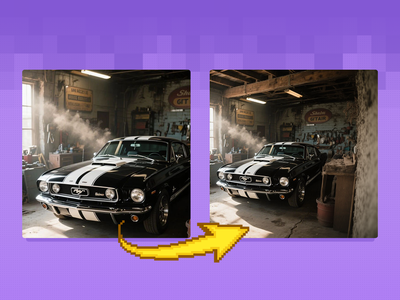
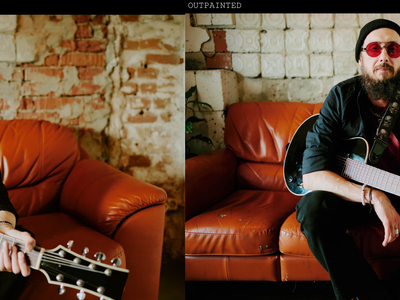
Outpainting generates new content outside the original image boundaries to expand the canvas. Inpainting replaces content inside the image to fix or change specific areas. Outpainting extends; inpainting repairs. Both run on Floyo's H100 NVL GPUs and can be chained together in the same session.
Can my team see outpainted results on Floyo without sending files?
Yes. Floyo is the only ComfyUI cloud platform with team collaboration. When you run an outpainting workflow, the result appears in your team's shared run history. Team members can view, download, or continue refining the output from any machine without you exporting and sending the file.