



音声でさらにできること
すべて見る



効果音のワークフロー一覧効果音のワークフロー
すべての Workflows

MMAudio: Video to Synced Audio
Generate synchronized audio with a given video input. It can be combined with video models to get videos with audio.
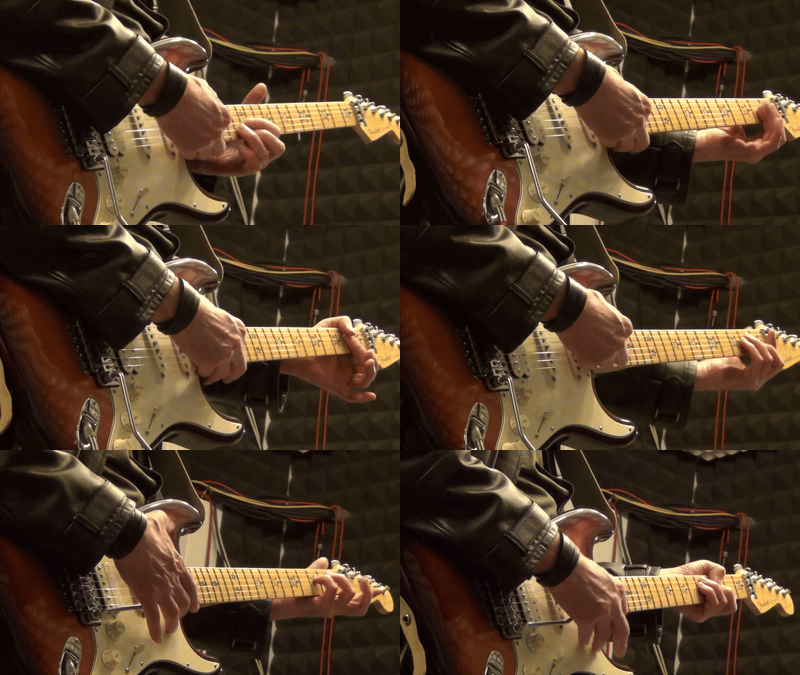
HunyuanVideo Foley: Create a Lifelike Sound

Gemini Omni Flash · Image to Video
Upload a starting image and describe the scene. Gemini Omni Flash by Google animates it into a 6-second video with native audio, cinematic motion, and synchronized sound effects.
Audio Separation for Video to Audio
Upload a video, strip the audio, and split it into four clean stems (Bass, Drums, Other, and Vocals), then save your chosen stem as an MP3. No model required.


Grok Imagine Video · Image to Video
Upload a starting image and describe the motion. Grok Imagine Video by xAI animates it into a cinematic clip with synchronized audio, sound effects, and dialogue at 720p.
Sonilo v1.1 for Video Sound Effects
Upload a video and Sonilo v1.1 generates synchronized sound effects matched to the on-screen action. Describe the sounds you want or let the model read the scene on its own, then hit run.
Sonilo V1.1 · Video to Sound Effects
Add realistic, synced sound effects to any video using Sonilo V1.1, a video-native AI sound model. Upload a video, describe the sounds you want, and hit run.
Workflows = API
すべてのワークフローが API エンドポイントです。 バックエンドを作らずに、AI 生成を自社のプロダクトに組み込めます。 ワークフローを選んでカスタマイズし、「Floyo API スニペットをコピー」をクリックすれば完了です。

MCP
プラットフォーム上のすべてのワークフローに、自分のエージェントや社内ツールから、同じ管理設定のもとでアクセスできます。
mcp.floyo.ai/mcp
かんたんテンプレート
既製のワークフローを開き、説明を読んで入力を変え、Run をクリックするだけ。ほとんどの人はノードを開くこともありません。複雑な部分は、必要なときのために裏側にあります。

Trust Center
誰かが実行する前に、安全かどうかがわかります。すべてのモデルに Verified Private と Commercial Use のステータスがあり、承認していないモデルはチームの管理設定でブロックできます。管理者は、チームが使えるモデル、プロバイダー、ノードを選べます。

かんたんテンプレート
既製のワークフローを開き、説明を読んで入力を変え、Run をクリックするだけ。ほとんどの人はノードを開くこともありません。複雑な部分は、必要なときのために裏側にあります。
Trust Center
誰かが実行する前に、安全かどうかがわかります。すべてのモデルに Verified Private と Commercial Use のステータスがあり、承認していないモデルはチームの管理設定でブロックできます。管理者は、チームが使えるモデル、プロバイダー、ノードを選べます。
Workflows = API
すべてのワークフローが API エンドポイントです。 バックエンドを作らずに、AI 生成を自社のプロダクトに組み込めます。ワークフローを選んでカスタマイズし、「Floyo API スニペットをコピー」をクリックすれば完了です。
