


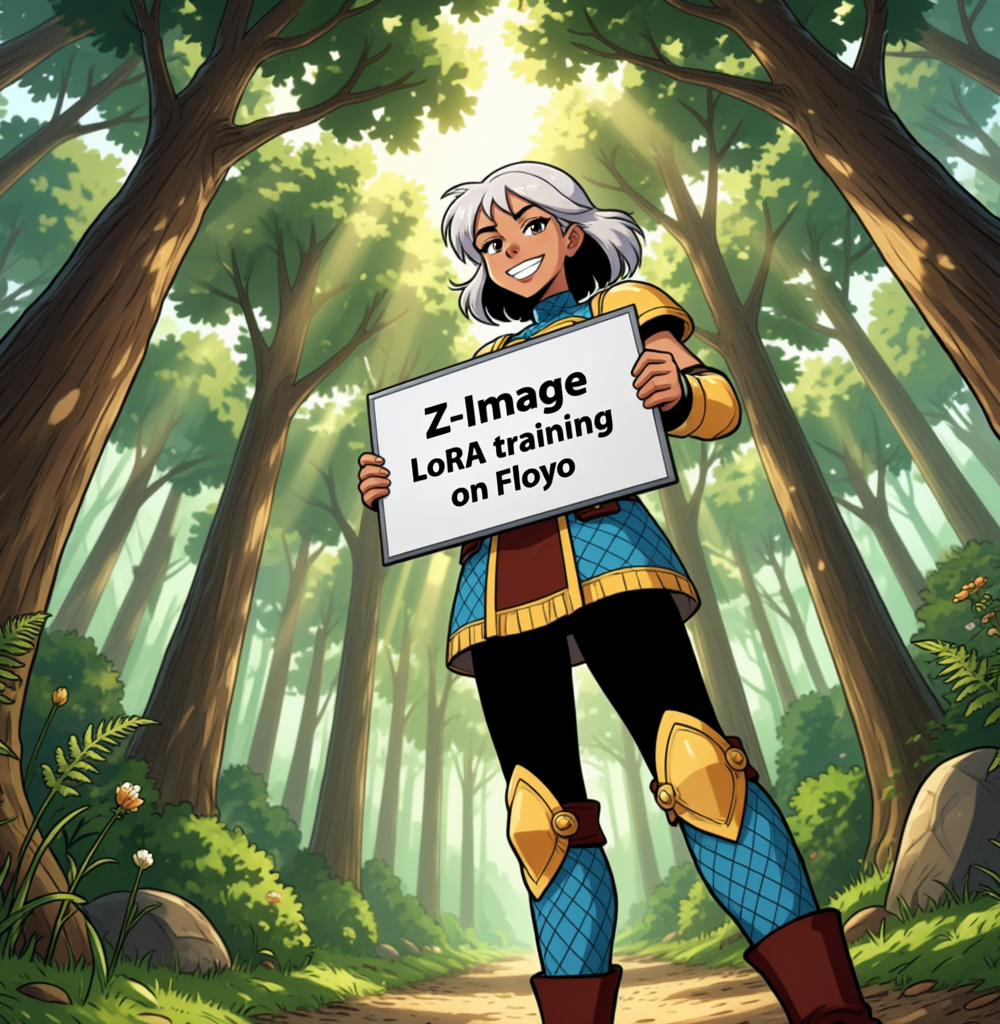
探索更多应用场景
查看全部

LoRA 训练工作流一览LoRA 训练工作流
全部 Workflows

Qwen 2511 Edit - Single Image to Character Dataset
Create a 60 image character dataset from one character image or sheet.


Wan 2.1 FusionX · Image to Video
Animate a still into a cinematic clip with Wan 2.1 FusionX, a community fine-tune of Alibaba's 14B video model. Upload your image, describe the shot, hit run.
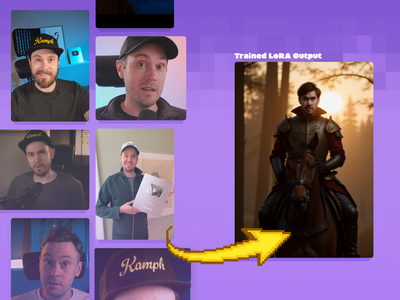
Fast LoRA Training for Flux via Floyo API
FLUX is great at generating images, but locking in a specific aesthetic or character is easier with a LoRA. Here's how to create your own.
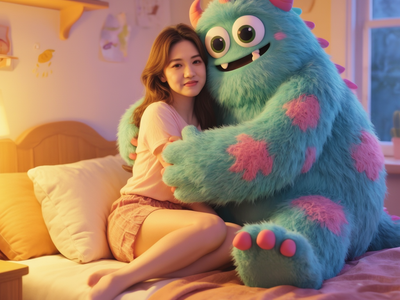
Z-Image Base: High-Detail Text to Image
Create sunning images using z-image base model (non distlled).
LoRA Training Video with Hunyuan
Hunyuan is great at generating videos, but locking in a specific aesthetic or character is easier with a LoRA.


Qwen LoRA Trainer with Auto-Caption
Train a custom Qwen Image Edit 2511 LoRA from a folder of images. Florence 2 auto-captions, Musubi trains, and a built-in test section previews results.


Musubi Tuner - Wan LoRA Trainer
Train Wan LoRAs directly on Floyo with this simple all-in-one custom node.
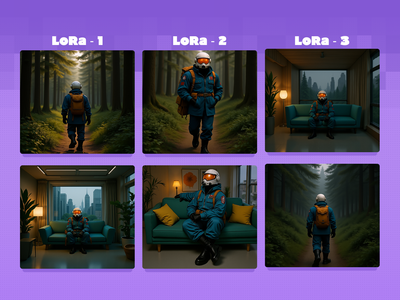
Flux Character LoRA Test and Compare
Test and compare multiple epochs of a character LoRA side by side with preset prompts When training a LoRA, you'll usually have a few checkpoints throughout the process to test. This workflow lets you load up to 4 LoRAs to test side by side, making it easier to determine which one is right for you! Key Inputs: LoRA Loaders: Load each LoRA epoch for the same character in up to 4 groups. Groups Bypasser: Enable/disable groups as needed. If you only have 2 epochs to test, disable the back 2 groups! Triggerword: Simply add the trigger word for your LoRA and it will auto-fill in the default prompts. Leave blank if you're using your own custom prompts that include the trigger word. LoRA Testing Prompts: Default prompts work well to get an idea of how your character will look in different situations, but feel free to replace them with your own prompts (max 4).
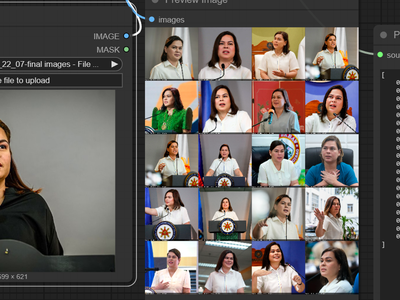
InsightFace for Filtering Character LoRA Dataset
Upload a reference face, point to your dataset, and InsightFace filters out images that don't match. Cosine, L2 Norm, and Euclidean distance all supported.
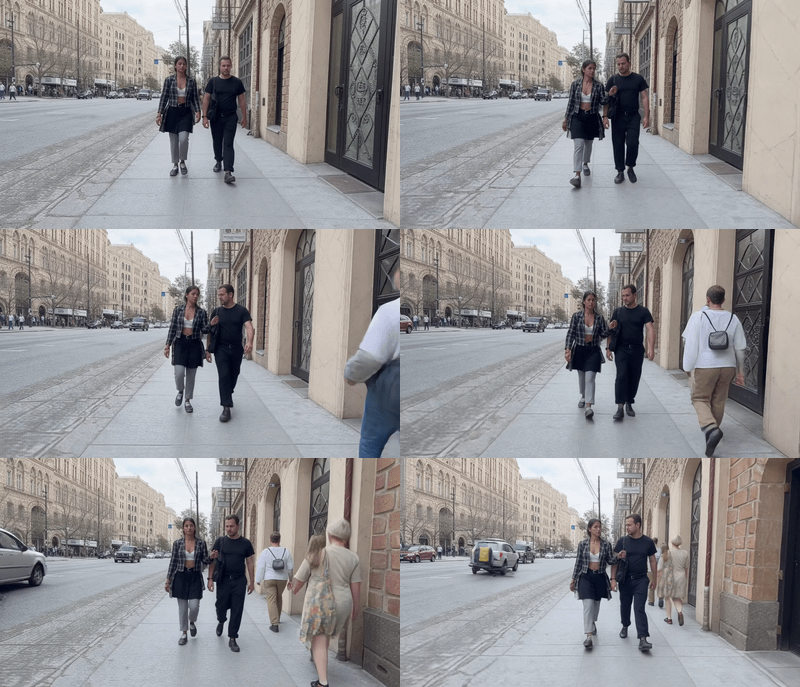
Sulphur 2 - Text to Video
Generate video with synced audio from a text prompt using Sulphur 2, a stylized cinematic finetune built on Lightricks' LTX 2.3 video model.

Qwen 2511 · Single Image to Character Dataset
Upload a single character image and Qwen Image Edit 2511 generates a full multi-pose training dataset automatically, saving each image with a matching caption file ready for LoRA training.

NetaYume Lumina Text to Image
Generate high-quality anime images with NetaYume Lumina, a fine-tuned model built on Lumina Image 2.0. Describe a scene, hit run, get detailed anime art.
Workflows = API
每个工作流都是一个 API 端点。 无需搭建后端,就能在你的产品中加入 AI 生成功能。 选一个工作流,自定义设置,点击“复制 Floyo API 代码片段”,搞定。

MCP
平台上的每个工作流,都能被你自己的智能体和内部工具调用,并受同样的管理员管控。
mcp.floyo.ai/mcp
简易模板
打开一个现成的工作流,阅读说明,修改输入,点击 Run。大多数人从来不用打开节点。复杂的部分可有可无,都藏在幕后。

Trust Center
在任何人运行之前,就知道是否安全。每个模型都标有 Verified Private 和 Commercial Use 状态,团队管控还能屏蔽你未批准的模型。管理员可以选择团队能使用哪些模型、提供商和节点。

简易模板
打开一个现成的工作流,阅读说明,修改输入,点击 Run。大多数人从来不用打开节点。复杂的部分可有可无,都藏在幕后。
Trust Center
在任何人运行之前,就知道是否安全。每个模型都标有 Verified Private 和 Commercial Use 状态,团队管控还能屏蔽你未批准的模型。管理员可以选择团队能使用哪些模型、提供商和节点。
Workflows = API
每个工作流都是一个 API 端点。 无需搭建后端,就能在你的产品中加入 AI 生成功能。选一个工作流,自定义设置,点击“复制 Floyo API 代码片段”,搞定。
