

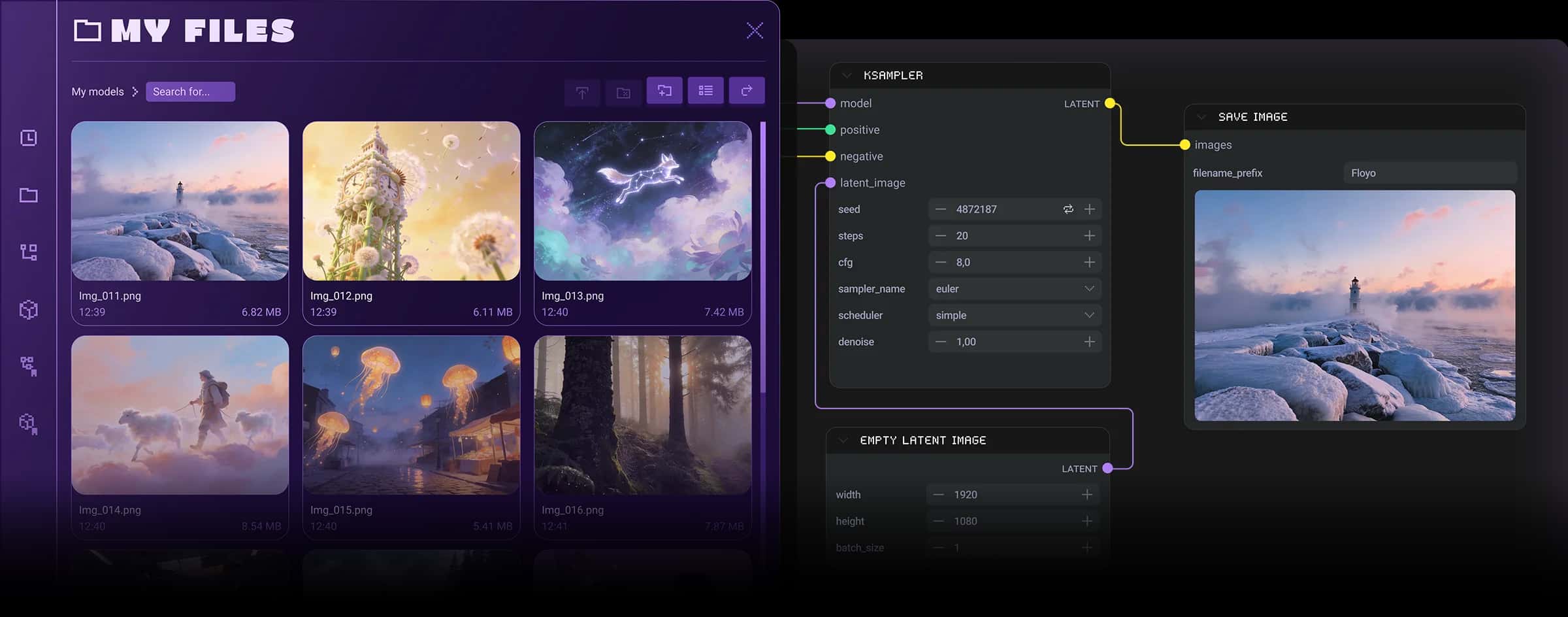
ComfyUI-H3RefModPicker is an add-on designed to enhance the functionality of the MiniMaxH3Mod within the ComfyUI framework. It introduces a Visual Picker and a Batch Creator, allowing users to efficiently manage reference models (RefMods) for AI-generated art.
- Provides a Visual RefMod Picker that supports both legacy and modern RefMod formats, streamlining the selection process.
- Includes a Batch Create From Folder feature, enabling users to generate multiple RefMods from a collection of images quickly.
- Facilitates the conversion of RefMods to video, grounding visual content with corresponding audio for enhanced media generation.
Context
This tool serves as a complementary extension to the MiniMaxH3Mod, focusing on a limited set of features that enhance the management and application of reference models. Its primary aim is to simplify the workflow for users by providing intuitive tools for selecting and creating RefMods.
Key Features & Benefits
The Visual RefMod Picker allows users to browse and select RefMods easily, supporting both older split formats and newer bundle formats. The Batch Create From Folder function accelerates the process of creating RefMods by scanning a designated folder for reference images, which can significantly reduce the time spent on manual setup.
Advanced Functionalities
One of the standout features is the RefMods-to-Video node, which connects visual content with prompt labels, allowing for more nuanced AI-generated outputs. This node enhances the model's ability to associate specific visual references with textual prompts, providing a richer context for generation.
Practical Benefits
The integration of these tools into ComfyUI improves overall workflow efficiency by minimizing the manual effort required to create and manage RefMods. Users can expect higher quality outputs with better control over the visual and audio aspects of their projects, ultimately leading to a more streamlined creative process.
Credits/Acknowledgments
This add-on was developed by contributors to the ComfyUI project, specifically building on the work of the MiniMaxH3Mod and related tools. It is available under an open-source license, allowing for community contributions and improvements.





