
SeedVR2 Upscale: Upscale to Extreme Clarity
Upscale to Extreme Clarity
API
Floyo API
Image2Image
SeedVR2
SeedVR Upscale
Upscale
11
3.2k




Nodes & Models
Seedvr_Upscaler_floyo
WorkflowGraphics
LoadImage
PreviewImage
SaveImage
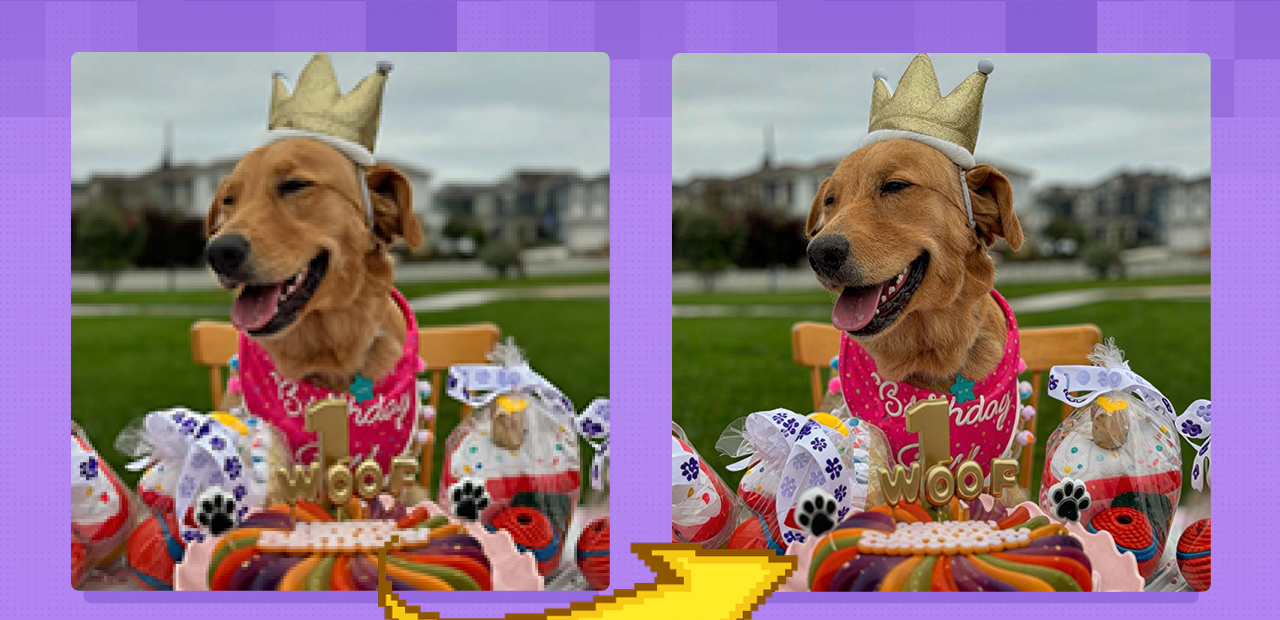
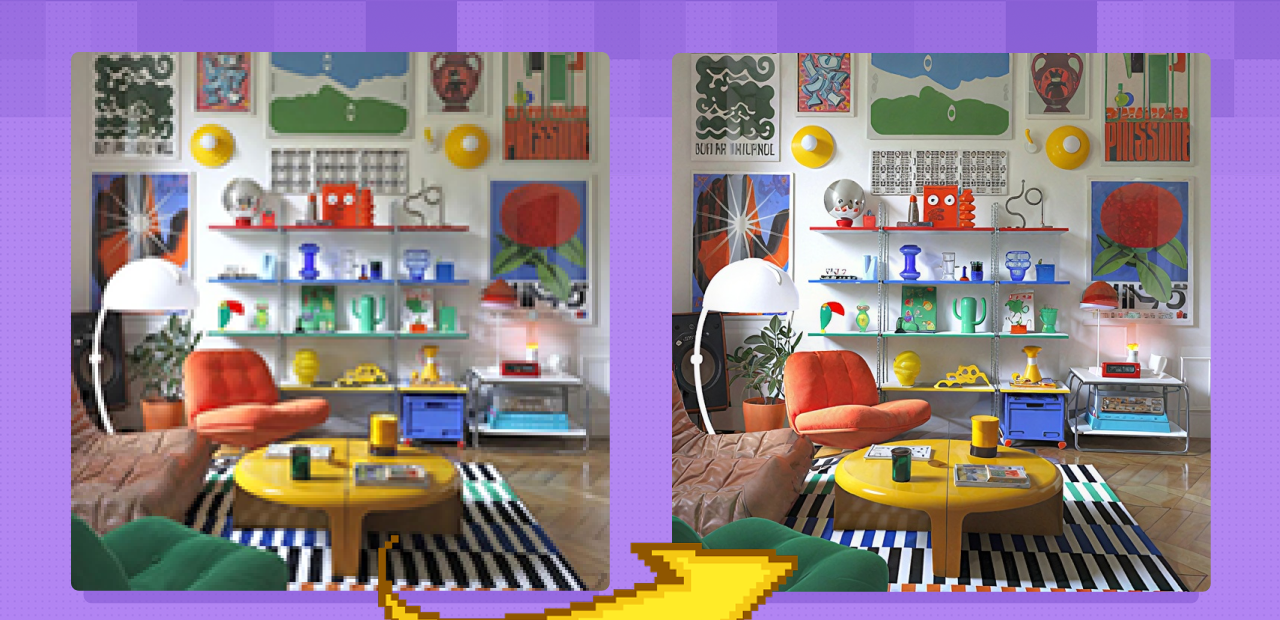
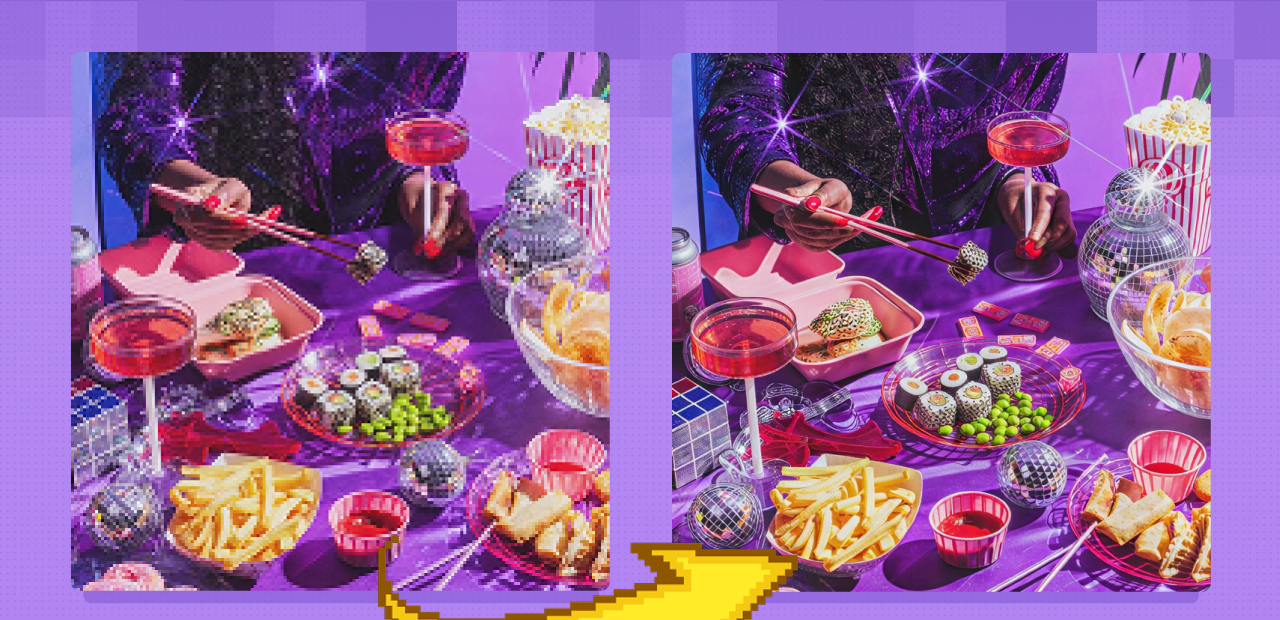
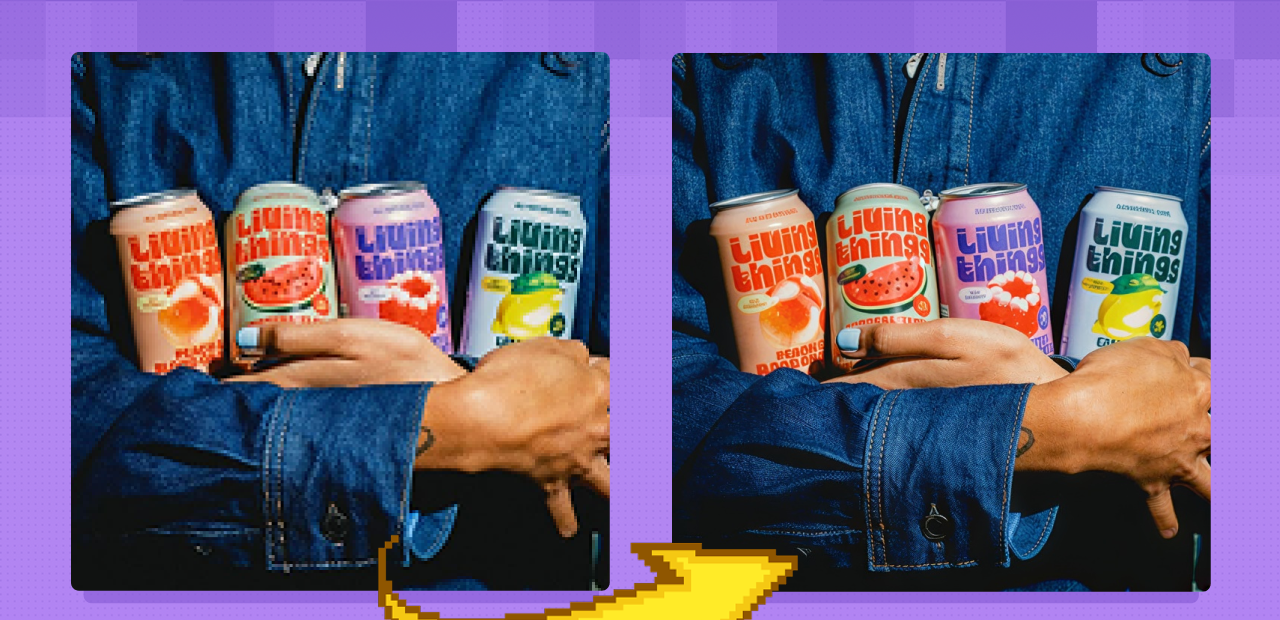
SeedVR2 upscales images and video by rebuilding detail with a diffusion model, not stretching pixels.
Upload your file, set a scale factor, and SeedVR2 reconstructs textures, sharpens edges, and removes compression artifacts. The result looks like it was captured at higher resolution. It works on both stills and video clips in a single workflow, with output up to 4K.
How do you use SeedVR2 to upscale images and video?
Upload your image or video, pick a scale factor, and run. SeedVR2 uses diffusion to generate new detail rather than interpolate existing pixels. It handles both stills and video in one workflow, recovering textures and sharpness from compressed or low-resolution sources up to 4K.
Input image or video Upload whatever you want upscaled. SeedVR2 handles both image files and video clips. For video, the bigger the batch size you can fit in memory, the better the consistency between frames. Processing more frames together gives the model more context to keep motion smooth.
Scale factor How much larger you want the output. 2x is the right starting point for most images. For video, start conservative since each frame takes more memory. If you're pushing toward 4x or higher, enable tiling to avoid memory errors on large outputs.
Model selection SeedVR2 offers two models: 3B and 7B. Start with 7B for most work. It handles the widest range of content and produces the sharpest results on portraits and modern compressed images. The 3B model runs faster and uses less memory. Some users find it handles texture better in specific situations. If you're hitting GPU memory limits with 7B, switch to 3B.
Noise reduction Controls how aggressively SeedVR2 smooths the output. Too low and compression noise survives into the upscaled image. Too high and fine detail softens. Start in the middle and adjust based on how clean or noisy your source is. For heavily compressed JPEGs, go slightly higher. For clean source images where you want maximum sharpness, go lower.
Tiling For large images, tiling splits the input into sections, processes each separately, and blends the results. This lets you upscale images that would otherwise exceed GPU memory. The blending is handled automatically. Enable it when upscaling to large output sizes or when working with high-resolution source files.
Batch size (for video) The number of frames SeedVR2 processes together. A larger batch improves temporal consistency between frames and reduces flicker, but takes more memory. Maximize this as high as your GPU allows for the best video results.
What is SeedVR2 good for upscaling?
SeedVR2 is strongest on modern compressed content: JPEGs from social media, AI-generated images you want at print or screen size, and recent video footage that lost detail to codec compression. It generates new detail rather than interpolating, so it sharpens rather than scales.
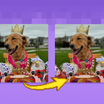
Portrait and character upscaling is where SeedVR2 consistently gets strong results. Faces stay coherent. Skin texture sharpens without generating plastic-looking smoothing. Hair strands and fine facial features hold up. If you're upscaling headshots, product portraits, or character designs, this is one of the better models for that work.
For AI-generated images, SeedVR2 brings them closer to photorealistic quality at larger sizes. Run a 512px generation through SeedVR2 at 4x and the output gains texture that wasn't there before.
The catch: because SeedVR2 generates detail rather than recovering it, it can occasionally hallucinate. Extra texture that wasn't in the source, or small features that shift slightly from the original. For archival or forensic use where fidelity to the original matters more than perceived sharpness, that's worth knowing before you commit.
For old or heavily degraded footage, results are less predictable. SeedVR2 will upscale it, but the diffusion model works better when there's recognizable detail to reconstruct. Pre-cleaning degraded footage first (removing heavy noise, stabilizing) before running it through SeedVR2 helps.
How does SeedVR2 compare to other AI upscalers?
SeedVR2's main advantage over ESRGAN and traditional upscalers is that it generates new detail using diffusion instead of interpolating what's already there. On modern compressed content, this produces sharper, more natural results. The tradeoff is speed and occasional hallucination of detail that wasn't in the original.
ESRGAN variants run faster and stay much closer to the source. If preserving the exact original look is the priority or if you're processing hundreds of images quickly, ESRGAN is more predictable. SeedVR2 produces higher perceived quality on most content, but takes longer and uses significantly more GPU memory.
Flux 2 Klein is another diffusion-based upscaler that some users prefer for specific cases. It tends to alter the source image more aggressively than SeedVR2, which can be a feature or a problem depending on what you need.
Topaz and FlashVSR are alternatives worth knowing for old footage specifically. Where SeedVR2 may struggle on heavily degraded material, Topaz's denoise and stabilize tools are better suited to cleaning that kind of content first.
For new footage, recent AI images, and modern compressed stills, SeedVR2 is a strong first choice.
FAQ
How does SeedVR2 compare to ESRGAN for image upscaling?
SeedVR2 uses diffusion to generate new detail; ESRGAN interpolates existing pixels. SeedVR2 produces sharper, more detailed results on most modern compressed content. ESRGAN is faster, uses less memory, and stays closer to the original. If you need to process large batches quickly or hallucinated detail is a concern, ESRGAN is the safer pick.
What resolution can SeedVR2 upscale to?
SeedVR2 supports upscaling to 4K and beyond. The practical ceiling depends on your GPU memory and whether tiling is enabled. For most work, 2x to 4x upscaling is the target range. Enable tiling for large output sizes to avoid memory errors.
Which SeedVR2 model should I use, 3B or 7B?
Start with 7B. It handles the widest range of content and produces the sharpest results on portraits and modern compressed images. The 3B runs faster and uses less memory. Some users find it handles texture better in specific cases. Switch to 3B if you're hitting GPU memory limits with 7B.
Is SeedVR2 good for video upscaling?
Yes, especially for recent footage with compression artifacts. For best results, maximize your batch size so the model processes more frames together. This improves consistency between frames and reduces flicker. Old or heavily degraded footage may produce inconsistent results; clean the footage first if possible.
Does SeedVR2 hallucinate detail when upscaling?
Sometimes. Because SeedVR2 generates new detail rather than interpolating, it can add texture or small features that weren't in the source. For most creative and production work this goes unnoticed. For archival or forensic use where source accuracy matters, be aware of this and check outputs carefully.
How do you run SeedVR2 online?
You can run SeedVR2 online through Floyo. No installation, no setup. Open the workflow in your browser, upload your image or video, and hit run. Free to try.
Read more