
Kling 2.6 Standard Motion Control
Create an excellent for movement for your characters using Kling 2.6 Standard Motion Control
Animation
Image to Video
Kling 2.6
12
2.0k


Nodes & Models
LoadVideo
LoadImage
VideoToFrames
VHS_VideoCombine
VHS_VideoCombine
VHS_VideoCombine
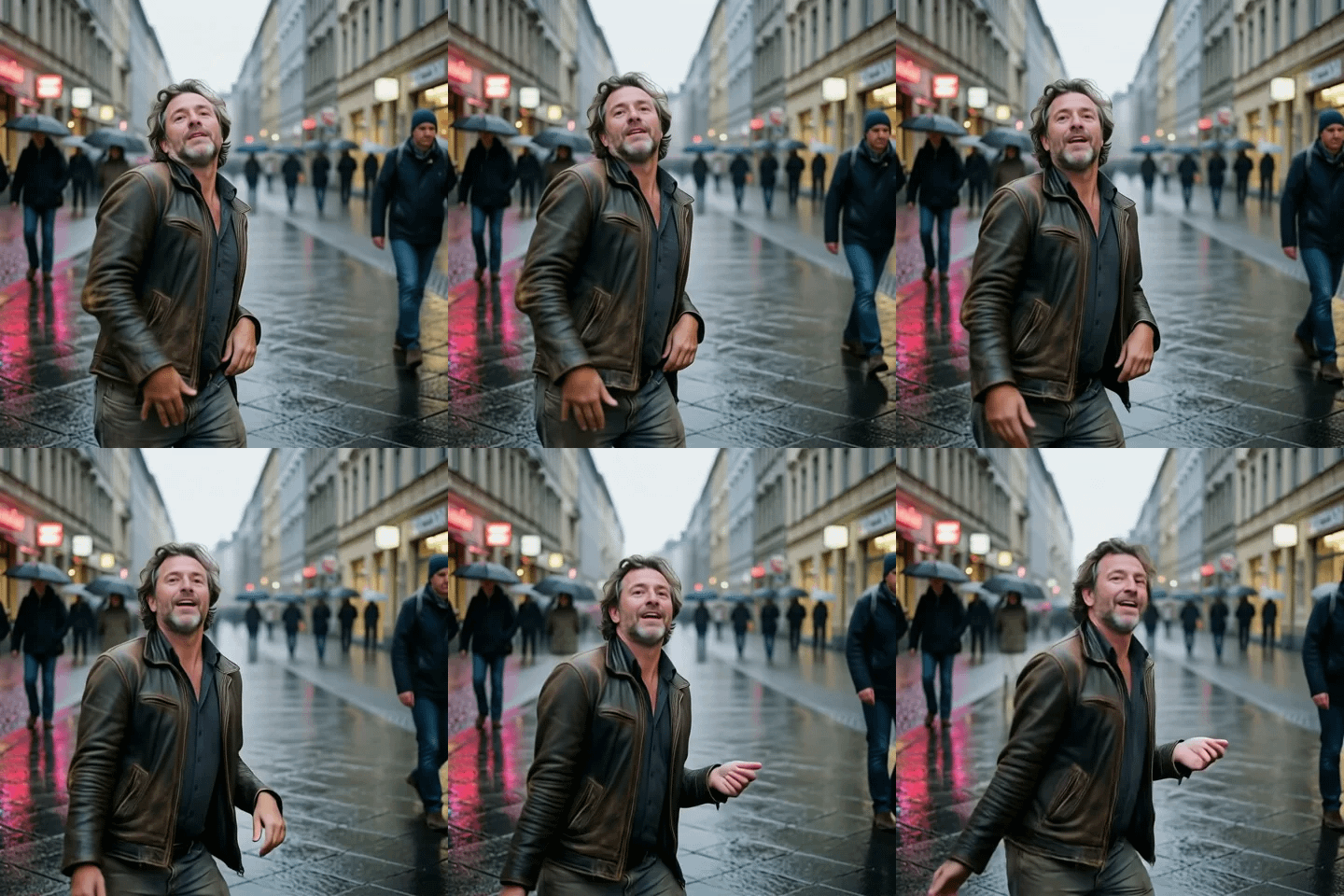
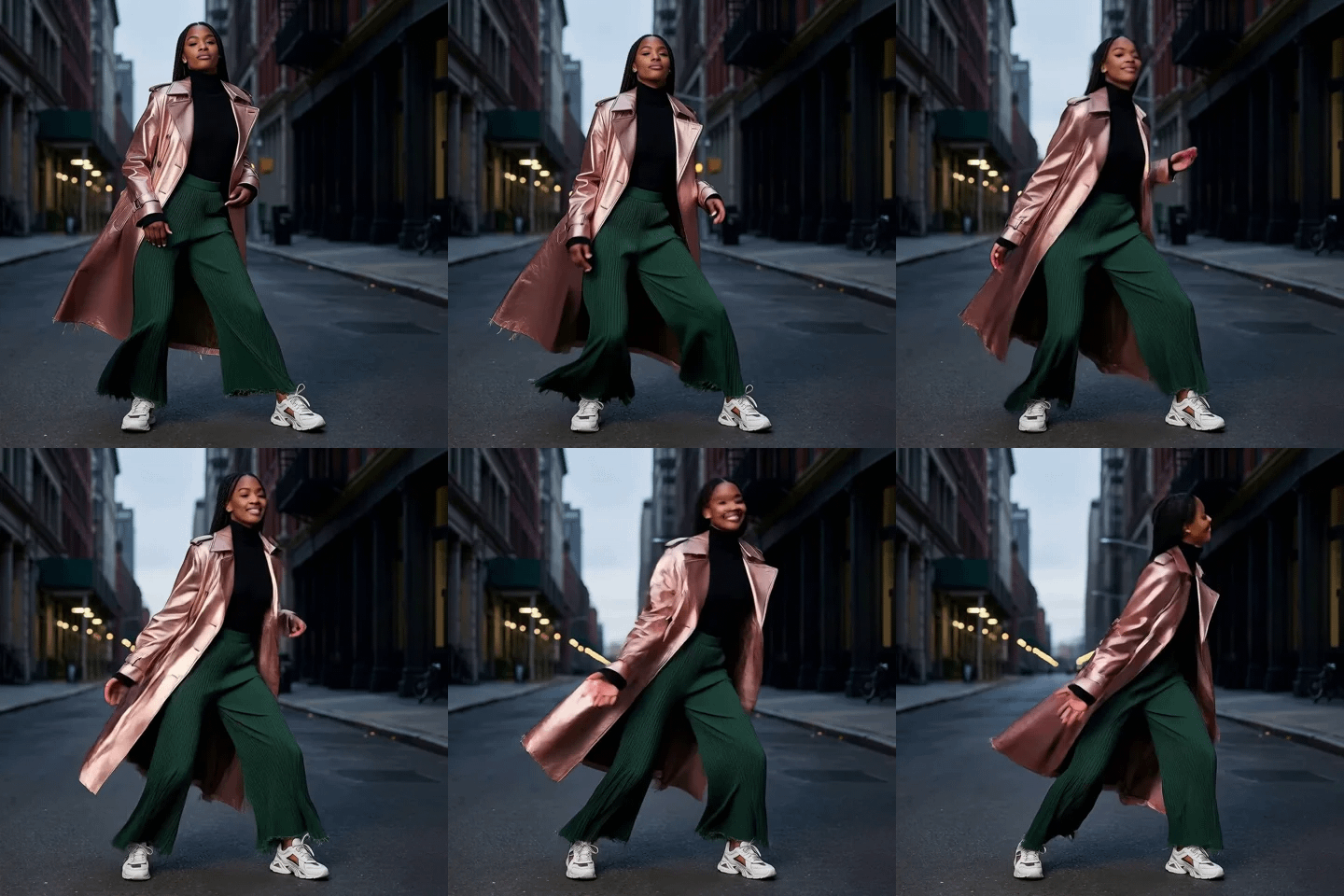
Kling 2.6 Standard Motion Control applies the movement from a driving video to a character from a still image.
Upload a character image and a reference video. The model reads body movement, gesture, and face motion from the reference clip and applies it to your character. You get a video where your character performs the motion from the reference. Audio from the driving video carries through to the output when keep_original_sound is on.
Standard tier outputs at 720p. It's the faster, lower-cost mode designed for iteration: testing motion references, blocking animatics, and producing social content where you don't need maximum resolution. For final hero shots, switch to Pro.
How do you use Kling 2.6 Standard Motion Control?
Upload a character image and a driving video, write a short prompt describing the action, and run. The model transfers the motion from the video to your character. Audio is kept from the reference video by default. 720p output. Cloud API, no local model.
Character image Upload a still image of the character whose appearance will appear in the output. Clean, well-lit, front-facing or clearly posed images work best. The model reads identity, costume, and visual style from this image.
Driving video Upload the reference clip that defines the motion. The model reads full-body movement, hand gestures, and facial motion from this video and applies it to the character image. The driving video's subject doesn't appear in the output. Only the motion transfers.
For best motion transfer: use a driving video where the subject is clearly visible throughout, well-lit, and shot with a consistent background. Avoid fast cuts, heavy occlusion, or clips where the subject leaves and re-enters the frame.
Character orientation (default: video) Controls how the model reads the character's facing direction. Set to "video" to read orientation from the driving video automatically. Adjust if your character image faces a different direction than the driving video and the output shows misalignment.
Prompt A short text description of the action being performed. The default is "The man with rose is dancing." Minimal and matched to the action in the driving video. The prompt guides camera behavior and mood more than it controls the motion itself; motion comes from the reference clip.
Use the prompt for: camera instructions ("static camera," "slow pan left"), mood direction ("cinematic," "natural lighting"), and action confirmation ("the character is walking," "woman is dancing").
Input video URL Alternative to the connected video input. Paste a URL to a driving video if you prefer to reference a hosted clip rather than uploading a file.
Keep original sound (default: on) When on, the audio from the driving video carries through to the output. The model preserves the reference audio and uses it as the output soundtrack. Turn it off when you want to add custom audio in post or when the driving video's audio doesn't fit the output.
What is Kling 2.6 Standard Motion Control good for?
Kling 2.6 Standard Motion Control is built for fast iteration: testing motion references, blocking character animation, and producing social content from still images. 720p output at lower cost than Pro makes it the right choice for drafts, animatics, and TikToks or Reels where 4K resolution isn't needed.
Motion reference testing. Try multiple driving videos against the same character image to find the right performance before committing to a Pro render. A dance reference, a walk cycle, a talking head: run all three at Standard to evaluate which motion fits, then produce the final in Pro.
Talking and acting clips for social. Drive a character portrait with a short talking or acting reference for TikTok, Reels, Instagram Stories, or YouTube Shorts. 720p is sufficient for most social feeds, and Standard produces these clips faster than Pro.
Simple dances and gestures. Walking, light dances, simple hand gestures, and facial expressions all transfer well at Standard quality. Complex, fast, or overlapping movements are where Pro's detail advantage becomes more visible.
Animatics and blocking. Use Standard to block out motion timing, camera behavior, and character performance across a sequence before final delivery. Establish the edit and pacing in Standard, then re-produce selected shots in Pro where quality matters.
Honest notes: Standard is more prone to hand and face morphing than Pro, particularly on fast movements or when hands are prominent in the driving video. For clips where hand detail is critical, Pro is the better choice. Standard outputs at 720p. For large-screen or broadcast use, Pro's higher resolution is the practical starting point.
When should I use Kling 2.6 Standard vs Pro Motion Control?
Use Standard Motion Control when you're iterating on motion references, producing social content where 720p is enough, or blocking animatics before final delivery. Use Pro when you need the highest motion fidelity, 4K output, or clips where hand and face detail must hold up under close scrutiny.
Standard is cheaper and faster. Pro is sharper, handles complex motion better, and outputs at higher resolution. The typical workflow uses Standard for all the iteration and Pro for the select shots that go into final delivery. Both accept the same inputs. Switching between them is a node swap.
For walking, talking, and simple dances at social resolution, Standard produces output that's good enough to ship. For complex choreography, fast hand movements, or any content going into a professional edit at full quality, start with Pro.
FAQ
What inputs does Kling 2.6 Standard Motion Control need?
Two inputs: a character image and a driving video. The character image defines who appears on screen. The driving video defines how they move. The model transfers full-body, face, and hand motion from the video to the character.
Does Kling 2.6 Standard keep the audio from the driving video?
Yes, by default. The keep_original_sound setting is on, which carries the driving video's audio into the output. Turn it off when you want to add custom audio in post or when the reference audio doesn't match the output context.
What resolution does Kling 2.6 Standard Motion Control output?
720p. For 4K or higher-resolution output, use Kling 2.6 Pro Motion Control. Standard is designed for drafts, social content, and motion testing where maximum resolution isn't required.
What driving video works best for Kling 2.6 Standard Motion Control?
A well-lit clip where the subject is clearly visible throughout, shot with a consistent background. Avoid fast cuts, occlusion where the subject is obscured, or clips where the subject moves out of frame. The cleaner and more legible the driving video's motion, the more accurate the transfer.
How do I run Kling 2.6 Standard Motion Control online?
You can run Kling 2.6 Standard Motion Control online through Floyo. No installation, no setup. Open the workflow in your browser, upload your character image and driving video, and hit run. Free to try.
Read more