
FLUX.2 Klein 9B for Text to Image
Create a high quality image using 9B model of Flux 2 Klein
Flux
FLUX2 Klein
Photography
Text2Image
3
2.4k
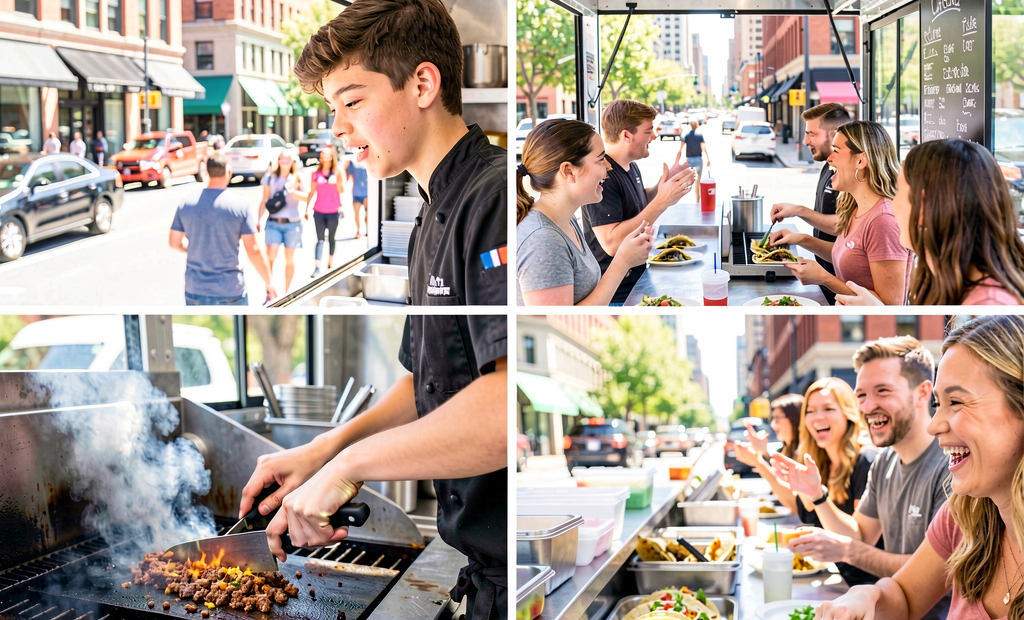
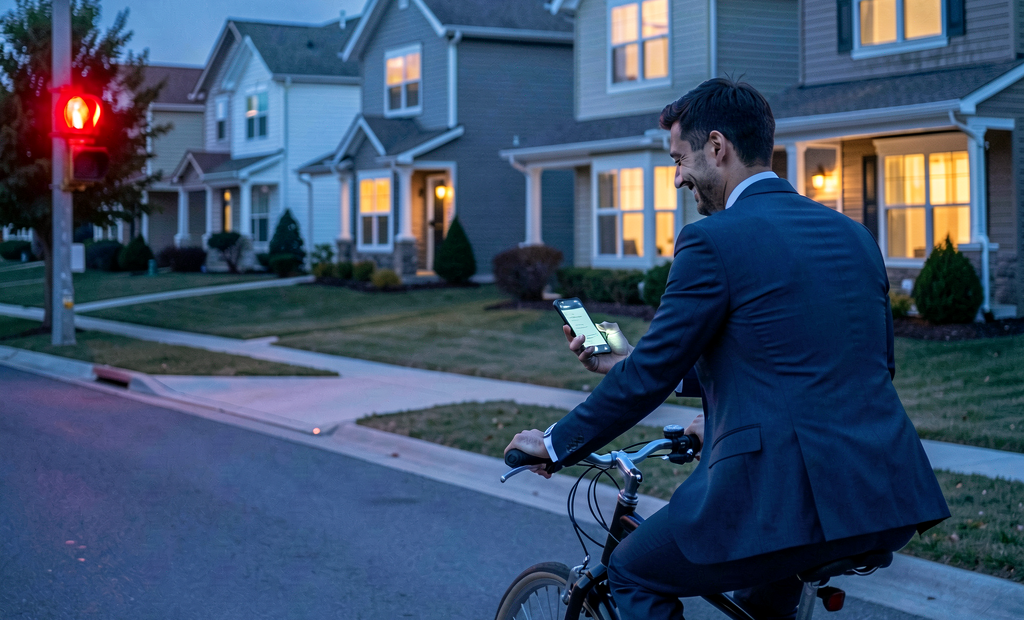
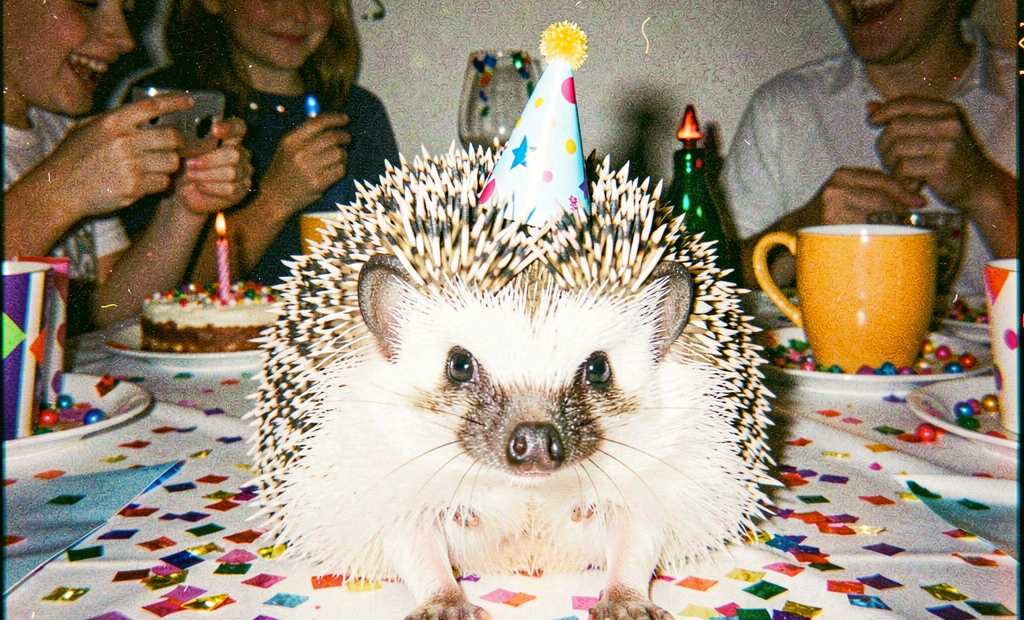




Nodes & Models
KSamplerSelect
Flux2Scheduler
RandomNoise
CLIPLoader
qwen_3_8b_fp8mixed.safetensors
VAELoader
flux2-vae.safetensors
UNETLoader
flux-2-klein-9b.safetensors
EmptyFlux2LatentImage
CLIPTextEncode
CFGGuider
SamplerCustomAdvanced
VAEDecode
SaveImage
Flux 2 Klein 9B text-to-image generation. Write a prompt and generate.
Klein 9B is a 9-billion-parameter rectified-flow model with a Qwen3 8B text encoder. The same checkpoint handles text-to-image, image-to-image, and multi-reference editing. No separate models for generation and editing. This workflow runs the standard 20-step path for production-quality text-to-image output.
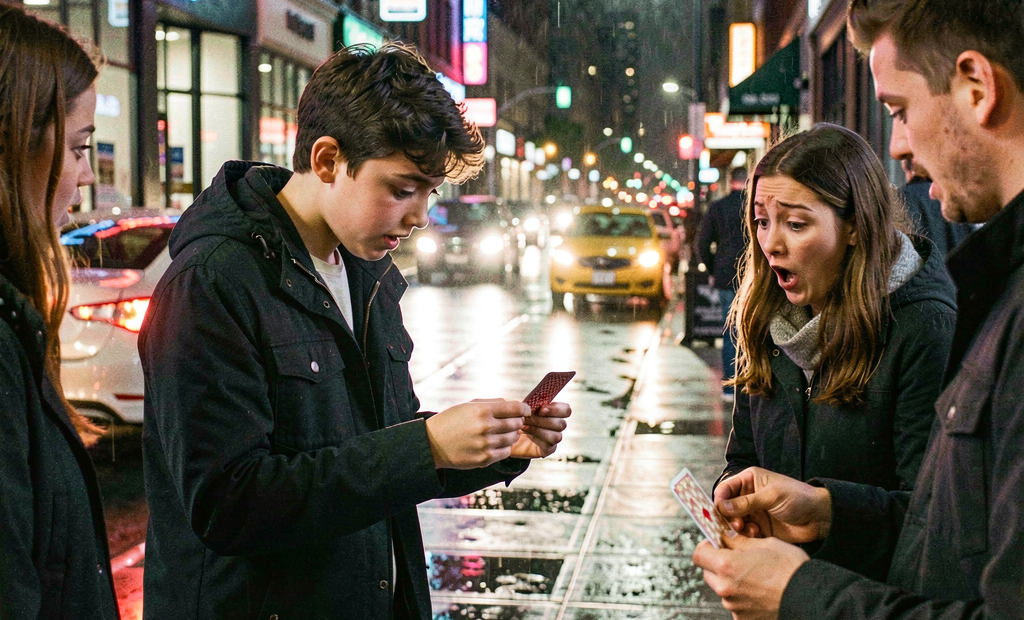
The default prompt is a cinematic street scene: a young street magician performing card tricks on a rainy sidewalk at night, with neon reflections, close-up hand shots, handheld camera movement, and film grain. That level of stylistic and compositional direction is what Klein 9B handles without losing coherence.
How do you use Flux 2 Klein 9B for text-to-image generation?
Write a prompt, set your resolution, and run. Klein 9B generates at 20 steps with CFG 5 and euler sampling. Resolution defaults to 1024x1024. Adjust width and height in the EmptyFlux2LatentImage node for portrait, landscape, or specific aspect ratios. No negative prompt required.
Positive prompt Klein 9B uses the Qwen3 8B text encoder, which follows long, detailed prompts accurately. The default prompt covers subject, setting, lighting, camera behavior, atmosphere, and stylistic tone in one description.
Prompting approach that works: Lead with subject and action: "a wandering young street magician performs simple card tricks for strangers." Describe the environment specifically: "rainy downtown sidewalk at night, neon signs and car headlights reflecting on the wet pavement." Name the camera framing and movement: "close-up shots of his hands and surprised reactions, soft handheld camera movement." Close with style and tone: "realistic city ambience, subtle film grain, modern drama tone."
For portraits: describe skin quality, lighting direction, and photographic style. Klein 9B handles anatomy and faces accurately. For product photography: describe the surface, material, lighting setup, and background precisely. For concept art: name the art direction, palette, and compositional intent.
Negative prompt Empty by default. Klein 9B's prompt adherence is strong enough that most outputs don't require negative prompting. Add terms if specific artifacts appear in your runs.
Resolution (default: 1024x1024) Standard 1024x1024 for most use cases. Adjust width and height for different aspect ratios. Klein 9B handles resolution changes cleanly. Common variants: 1216x832 for 3:2 landscape, 832x1216 for 2:3 portrait, 1344x768 for 16:9.
Steps (default: 20) 20 steps via Flux2Scheduler. This is the balanced setting for production-quality output with Klein 9B. Reduce to 8-10 for fast preview runs. The distilled variants of Klein 9B can generate in as few as 4 steps. The base model in this workflow benefits from the full 20 for maximum detail.
CFG (default: 5) Controls prompt adherence. 5 is calibrated for Klein 9B's rectified-flow architecture. Increase toward 6-7 for tighter prompt following on complex multi-element scenes. Lower toward 3-4 for more interpretive, stylistically free outputs.
Sampler Euler via SamplerCustomAdvanced. This combination is set for Klein 9B's flow architecture. Leave as-is for standard generation.
What is Flux 2 Klein 9B text-to-image good for?
Flux 2 Klein 9B is strongest for production-quality text-to-image generation where prompt fidelity, complex compositions, and accurate anatomy matter. The unified architecture handles text-to-image and editing in the same model, making it practical for workflows that move between generation and refinement without switching checkpoints.
Complex scene generation. Klein 9B handles multi-object scenes, specific lighting setups, and layout-like instructions without losing spatial coherence. The default prompt demonstrates the range: multiple subjects (magician, strangers), environmental detail (rain, neon reflections), specific camera framing, and stylistic direction all in one output.
Photorealistic portraits and characters. Accurate skin, anatomy, and facial detail at 1024px. For character work where identity needs to stay consistent across images, the model's multi-reference capability (via the image editing workflow) lets you anchor a character's appearance across multiple generations.
Concept art and environment design. Descriptive, style-specific prompts produce concept-adjacent output. Name the lighting behavior, palette, and art direction explicitly. Klein 9B follows stylistic framing as accurately as subject descriptions.
Product and brand visuals. Describe the product, material, background, and lighting setup. Klein 9B produces commercially usable output for e-commerce, marketing, and design concepting at 1024px with no post-processing artifacts from latent decoding.
Honest notes: this workflow uses the base Klein 9B model at 20 steps. The distilled 4-step variant runs significantly faster for workflows where iteration speed is the priority. For LoRA training and fine-tuning, the base model is the correct starting point.
How does Flux 2 Klein 9B compare to Flux 1 Dev for text-to-image?
Flux 2 Klein 9B uses the Qwen3 8B text encoder rather than T5, which produces stronger natural-language prompt understanding and better adherence to complex, multi-part prompts. Klein 9B is also unified for generation and editing in the same checkpoint, while Flux 1 Dev requires separate inpaint models for editing. Klein 9B is faster at equivalent quality settings.
Flux 1 Dev has a larger community ecosystem of LoRAs, ControlNets, and established prompt patterns. Klein 9B is a newer architecture with a growing community. For workflows that need the widest LoRA and community tooling support, Flux 1 Dev remains the more mature choice. For workflows that prioritize prompt adherence, generation-editing unification, and speed, Klein 9B is the current step forward.
FAQ
What text encoder does Flux 2 Klein 9B use?
Qwen3 8B (fp8 mixed). This replaces the T5 encoder used in Flux 1 models and produces stronger natural-language understanding, better adherence to complex prompts, and improved handling of multi-element scene descriptions.
How many steps does Flux 2 Klein 9B need for good output?
20 steps is the default for production-quality output with the base model. For fast previews, 8-10 steps produce usable results. The distilled Klein 9B variant generates at 4 steps. The base model in this workflow benefits from the full 20 for maximum detail and prompt fidelity.
Can Flux 2 Klein 9B do image editing as well as text-to-image?
Yes. The same checkpoint handles text-to-image, image-to-image, and multi-reference editing. This workflow is configured for text-to-image. For editing, connect a reference image and use the image-to-image or inpainting workflow variants.
What resolution does Flux 2 Klein 9B output?
Default is 1024x1024. Adjust width and height for different aspect ratios. 1216x832 for 3:2 landscape, 832x1216 for 2:3 portrait, 1344x768 for 16:9 widescreen. The model handles resolution changes without artifact issues.
How do I run Flux 2 Klein 9B text-to-image online?
You can run Flux 2 Klein 9B online through Floyo. No installation, no setup. Open the workflow in your browser, write your prompt, and hit run. Free to try
Read more